Want more mods for Clone Drone in the Danger Zone? Explore our entire collection!
Point Machine (Skill Points)
"Skill points go brrrrr."
/CloneDroneInTheDangerZonePointMachineSkillPoints1.png)
How do I install Point Machine (Skill Points)?
Download the free ProjectMods desktop app, then install Point Machine (Skill Points) for Clone Drone in the Danger Zone in one click.
</>What does Point Machine (Skill Points) do?
Clone Drone makes you earn skill points through combat. Beat enemies, get points, buy upgrades. But what if you want to test a specific build? Or you're stuck on a tough level and need a boost? Or you just want to go wild with upgrades? Point Machine lets you add skill points whenever you want. Set the amount, click the button, boom - points in your pocket. Use them to unlock any upgrade on the skill selection screen. Want to experiment with different builds? Give yourself 100 points and go shopping. Want a slight edge? Add just a few. The power is yours. Note: This doesn't unlock locked skills - it just gives you points to spend on available ones. Combine with Skill Unlocker for full access.
</>What is Point Machine (Skill Points)?
Clone Drone in the Danger Zone makes you earn skill points through combat - beat enemies, get points, buy upgrades. That's a fair progression loop, but it punishes build experimentation (every test run requires re-grinding) and creates dead-runs when you pick a bad upgrade early and can't recover. Point Machine hands you the dial. Set the Skill Points To Add slider to your chosen number, hit Give Skill Points, and your pool jumps by that amount instantly. Re-runnable as many times as you want. Useful for build testing, sandbox runs, content creation needing specific upgrade tiers, and replays where the grind isn't the point. Built in-house by ProjectMods, the community-first game modding platform and desktop app.
</>Common questions about Point Machine (Skill Points)
What does Point Machine do in Clone Drone in the Danger Zone?
It hands you skill points on demand. Set Skill Points To Add in the ProjectMods options panel to whatever amount you want - small numbers for fine-tuning, large numbers for skipping ahead - then hit Give Skill Points and your upgrade pool gets that amount immediately. Re-runnable as many times as you want, no cap, no upgrade-prerequisite checks. Useful for build experimentation (test a 6-upgrade combo without grinding three runs to afford it), recovery from bad rolls (you can buy your way out of an early mistake), and replays where the grind has worn out its welcome.
Can I stockpile huge amounts of skill points with Point Machine?
Yes. The Skill Points To Add slider scales high enough to flood your upgrade pool, and there's no cap on how many times you can hit Give Skill Points. Set it to 100, click ten times, you have 1000 points. Useful for sandbox sessions where you want every upgrade unlocked from the start, content creation where you need a fully upgraded robot for filming, and stress-testing what a max-tier build looks like in arenas tuned for early game.
Will Point Machine work in challenge runs?
Yes, the actions work in any game mode. But challenge achievements tied to specific point earnings, no-grind completions, or upgrade-budget restrictions probably won't count while the mod's active. We can't see exactly how Clone Drone checks them, so play it safe and assume it'll notice. Use Point Machine for sandbox runs, content creation, build testing, and replays after legit completion. Save vanilla play for legitimate challenge attempts where the point economy is the point.
Does Point Machine affect lifetime upgrade points or just the current run?
Just the current run by default - it adds points to your active run and you spend them on upgrades during that run. Clone Drone separately tracks your lifetime points (the ones that unlock new permanent upgrades), and Point Machine leaves those completely alone. So you can buy your way out of a bad run mid-fight without affecting your overall save progression. If you want the permanent upgrade unlocks too, pair it with Skill Unlocker from ProjectMods, which handles those.
Why give myself skill points instead of earning them?
Three legit reasons. Build testing - Clone Drone's upgrade tree is deep enough that experimenting with combos legitimately requires multiple runs of grinding. Point Machine collapses that into one session. Recovery - picking a bad early upgrade can cripple a run, and Point Machine lets you buy out of the mistake instead of losing 30 minutes. Replays - once you've earned points the legit way on a successful run, doing it a second time is just friction. Point Machine from ProjectMods respects your time.
What options does Point Machine (Skill Points) include?
Skill Points To Add
How many skill points to give yourself
Give Skill Points
Click to add the skill points to your total
Point Machine, a ProjectMods mod for Clone Drone in the Danger Zone, hands you skill points on demand - set an amount, press Give Skill Points, and spend the pool on any available upgrade, as many times as you want.
System Requirements
What features does Point Machine (Skill Points) include?
- Set the amount, hit the button, points are yours. Re-runnable as many times as you want.
- No upgrade-prerequisite checks. Buy the build you want straight away.
- Doesn't touch lifetime progression - current run only, save stays vanilla.
Best For
- Build experimentation - test a 6-upgrade combo without grinding three runs to afford it.
- Recovery from a bad early upgrade roll that would otherwise ruin the run.
- Content creation where you need a fully upgraded robot for filming on cue.
More Mods for Clone Drone in the Danger Zone
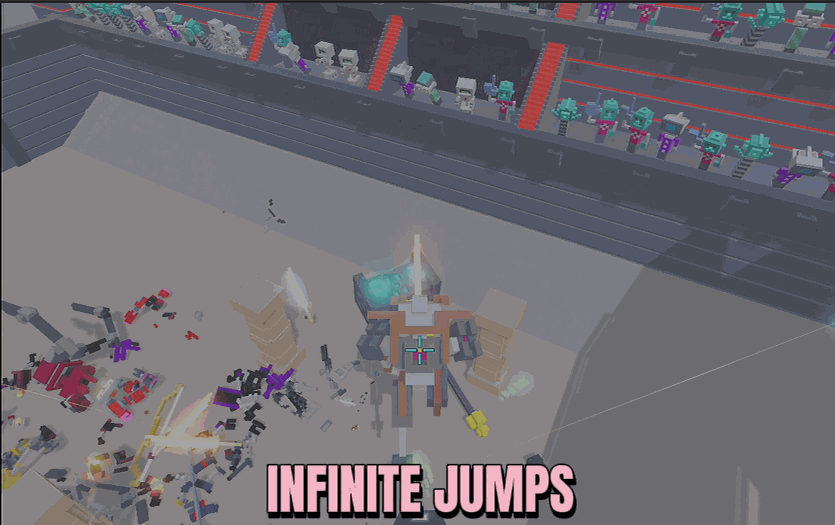
Infinite Jump Speed
Keep jumping in mid-air as many times as you like, then dial in exactly how high each hop launches you and how fast your robot runs.
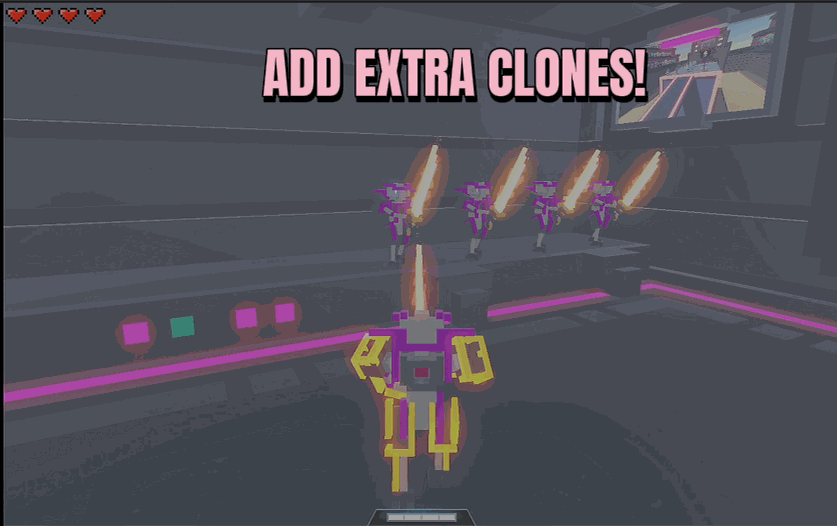
Clone Factory
Line up as many backup clone lives as you want. Pick a number, press a button, and you've got that many extra chances waiting in the wings.
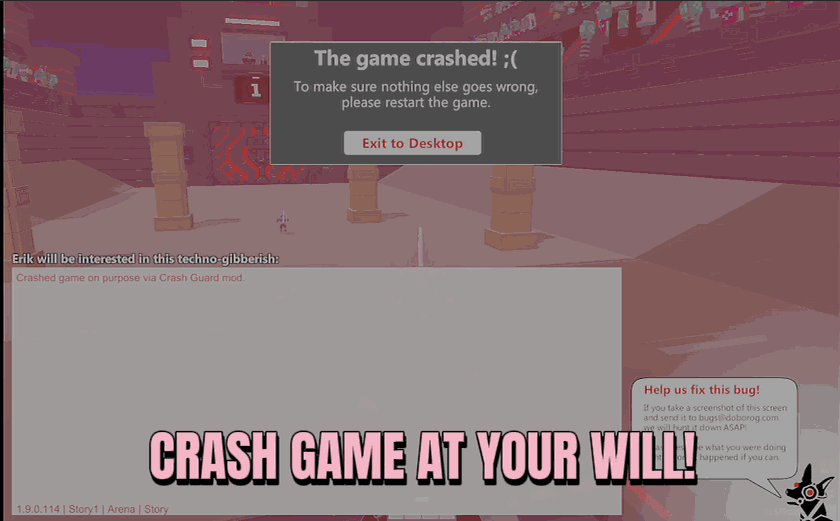
Crash Guard
Stop the game's crash screen from cutting your run short, and jump straight back into the action if one ever does pop up.







