Want more mods for My Time at Portia? Explore our entire collection!
Quick Study (Give Skill Points)
"Learn everything, grind nothing."

How do I install Quick Study (Give Skill Points)?
Download the free ProjectMods desktop app, then install Quick Study (Give Skill Points) for My Time at Portia in one click.
</>What does Quick Study (Give Skill Points) do?
Skill points in My Time at Portia trickle in as you level up, so fully kitting out the combat, gathering, and social trees normally takes a long haul. Quick Study skips the wait. Set how many points you want and press the button — they drop straight into your spendable pool, ready to spend in the skill menu. Want to rush the gathering perks that speed up your workshop, stack combat skills before a tough ruin dive, or max the social tree to charm the whole town? Top yourself up and build exactly the character you want, right now. The new total shows up instantly, even with the skill screen open. Great for players who'd rather design a build than grind levels for it, returning builders reworking an old save, or anyone experimenting with different skill setups. Set the amount, press the button, and go spend.
</>What is Quick Study (Give Skill Points)?
Quick Study is a My Time at Portia mod from ProjectMods that hands you spendable skill points whenever you want them. Pick an amount between 1 and 100, press a button, and spend them across the combat, gathering, and social trees immediately. Perfect for build experimentation, returning players reworking old saves, or anyone who wants to skip the level grind and get straight to crafting their ideal character.
</>Common questions about Quick Study (Give Skill Points)
What does Quick Study do in My Time at Portia?
Quick Study is a My Time at Portia mod from ProjectMods that gives you skill points on demand. Instead of waiting to earn points through leveling up, you set a number between 1 and 100 using the Amount slider, press the Give Skill Points button, and the points land in your spendable pool instantly. You can then open the skill menu and assign them across the combat, gathering, and social trees however you like. It removes the grind so you can focus on building your character the way you actually want to play.
Which skill trees can I fill out with Quick Study in My Time at Portia?
Quick Study gives you points that work across all three of My Time at Portia's skill trees: combat, gathering, and social. Combat skills boost your fighting ability in ruins and hazardous encounters. Gathering skills speed up resource collection, improve stamina efficiency, and make your workshop more productive. Social skills help you build relationships with Portia's residents faster. Since Quick Study adds points to your general spendable pool, you choose exactly where they go — dump them all into one tree or spread them evenly across all three.
Can I add more than 100 skill points at once with Quick Study?
The Amount slider in Quick Study ranges from 1 to 100 per press, but there is no limit on how many times you can press the Give Skill Points button. If you need 300 points to max out multiple trees in My Time at Portia, just set the slider to 100 and press the button three times. Each press adds points to your existing total, so they stack. Your updated point count shows up right away, even if you already have the skill menu open, so you can add and spend in real time without closing any screens.
How do I control how many skill points Quick Study gives me in My Time at Portia?
Quick Study has two controls: an Amount slider and a Give Skill Points button. The slider lets you dial in any number from 1 to 100, so you have fine-grained control over exactly how many points you receive per press. Want just a small top-up to grab one specific perk? Set it to 5. Want to overhaul your entire build? Crank it to 100 and press a few times. The button triggers the deposit each time you press it, and the new total appears in your skill menu immediately. Nothing is automatic — you decide when and how many.
Is Quick Study useful for experimenting with different builds in My Time at Portia?
Build experimentation is one of the best uses for Quick Study in My Time at Portia. Normally, skill points are scarce enough that you commit to one path and stick with it. With Quick Study, you can load up on points and try out different combinations across combat, gathering, and social trees to see what fits your playstyle. It is especially handy for returning players who want to rework an old save with a fresh approach, or for anyone heading into a tough ruin dive who wants to test whether stacking combat perks makes the difference before committing hours of leveling.
What options does Quick Study (Give Skill Points) include?
Amount
How many skill points to add each time you press the button.
Give Skill Points
Press while in-game to add the chosen number of skill points to your spendable pool.
Quick Study from ProjectMods lets you add skill points on demand in My Time at Portia, so you can fill out any skill tree without grinding levels.
System Requirements
What features does Quick Study (Give Skill Points) include?
- Add skill points directly to your spendable pool with one button press
- Choose exactly how many points you want with a simple slider from 1 to 100
- Spend points across combat, gathering, and social trees however you like
- See your updated total instantly without closing or reopening any menus
Best For
- You're returning to an old save and want to respec into a completely different build without re-leveling
- You just unlocked the hazardous ruins but your combat tree is bare — top up before diving in
- You'd rather spend your evening planning the perfect skill loadout than grinding XP for it
- You want to max the social tree early so you can romance your favourite character without the long wait
- You're experimenting with different skill combos and need a fast way to test new setups
More Mods for My Time at Portia
/PortiaPhaseWalk1.jpg)
Phase Walk (Fly Through Walls)
Flip a switch and drift straight through walls, floors, and fences, then fly in any direction to explore My Time at Portia from angles you've never seen. No bumping into things, no falling, no limits.
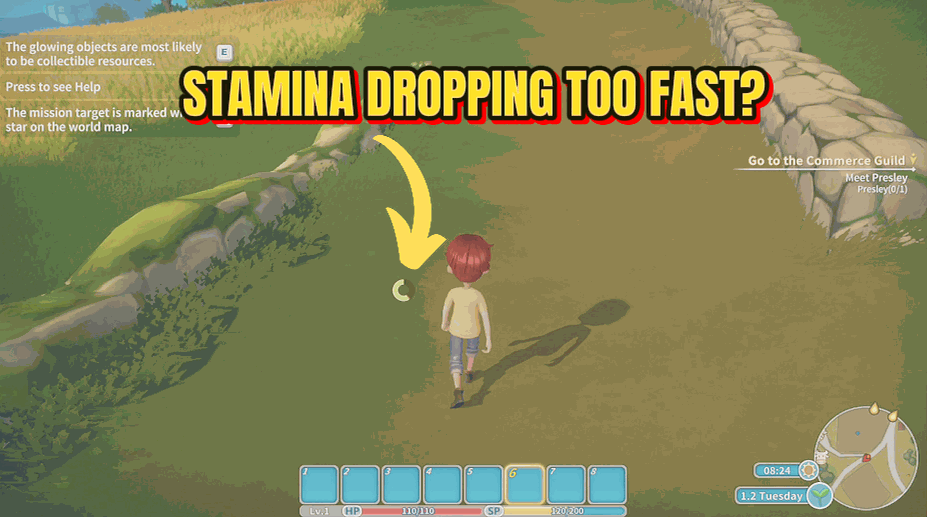
Iron Stamina
Keep your endurance bar permanently full so you never get exhausted.
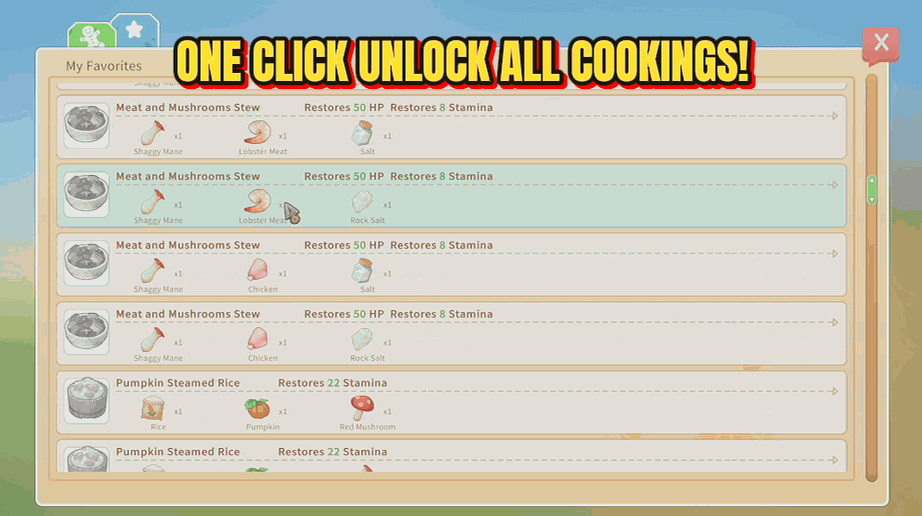
Recipe Master
Learn every cooking recipe in the game with a single button press.







