Want more mods for R.E.P.O.? Explore our entire collection!
Peripheral View
"See more. Panic more."
How do I install Peripheral View?
Download the free ProjectMods desktop app, then install Peripheral View for R.E.P.O. in one click.
</>What does Peripheral View do?
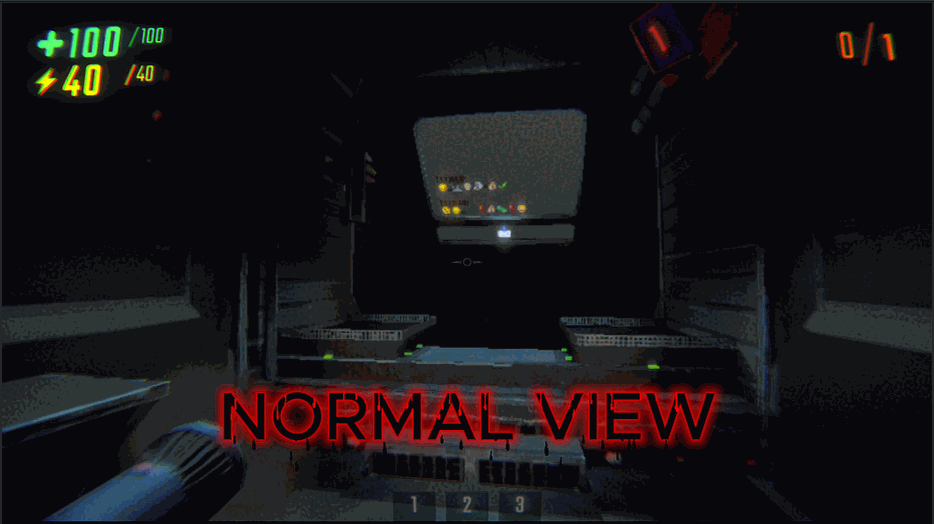
Ever feel like you're playing REPO through binoculars? Like the monsters have a 360-degree view of you but you can barely see past your own nose? Time to fix that visual handicap. Peripheral Vision lets you set any field of view you want. Crank it up to 120 for maximum situational awareness and that classic "I can see everything including my own ears" look. Drop it down to 60 if you want that cinematic, "I have no idea what's behind me" experience. Higher FOV means you'll spot monsters sneaking up from the sides. Lower FOV means a more focused, intense view. Most players find their sweet spot somewhere between 90-110. Warning: Setting FOV too high may cause existential dread about how much was sneaking up on you before.
</>What is Peripheral View?
Peripheral View is a field of view mod for R.E.P.O. available on ProjectMods. R.E.P.O.'s default camera feels claustrophobic — this mod gives you a slider to widen or tighten it. Higher values reveal more peripheral space and help spot monsters early; lower values keep the cinematic, tunnel-vision feel. One-click install via the ProjectMods desktop app.
</>Common questions about Peripheral View
What does Peripheral View do in R.E.P.O.?
Peripheral View is a ProjectMods camera mod for R.E.P.O. that replaces the game's default narrow field of view with a tunable FOV slider. R.E.P.O.'s stock camera is cinematic but claustrophobic, which means monsters can creep in from the edges before you ever see them. Peripheral View adds an Enable Custom Field Of View toggle and a Field Of View Width slider, typically ranging from 60 to 120, so you can dial in anything from a tighter horror feel to a wide situational-awareness setup. Lower values keep R.E.P.O.'s tunnel-vision tension; higher values trade some immersion for a real chance to spot threats sneaking up on your squad.
What FOV value works best for spotting monsters in R.E.P.O.?
If your goal is spotting R.E.P.O. monsters before they spot you, set Peripheral View's Field Of View Width slider somewhere between 100 and 110. That's wide enough to catch the Headman, the Huntsman, or a Trudge edging into the frame from your sides, but not so wide that distant enemies shrink into hard-to-read pixels. Going past 115 starts to compress threats at the edges, making them harder to identify even though you technically see more. ProjectMods players typically pair Peripheral View at 105 with audio cues for the cleanest monster-tracking setup. Lower the slider toward 90 if you prefer a tense horror feel over pure tactical awareness.
Will a high FOV like 110-120 cause motion sickness or fisheye distortion?
Yes, pushing Peripheral View's Field Of View Width into the 110-120 range introduces visible fisheye distortion in R.E.P.O. and can trigger motion sickness for some players. R.E.P.O.'s camera and animation system were tuned for a much narrower default FOV, so when you stretch the projection that far, edges of the screen warp, walls bow outward during turns, and head-bob feels exaggerated. ProjectMods recommends 90-105 as the comfortable peripheral-awareness band for most players. If you specifically want the wide fisheye look for content or a comedic squad run, 115-120 works fine, just expect the warp and take breaks if you start to feel queasy.
Can I change the FOV mid-run without restarting the level?
Yes. Peripheral View applies the Field Of View Width slider live, so you can adjust your R.E.P.O. FOV mid-run without quitting to menu or restarting the level. Open the ProjectMods overlay, drag the slider, and the camera updates immediately on your screen. This is handy when a level swaps from open warehouse spaces, where a wider FOV helps you scan for monsters, into tight corridors where a narrower setting feels more controlled. The Enable Custom Field Of View toggle also flips on the fly, so you can A/B test against R.E.P.O.'s default camera in the same session. Settings are client-side, so squadmates see their own FOV unaffected.
Why does the default R.E.P.O. camera feel so narrow, and is this how it's supposed to look?
R.E.P.O.'s default camera uses a deliberately narrow field of view because the developers wanted a tense, cinematic horror feel. That tunnel-vision framing is intentional, it heightens jump scares and forces you to physically turn to check your sides, which is great for atmosphere but rough when monsters flank your squad. Peripheral View doesn't fight that design, it just gives you a choice. Flip on the Enable Custom Field Of View toggle in ProjectMods and slide the Field Of View Width to whatever balance of horror tension and situational awareness you want. Many R.E.P.O. players keep the default for solo runs and widen the FOV for chaotic four-player extractions.
What options does Peripheral View include?
Field Of View Width
How wide you can see. Higher = see more but looks fishbowl-y. Lower = zoomed in.
Enable Custom Field Of View
Turn on to use your own field of view instead of the game's default!
Peripheral View is a custom FOV mod for R.E.P.O. on ProjectMods. It replaces the default narrow camera with any FOV from 60 to 120, so you can spot monsters sneaking up instead of squinting through a toilet paper roll.
System Requirements
What features does Peripheral View include?
- FOV slider from 60 to 120 — pick your flavor of panic, from cinematic tunnel vision to maximum head-on-a-swivel awareness
- One toggle to switch between custom FOV and the default toilet-paper-roll camera
- Smooth integration — no weird stretching, no broken UI, just a wider window into the chaos
Best For
- Crank it to 120 when you want to spot the monster creeping behind your friend before they do (and laugh about it later)
- Drop it to 60 for cinematic horror runs where you genuinely cannot see what is about to ruin your night
- Find the sweet spot in the middle so the game stops feeling like you are squinting through binoculars
More Mods for R.E.P.O.
/REPOGhostEmployeeFly1.png)
Ghost Employee (Fly)
Fly through walls and floors because walking is for employees who follow safety protocols.
/REPOSpotlightBrightness2.png)
Spotlight! (Brightness)
Attach a ridiculously powerful spotlight to your face because horror games are less scary when you can actually see.
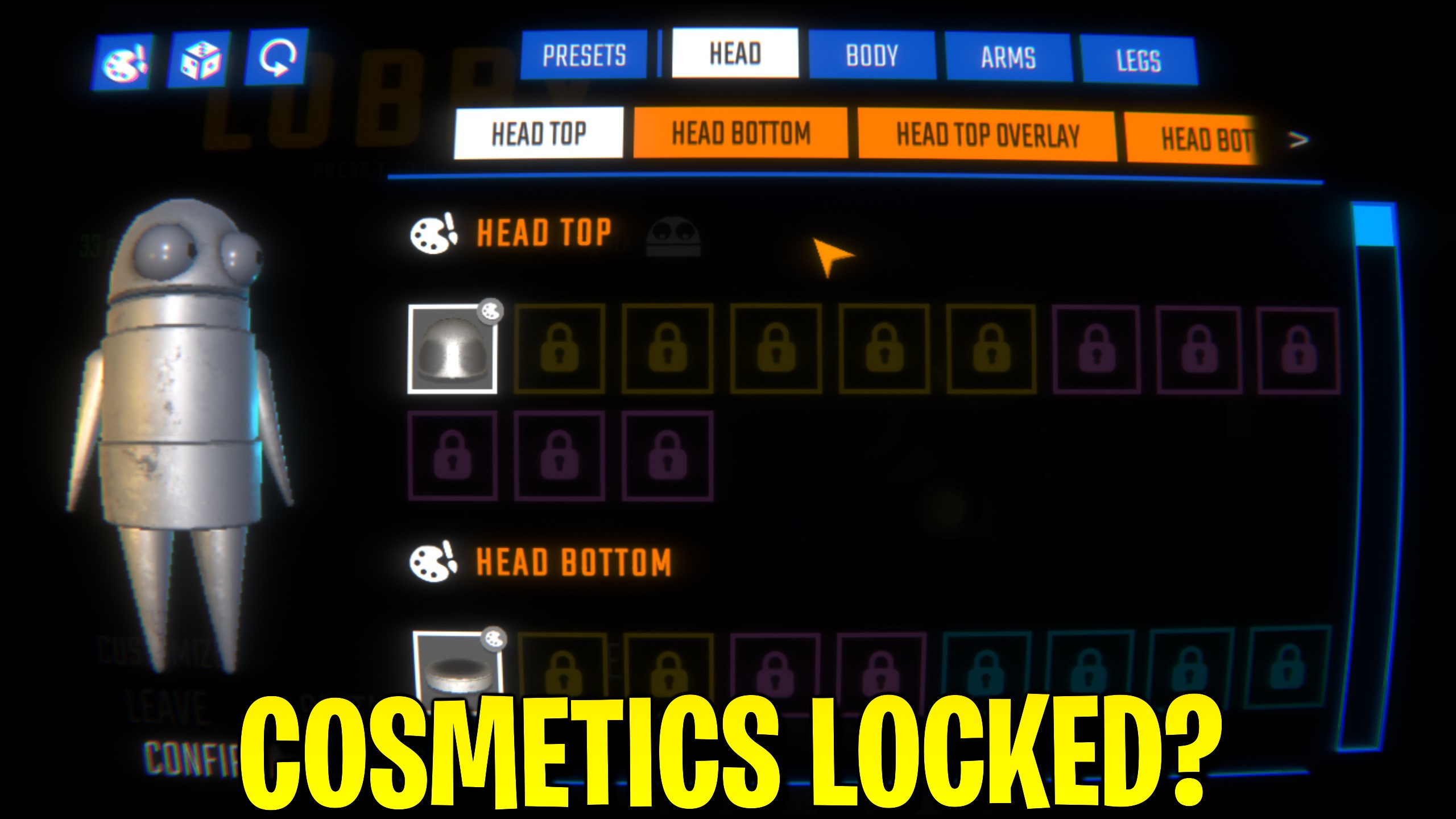
Cosmetic Unlocker
Unlock the complete R.E.P.O. cosmetic collection with one button, including every available outfit and character customization item.







