Want more mods for Slime Rancher 2? Explore our entire collection!
Give Item
"Skip the farming. Just fill the tanks."
How do I install Give Item?
Download the free ProjectMods desktop app, then install Give Item for Slime Rancher 2 in one click.
</>What does Give Item do?
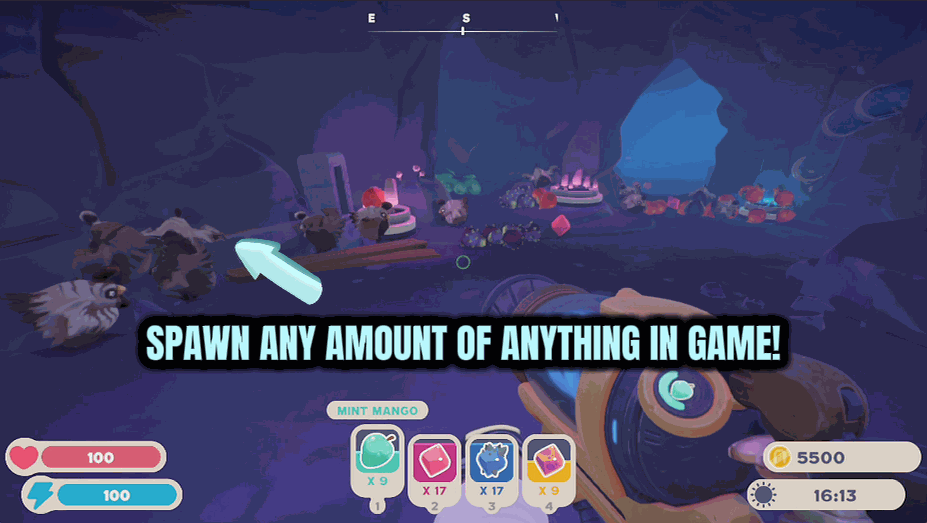
Sometimes you just need a pile of plorts for a market run, a stack of favorite food to fatten up a corral, or a toy to keep your slimes happy — without farming for it. Vacpack Vending hands it over on demand. Choose an item from the list, set how many you'd like, and hit Give Item. It fills your vacpack tanks on the spot, so you can sell, feed, or decorate right away. Great for topping up a plort stash before a big shopping trip, feeding a fresh pen, or setting up a save the way you want. Set the count anywhere from a single item to a full 500-strong haul. Load into a save first so the vacpack is ready, then help yourself.
</>What is Give Item?
Sometimes you just need a pile of plorts for a market run or a stack of food to fatten a corral — without farming for it. Give Item hands it over on demand in Slime Rancher 2: pick any plort, fruit, veggie, meat, or toy, set a count up to 500, and it drops straight into your vacpack tanks. Great for topping up before a shopping trip. A ProjectMods mod.
</>Common questions about Give Item
What does Give Item do in Slime Rancher 2?
Give Item is a Slime Rancher 2 mod from ProjectMods, nicknamed Vacpack Vending, that stocks your vacpack with any item on demand. Sometimes you just need a pile of plorts for a market run, a stack of favorite food to fatten up a corral, or a toy to keep your slimes happy — without farming for it. Choose an item from the list, set how many you'd like, and hit Give Item. It fills your vacpack tanks on the spot, so you can sell, feed, or decorate right away. Load into a save first so the vacpack is ready, then help yourself to whatever you need.
What kinds of items can Give Item drop into my vacpack?
Give Item covers the full range of things you'd normally scoop up in Slime Rancher 2 — plorts, fruit, veggies, meat, and toys. Want a stack of a specific plort for a big Plort Market run? Pick it and set the count. Need a pile of a favorite food to fatten up a corral, or a toy to keep your slimes happy? Same deal. You choose the exact item from the list rather than getting a random grab-bag, so you always get precisely what you're after. It drops straight into your vacpack tanks, ready to sell, feed, or place the moment it lands.
How many of an item can I give myself at once?
You can set the count anywhere from a single item up to a full 500-strong haul in Slime Rancher 2. That range makes Give Item flexible: grab just one toy for a corral, or load up 500 of a plort to bankroll a giant market run in one go. Whatever number you pick drops straight into your vacpack tanks, filling them on the spot. One thing to remember — load into a save first so the vacpack actually exists and is ready to receive items. Once you're in the world, dial in the amount, hit Give Item, and the haul is yours immediately.
How do I choose the item and the amount?
Give Item gives you an item picker and a count field in Slime Rancher 2. Choose any plort, fruit, veggie, meat, or toy from the list, set how many you'd like — anywhere from one to 500 — and hit Give Item. That's the whole flow: point at exactly what you want, pick a number, and it fills your vacpack tanks instantly. Because you set both the item and the quantity, there's no random luck involved; you get precisely the stack you asked for. Just make sure you've loaded into a save first so the vacpack is ready, then top up as often as you like.
Why would I use Give Item in Slime Rancher 2?
Give Item, or Vacpack Vending, saves you the farming when you already know what you need in Slime Rancher 2. Use it to top up a plort stash before a big shopping trip, feed a freshly built pen without waiting on a harvest, hand a new corral its favorite food, or set up a save exactly the way you want from the start. It's also great for decorating, since you can pull toys on demand. Rather than chasing slimes and waiting on plort cycles, you pick the item, set the count, and get straight to the part of the game you actually want to play.
What options does Give Item include?
Item
Which item to load into your vacpack. The full in-game list of plorts, food, and toys fills in once you're in a save. Plorts sell for Newbucks, food fattens up your slimes, and toys keep them happy.
Give Item
Loads your chosen item into the vacpack. Make sure you're in a save, then tap it as many times as you like.
Count
How many of the chosen item to drop into your vacpack at once. Crank it up to fill your tanks for a big market run or a full feeding.
Give Item, from the ProjectMods modding platform, drops any plort, fruit, veggie, meat, or toy straight into your Slime Rancher 2 vacpack — pick an item, set a count, and it's yours.
System Requirements
What features does Give Item include?
- Drop any plort, fruit, veggie, meat, or toy straight into your vacpack tanks
- Set the count anywhere from a single item to a full 500-strong haul
- Fills your tanks on the spot so you can sell, feed, or decorate right away
- Top up a plort stash before a big market run without farming a single one
- Load into a save first, then help yourself whenever you need a refill
Best For
- Players prepping a plort stash before a big shopping trip at the Plort Market
- Ranchers feeding a fresh pen who want a stack of favorite food without waiting on a harvest
- Streamers demoing a slime's diet or a rare toy without wandering off to gather it
- Save-setup players stocking their vacpack exactly how they want before diving in
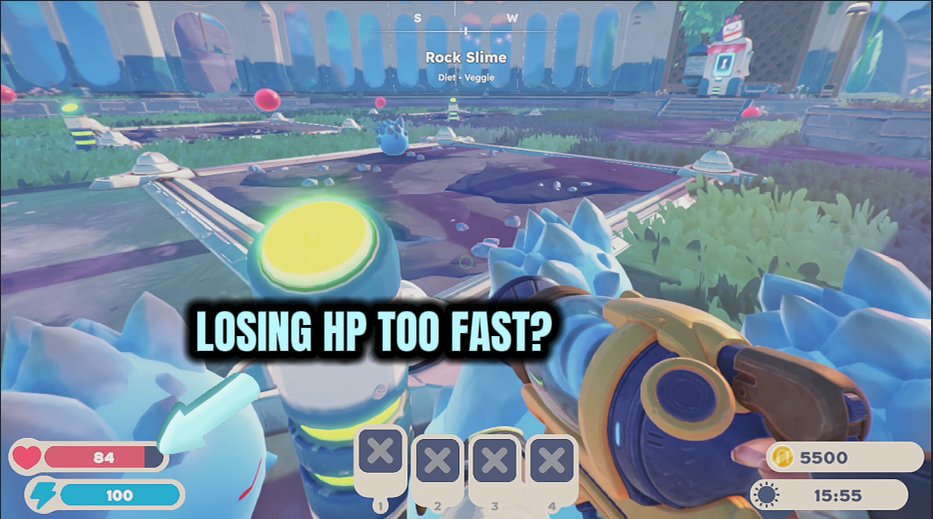
Tougher Than Tarr
Keeps your health full and radiation pinned to zero, so Tarr swarms, rad zones, and the Slime Sea stop being a threat.
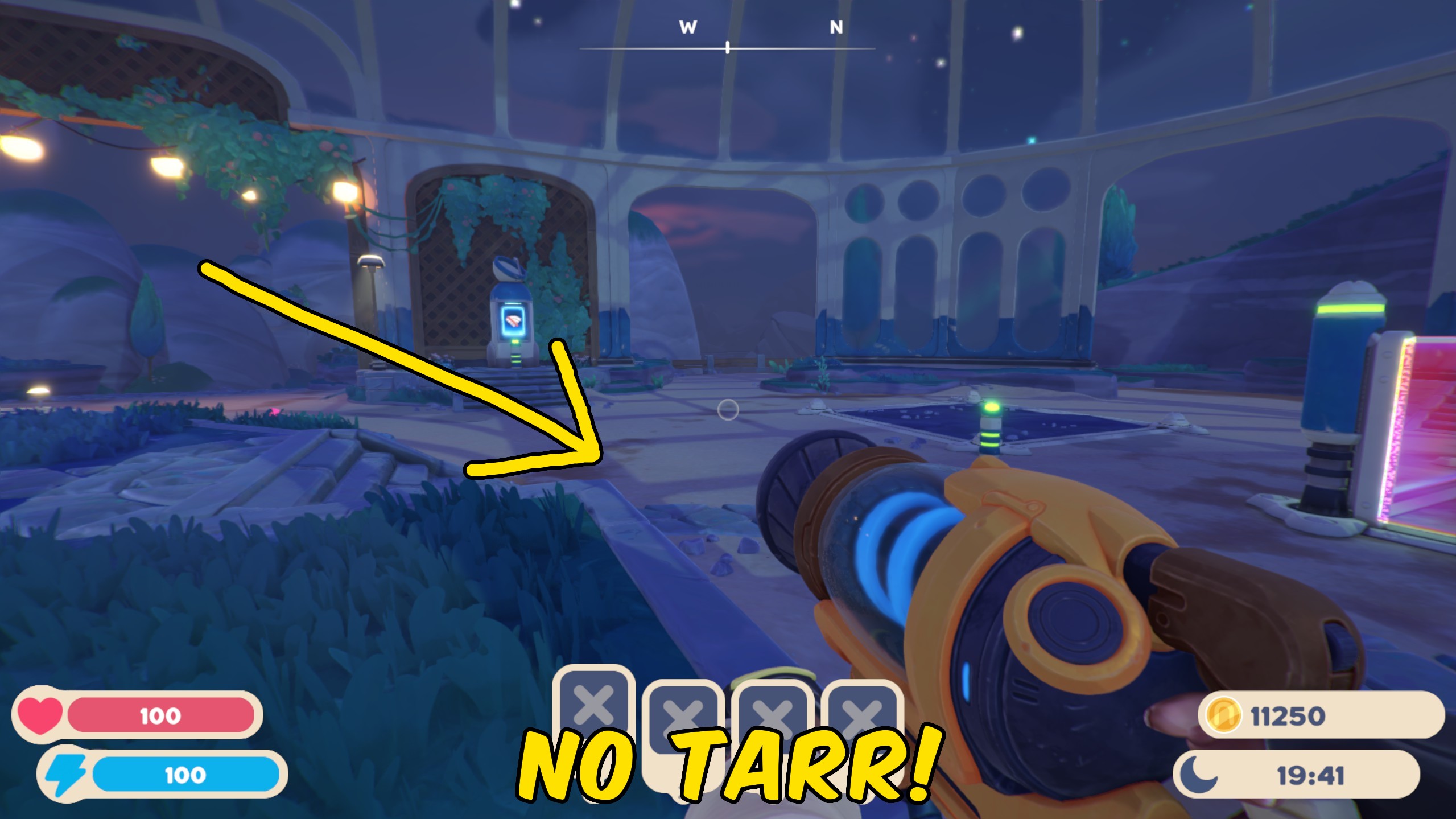
No Tarr Mode
Keeps the Tarr out of your game — none spring up when plorts pile up or slimes mix, and any that do appear vanish on the spot.
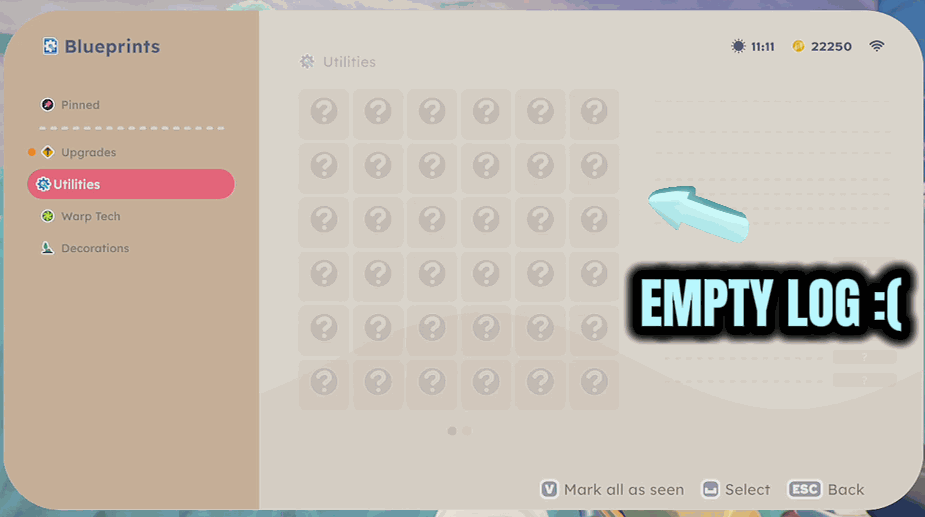
All Blueprints Unlocked
One click unlocks every gadget blueprint so the whole workshop is open and you can fabricate anything you have the parts for.














































































































