Want more mods for Construction Simulator? Explore our entire collection!
Turbo Diesel
"Haul like there's a rocket strapped to the cab."
How do I install Turbo Diesel?
Download the free ProjectMods desktop app, then install Turbo Diesel for Construction Simulator in one click.
</>What does Turbo Diesel do?
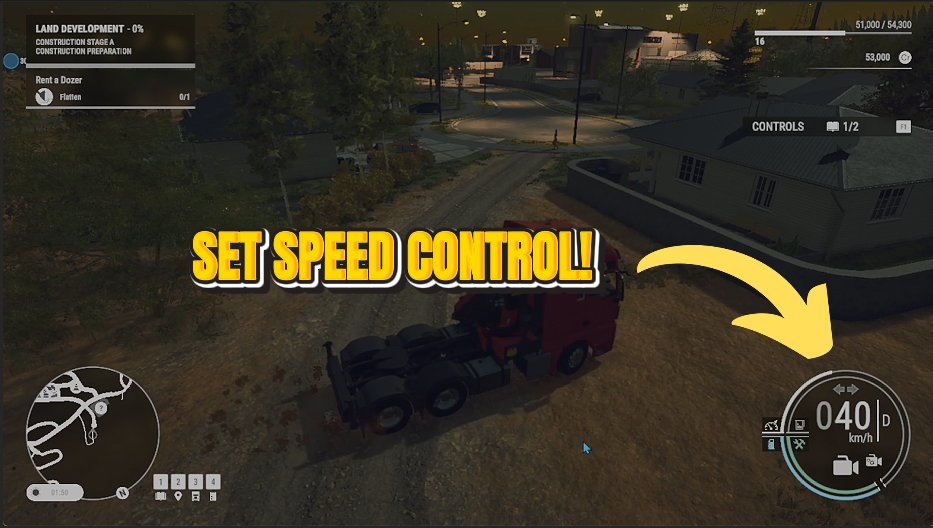
Rip the speed limiter off whatever you're driving and set your own top speed. Cross-site runs and long hauls have never been this quick. Set the dial where you like it, hop in any machine, and go. Turn it off any time to drive at normal speeds again.
</>What is Turbo Diesel?
Turbo Diesel rips the speed limiter off whatever you're driving in Construction Simulator and lets you set your own top speed, so cross-site runs and long hauls fly by. Dial it in, hop in any machine, and go. Turbo Diesel is a premium mod from ProjectMods, the community-first PC mod manager for 400+ games across Unity, Unreal, and Godot.
</>Common questions about Turbo Diesel
What does Turbo Diesel do in Construction Simulator?
Turbo Diesel lifts the speed limiter off whatever you're driving in Construction Simulator and lets you set your own top speed. Dial in how fast you want your machines to go, switch it on, and cross-site runs and long hauls that used to crawl suddenly fly by. It's the answer to slow trips between distant jobs on a big map. Turbo Diesel is a premium mod from ProjectMods, the community-first PC mod manager and desktop app for 400+ games. Set the speed once, hop into any machine, and go, then turn it off whenever you want to drive at normal speeds again.
How do the Top Speed and Enabled controls work?
Turbo Diesel gives you two controls in Construction Simulator. Top Speed is a number that sets how fast your machines are allowed to travel, where higher values mean a higher ceiling, and Enabled is the master switch that turns the whole thing on or off. Set Top Speed to the pace you want, flip Enabled on, and every machine you drive will happily push past its factory limit up to your chosen figure. Turn Enabled off and the normal speed limits snap back into place. Because the speed is a value you set, you can go from a mild bump to a genuinely rapid haul with one adjustment.
How high can I set the top speed?
Top Speed in Turbo Diesel is an open number, so you decide how quick your Construction Simulator machines get: nudge it just above the normal limit for a slightly brisker drive, or crank it right up for genuinely fast cross-map runs. The higher the value, the higher the top speed your machines can reach. Set it modestly if you still want some sense of weight to a loaded truck, or push it hard when you just want to get from one side of the map to the other in a hurry. Whatever you pick applies to whatever you're driving as soon as Enabled is on.
Does Turbo Diesel speed up every machine or just trucks?
Turbo Diesel applies to whatever you're currently driving in Construction Simulator, not just trucks. Hop into an excavator, a wheel loader, a crane carrier or a haul truck and, with Enabled on, that machine can push past its normal limiter up to the Top Speed you set. It works on your active vehicle, so switching machines mid-job keeps the raised speed with you rather than tying it to one type. That makes it as useful for repositioning a slow piece of equipment as it is for long road hauls. Turn Enabled off and every machine returns to its standard, factory-limited speed.
Why would I lift the speed limiter in Construction Simulator?
Big Construction Simulator maps mean a lot of time spent simply driving between job sites, and Turbo Diesel turns those slow transit runs into quick hops. If you're tired of trundling a loaded truck across town at a walking pace, or repositioning a sluggish machine that takes an age to get anywhere, raising the top speed cuts the dead time and keeps you in the action. It pairs well with Bottomless Tank, another mod in the ProjectMods catalog, so fast long hauls never leave you hunting for a fuel station. When you want the challenge back, switch it off.
What options does Turbo Diesel include?
Enabled
Master switch. Turn on to lift the speed limits; turn off to drive normally.
Top Speed
How fast your machines are allowed to go. Higher means a faster top speed.
Turbo Diesel rips the speed limiter off whatever you're driving in Construction Simulator and lets you dial in your own top speed - a mod from ProjectMods.
System Requirements
What features does Turbo Diesel include?
- Lifts the built-in speed cap off any machine you climb into
- Dial in your own top speed — nudge it up a little or crank it way past normal
- Turns slow cross-site crawls and long hauls into quick trips
- Master switch drops you back to normal speeds the moment you turn it off
Best For
- Sick of crawling a heavy dump truck across a huge map at a snail's pace
- Long hauls between distant job sites are eating your session and you want them over fast
- You want a bit of fun ripping around the site in machines that are normally sluggish
- Ferrying gear back and forth constantly and want each trip to take a fraction of the time
More Mods for Construction Simulator

Pit Crew
Fill out the entire skill tree instantly. Bigger buckets, faster cranes, thriftier fuel — all maxed.
Showroom Condition
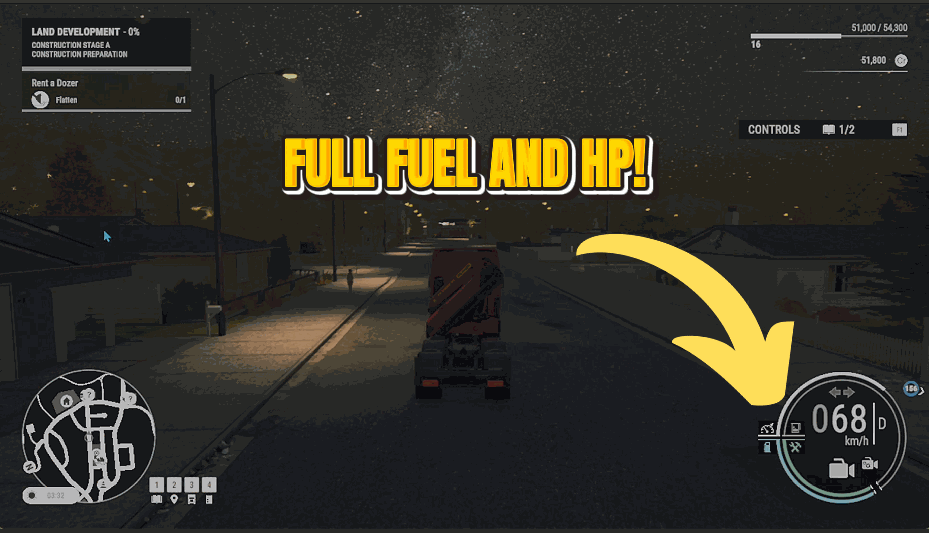
Keep your whole fleet in mint condition. Machines never wear down or take damage, so you never lose a cent to repairs.
Clean Record
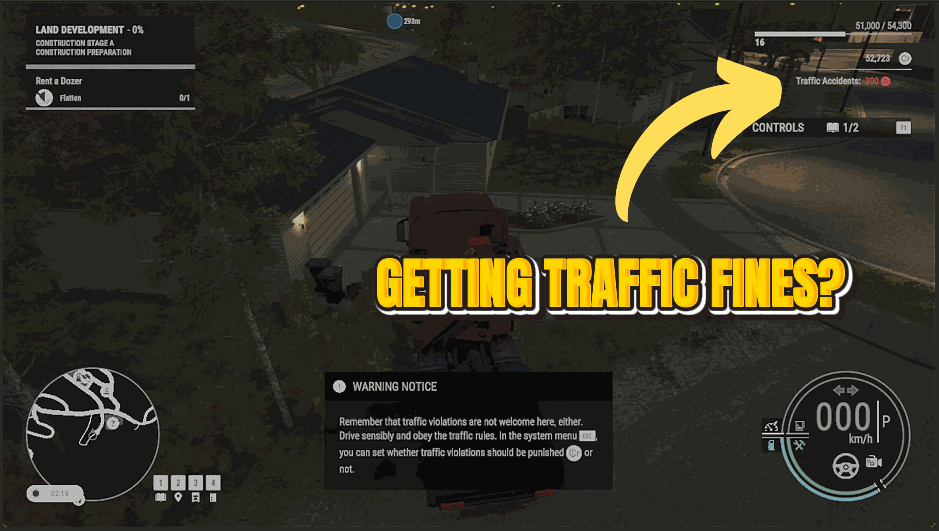
Drive however you like. Speeding tickets, red-light fines and fender-bender charges all stop hitting your account.



























































































































