Want more mods for Construction Simulator? Explore our entire collection!
Showroom Condition
"Every machine stays factory-fresh — no breakdowns, no repair bills."
How do I install Showroom Condition?
Download the free ProjectMods desktop app, then install Showroom Condition for Construction Simulator in one click.
</>What does Showroom Condition do?
Keep your whole fleet in mint condition. Machines never wear down or take damage, so you never lose a cent to repairs or maintenance. Great for rough demolition work, clumsy parking, or just keeping every rig looking brand new no matter how hard you push it.
</>What is Showroom Condition?
Showroom Condition keeps your whole Construction Simulator fleet in mint condition - machines never wear down or take damage, so you never lose a cent to repairs. Great for rough demolition, clumsy parking or just keeping every rig factory-fresh. Part of the ProjectMods catalog, the free-to-download PC mod manager for 400+ games across Unity, Unreal, and Godot.
</>Common questions about Showroom Condition
What does Showroom Condition do in Construction Simulator?
Showroom Condition keeps your whole Construction Simulator fleet in mint condition. Switch it on and your machines never wear down or take damage, which means you never lose money to repairs or maintenance no matter how hard you push them. It's built for rough demolition work, clumsy parking and long sessions where knocks would normally add up. Showroom Condition is a premium mod from ProjectMods, the community-first PC mod manager and desktop app for 400+ games. Turn it off any time to let your machines wear and take damage normally again, so you can choose exactly when upkeep matters.
Does Showroom Condition stop both wear and crash damage?
Yes, Showroom Condition covers both kinds of deterioration in Construction Simulator. Everyday wear from using a machine and the damage from bumps, scrapes and heavy collisions are both held off while the mod is on, so your equipment stays factory-fresh whatever you put it through. That's a real saving, because both wear and damage normally feed into repair costs. With them switched off, you can demolish, dig and drive aggressively without watching a condition bar creep down or a repair bill build up. Flip Showroom Condition off and both wear and damage start affecting your machines again as usual.
How does turning Showroom Condition on and off affect repairs?
While Showroom Condition is on, your Construction Simulator machines don't accumulate wear or damage, so there's simply nothing to repair and no maintenance cost to pay; your money stays in the bank. Switch it off and machines start degrading normally again, meaning repairs and their bills come back into play from that point on. The mod doesn't retroactively fix a machine's history; it keeps condition pristine for as long as it's active. That gives you a clean choice: leave it on for a cost-free, breakdown-free run, or turn it off when you want the upkeep side of Construction Simulator to matter again.
Will my machines still look and run new after rough demolition work?
Yes, that's exactly the scenario Showroom Condition is built for in Construction Simulator. Demolition, off-road hauling and the odd hard knock would normally leave a machine battered and due for repair, but with the mod on it stays looking and performing like it just rolled off the dealer lot. No dents in the condition bar, no drop in performance, no repair trip afterwards. So you can throw your equipment into the messiest jobs on the map and it comes out pristine. When you want that sense of consequence back, switch Showroom Condition off and your machines wear and scar normally again.
Why would I use Showroom Condition in Construction Simulator?
Showroom Condition suits anyone who finds repair costs and breakdowns more of a chore than a challenge in Construction Simulator. Demolition specialists keep their machines intact through the roughest work; careless parkers stop paying for every scrape; long-session builders avoid a slow drain of cash into maintenance. It's also handy for creators who want their machines looking pristine on camera no matter how much abuse the footage shows. With upkeep off the table, you can focus entirely on building. And because it's a simple on/off, you can bring the wear-and-repair loop back the moment you want that extra layer of management again.
What options does Showroom Condition include?
Enabled
Master switch. Turn on to keep machines pristine; turn off to let them wear normally.
Showroom Condition keeps your entire Construction Simulator fleet factory-fresh - no wear, no damage, no repair bills - as a premium mod from ProjectMods.
System Requirements
What features does Showroom Condition include?
- Locks every machine in mint condition so nothing wears down or takes damage
- Wipes out repair and maintenance bills, so your cash goes toward machines not upkeep
- Covers your whole fleet at once, no matter how hard you push each rig
- Flip the switch off any time to let machines wear and tear the normal way again
Best For
- Tackling rough demolition work where machines normally take a beating and rack up repairs
- You park a little clumsily and are tired of paying to fix every scrape and dent
- Running a big fleet and don't want maintenance costs quietly eating your profits
- You just like your rigs looking factory-fresh no matter how many hours they've worked
More Mods for Construction Simulator
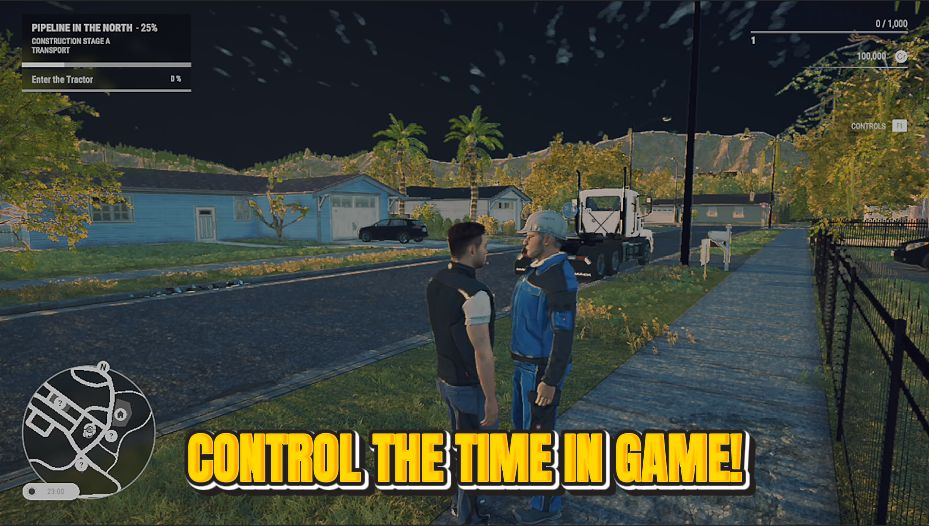
Clock Boss
Take the wheel on time itself. Slide to any hour of the day and freeze it there.

Fast Track
Pour experience straight into your profile and climb the career ranks in seconds.
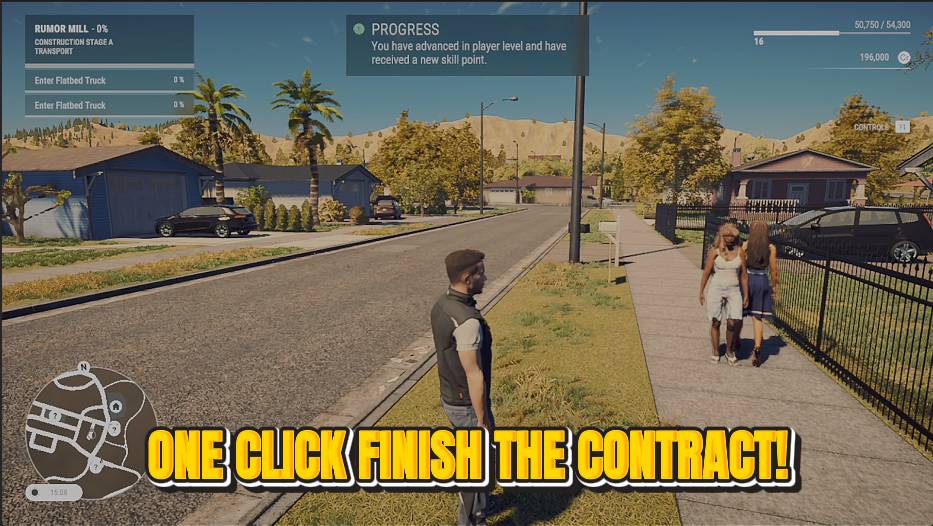
Job Done
Skip the tedious parts of a contract. Tap once to complete the active job and collect the full reward.







