Want more mods for Construction Simulator? Explore our entire collection!
Clock Boss
"Golden hour forever — or midnight, if you're feeling moody."
How do I install Clock Boss?
Download the free ProjectMods desktop app, then install Clock Boss for Construction Simulator in one click.
</>What does Clock Boss do?
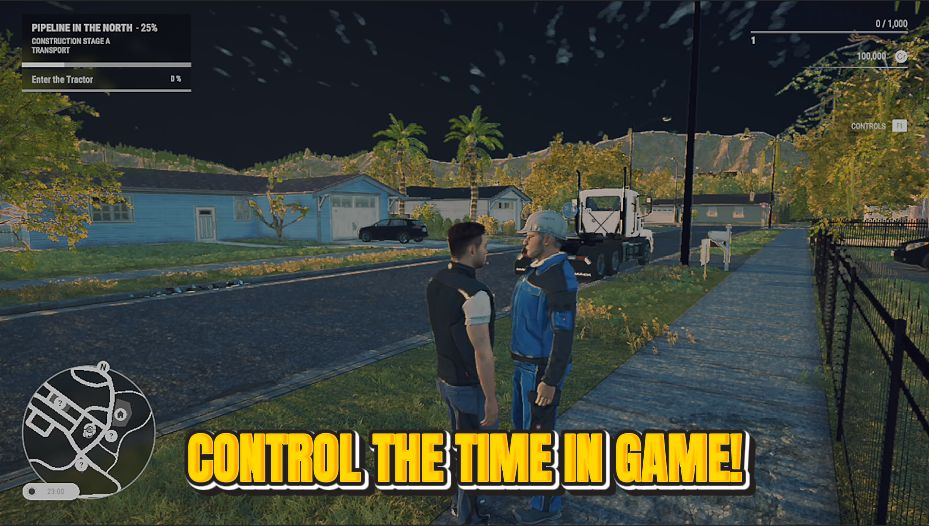
Take the wheel on time itself. Slide to any hour of the day and freeze it there, so the light on your site is exactly how you want it. Great for cinematic screenshots at golden hour, working through the night without the sky changing, or just keeping it bright while you build.
</>What is Clock Boss?
Clock Boss lets you slide the Construction Simulator clock to any hour and freeze it, so the light on your site is exactly how you want it. Great for cinematic golden-hour screenshots or building through the night without the sky changing. Clock Boss is a premium mod from ProjectMods, the community-first PC mod manager for 400+ games.
</>Common questions about Clock Boss
What does Clock Boss do in Construction Simulator?
Clock Boss lets you take control of the time of day in Construction Simulator. Slide to any hour, freeze it there, and the light on your site holds exactly where you set it. That means golden-hour warmth for screenshots, bright midday for long builds, or moody darkness whenever you want it. Clock Boss is a premium mod from ProjectMods, the community-first PC mod manager and desktop app for 400+ games. It combines an hour selector, a freeze toggle and an apply button, so you decide both what time it is and whether it moves at all.
How do the Hour, Freeze Time and Set Time Now controls work together?
Clock Boss gives you three controls in Construction Simulator. Hour is a number from 0 to 24 that picks the exact time of day you want. Freeze Time is a toggle that decides whether the clock keeps ticking or holds still. Set Time Now is the button that applies both at once. So you dial Hour to, say, 18 for early evening, switch Freeze Time on, tap Set Time Now, and the site locks into that golden-hour light. Leave Freeze Time off and Set Time Now simply jumps you to the chosen hour before the day carries on rolling as normal.
Can I lock the site at golden hour or midnight?
Yes, that's exactly what Clock Boss is for in Construction Simulator. Set Hour to an early-evening value for that warm golden-hour glow, or push it to midnight for a dark, floodlit site, then switch Freeze Time on and hit Set Time Now to hold it there. The sky stops advancing, so the lighting you picked stays put for as long as you keep it frozen. Because Hour spans the full range from 0 to 24, you can lock in dawn, high noon, dusk or the dead of night with the same three taps, giving you complete say over the mood of every build.
What does the Freeze Time toggle do exactly?
Freeze Time is the Clock Boss toggle that stops Construction Simulator's clock from advancing. With it on, whatever hour you've set stays fixed: the sun doesn't move and the lighting never shifts, no matter how long you build. With it off, Set Time Now still jumps you to your chosen Hour, but the day then continues ticking forward from there as usual. So Freeze Time is the difference between making it evening and keeping it evening, versus skipping to evening and letting time roll on. Pairing it with the Hour setting is what lets you pin a site at one perfect moment.
Why would I freeze the time of day in Construction Simulator?
Freezing the clock is a gift for anyone who cares how their Construction Simulator site looks. Screenshot and cinematic fans can lock in golden hour and shoot for as long as they like without chasing the fading light. Night owls can build under floodlights without the sky brightening on them. Streamers and video makers get consistent lighting across a whole recording, so their footage doesn't jump from noon to dusk mid-clip. And if you simply find one time of day the most pleasant to work in, Clock Boss lets you keep it there. It's control over atmosphere, not just a clock.
What options does Clock Boss include?
Freeze Time
Stops the clock so it stays at your chosen hour.
Hour
The hour of the day to jump to, from 0 (midnight) to 24.
Set Time Now
Applies the hour and freeze setting right away.
Clock Boss hands you the Construction Simulator clock: slide to any hour, freeze it, and your job site stays at golden hour or midnight. It's a premium mod from ProjectMods.
System Requirements
What features does Clock Boss include?
- Jump to any hour from midnight to midnight with one slider, then hit Set Time Now
- Freeze the clock so your chosen light sticks around instead of rolling into the next hour
- Lock in golden-hour glow, high noon or full dark whenever the mood takes you
- Change your mind on the fly — pick a new hour, apply it, and the sky updates right away
Best For
- Lining up a cinematic screenshot and want that warm golden-hour light to hold still
- Working a night shift on site without the sky brightening up halfway through your build
- Streaming and want consistent lighting so your footage looks the same all session
- You just prefer bright daylight to build in and want to keep it that way for hours
More Mods for Construction Simulator
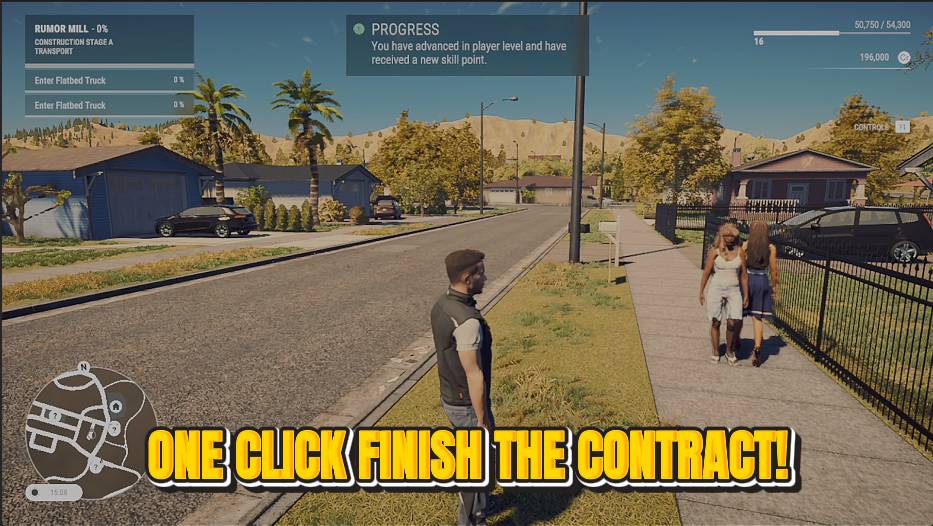
Job Done
Skip the tedious parts of a contract. Tap once to complete the active job and collect the full reward.
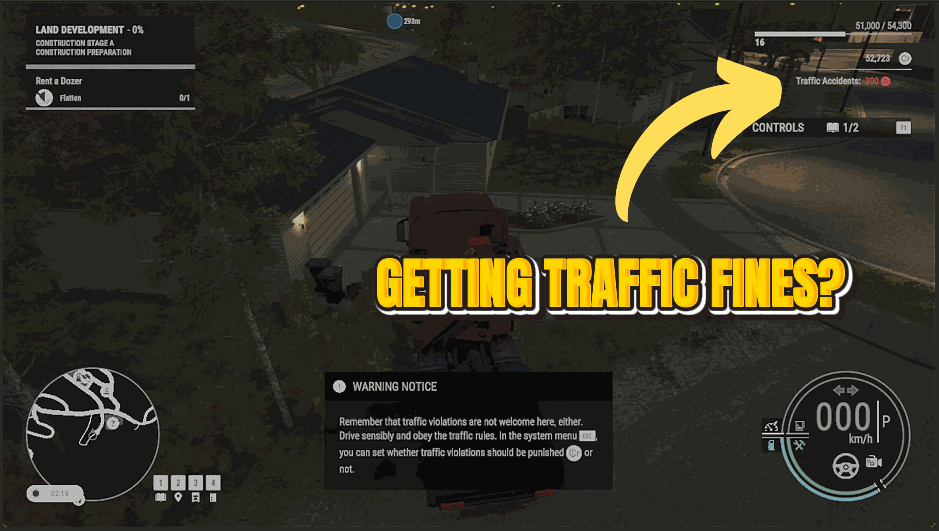
Clean Record
Drive however you like. Speeding tickets, red-light fines and fender-bender charges all stop hitting your account.
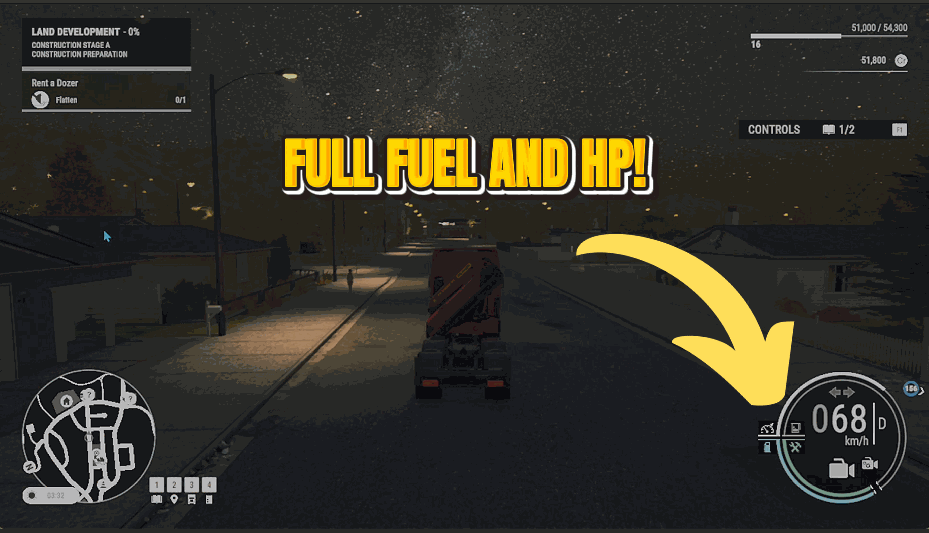
Bottomless Tank
Flip it on and every machine you drive keeps a full tank forever. No fuel stops, no dashing to the depot mid-job.







