Want more mods for Construction Simulator? Explore our entire collection!
Job Done
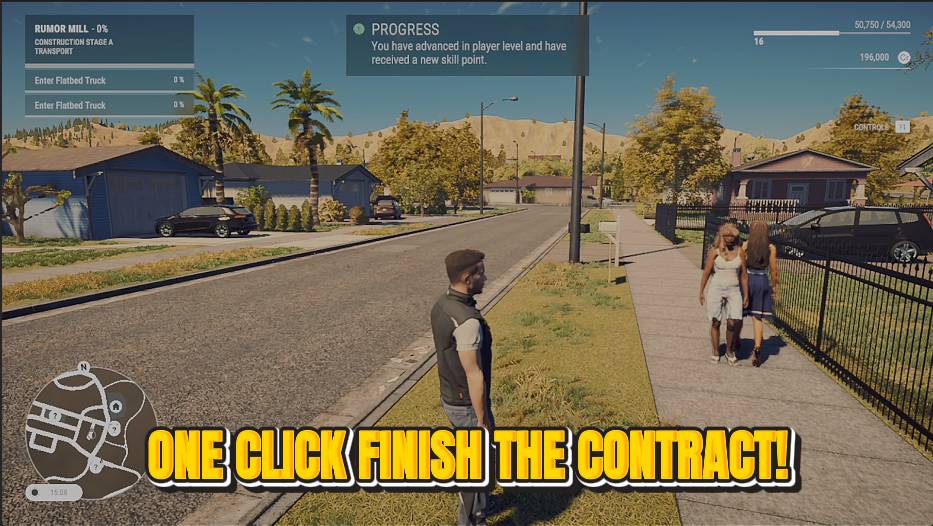
"One tap finishes the job and banks the payout."
How do I install Job Done?
Download the free ProjectMods desktop app, then install Job Done for Construction Simulator in one click.
</>What does Job Done do?
Skip the tedious parts of a contract. Tap once to complete your active job and collect the full reward straight away. Handy when you just want the payout and the progress, when a fiddly step is getting in the way, or when you're powering through a whole map's worth of contracts.
</>What is Job Done?
Job Done skips the tedious parts of a Construction Simulator contract - tap once to complete your active job and collect the full reward straight away. Handy when a fiddly step is in the way or when you're powering through a whole map's worth of contracts. Job Done is a premium mod from ProjectMods, the community-first PC mod manager for 400+ games.
</>Common questions about Job Done
What does Job Done do in Construction Simulator?
Job Done completes your active Construction Simulator contract the instant you tap it, paying out the full reward without making you finish every last step. Where a contract might normally ask for a dozen fiddly tasks, one press of Finish Contract banks the money and the progress straight away. It's there for when you want the payout without the busywork, or when a single awkward step is blocking an otherwise finished job. Job Done is a premium mod from ProjectMods, the community-first PC mod manager and desktop app for 400+ games, and it works on whichever contract you currently have running.
What does the Finish Contract button do?
Finish Contract is the single action behind Job Done in Construction Simulator. Tap it and your active contract is marked complete right away, with the full reward paid into your account as if you'd done every task by hand. There's no amount to set and no menu to navigate; it's one button that resolves whatever job you're currently on. That makes it ideal for clearing a contract that's technically done but stuck on a tedious final step, or for rattling through a run of jobs quickly. Each tap handles one active contract, so you take the next one and press again.
Do I still get the full reward when I skip a job with Job Done?
Yes, Job Done pays the complete contract reward in Construction Simulator, not a reduced one. Tapping Finish Contract treats the job as fully completed, so the money and the career progress you'd have earned by grinding through every task both land in full. You're skipping the effort, not sacrificing the payout. That's what makes it useful for powering through a whole map's worth of contracts without losing out on the income they bring. Job Done, part of the ProjectMods catalog, gives you the same reward the slow way would, just without the tedious middle steps in between.
Which contract does Job Done complete?
Job Done acts on your currently active Construction Simulator contract, the job you've accepted and are working on right now. Tap Finish Contract and that specific job is the one that completes and pays out; it doesn't reach across and clear every contract on the map at once. So if you're juggling a big project, take the contract you want finished, press the button, then move on to the next and repeat. That one-at-a-time design keeps you in control of exactly which jobs you fast-forward and which you'd rather play through the normal way instead.
When would I use Job Done in Construction Simulator?
Job Done earns its keep whenever a Construction Simulator contract stops being fun. Maybe a fiddly final task is refusing to register, maybe you just want the payout and the progress without the repetitive middle, or maybe you're blitzing an entire map and don't want to hand-finish all fifty jobs. One tap clears the current contract and banks the reward, so you keep moving. It's also handy for content creators who want to show off later-game projects without filming every step. Turn to it when the result matters more than the grind, and play the jobs you enjoy by hand.
What options does Job Done include?
Finish Contract
Instantly completes your active contract and pays out the reward.
Tap once and Job Done completes your active Construction Simulator contract, banking the full reward while skipping the tedious steps - a mod from ProjectMods.
System Requirements
What features does Job Done include?
- One tap on Finish Contract wraps up your active job and pays out the full reward
- Skips the fiddly, repetitive steps of a contract while still banking all the progress
- Works on whatever contract you've got active, so you choose exactly when to cash out
- Handy for powering through a whole map's worth of jobs without the busywork
Best For
- A contract has one tedious step left and you'd rather just take the payout and move on
- Powering through every job on a map to rack up cash and progress fast
- A finicky placement or delivery is dragging and you want past it cleanly
- You love starting projects but want to skip the repetitive middle and see the reward
More Mods for Construction Simulator
Showroom Condition
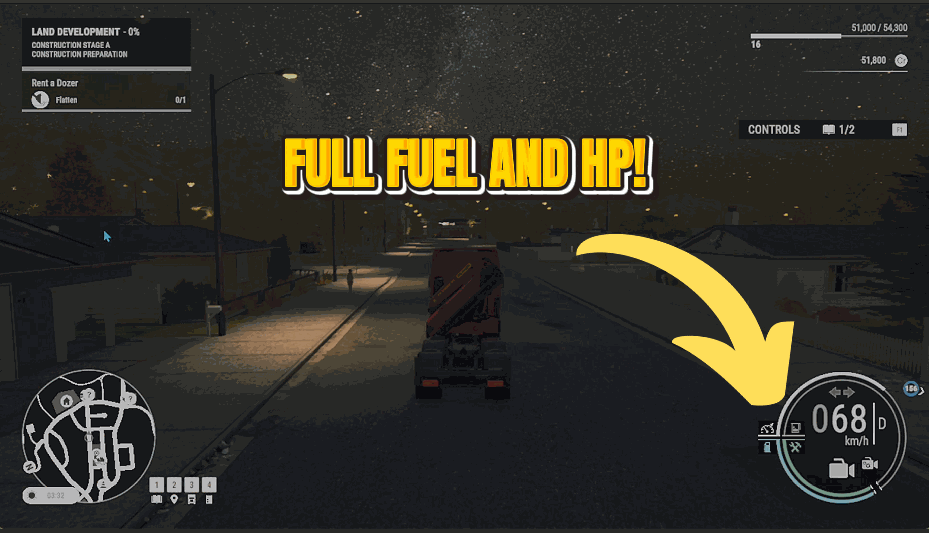
Keep your whole fleet in mint condition. Machines never wear down or take damage, so you never lose a cent to repairs.

Ghost Walker
Leave gravity and fences behind. Float anywhere on foot, straight through buildings and half-built floors.
Bottomless Tank
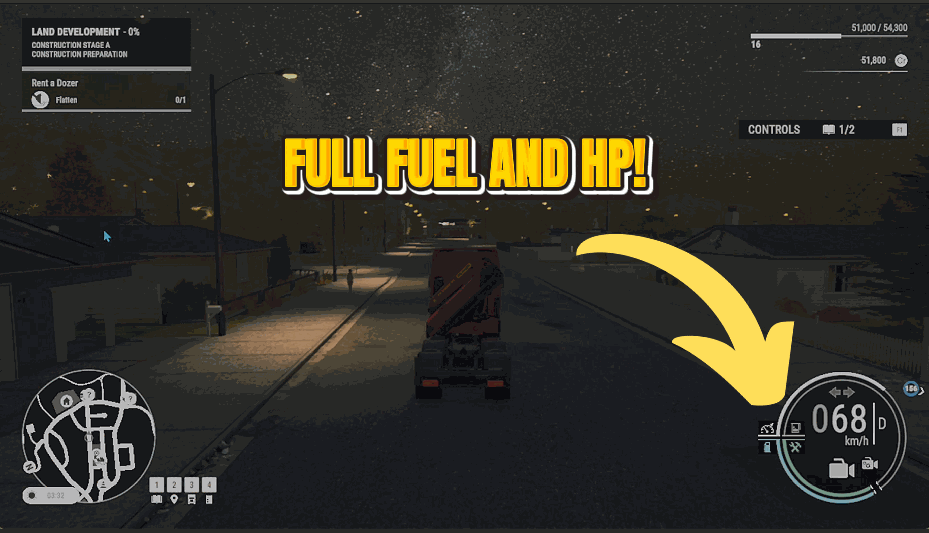
Flip it on and every machine you drive keeps a full tank forever. No fuel stops, no dashing to the depot mid-job.







