Want more mods for Construction Simulator? Explore our entire collection!
Ghost Walker
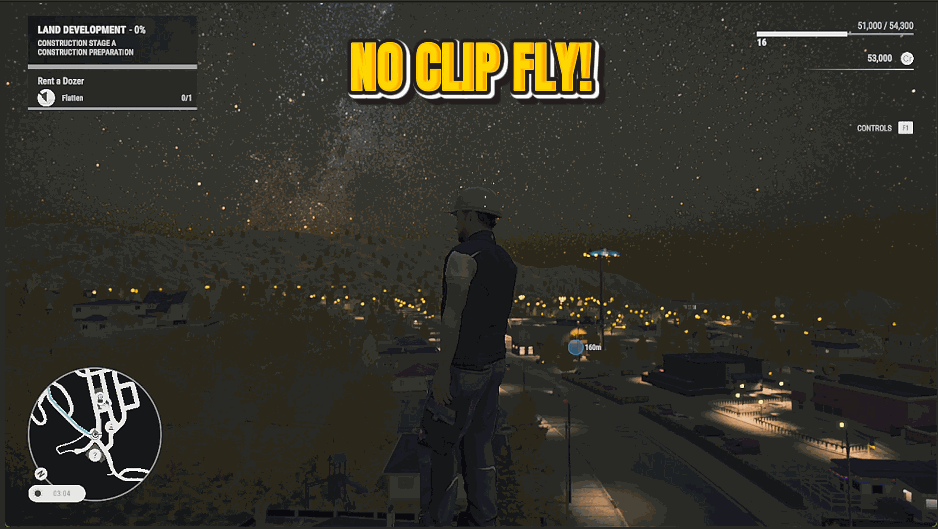
"Lift off and drift through walls to scout the whole site on foot."
How do I install Ghost Walker?
Download the free ProjectMods desktop app, then install Ghost Walker for Construction Simulator in one click.
</>What does Ghost Walker do?
Leave gravity and fences behind. Float anywhere on foot and pass straight through buildings, scaffolding and half-built floors — perfect for scouting a big build from any angle. WASD to move, Space to rise, Ctrl to drop, Shift to boost. Turn it off to drop back down and walk normally.
</>What is Ghost Walker?
Ghost Walker lets you leave gravity and fences behind, floating on foot and passing through buildings, scaffolding and half-built floors in Construction Simulator. Great for scouting a big build from any angle or lining up the perfect screenshot. From ProjectMods, a community-first PC mod manager for 400+ games including Wobbly Life, Cities: Skylines and Timberborn.
</>Common questions about Ghost Walker
What does Ghost Walker do in Construction Simulator?
Ghost Walker lets you leave gravity and fences behind in Construction Simulator, floating anywhere on foot and passing straight through buildings, scaffolding and half-built floors. Switch it on and your character can fly around a site from any angle, perfect for scouting a big build or lining up a screenshot you couldn't reach on foot. Ghost Walker is a premium mod from ProjectMods, the community-first PC mod manager and desktop app for 400+ games. Use WASD to move, Space to rise, Ctrl to drop and Shift to boost, then switch it off to land and walk normally again.
What are the Ghost Walker flight controls?
Once Ghost Walker is switched on in Construction Simulator, you fly with familiar keys: WASD moves you around, Space lifts you upward, Ctrl lowers you, and Shift boosts your speed for covering big distances quickly. There's no aircraft to board or vehicle to drive; your character simply takes flight, so you can drift up the side of a tower block or glide across the whole site at will. Hold Shift when you want to travel fast, and ease off for fine positioning near a structure. Turning the Enabled switch off drops you back to the ground to walk around on foot as usual.
Can Ghost Walker pass through buildings and scaffolding?
Yes, passing through solid structures is the whole point of Ghost Walker in Construction Simulator. With it on, walls, scaffolding, half-built floors and other site obstacles no longer stop you, so you can drift straight through a building to inspect the inside or pop out the far side. That makes it easy to check a multi-storey build from angles you'd never reach on foot, or to get a camera exactly where you want it. Nothing on the site blocks you while you're flying. Switch Ghost Walker off and collision returns immediately, so you walk into and around structures normally again.
How do I turn Ghost Walker off and land?
Ghost Walker is controlled by a single Enabled master switch in Construction Simulator. While it's on, you're airborne and drifting through the site; flip it off and your character drops back down to stand and walk on solid ground as normal, with collision restored. There's no separate landing button, so turning the switch off is the landing. Because it's one clean toggle, you can pop into flight to scout or frame a shot, then switch straight back to on-foot play whenever you're done. That simple on/off makes Ghost Walker easy to dip into mid-session without disrupting the rest of your build.
Why would I fly on foot around a Construction Simulator site?
Flying on foot solves problems that ground-level play can't in Construction Simulator. Scouting a large build is far quicker when you can rise above it and see the whole layout at once, and inspecting the upper floors of a structure no longer means climbing. Screenshot and video makers love it for placing the camera anywhere: high above the site, inside a building, or sweeping across the whole map. Streamers can give viewers a proper tour of a project from angles the normal camera won't allow. Any time you need to see your build rather than just stand in it, Ghost Walker is the tool.
What options does Ghost Walker include?
Enabled
Master switch. Turn on to fly on foot: WASD to move, Space up, Ctrl down, Shift to boost.
Ghost Walker lets you lift off and drift through walls on foot in Construction Simulator, scouting a whole build from any angle - a mod from ProjectMods, the community-first PC mod manager.
System Requirements
What features does Ghost Walker include?
- Lift off on foot and float in any direction, no ladders or scaffolding required
- Pass straight through walls, buildings and half-finished floors to reach any spot
- Full control with WASD to move, Space to rise, Ctrl to drop and Shift to boost your speed
- Switch it off whenever you want to drop back down and walk the site normally
Best For
- Scouting a huge build from angles you could never reach standing on the ground
- Lining up the perfect overhead shot of your finished site for a screenshot or video
- Checking progress on the upper floors of a structure without climbing all the way up
- Exploring the far corners of a map quickly instead of trekking there on foot
More Mods for Construction Simulator
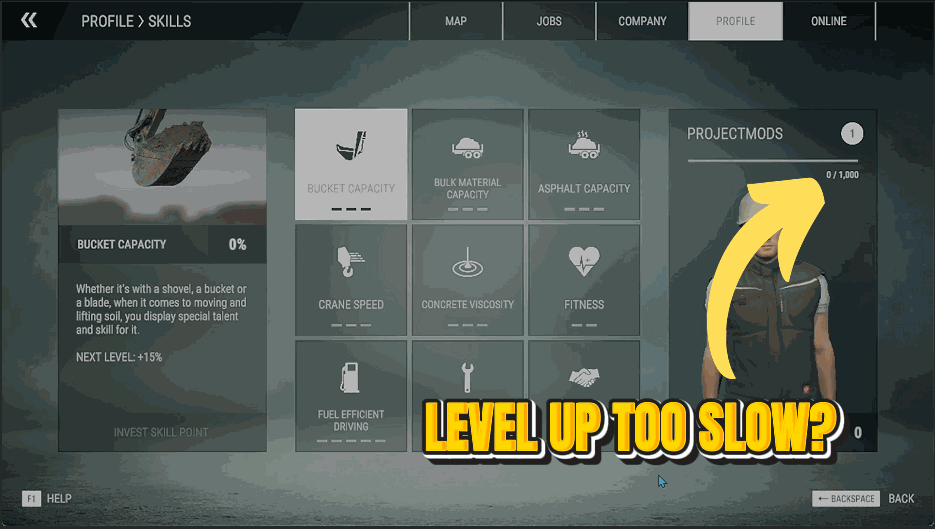
Fast Track
Pour experience straight into your profile and climb the career ranks in seconds.
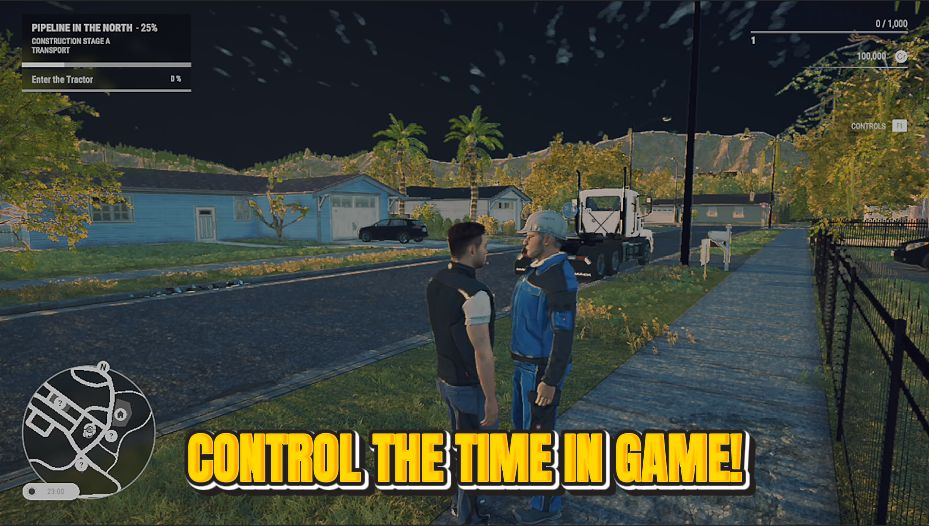
Clock Boss
Take the wheel on time itself. Slide to any hour of the day and freeze it there.
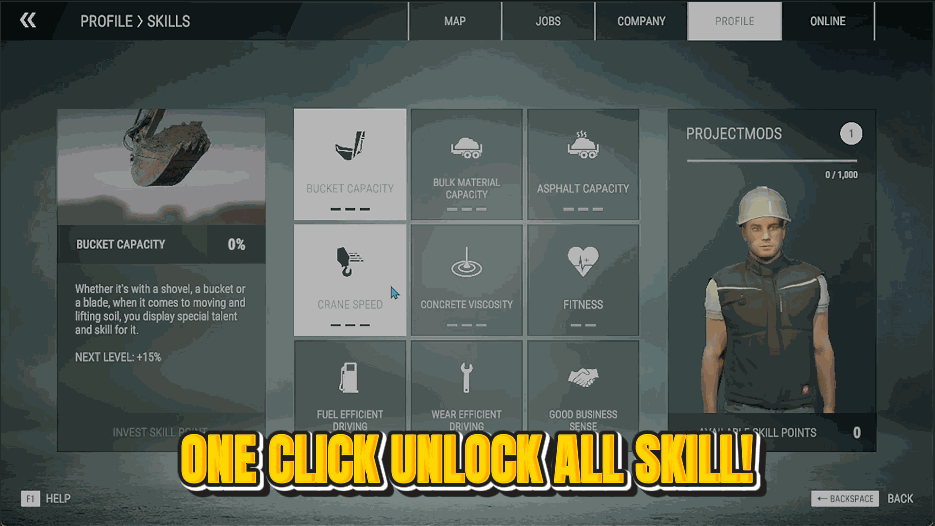
Pit Crew
Fill out the entire skill tree instantly. Bigger buckets, faster cranes, thriftier fuel — all maxed.







