Want more mods for Construction Simulator? Explore our entire collection!
Fast Track
"Skip the slow grind and rocket up the ranks."
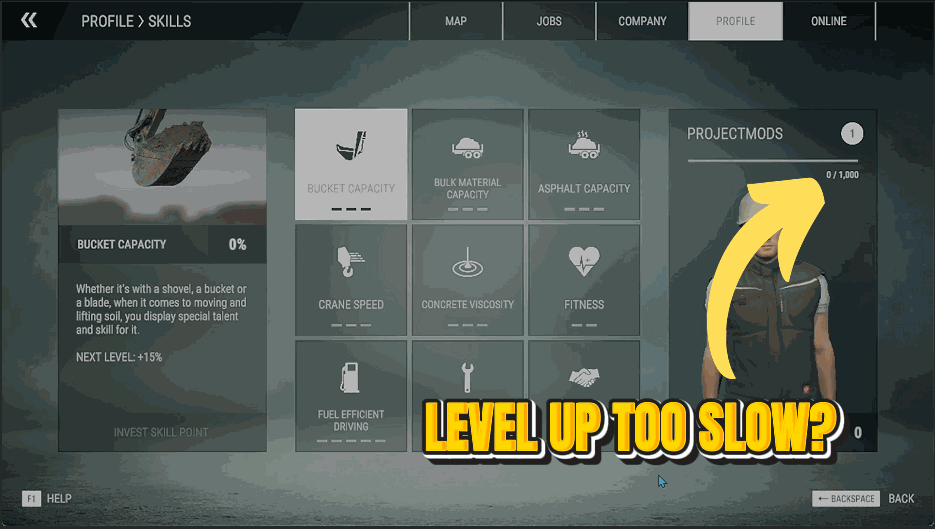
How do I install Fast Track?
Download the free ProjectMods desktop app, then install Fast Track for Construction Simulator in one click.
</>What does Fast Track do?
Pour experience straight into your profile and climb the career ranks in seconds, instead of grinding out contract after contract. Handy for reaching the higher-tier machines and jobs fast, or catching your progress up to a friend's before a co-op session.
</>What is Fast Track?
Fast Track pours career experience straight into your Construction Simulator profile so you climb the ranks in seconds instead of grinding contract after contract. Reach higher-tier machines fast or catch up to a friend before a co-op session. From ProjectMods, the free-to-download PC mod manager and desktop app for 400+ games.
</>Common questions about Fast Track
What does Fast Track do in Construction Simulator?
Fast Track pours career experience straight into your Construction Simulator profile so you climb the ranks in seconds instead of grinding contract after contract. Type how much XP you want, tap Add XP, and your career level jumps accordingly, bringing higher-tier machines and jobs within reach far sooner. It's ideal for reaching the good gear fast or catching your progress up to a friend before a co-op session. Fast Track is a premium mod from ProjectMods, the community-first PC mod manager and desktop app for 400+ games, and it adds experience on demand without touching the rest of your save.
How do the XP Amount and Add XP controls work?
Fast Track keeps it to two controls in Construction Simulator. XP Amount is a number field where you type how much career experience to grant, and Add XP is the button that applies it. Enter a small nudge to finish off the level you're on, or a large figure to leap several ranks at once, then tap Add XP and the experience is added immediately. Since XP Amount stays set between taps, you can press Add XP repeatedly to stack more experience without retyping. It's a precise, on-demand way to decide exactly how far up the career ladder you jump.
How much career XP can I add at once?
Because XP Amount is an open number field, Fast Track lets you decide the size of each boost in Construction Simulator: a little to top off your current rank, or a lot to vault several career levels in a single tap. Enter the figure, press Add XP, and it lands right away. If you'd rather creep up gradually, add smaller amounts and check your rank between each one; if you want to be at the top tier now, enter a big number and go. The experience only affects your career progression, leaving your cash, machines and contracts exactly as they were.
Does ranking up with Fast Track unlock higher-tier machines and jobs?
Yes, that's the main payoff. Construction Simulator gates a lot of its bigger machines and more lucrative contracts behind career rank, so by adding experience with Fast Track you bring that higher-tier content forward. Reach the level a crane, a large excavator or a premium job requires, and it opens up just as it would from natural play, only far sooner. It's the fast route to the equipment you actually want to drive. Fast Track, part of the ProjectMods catalog, pairs neatly with Cash Printer when you also want the money to buy everything your new rank unlocks.
Why would I use Fast Track before a co-op session?
Co-op is more fun when everyone's playing with the same toys, and Fast Track makes that easy in Construction Simulator. If a friend has been grinding for weeks and you're just starting out, a quick XP boost brings your career rank up to match theirs, so you can both access the same machines and contracts instead of being stuck with starter gear. It's also handy for reviving an old save you drifted away from, letting you skip straight back to the interesting jobs. Add the experience, jump into the session, and you're on a level footing from the first contract.
What options does Fast Track include?
XP Amount
How much career experience to add.
Add XP
Adds the experience above to your profile.
Fast Track pours career XP straight into your Construction Simulator profile so you climb the ranks in seconds - a premium mod from ProjectMods, the community-first PC mod manager for 400+ games.
System Requirements
What features does Fast Track include?
- Pour in an experience amount, hit Add XP, and watch your career rank climb straight away
- Skips the slow grind of running contract after contract just to level up
- Add as much or as little as you like — nudge one rank up or leap several at once
- Opens up higher-tier machines and bigger jobs normally locked behind hours of play
Best For
- You want the top-tier cranes and excavators without grinding low-paying early jobs
- Catching your profile up to a friend's level before jumping into a co-op session together
- Coming back to a save and would rather play at the rank that matches how you want to build
- Testing out end-game machines and contracts without slogging through the whole career first
More Mods for Construction Simulator
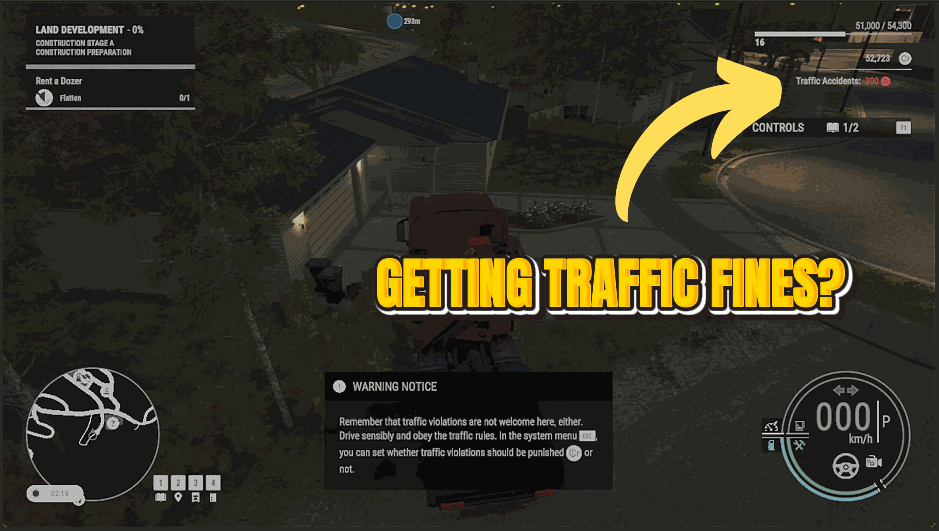
Clean Record
Drive however you like. Speeding tickets, red-light fines and fender-bender charges all stop hitting your account.
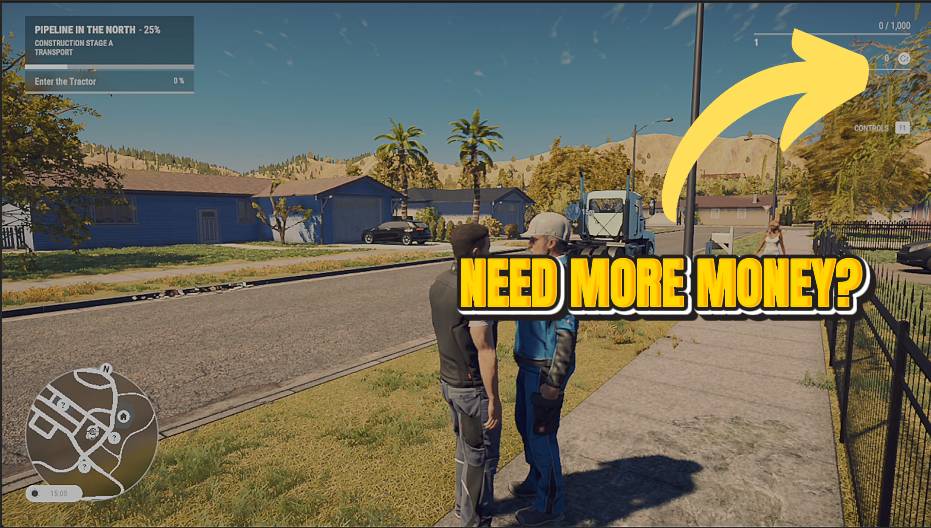
Cash Printer
Turn your construction company into a money machine. Set an amount, tap the button, and the cash lands in your account instantly.
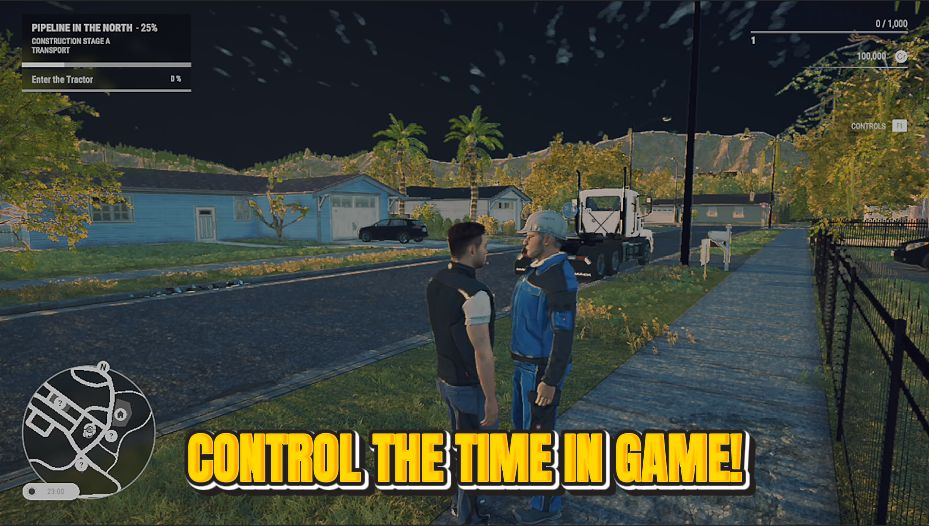
Clock Boss
Take the wheel on time itself. Slide to any hour of the day and freeze it there.







