Want more mods for Construction Simulator? Explore our entire collection!
Cash Printer
"Name your number, hit the button, watch your company account fill up."
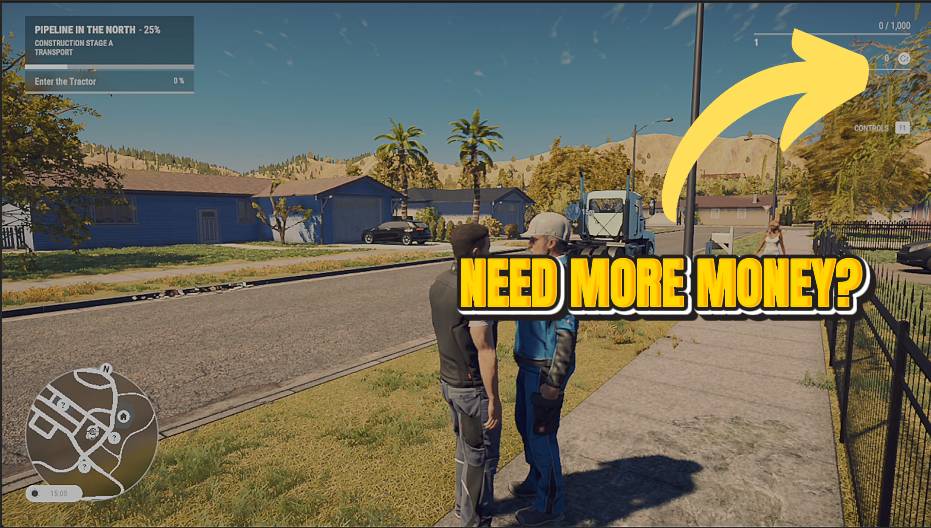
How do I install Cash Printer?
Download the free ProjectMods desktop app, then install Cash Printer for Construction Simulator in one click.
</>What does Cash Printer do?
Turn your construction company into a money machine. Set how much you want, tap the button, and the cash lands in your company account instantly. Great for skipping the early-game money crunch, kitting out a dream fleet before your first contract, or just building whatever you feel like without watching the budget.
</>What is Cash Printer?
Cash Printer turns your Construction Simulator company into a money machine - set an amount, tap once, and the cash lands instantly. Skip the early-game budget crunch or kit out a dream fleet before your first contract. Cash Printer is a premium mod from ProjectMods, the community-first PC mod manager and desktop app for 400+ games.
</>Common questions about Cash Printer
What does Cash Printer do in Construction Simulator?
Cash Printer turns your Construction Simulator company account into a money machine. Type in any amount, tap Cash Drop, and that sum lands in your company balance instantly, with no contracts to finish first. It's there to skip the early-game budget crunch, kit out a dream fleet before your first job, or simply build whatever you like without watching every dollar. Cash Printer is a premium mod from ProjectMods, the community-first PC mod manager and desktop app for 400+ games, and a Reset Wallet button lets you clear the balance back to zero whenever you want to start fresh.
How do the Amount and Cash Drop controls work together?
Cash Printer splits the job across two controls in Construction Simulator. Amount is a number field where you type how much cash you want, and Cash Drop is the button that actually adds that sum to your company account. Set Amount to a small top-up or a huge windfall, hit Cash Drop, and the money appears straight away. Because Amount stays where you left it, you can tap Cash Drop again and again to stack the same figure repeatedly without retyping. That two-step design keeps things precise, so you decide the exact number rather than being handed a fixed lump sum.
What does the Reset Wallet button do?
Reset Wallet empties your Construction Simulator company account back to zero in one tap. It's the counterpart to Cash Drop: where Cash Drop adds the amount you typed, Reset Wallet wipes the balance clean. That's handy if you overshot with a huge Cash Drop and want to rein things back in, or if you're setting up a fresh challenge run and want to start from nothing. It only touches your company balance, so your machines, unlocks and career progress stay exactly as they were. Cash Printer, part of the ProjectMods catalog, gives you both the add and the reset so you stay fully in control of the number.
How much money can I add to my account at once?
Amount in Cash Printer is a plain number field, so you decide how much cash to drop into your Construction Simulator company account, whether that's a modest top-up to cover one machine or a figure large enough to buy out the whole dealer. Set the number, tap Cash Drop, and it lands instantly. If one drop isn't enough, tap again to stack another helping on top, since the Amount you entered stays put between taps. Whatever you choose, the cash goes only into your company balance, leaving the rest of your Construction Simulator save untouched.
Why would I use Cash Printer early in a Construction Simulator save?
Early on, Construction Simulator makes you grind small contracts before you can afford the big, satisfying machines. Cash Printer removes that wall: drop in enough cash to buy the excavator, crane or truck you actually want and start building the way you picture it from the first session. It's also great for co-op, so you can match a friend's spending power, or for creative players who just want to construct freely without budgeting. Pair Cash Printer with Master Keys, another mod in the ProjectMods catalog, and every base-game machine is both unlocked and instantly affordable.
What options does Cash Printer include?
Reset Wallet
Empties your company account back to zero.
Amount
How much cash to drop into your company account.
Cash Drop
Adds the amount above to your company account.
With Cash Printer, you set an amount and drop it straight into your Construction Simulator company account - one of the premium mods in the ProjectMods catalog for 400+ games.
System Requirements
What features does Cash Printer include?
- Type any amount and hit Cash Drop to land that much in your company account instantly
- Top up as often as you like — small boosts or one giant lump sum, your call
- Empty the account back to zero with Reset Wallet whenever you want a clean slate
- Pairs perfectly with unlocking machines early so you can buy the fleet you actually want
Best For
- Early-game and sick of the opening money crunch before you can afford any decent gear
- Want to kit out a dream fleet of trucks and excavators before signing your first contract
- Building a custom project for fun and don't want a budget deciding what you can place
- Setting up a save for a co-op session and want everyone flush with cash from the start
More Mods for Construction Simulator
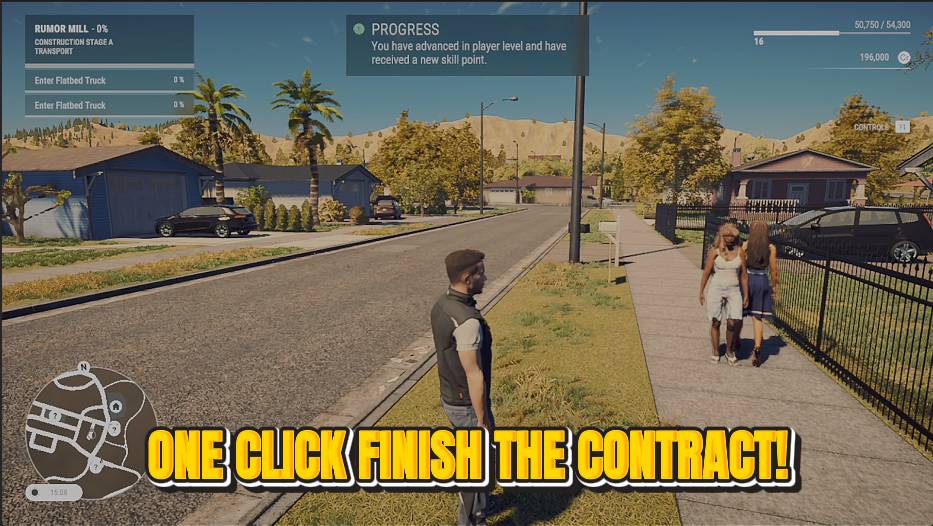
Job Done
Skip the tedious parts of a contract. Tap once to complete the active job and collect the full reward.
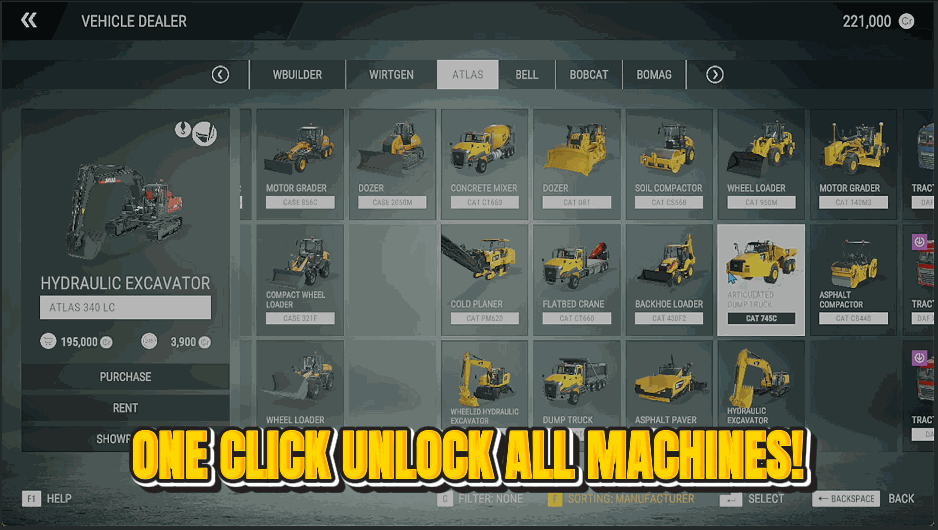
Master Keys
Every truck, crane, excavator and loader on the dealer lot, ready to buy right now.
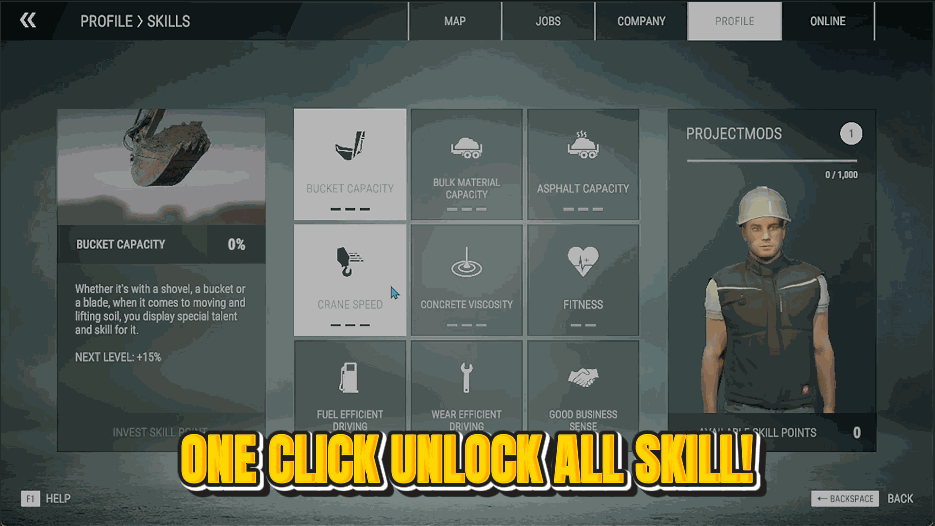
Pit Crew
Fill out the entire skill tree instantly. Bigger buckets, faster cranes, thriftier fuel — all maxed.







