Want more mods for Construction Simulator? Explore our entire collection!
Pit Crew
"Every crew skill unlocked and maxed in one tap."
How do I install Pit Crew?
Download the free ProjectMods desktop app, then install Pit Crew for Construction Simulator in one click.
</>What does Pit Crew do?
Fill out the entire skill tree instantly. Bigger buckets, faster cranes, thriftier fuel and more — all unlocked and maxed, no points to grind. Perfect for jumping straight into a fully-kitted playstyle, or topping up a save you never got around to leveling.
</>What is Pit Crew?
Pit Crew fills out the entire Construction Simulator skill tree in one tap - bigger buckets, faster cranes, thriftier fuel and more, all unlocked and maxed with no points to grind. Perfect for jumping straight into a fully-kitted playstyle. From ProjectMods, a community-first PC mod manager for 400+ games including Wobbly Life, Timberborn and Supermarket Together.
</>Common questions about Pit Crew
What does Pit Crew do in Construction Simulator?
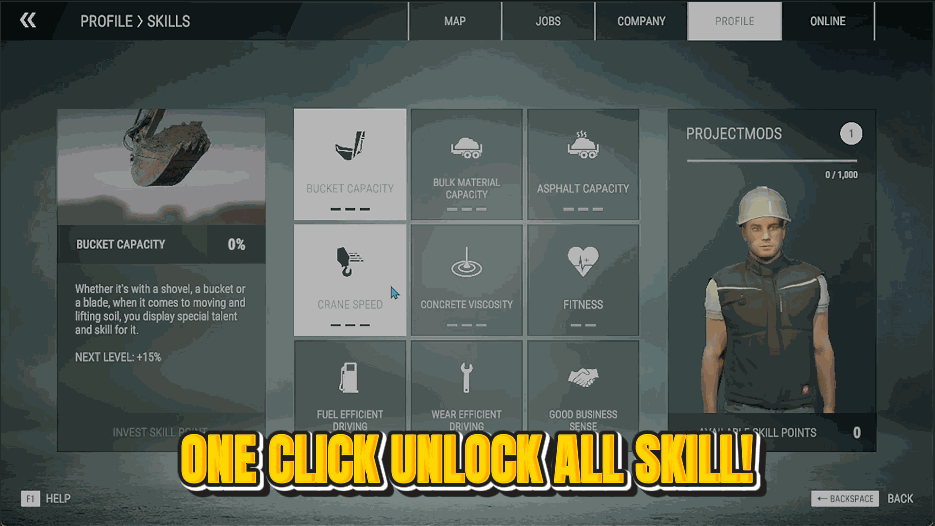
Pit Crew fills out the entire skill tree in Construction Simulator instantly. Tap Unlock All Skills and every crew perk, from bigger buckets to faster cranes to thriftier fuel use and more, is unlocked and maxed at once, with no points to grind. It's the shortcut to a fully-kitted playstyle without working through the tree upgrade by upgrade. Pit Crew is a premium mod from ProjectMods, the community-first PC mod manager and desktop app for 400+ games. It's just as useful on a brand-new save as on an old one you never got around to leveling, bringing every skill up to full in a single tap.
What does the Unlock All Skills button do?
Unlock All Skills is the one action behind Pit Crew in Construction Simulator. Press it and every skill in the crew tree is both unlocked and pushed to its maximum level simultaneously; you don't pick individual perks or spend points. In a single tap you go from a partly-filled tree to a completely maxed one, with all the efficiency and performance bonuses active at once. There's nothing else to configure, which keeps it simple: one button, whole tree done. That makes Pit Crew ideal when you'd rather enjoy the upgraded machines than slowly earn each node through hours of contracts.
Which crew skills does Pit Crew unlock and max?
Pit Crew targets the full crew skill tree in Construction Simulator, so the perks that make your machines and jobs better all come on together: think bigger bucket capacities, quicker crane and equipment operation, more economical fuel use and the other efficiency boosts the tree offers. Rather than choosing a specialisation, you get everything maxed at once, so no matter what work you take on, the relevant skills are already at full strength. It turns a gradual progression system into an instant one. If you've ever wanted to feel what a completely upgraded crew handles like without the grind, this is how.
Do I need to spend skill points after using Pit Crew?
No, Pit Crew handles the whole thing for you in Construction Simulator. Once you tap Unlock All Skills, every node is already unlocked and maxed, so there are no leftover points to assign and no tree to click through. You go straight from pressing the button to playing with a fully upgraded crew. That's the difference between Pit Crew and normal progression: instead of earning and spending points contract by contract, you skip to the finished result in one step. If you later start a new save and want the same instant setup, just use the mod again and the tree fills right back up.
Why would I use Pit Crew on an existing Construction Simulator save?
Plenty of Construction Simulator players build up a company but never finish the skill tree, leaving useful perks sitting unearned. Pit Crew tops that save up in one tap, switching on every efficiency and performance bonus you'd been missing so your existing machines immediately run better. It's also great on a new save when you'd rather start from a fully-kitted playstyle than grind the tree from scratch. Either way you skip the point-by-point unlocking and get straight to the version of the game where your crew is at full strength. Pair it with Fast Track and both your career rank and crew skills leap to the top together.
What options does Pit Crew include?
Unlock All Skills
Unlocks and maxes out every crew skill at once.
One tap with Pit Crew unlocks and maxes the whole Construction Simulator crew skill tree, with no points to grind. It's a premium mod from ProjectMods.
System Requirements
What features does Pit Crew include?
- Maxes out every crew skill in the tree with a single tap
- Bumps bucket sizes, crane speed, fuel efficiency and every other perk to the top
- Fills the whole tree instantly, so there are no skill points to grind or spend
- Tops up an old save you never got around to leveling, in one quick step
Best For
- You want the fully-upgraded feel of maxed skills without grinding out the points first
- Coming back to a save and would rather play with every perk unlocked than re-grind them
- Building big and want the efficiency boosts that make heavy work faster and cheaper
- Trying out how the game plays at full power before deciding what to focus a fresh save on
More Mods for Construction Simulator

Ghost Walker
Leave gravity and fences behind. Float anywhere on foot, straight through buildings and half-built floors.
Bottomless Tank
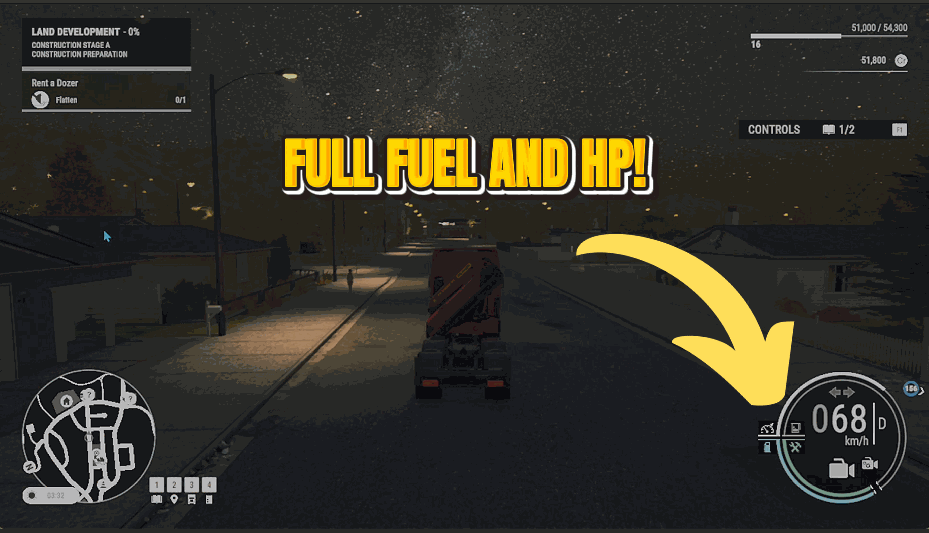
Flip it on and every machine you drive keeps a full tank forever. No fuel stops, no dashing to the depot mid-job.
Fast Track
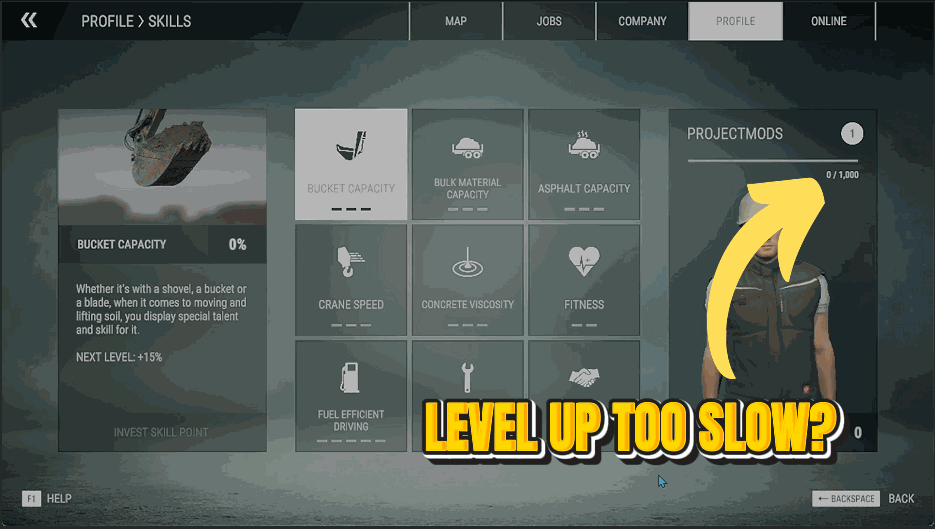
Pour experience straight into your profile and climb the career ranks in seconds.







