Want more mods for 60 Seconds! Reatomized? Explore our entire collection!
Give Items
"Choose shelter supplies and equipment without another scavenging run."
/SixZeroSecondsReatomizedConvenienceStoreGiveItem1.jpg)
How do I install Give Items?
Download the free ProjectMods desktop app, then install Give Items for 60 Seconds! Reatomized in one click.
</>What does Give Items do?
Give Items lets you add shelter equipment and supplies during a 60 Seconds! Reatomized survival run. Refresh the item list after entering the shelter, choose an item by its readable name, and add it with one action. The list is loaded from the running game, so it follows the items available to the current installation. Equipment is added to the shelter, while stackable supplies such as soup and water receive one additional unit each time the action is used. Use the mod to replace an important item lost during an event, prepare for an expedition, or experiment with choices that normally require specific equipment. Only the selected item is changed, leaving the rest of the shelter inventory alone.
</>What is Give Items?
Give Items is a 60 Seconds! Reatomized inventory mod that loads shelter equipment and supplies into an easy-to-search dropdown. Choose the item you want and add it directly to the current run, whether you need expedition gear, a replacement tool, soup, water, or another useful shelter item. It is suited to recovery, event testing, equipment preparation, and custom survival setups.
</>Common questions about Give Items
Why is the item list empty when I first open the mod?
Load a survival run and press Refresh Items so the current item list can be shown.
How do I add an item?
Refresh the list, choose an item, and press Give Selected Item.
Can I add soup and water from the item list?
Yes. Selecting soup or water adds one unit of that supply.
Does giving one item change the rest of my inventory?
No. Only the item selected in the dropdown is added.
What options does Give Items include?
Select Item
Choose the item you want to add to the shelter.
Give Selected Item
Adds the selected item to the current shelter inventory.
Instructions
The item list is loaded from the current survival run.
Refresh Items
Loads the available shelter items into the item list. Start or load a survival run first.
Refresh the item list after loading a survival run, choose an item, and press Give Selected Item to add it to the shelter.
System Requirements
What features does Give Items include?
- Load the available shelter items into a human-readable dropdown.
- Add the selected equipment or supply with one action.
- Avoid typing item names or dealing with technical identifiers.
Best For
- Replace equipment that was broken or lost during a shelter event.
- Prepare the family with a specific item before making an important decision or expedition.
More Mods for 60 Seconds! Reatomized
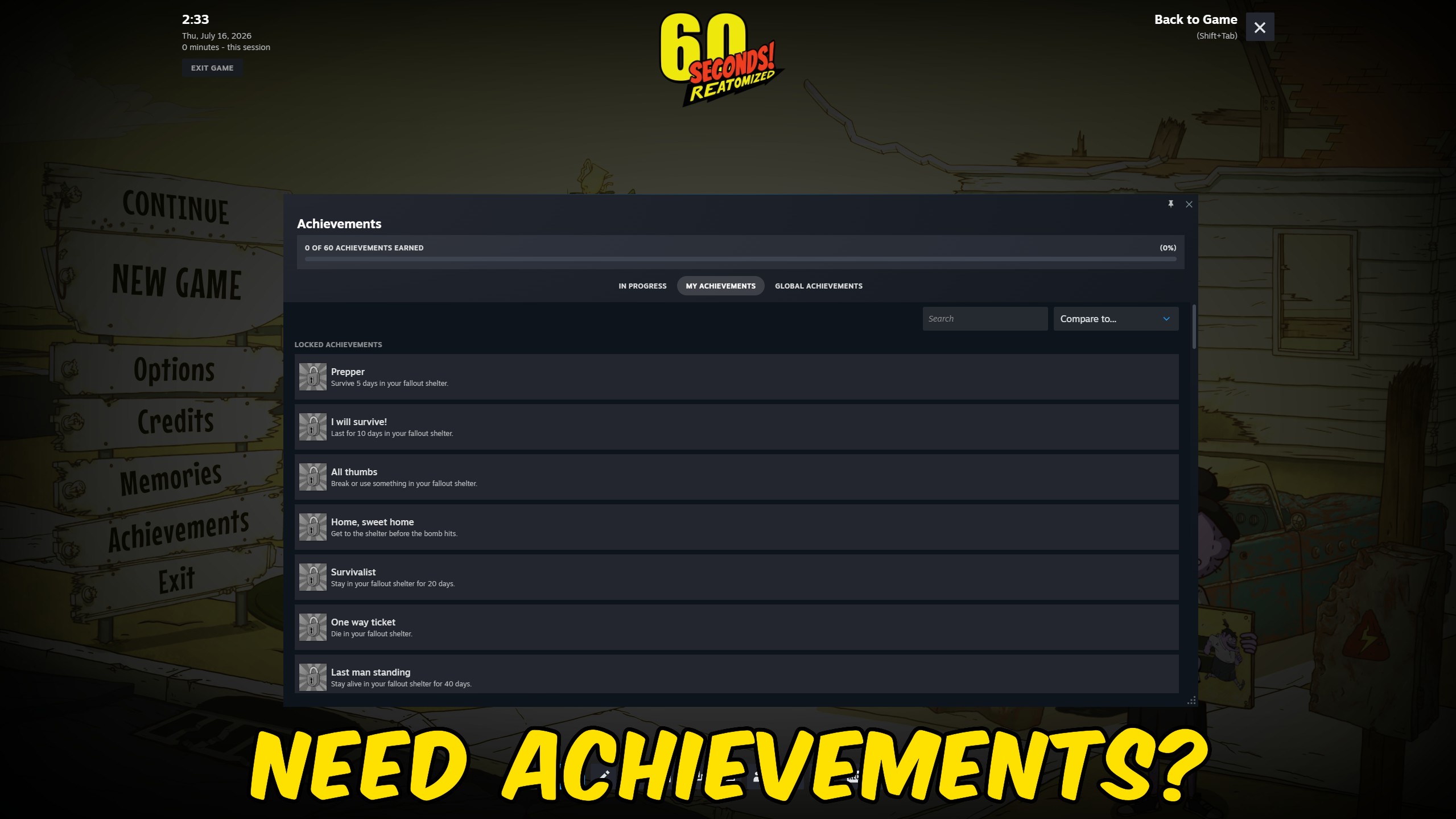
Achievement Unlocker
Unlock any selected 60 Seconds! Reatomized achievement, complete the full collection, or lock every achievement again.
/SixZeroSecondsReatomizedFamilyTherapistNeedsManagement1.jpg)
Family Survival Manager
Protect the family from hunger, thirst, sickness, injuries, tiredness, and insanity throughout a 60 Seconds! Reatomized survival run.
/SixZeroSecondsReatomizedInfinitePantryGiveFood1.jpg)
Supplies Manager
Add any chosen amount of soup or water to the shelter, or reset either supply to zero whenever you want.







