Want more mods for 687 Days on Mars - First Steps? Explore our entire collection!
No Wear & Tear
"The storms keep coming. The wear and tear doesn't."
</>What does No Wear & Tear do?
Every storm on Mars chips away at your base. Buildings get worn down until they stop working, and dust drags your solar panels' efficiency lower until you run the Cleaning procedure. No Wear & Tear hands you three controls. No Storm Damage, off by default, means a Sandstorm, Solar storm, Cold Snap or the Superstorm does your buildings no harm at all. No Panel Dust, off by default, stops sandstorms and dust storms adding dust, so a clean panel stays at 100 percent. Repair Everything is a button: press it and every damaged device is fully repaired and every dusty solar panel is back to 100 percent efficiency, with no Repair Kits used. A device your current mission is waiting for you to repair is left for your Repair Kit, so the mission still works. The two switches work separately, so you can keep storms dangerous and only skip the dust, or the other way round. Switch either off and storms damage or dust your base as usual again. Repairs and cleaning already done stay done, and repairs are saved with your buildings.
How do I install No Wear & Tear?
Download the free ProjectMods desktop app, then install No Wear & Tear for 687 Days on Mars - First Steps in one click.
</>What is No Wear & Tear?
No Wear & Tear has three controls. No Storm Damage keeps a Sandstorm, Solar storm, Cold Snap or the Superstorm from harming your buildings, No Panel Dust keeps storm dust off solar panels, and Repair Everything restores every damaged device and dusty panel in one press without Repair Kits. It protects buildings only, never you or your suit, never changes the weather, and leaves a device the Repair damaged device task needs for your own kit.
</>Common questions about No Wear & Tear
What does No Wear & Tear do in 687 Days on Mars - First Steps?
It takes storm wear out of running a base. Storms stop damaging your buildings and stop dusting your solar panels, with a separate switch for each, and one button repairs and cleans whatever is already worn or dirty without spending Repair Kits. The button works only while a save is being played.
How hard do storms hit a base without it?
Hard enough to stop machines: every hour of a Sandstorm, Solar storm or Cold Snap, each building storms can damage has a 15 percent chance to lose 5 to 20 points. A stronger storm multiplies that by 1.5 or 2, and the Superstorm rolls both the Sandstorm and the Solar storm damage every hour. A new Solar panel or Wind Turbine starts at 150, a Moxie or Advanced Solar Panel at 200, an Electroliser at 300 and a Hydrogen Generator at 500, and at 0 a building stops working until it's repaired. Sandstorms and dust storms also give each solar panel a 30 percent chance an hour to lose 20 percent efficiency, down to 30 percent. The Advanced Solar Panel never gets dusty.
Why did Repair Everything leave one device broken?
The Repair damaged device task is waiting on it. Repair Everything leaves that device for your own Repair Kit so the mission can still be completed, and a solar panel partway through the Cleaning procedure is left to finish too. The Building maintenance mission's own breakdown isn't storm damage, so No Storm Damage doesn't stop it either.
Does No Panel Dust clean panels that are already dirty?
No, it keeps each panel's efficiency where it is, so a dusty panel stays dusty until you run the Cleaning procedure from your tablet or press Repair Everything. Cleaning with the button doesn't count toward the Start cleaning procedure task; only the tablet does. The game doesn't save panel dust at all, so every panel loads clean.
Does it protect me or my suit in a storm?
No. Both switches cover your buildings and solar panels only, so your suit faces a storm exactly as it does without the mod. The storms themselves still come as usual, since the weather isn't changed, and the mod never gives, crafts or uses Repair Kits.
What options does No Wear & Tear include?
Repair Everything
Fixes every damaged device in your base back to full condition and cleans every dusty solar panel, without using repair kits. A device your current mission asks you to repair is left for your repair kit, so the mission still works.
No Panel Dust
Storms no longer cover your solar panels in dust, so they keep making their full power without cleaning. Dust already on a panel stays until you clean it or press Repair Everything. Off by default.
No Storm Damage
Sandstorms, solar storms, cold snaps and the superstorm no longer wear down your buildings, so nothing breaks down in bad weather. Damage a building already has stays until you repair it. Off by default.
No Wear & Tear is a ProjectMods mod for 687 Days on Mars - First Steps that stops storms harming buildings or coating solar panels and repairs and cleans everything in one press without Repair Kits, leaving only a device a mission task still needs.
System Requirements
What features does No Wear & Tear include?
- No Storm Damage covers every storm that can hurt a building, the Superstorm included; dust storms never did buildings any damage to begin with.
- No Panel Dust holds each solar panel's efficiency where it is, so a clean panel comes through a dust storm at 100 percent.
- Repair Everything brings back every worn device and dirty panel in one press, then tells you how many it repaired and cleaned.
Best For
- The Superstorm is on its way and you can't spare Repair Kits for all your Solar panels, so switch on No Storm Damage before it hits and they all come through it as they were.
- A dust storm has left your solar panels running well below full efficiency, so press Repair Everything to bring them all back to 100 percent, then switch on No Panel Dust so the next one leaves them clean.
- You return from a long drive to a base full of storm-worn machines and no Repair Kits on hand, so press Repair Everything once and carry on building.
More Mods for 687 Days on Mars - First Steps
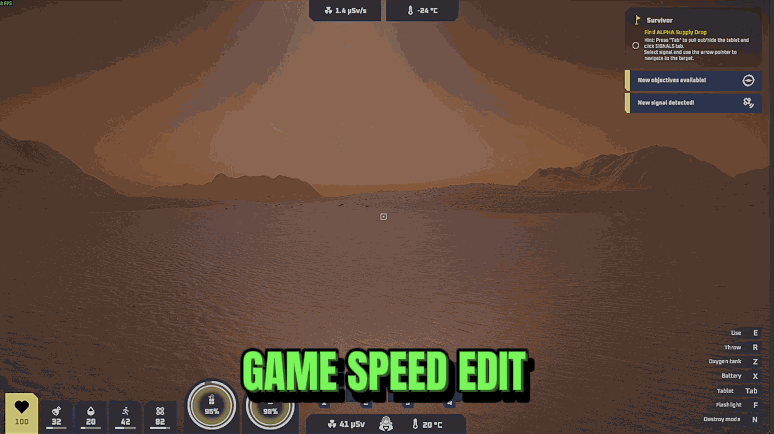
Game Speed
Runs your save at 25 to 400 percent of normal speed, with movement, drones, production, plants, your needs and the clock all keeping the same pace. Sleep, menus and the pause screen keep their own.
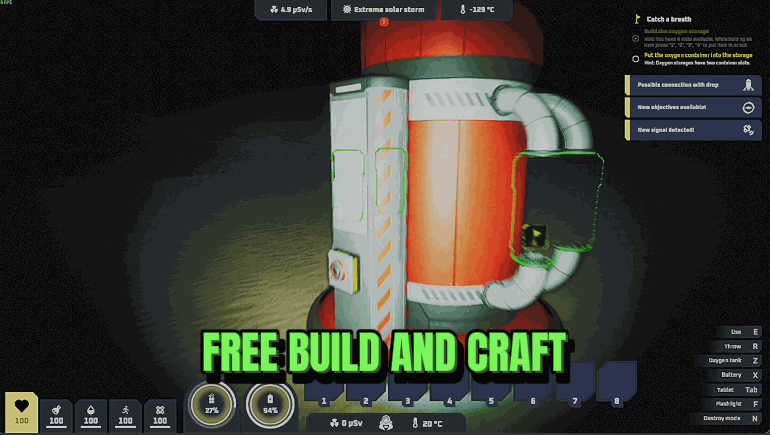
Free & Instant Crafting and Building
Three separate switches for the Fabricator and your blueprints: parts made without materials, parts finished in about a second, and new blueprints built the moment you place them, with the Fabricator still needing its power.
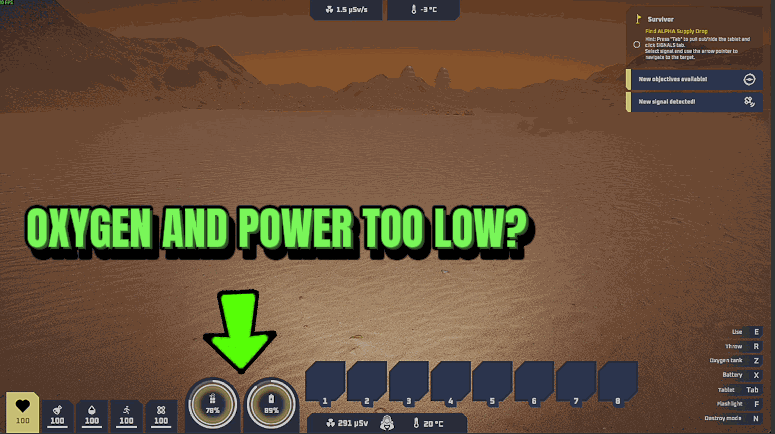
Endless Suit Oxygen & Battery
Keeps the oxygen tank and battery you're wearing at 100%, each on its own switch, so trips outside never run dry. You still need both equipped, and spare tanks, the base and the lander get nothing.







