Want more mods for 687 Days on Mars - First Steps? Explore our entire collection!
Photo Mode
"Your astronaut stays put. The camera doesn't."
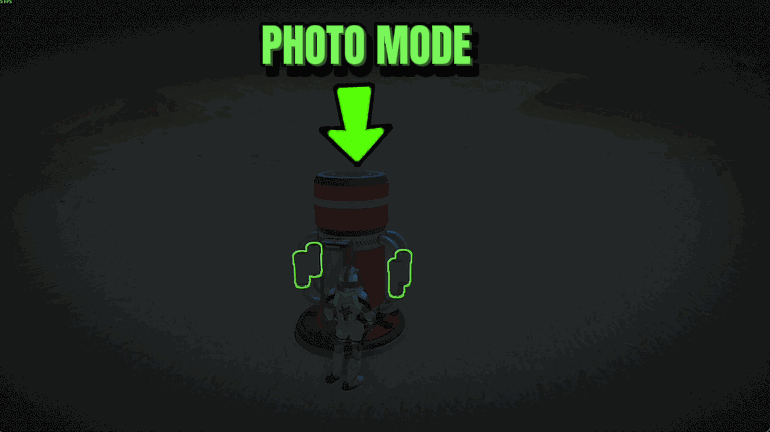
How do I install Photo Mode?
Download the free ProjectMods desktop app, then install Photo Mode for 687 Days on Mars - First Steps in one click.
</>What does Photo Mode do?
The game only shows you Mars through your own eyes, panels and all, which makes it hard to show off a base you've spent sols building. Photo Mode hands you a camera that flies on its own. Switch on Photo Mode and the view lifts away from right where you were looking: W, A, S and D move it at 5 metres a second, Space rises, Left Ctrl sinks and holding Left Shift doubles the speed. Look around with the mouse and zoom with the mouse wheel, between 10 and 120 degrees. A note with the controls stays up for about 4 seconds. Hide HUD In Photo Mode is on by default and clears the game's on-screen panels while you fly. They come back whenever a menu such as Pause or Settings is open. Switch Photo Mode off and you're straight back in first-person, with the panels where they were.
</>What is Photo Mode?
Photo Mode parks your astronaut and gives you a camera of your own. Switch on Photo Mode to fly it with W, A, S and D, Space and Left Ctrl and zoom with the mouse wheel; Hide HUD In Photo Mode, on by default, clears the game's panels, though a few markers outside them stay. It never pauses the game, so needs and storms still act on your astronaut. You can't drive while it's on, it takes no pictures itself, and its keys are fixed.
</>Common questions about Photo Mode
What does Photo Mode do in 687 Days on Mars - First Steps?
It lets you fly a camera across Mars while your astronaut stays exactly where you left them, so you can frame shots of your base and the landscape. It only works in a loaded save during normal play: it waits until the landing intro is over and hands the view back for the ending or any cutscene.
Does time stop while I'm flying the camera?
No, the game keeps running the whole time. Your oxygen, food and water keep going down, and cold and storms keep acting on your astronaut wherever you left them. If you parked outside, check your oxygen before flying off for a long shoot.
Can I drive the vehicle while Photo Mode is on?
No, driving is blocked while Photo Mode is on. Switch it off, drive to the next spot and switch it on again. Hide HUD In Photo Mode can stay on the whole time, since it only does anything while Photo Mode is running.
What happens if I load another save with Photo Mode still on?
The camera starts up again once that save reaches normal play, so you arrive in Photo Mode rather than first-person. It works the same in every save, and nothing about the camera or the hidden panels is ever written to one, so each save loads exactly as you left it.
Can I change the camera keys or use a controller?
No. The camera's keys are set by the game and can't be rebound, and there are no controller controls for it, so keep a keyboard and mouse handy while Photo Mode is on. Your usual controls come back the moment you switch it off.
What options does Photo Mode include?
Photo Mode
Switches your view to a free-flying photo camera that starts right where you are looking. Move it with W, A, S and D, rise with Space, sink with Left Ctrl, hold Left Shift to go twice as fast, look around with the mouse and zoom in or out with the mouse wheel. Your astronaut stays where you left them while you frame the shot. Off by default; switching it off puts you straight back in your own view.
Hide HUD In Photo Mode
Hides the game's on-screen panels while Photo Mode is on, for cleaner screenshots (a few markers outside those panels stay). They come back while a menu is open and as soon as Photo Mode goes off. On by default; switch it off to keep the panels on screen. It only changes Photo Mode, so it does nothing while Photo Mode is off.
Photo Mode is a ProjectMods mod for 687 Days on Mars - First Steps that gives you a flying camera and a nearly clear screen, while your astronaut stays put and time runs on.
System Requirements
What features does Photo Mode include?
- The camera starts from your own position and field of view, so the first frame matches what you were looking at.
- The mouse wheel zooms in to 10 degrees for close-ups and out to 120 for wide shots of the whole base.
- Hide HUD In Photo Mode clears the game's stats, warnings and info panels, though a few markers outside those panels stay on screen.
- Your astronaut is never moved, so they're right where you parked them when you switch back.
Best For
- You've just finished a new shelter and want it from above, so switch on Photo Mode and climb with Space until the whole shelter fits in the frame.
- Your drones are out at a regolith deposit and you want them in the picture, so fly the camera in close and zoom toward 10 degrees.
- You're recording a how-to and want the panels left on screen, so switch Hide HUD In Photo Mode off before turning Photo Mode on.
- Sunrise over the base is the shot you're after, so pair it with Time Control: set Hour to 6, press Set Time, then switch on Freeze Time to hold the light.
More Mods for 687 Days on Mars - First Steps

Bigger Storage
Make your base's energy, oxygen, water and hydrogen storages and your drones' storage hold up to ten times as much, while carried batteries, barrels and tanks keep their usual size.
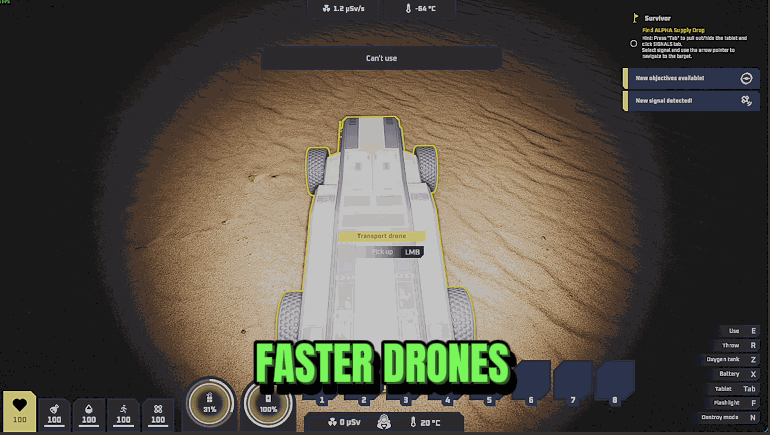
Faster Drones & Mining
Makes your mining and transport drones drive up to five times as fast, carry up to five times the load and dig up to five times quicker, skips the energy each trip costs and keeps deposits from shrinking, every part on its own switch; unload and dispatch waits stay as they are.
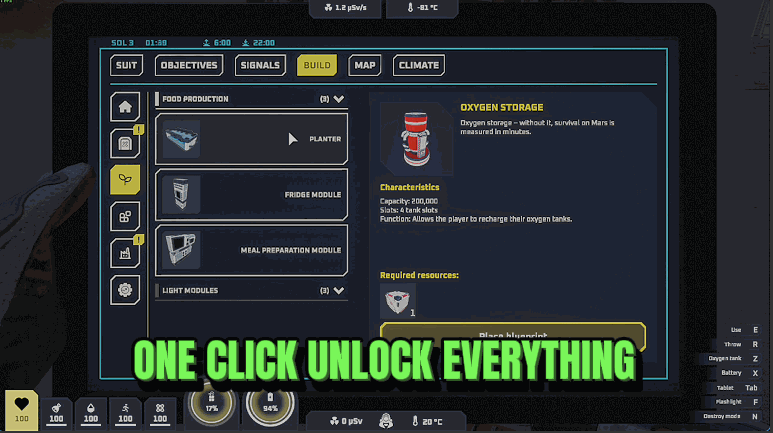
Unlock Everything
Open every one of the 49 buildings and all 25 Fabricator recipes, including 24 buildings and 16 recipes from later in the full game, while your research and story progress stay exactly as they are.







