Want more mods for Car Mechanic Simulator 2018? Explore our entire collection!
Fly
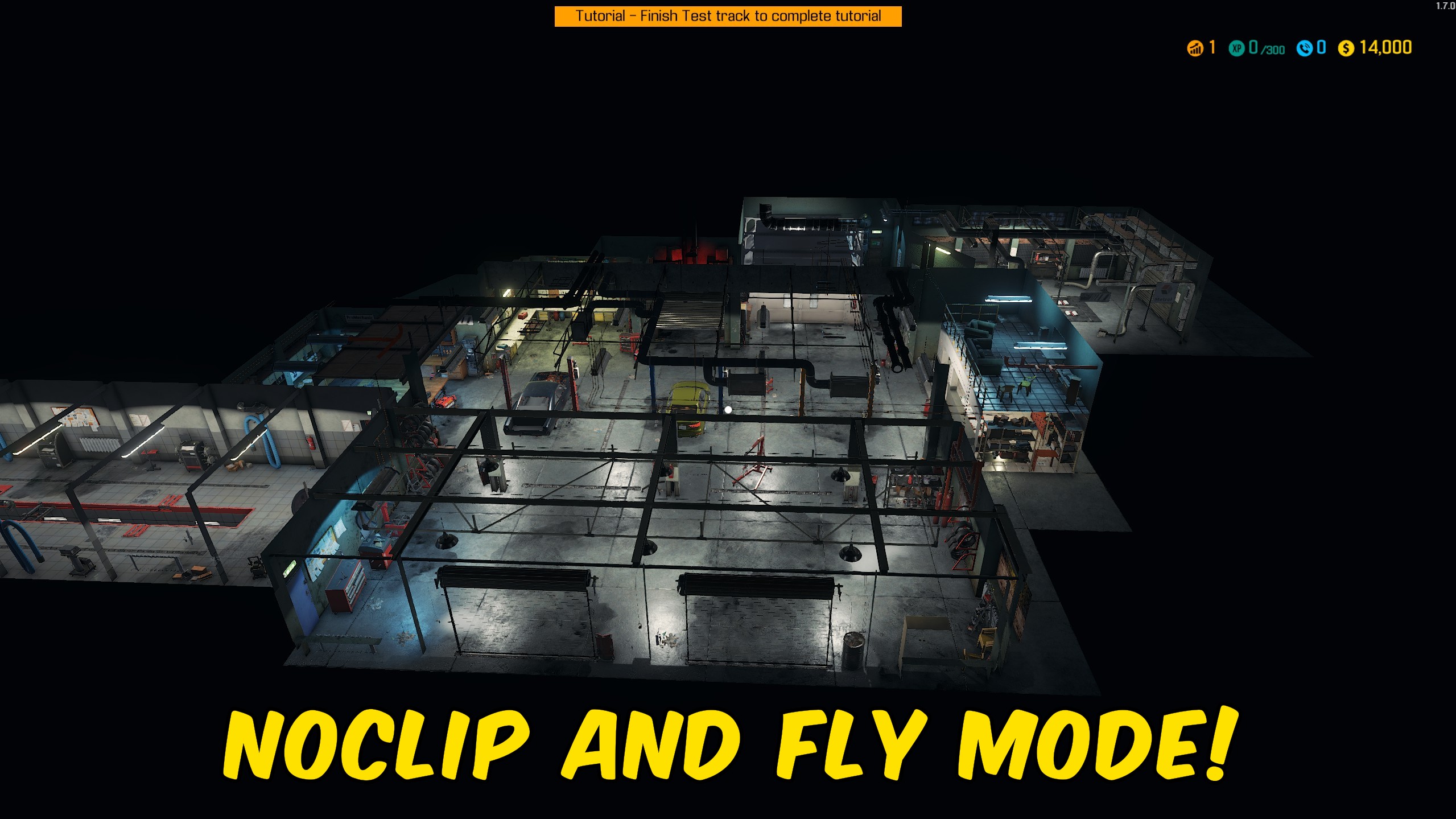
"Fly around the garage and use optional noclip movement."
How do I install Fly?
Download the free ProjectMods desktop app, then install Fly for Car Mechanic Simulator 2018 in one click.
</>What does Fly do?
Fly adds free movement to supported on-foot areas in Car Mechanic Simulator 2018. Use the normal movement keys, Space or E to rise, and Left Control or Q to descend. Fly Speed controls ordinary movement while Shift Speed applies whenever Left Shift is held. Enable Noclip while flying to pass through walls, floors, vehicles, and other garage geometry. Turning Fly Enabled off restores normal character control and collision. The same cleanup runs when the mod unloads, preventing flight settings from being left on the player.
</>What is Fly?
Fly for Car Mechanic Simulator 2018 adds adjustable aerial movement for garage exploration and hard-to-reach viewpoints. It includes optional noclip, separate Fly Speed and Shift Speed controls, vertical movement keys, and automatic restoration of normal collision and character control.
</>Common questions about Fly
How do I move vertically?
Use Space or E to rise and Left Control or Q to descend.
How does Noclip work?
Enable it while Fly Enabled is on to pass through geometry.
What does Left Shift do?
It switches movement to the configured Shift Speed.
Does normal movement return when disabled?
Yes. Character control and collision are restored.
What options does Fly include?
Shift Speed
Flight speed while Left Shift is held.
Fly Speed
Normal flight speed.
Noclip
Disables collision while Fly Enabled is on so you can pass through geometry.
Fly Enabled
Enables flight in the garage and supported on-foot areas. Turn it off to restore normal movement.
Enable flight, move with the usual keys, and hold Left Shift for the faster speed.
System Requirements
What features does Fly include?
- Fly freely with standard directional controls.
- Enable noclip only while flight is active.
- Use separate normal and Left Shift flight speeds.
Best For
- Inspect vehicles and garage layouts from any angle.
- Move quickly across expanded garage areas.