Want more mods for Cat Quest? Explore our entire collection!
Loot Goblin
"Reach into the loot bag and grab whatever you fancy."
How do I install Loot Goblin?
Download the free ProjectMods desktop app, then install Loot Goblin for Cat Quest in one click.
</>What does Loot Goblin do?
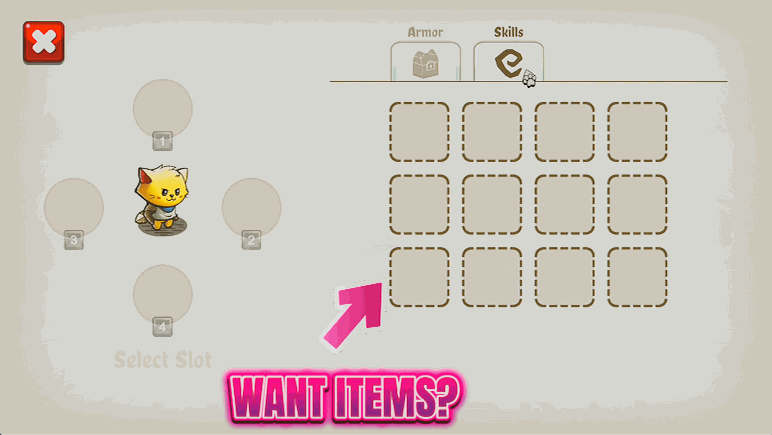
Sometimes you don't want the whole armory, you just want that one perfect sword you caught a glimpse of. Loot Goblin gives you a searchable list of every weapon and armor piece in Cat Quest and lets you cherry-pick exactly what you're after. Refresh the list in-game, scroll or search to the gear you want, and add it straight to your collection. Grab a dream weapon hours before the game would normally hand it over, finish a themed outfit that's missing one piece, or slowly build a curated wardrobe on your own terms. There's even a tidy-up button that clears any odd gear so your inventory always opens cleanly. Built for players who want precise control over their loot rather than a big all-at-once dump.
</>What is Loot Goblin?
Loot Goblin lets you cherry-pick gear in Cat Quest. Open a searchable list of every weapon and armor piece, choose the one you want, and add it straight to your collection, so you can grab a dream sword early or finish a themed outfit on demand. A mod from ProjectMods, the community-first PC mod manager.
</>Common questions about Loot Goblin
What does Loot Goblin do in Cat Quest?
Loot Goblin lets you reach into Cat Quest's full gear pool and pull out exactly the piece you want. Instead of unlocking the whole set at once, you pick a single weapon or armor piece from a searchable dropdown and press Give Gear to add just that item to your collection. It is perfect for grabbing a dream sword long before it would normally drop, or completing a specific themed outfit one piece at a time. The list covers every weapon and armor piece in the game once you load it, so you have the whole catalog at your fingertips and choose precisely what your cat carries.
Why is the Gear dropdown empty when I first open Loot Goblin?
The Gear dropdown starts empty on purpose, and one press fixes it. When you first open Loot Goblin, it does not yet have Cat Quest's gear loaded, so you press Refresh List while you are in-game to fill the dropdown with every weapon and armor piece. After that, the full catalog is there to scroll and search. Doing this from inside a loaded game matters, because that is when all the gear is available to gather into the list. If the dropdown ever looks bare or out of date, just press Refresh List again to rebuild it, and your choices will be right there waiting.
How do I add a specific item with Loot Goblin?
Adding a piece with Loot Goblin is a two-step routine in Cat Quest. First, choose the weapon or armor you want from the Gear dropdown, using the search to jump straight to it by name instead of scrolling the whole list. Then press Give Gear, and that single item drops into your collection, ready to equip from your normal inventory. You can repeat this as many times as you like, picking off items one by one to assemble exactly the loadout or themed outfit you have in mind. Because you select each piece yourself, Loot Goblin is the precise option when you want one specific thing rather than the entire armory.
What does the Remove Odd Gear button do in Loot Goblin?
Remove Odd Gear is a safety button in Loot Goblin. Its job is recovery: it clears any gear that the Cat Quest inventory screen cannot draw properly, which is the kind of thing that could otherwise stop your inventory from opening. If you ever add an item and then find the inventory misbehaving, pressing Remove Odd Gear tidies up the problem pieces so the screen opens again. It is safe to press at any time, even when nothing is wrong, so you can treat it as a quick reset whenever your inventory feels off. Think of it as the broom that keeps your collection clean while you experiment with adding gear.
Why would I use Loot Goblin instead of unlocking all gear at once?
Loot Goblin is the pick-and-choose option in Cat Quest, and that precision is why players reach for it. If you only want one specific weapon, say a particular sword to suit a build, grabbing it alone keeps your inventory clean instead of flooding it with the entire set. It is ideal for assembling a themed outfit piece by piece, or for handing yourself an early upgrade without skipping straight to owning everything. The searchable list means you find exactly what you want in seconds. For players who like a curated collection rather than the whole armory dumped in at once, Loot Goblin gives you full say over what your cat carries.
What options does Loot Goblin include?
Refresh List
Load every weapon and armor piece into the list above. Do this in-game.
Remove Odd Gear
Recovery: clears any gear the inventory screen can't draw, so your inventory opens again. Safe to press any time.
Give Gear
Add the selected gear to your collection.
Gear
The weapon or armor piece to add to your collection.
Loot Goblin is a Cat Quest mod from ProjectMods that lets you pick any weapon or armor piece from a searchable list and add it straight to your collection.
System Requirements
What features does Loot Goblin include?
- Browse a searchable list of every weapon and armor piece, then pick exactly the one you want
- Add your chosen gear straight to your collection, no dungeon runs or lucky drops needed
- Grab a dream weapon early or complete a themed outfit that's missing a single piece
- Use the tidy-up button to clear any odd gear so your inventory always opens cleanly
Best For
- Players chasing one specific dream weapon they don't want to wait hours of story to earn
- Finishing a themed outfit that's missing a single piece without farming for that exact drop
- Curators who'd rather hand-pick a tidy wardrobe than dump the entire armory at once
- Anyone recovering a jammed inventory screen with the built-in tidy-up button
More Mods for Cat Quest
Zoomies
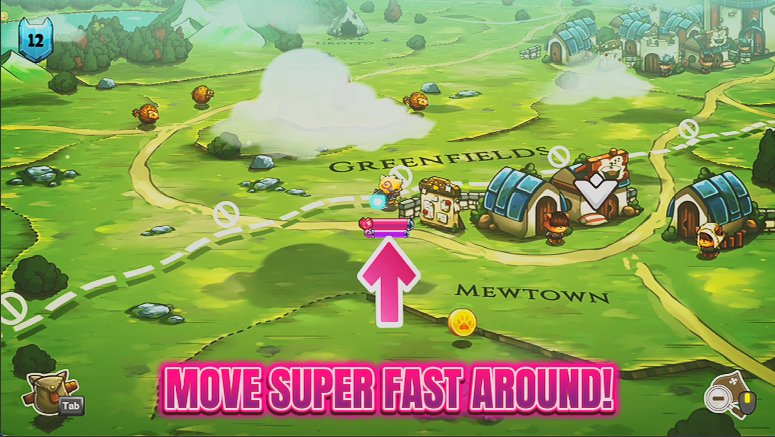
Crank your overworld move speed and blast across the map. Skip the long treks between dungeons, or just enjoy zooming past every enemy on the road.
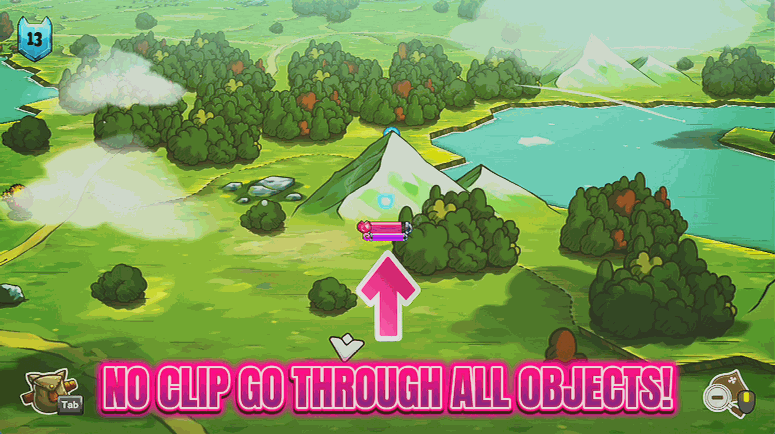
Ghost Paws
Walk straight through mountains, walls and water on the overworld. Take shortcuts across Felingard, reach spots the roads never do, or just wander wherever you please.
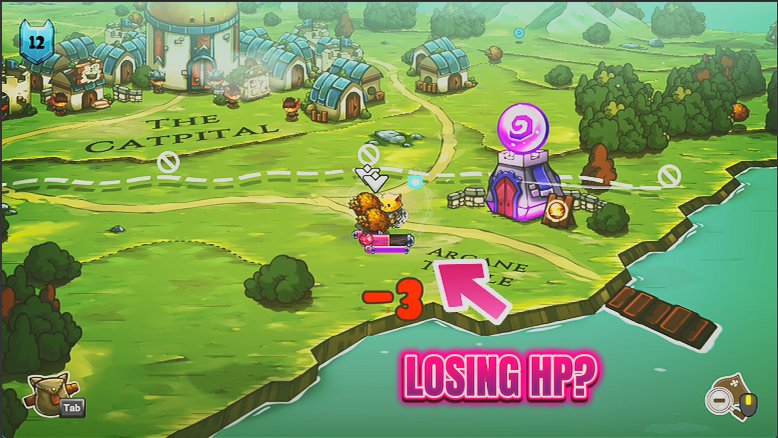
Nine Lives
Turn your cat into an unkillable furball. Enemy claws, spells and bites bounce right off, so you can explore Felingard and face any boss without fear.