Want more mods for Chop Chop Inc.? Explore our entire collection!
Resource & Item Manager
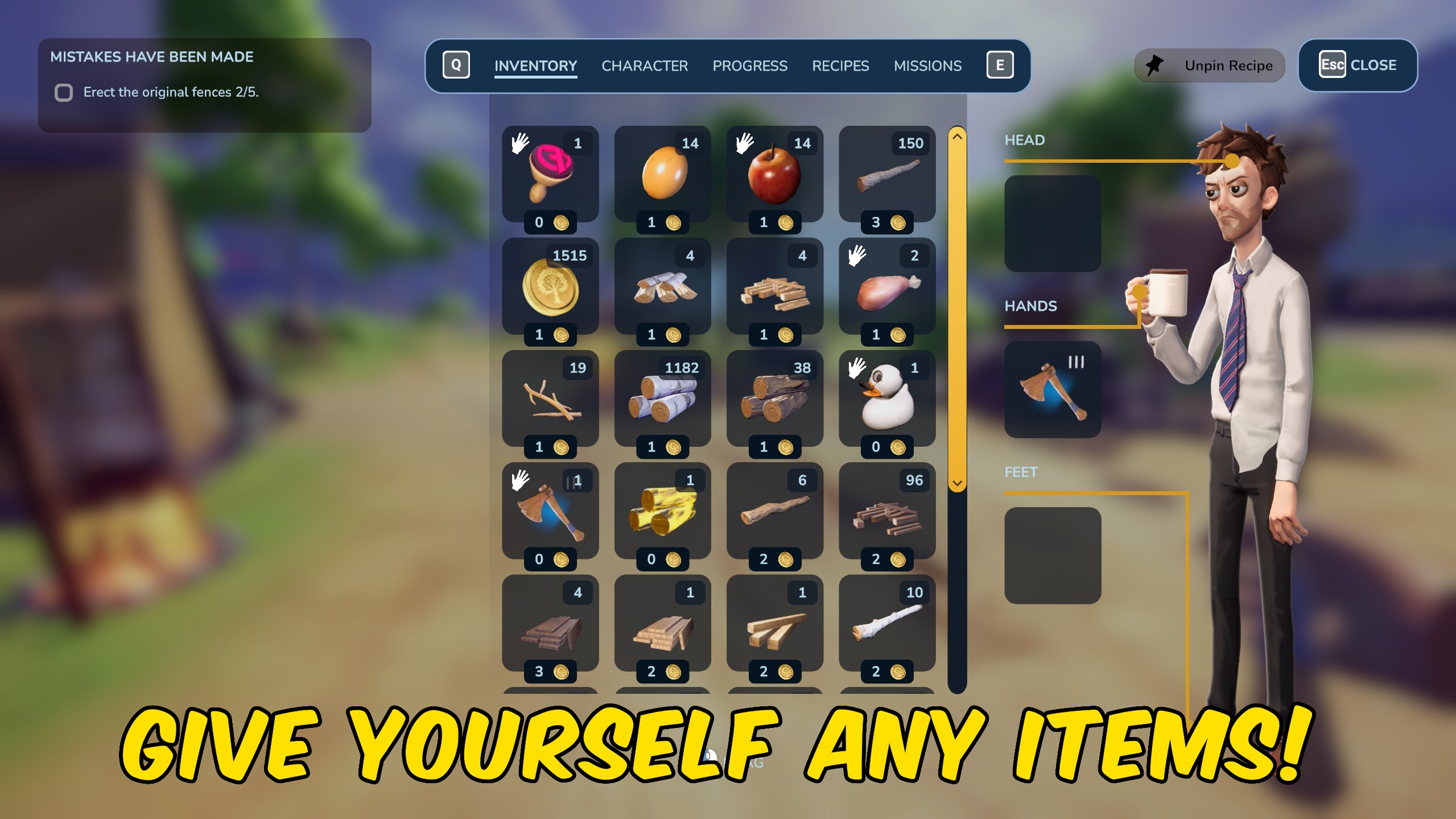
"Add or remove items directly from your player inventory."
How do I install Resource & Item Manager?
Download the free ProjectMods desktop app, then install Resource & Item Manager for Chop Chop Inc. in one click.
</>What does Resource & Item Manager do?
Resource & Item Manager gives you direct control over the items carried by your character in Chop Chop Inc. Refresh the item list, choose what you need, enter an amount, and add it straight to your player inventory. Remove Items subtracts up to the quantity you currently carry and never takes an item below zero. Use it to prepare for a build, replace a missing material, stock up for exploration, or clear unwanted items without affecting the rest of your inventory. Refresh Items after loading into a playable session so the selector can discover the available items and show their clean in-game names. Some mission or progression items may have special uses, so save before experimenting with unfamiliar choices.
</>What is Resource & Item Manager?
Resource & Item Manager for Chop Chop Inc is a flexible player inventory mod for wood, materials, components, food, tools, and other discoverable items. Add supplies for a build, remove unwanted stock, or correct a missing quantity without clearing the rest of your inventory. The refreshed item picker uses clean player-facing names and sends every change directly to the current character's inventory.
</>Common questions about Resource & Item Manager
Where are added items placed?
Every item is added directly to the inventory carried by your current character.
Why should I press Refresh Items?
Refresh Items loads the available choices after the game session is running. Use it again if you change sessions and the list looks incomplete.
Can Remove Items create a negative quantity?
No. It removes no more than the amount currently present in the selected inventory.
Are all listed items safe to add at any time?
Most ordinary resources are straightforward, but mission or progression items may have special uses. Save before experimenting with unfamiliar entries.
What options does Resource & Item Manager include?
Select Item
Choose the item you want to add or remove. Press Refresh Items after entering a playable session if the list is empty.
Amount
Choose how many units to add or remove. Removal stops at the quantity currently available.
Add Items
Add the selected quantity of the chosen item to your player inventory.
Remove Items
Remove up to the selected quantity from your player inventory without taking the amount below zero.
Refresh Items
Reload the item selector from the current game session. Use this after loading or changing saves.
Resource & Item Manager lets you change the quantity of items carried by your character.
System Requirements
What features does Resource & Item Manager include?
- Shows a clean, alphabetical list of available items
- Adds any chosen quantity to the player inventory
- Removes items without taking their quantity below zero
- Sends every change to the current character's inventory
Best For
- Place materials directly in your character's inventory
- Stock up on tools or consumables before exploring
- Remove excess materials without clearing the entire inventory
- Test recipes and machines with controlled resource quantities
More Mods for Chop Chop Inc.
Achievement Unlocker
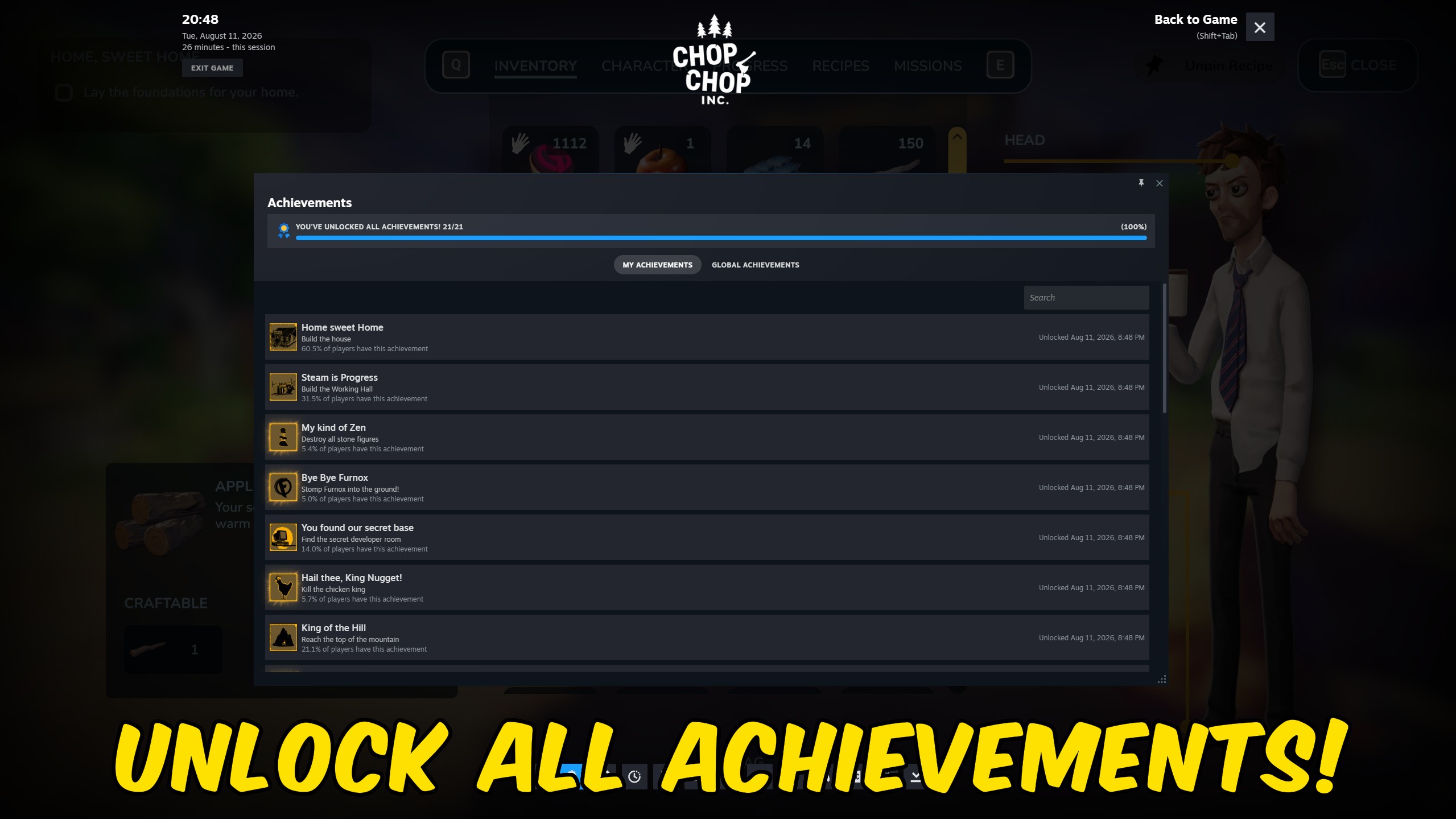
Choose and unlock any Chop Chop Inc. Steam achievement, or complete the entire set at once. Covers story progression, faction missions, money milestones, exploration discoveries, construction goals, and hidden challenges.
Recipe & Shop Unlocker
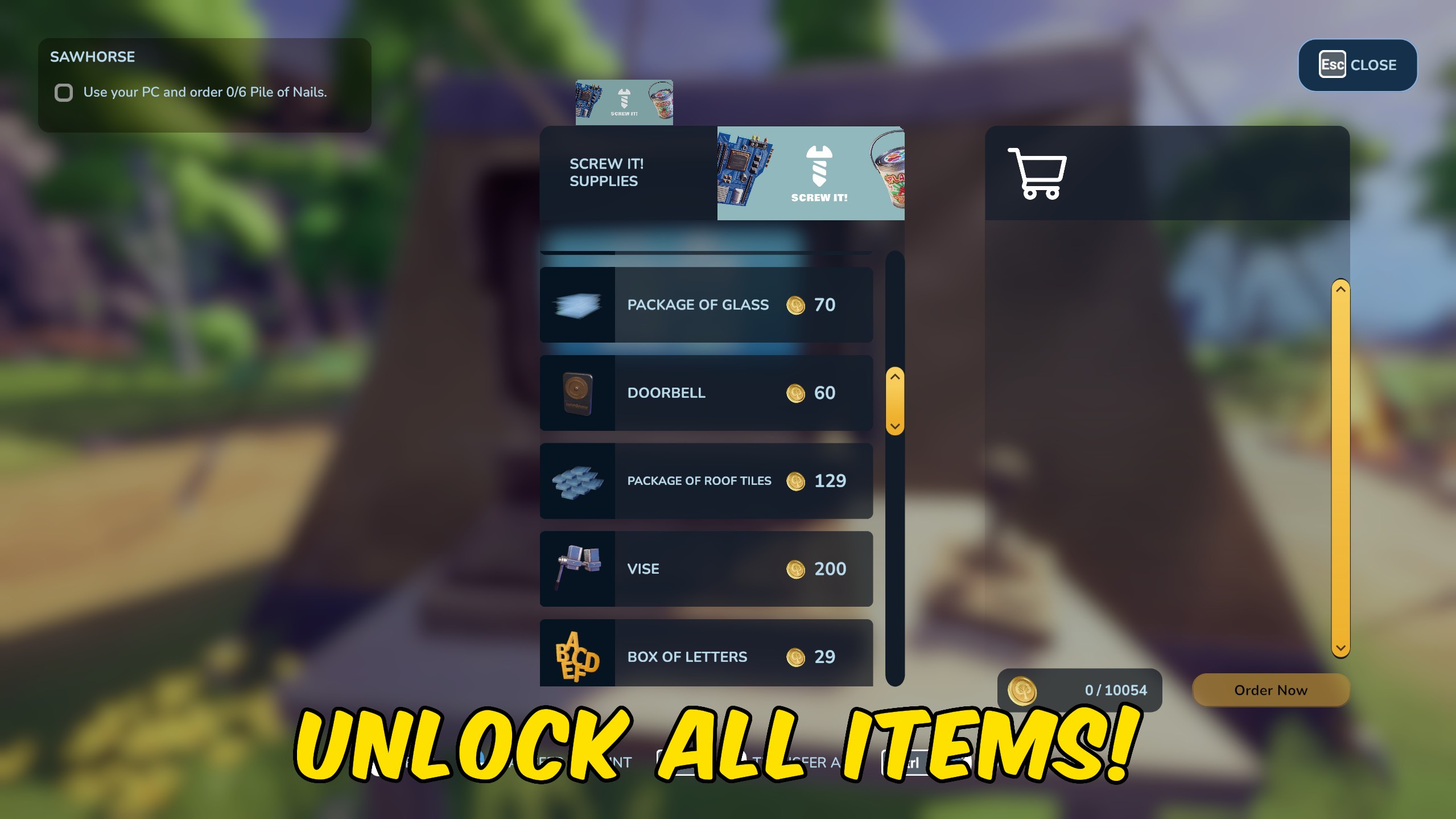
Unlock every recipe or every shop item with separate actions. Open the full crafting and purchasing catalogue for the currently loaded save.
Unstuck & Safe Teleport
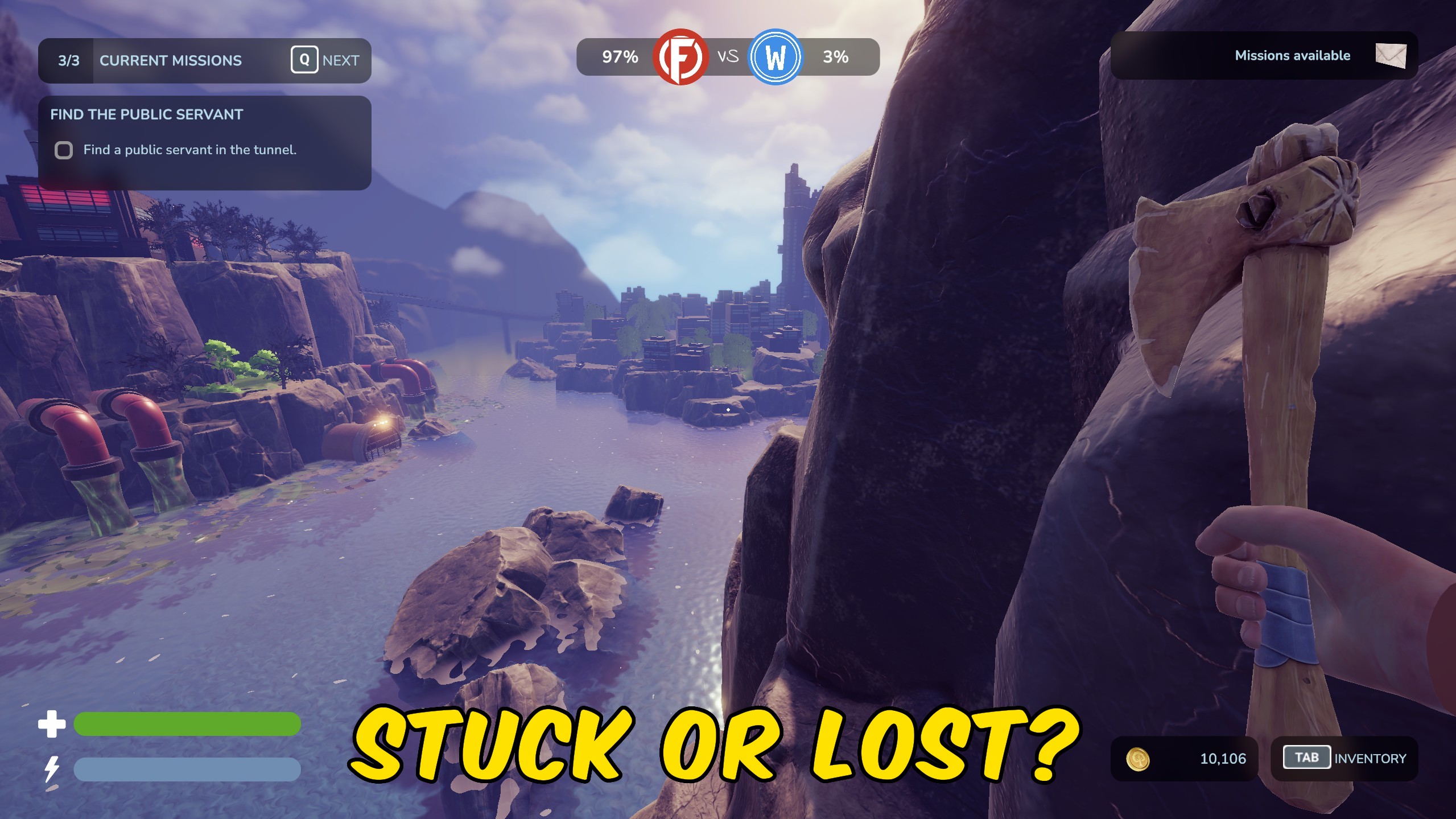
Escape scenery, terrain, and physics traps by teleporting directly to a safe spot in the main area.



























































































































































































