Want more mods for Claw Machine Sim? Explore our entire collection!
Camera Controls
"Switch views faster and line up the claw with confidence."
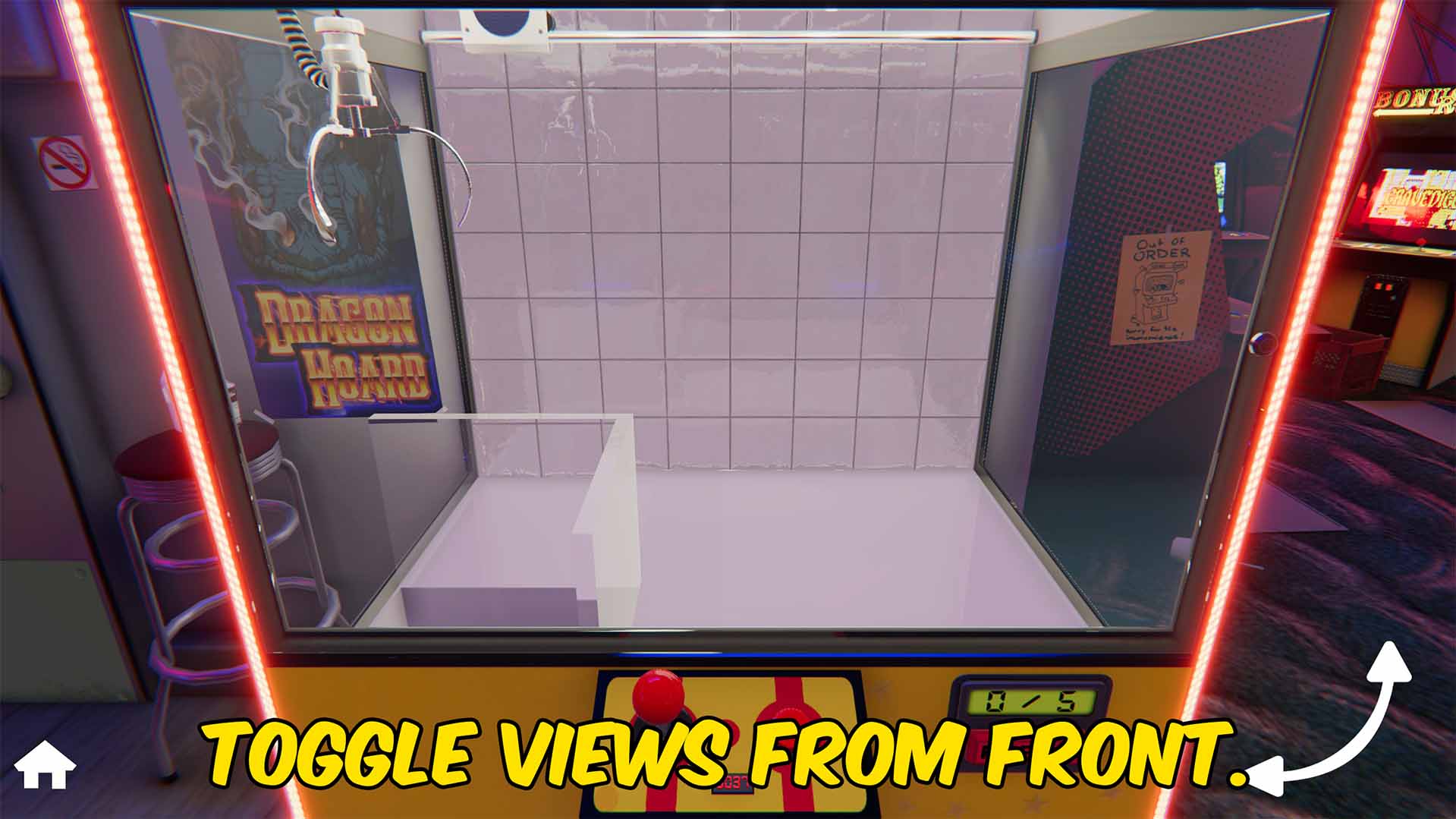
How do I install Camera Controls?
Download the free ProjectMods desktop app, then install Camera Controls for Claw Machine Sim in one click.
</>What does Camera Controls do?
Camera Controls makes the Claw Machine Sim camera faster and more useful during every attempt. Switch to front view for normal play, side view when you need a clearer angle for lining up the claw, or action cam when you want a close-up look without waiting for the claw to drop. The optional instant camera setting removes the wait between view changes, so you can move from one angle to another without losing rhythm. It is a practical upgrade for regular gameplay, careful prize positioning, smoother recordings, and anyone who wants better control over how each claw attempt is viewed.
</>What is Camera Controls?
Camera Controls is a gameplay utility mod for Claw Machine Sim that adds faster view switching for front view, side view, and action cam. It helps players line up claw movement, check depth from the side, return to the normal playing angle, and capture closer claw moments with an optional instant camera change setting.
</>Common questions about Camera Controls
What views can I switch between?
You can switch between front view, side view, and action cam.
Can camera changes be instant?
Yes. The mod includes an option to remove the wait between camera changes.
What is side view useful for?
Side view helps you judge depth and line up the claw more accurately before dropping.
Can I use action cam before the claw drops?
Yes. You can open action cam manually without waiting for the normal claw drop moment.
Does this change claw physics or prize behavior?
No. It only changes camera views and camera switching.
What options does Camera Controls include?
Front View
Switches back to regular front view.
Side View
Switches to side view.
Action Cam View
Forces the action camera view.
Remove Camera Transition Time
Removes camera blend and transition delay.
Toggle Side View
Toggles between front view and side view. If action cam is active, it returns to front view first.
Camera Controls lets you switch between front view, side view, and action cam in Claw Machine Sim, with optional instant view changes.
System Requirements
What features does Camera Controls include?
- Switch between front view, side view, and action cam whenever you need a different angle
- Remove the wait between camera changes so view switching can happen instantly
- Use side view to judge depth and line up claw movement more accurately
- Open action cam manually for close-up claw moments without waiting for the normal trigger
Best For
- Line up prizes from side view before switching back to the normal front angle
- Record cleaner claw machine footage with quick access to action cam and instant view changes
- Move between camera angles faster during repeated attempts
- Get a better look at claw positioning when aiming for difficult prizes
More Mods for Claw Machine Sim
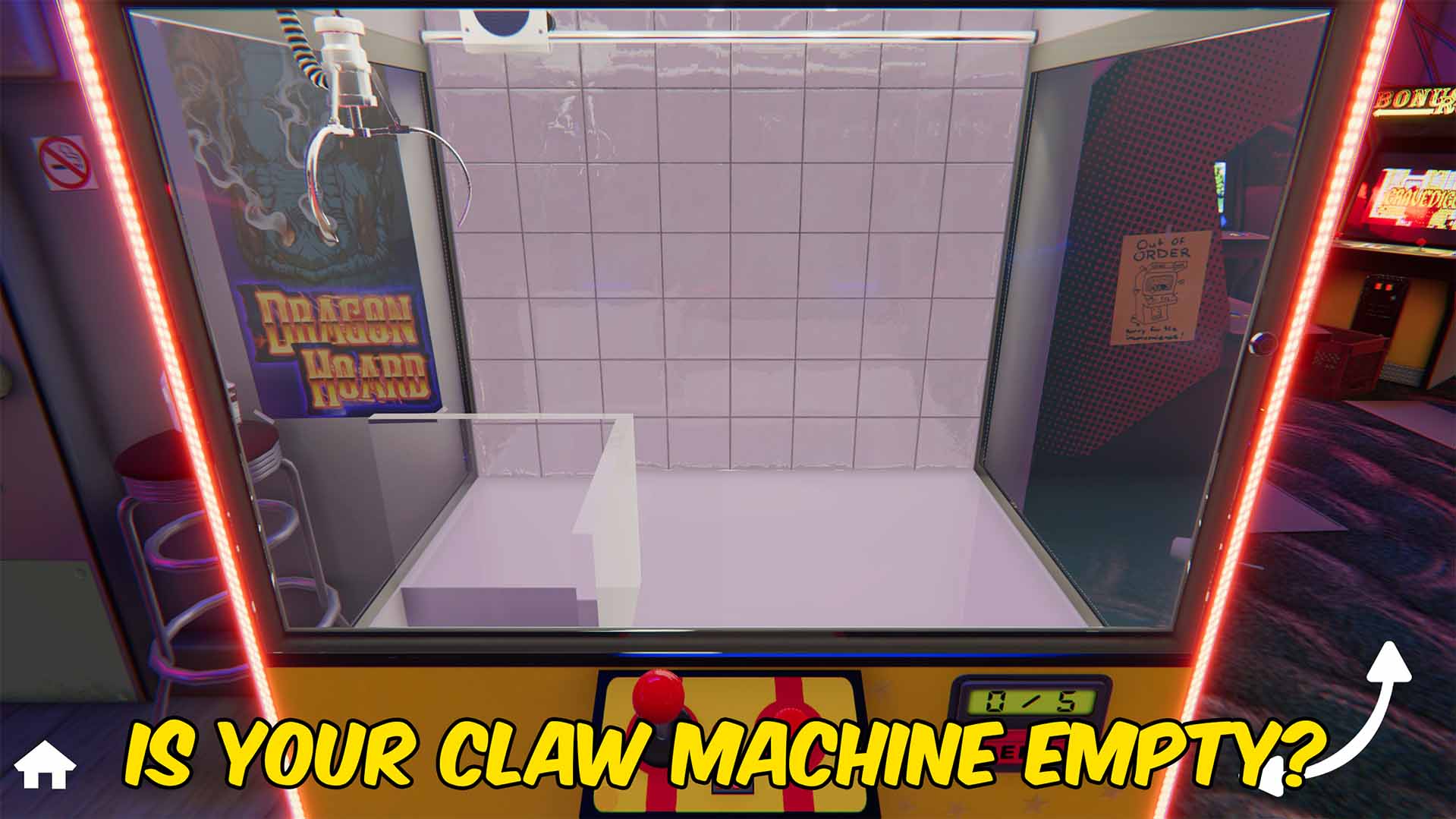
Refill Credits
Refill Credits lets you instantly restock the active claw machine, adjust its prize limit, and clear overcrowded machines for easier sandbox play and setup testing.
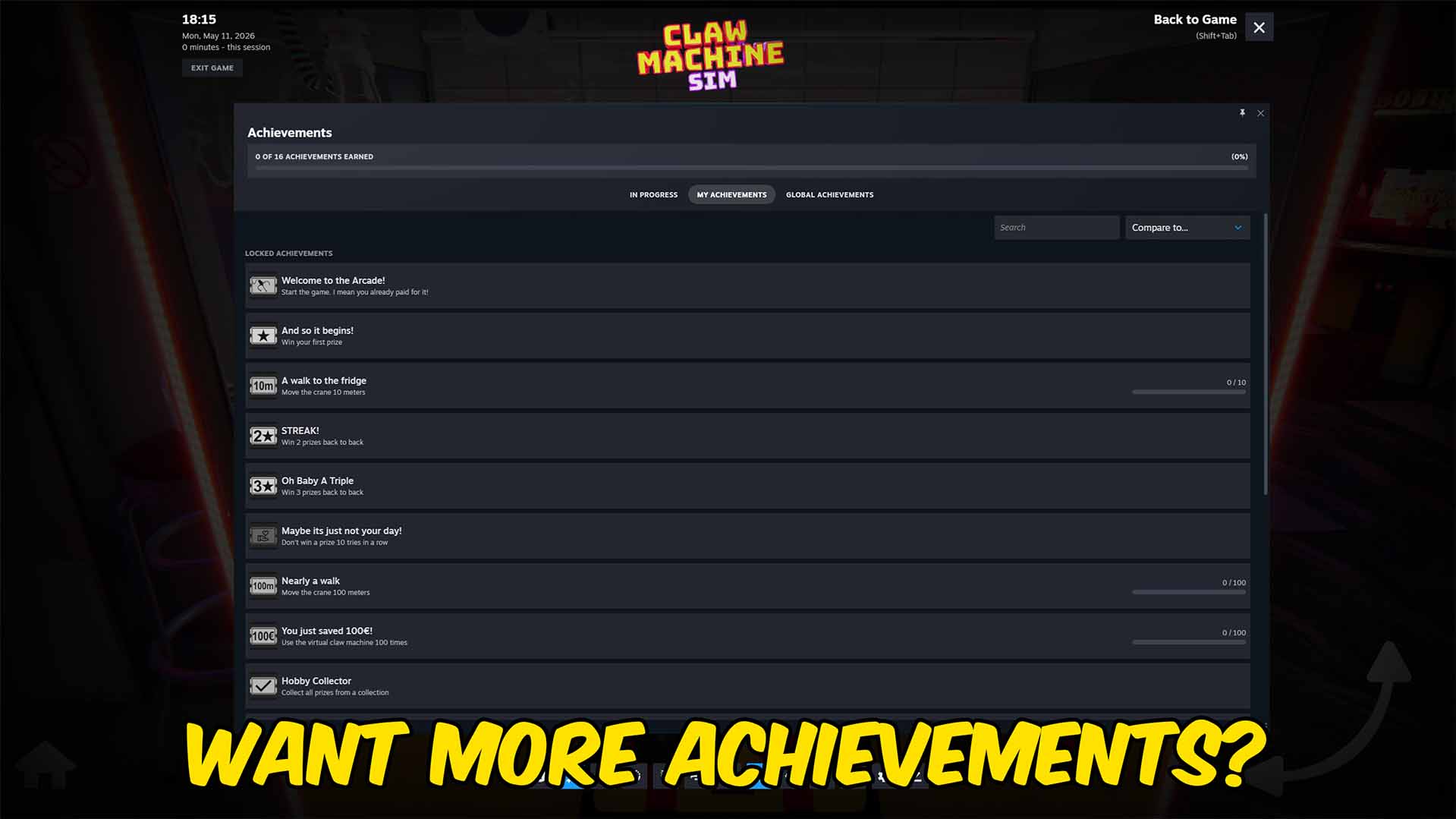
Achievement Unlocker
Skip requirements and unlock achievements in Claw Machine Sim on demand.







