Want more mods for Content Warning? Explore our entire collection!
Spotlight ON! (Super Bright)
"Turn your flashlight into an adjustable floodlight and illuminate entire caves, rooms, and distant corners."
How do I install Spotlight ON! (Super Bright)?
Download the free ProjectMods desktop app, then install Spotlight ON! (Super Bright) for Content Warning in one click.
</>What does Spotlight ON! (Super Bright) do?
Spotlight ON! transforms the standard Content Warning flashlight into a far more powerful light source. Adjust the brightness from a modest visibility boost to a cave-filling floodlight that exposes rooms, tunnels, ceilings, and distant corners. Use the stronger beam to spot monsters earlier, navigate unfamiliar routes, find exits, and capture clearer SpookTube footage in dark areas. The adjustable setting lets you choose how much of the Old World you want illuminated instead of locking you into one extreme level. Lower the brightness whenever you want to restore more shadows and bring the game's darker atmosphere back.
</>What is Spotlight ON! (Super Bright)?
Spotlight ON! is an adjustable flashlight utility mod for Content Warning that greatly improves visibility throughout the Old World. It can provide anything from a small brightness increase to a powerful floodlight for exploration, filming, navigation, and spotting threats.
</>Common questions about Spotlight ON! (Super Bright)
Can I adjust how bright the flashlight becomes?
Yes. The brightness can be set anywhere from a modest increase to an extremely powerful floodlight.
Can I restore the darker atmosphere?
Yes. Lower the brightness setting whenever you want shadows and limited visibility to return.
What options does Spotlight ON! (Super Bright) include?
Brightness
How bright your flashlight gets. 1 is the normal beam, higher floods the whole area with light. Default is a bright 3x.
Enabled
Turns the flashlight brightness boost on or off.
Increase your flashlight brightness to reveal whole rooms, deeper tunnels, and far-off threats more clearly.
System Requirements
What features does Spotlight ON! (Super Bright) include?
- Adjust flashlight brightness from a mild boost to a powerful room-filling floodlight.
- Reveal dark tunnels, ceilings, distant corners, and approaching monsters more clearly.
Best For
- Navigate caves and locate exits without losing your route in the darkness.
- Light filming areas more effectively and spot monsters before they reach the crew.
More Mods for Content Warning
/ContentWarningMonsterMixerSpawnMonster1.png)
Monster Mixer (Spawn Monster)
Pick any creature from the game's whole roster and drop it right in front of you. Refresh the list once you're in a dive, choose your horror, and unleash it on demand - perfect for staging your own scares.
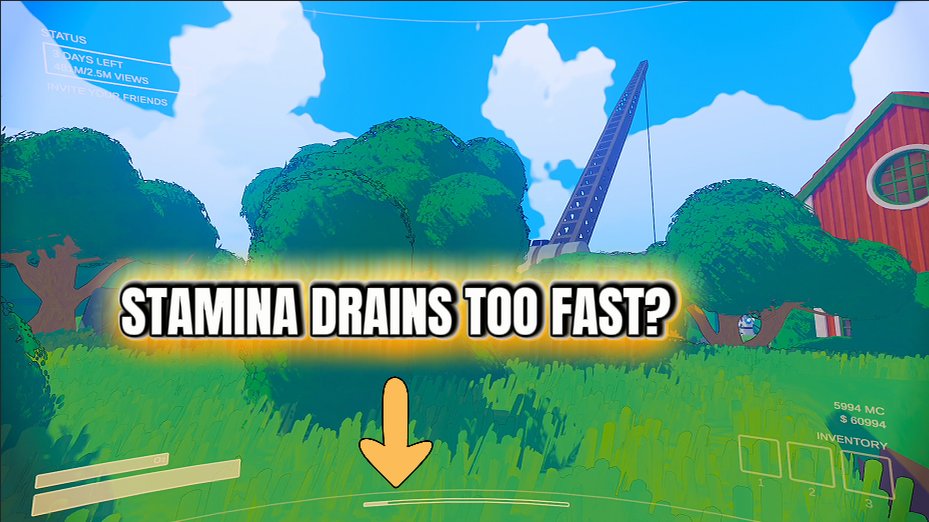
Infinite Stamina
Sprint as long as you want. Your stamina never drains, so you can outrun anything and keep moving without stopping to catch your breath.
/ContentWarningDuracellModeInfiniteBattery1.png)
Duracell Mode (Infinite Battery)
Never scramble for a fresh battery again. Your flashlight, camera, and every battery-powered gadget stay fully charged, so you can explore the dark for as long as you like.







