Want more mods for Cuphead? Explore our entire collection!
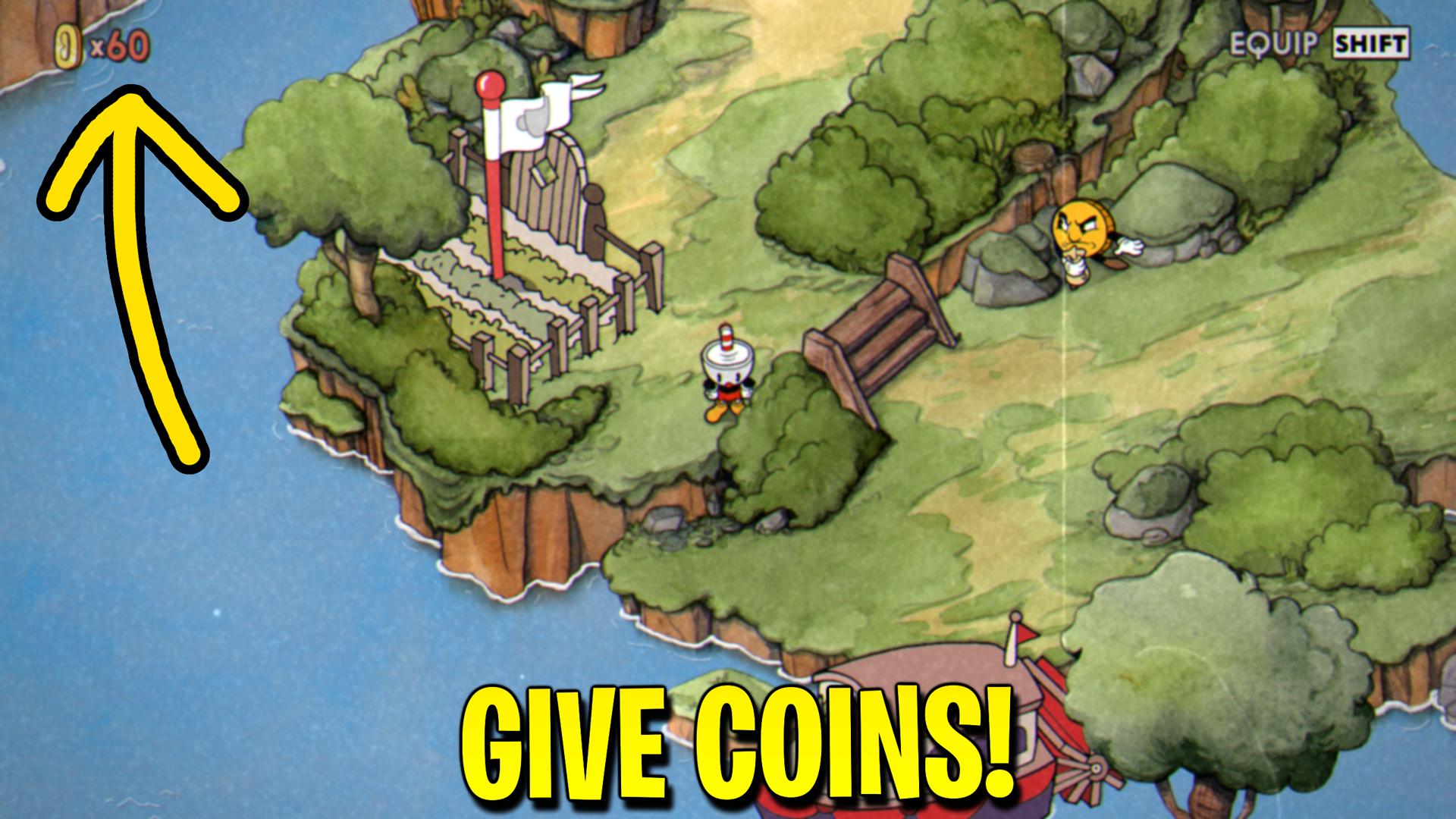
Give Coins
"Make every trip to Porkrind's Shop a shopping spree."
How do I install Give Coins?
Download the free ProjectMods desktop app, then install Give Coins for Cuphead in one click.
</>What does Give Coins do?
Stop letting a shortage of coins stand between you and your next favourite weapon. Give Coins lets you add spending money directly to Player 1's purse, making it easier to purchase weapons and charms from Porkrind's Shop without collecting every coin scattered across the Inkwell Isles. Load your preferred save slot and return to the island map. Choose how many coins you want to add and press Give Coins. The default grant is 10 coins, giving you enough spending money for multiple shop purchases. You can adjust the amount and repeat the process until you reach the map counter's maximum balance. The added coins are available as regular spending money at Porkrind's Shop. Purchase different weapons, experiment with charms, and try new loadouts without repeatedly completing Run 'n Gun stages to afford your next upgrade. During local co-op, coins are added to Player 1's purse, even when Player 2 is present on the island map. The mod does not add coins to Player 2's separate balance. Want to start fresh? Press Reset Coins to empty Player 1's purse and save the new balance. This is particularly useful when experimenting with limited-budget playthroughs or restoring a zero-coin balance. Granted coins are spending money rather than collected stage coins. If you're pursuing coin collection achievements or completing the coin section of a Run 'n Gun results card, you'll still need to collect coins from their original locations. Whether you're preparing for a difficult boss, experimenting with different equipment, or looking to purchase your favourite weapons earlier, Give Coins makes shopping and loadout customisation more accessible.
</>What is Give Coins?
The Give Coins mod for Cuphead is a PC resource and currency modification that allows players to instantly add spendable coins to Player 1's balance from the island map. Players can customise the amount granted or reset their existing balance to zero. Coins added through the mod can be spent normally at Porkrind's Shop to purchase available weapons and charms. Each grant increases the existing balance up to the map counter's maximum limit, with a default grant amount of 10 coins. Players can repeat the grant whenever they need additional spending money. The mod targets Player 1's purse in the currently loaded save slot, including during local co-op sessions. Reset Coins clears that balance and saves the change. Unlike collecting coins from Run 'n Gun stages or hidden locations, granted currency does not count as physically collected stage coins. Players pursuing coin collection achievements or complete stage results must still collect coins through normal gameplay. Available through ProjectMods, Give Coins is ideal for purchasing weapons and charms, experimenting with different loadouts, reducing currency restrictions, and accessing shop equipment earlier in a Cuphead playthrough.
</>Common questions about Give Coins
What does the Give Coins mod do in Cuphead?
It lets you instantly add spendable coins to Player 1's purse from the island map or reset the existing coin balance to zero.
How do I get more coins in Cuphead?
Open your preferred save slot, return to the island map, and access Give Coins through ProjectMods. Choose the amount you want to add and press Give Coins.
Can I get unlimited spending money in Cuphead?
You can repeatedly grant additional coins whenever you need spending money. Each grant increases your balance up to the map counter's maximum limit.
Can I choose how many coins to add?
Yes. The grant amount is adjustable, with a default setting of 10 coins.
Can I spend granted coins at Porkrind's Shop?
Yes. Granted coins are regular spending money that can be used to purchase available weapons and charms at Porkrind's Shop.
Does Give Coins automatically unlock every weapon and charm?
No. It adds spending money to your purse. Visit Porkrind's Shop to purchase the available weapons and charms you want.
Does Give Coins work in Cuphead local co-op?
Yes. Coins are added to Player 1's purse even when Player 2 is present on the island map.
Can I give coins to Player 2?
Give Coins targets Player 1's purse. It does not modify Player 2's separate coin balance.
Do granted coins count toward coin collection achievements?
Granted coins are spending money rather than collected coins. To progress toward coin collection achievements, collect the coins from their original locations.
Will Give Coins complete the coin counter on Run 'n Gun results cards?
No. Coins added to your purse do not count as coins collected during a Run 'n Gun stage. Those coins must be picked up within the level.
How do I reset my coin balance in Cuphead?
Press Reset Coins from the island map to empty Player 1's purse and save the new zero-coin balance.
Does Give Coins affect every save slot?
The mod targets Player 1's purse in the currently loaded save. Open the specific save slot you want to modify before adding or resetting coins.
Why does my coin balance stop increasing?
Coin grants are capped at the map counter's maximum balance. Additional grants cannot increase your balance beyond that limit.
Where should I activate Give Coins?
Use Give Coins from the island map after loading your preferred save slot. You can then visit Porkrind's Shop to spend the added currency.
What options does Give Coins include?
Reset Coins
Empty Player 1's coin purse and save the zero balance. Use on the island map.
Coin Amount
Number of coins to request. The grant stops at the map counter's limit.
Give Coins
Top up Player 1's purse on the island map. If the balance already exceeds the map counter's limit, this brings it back to the limit.
Give Coins lets you instantly add spendable coins to Player 1's purse in Cuphead from the island map. Choose how many coins to add, purchase weapons and charms at Porkrind's Shop, or reset your balance to zero.
System Requirements
What features does Give Coins include?
- Instantly add spendable coins to Player 1's purse.
- Choose how many coins to grant with each button press.
- Start with a default grant amount of 10 coins.
- Repeat coin grants up to the map counter's maximum balance.
- Spend granted coins normally at Porkrind's Shop.
- Purchase available weapons and charms without collecting additional stage coins.
- Reset Player 1's coin balance to zero and save the change.
- Add coins directly from the island map in your selected save slot.
- Grant coins to Player 1 during local co-op sessions.
Best For
- Purchase new weapons before attempting difficult boss fights.
- Buy charms that complement your preferred combat strategy.
- Experiment with different weapon and charm combinations.
- Access shop equipment earlier in a new playthrough.
- Avoid completing additional Run 'n Gun stages solely to earn spending money.
- Top up your balance when you are a few coins short of a purchase.
- Purchase multiple available shop items without waiting to collect more coins.
- Prepare Player 1's equipment for local co-op encounters.
- Reset your purse for limited-budget gameplay challenges.
- Customise your loadout while keeping normal boss and platforming challenges intact.
More Mods for Cuphead

Perfect Score
Fill Cuphead's scoring categories when you win a ranked stage, using the grading rules for the difficulty you selected.
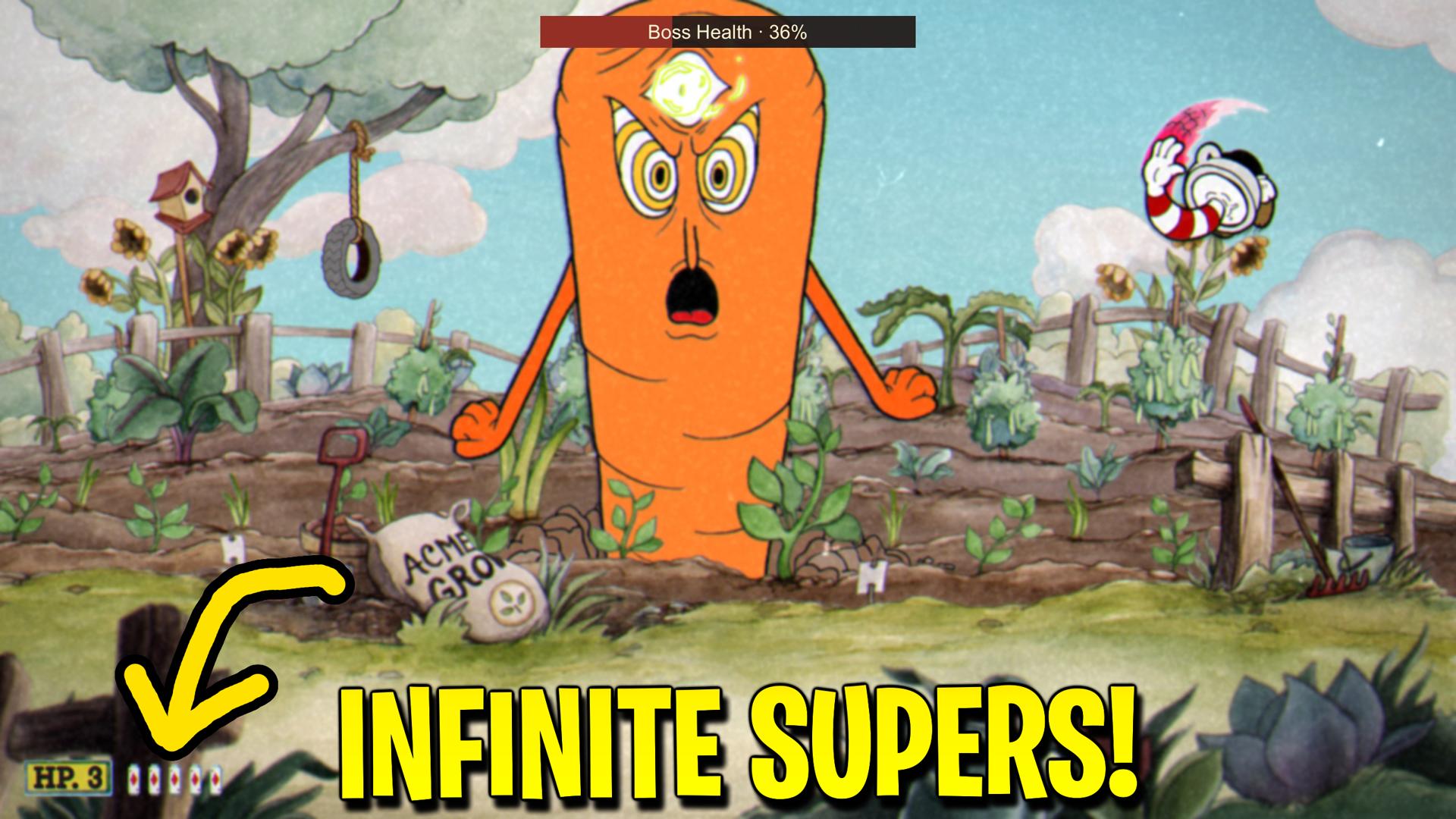
Infinite Super Meter
Refill both players' Super Meters after EX moves and Super Arts in Cuphead, with support for ground and airplane battles.

Finish Level
Finish an active Cuphead boss fight or reach the exit of a Run 'n Gun stage while Player 1 is alive.







