Want more mods for DAVE THE DIVER? Explore our entire collection!
Cash Splash
"Gold rains whenever you say so."
How do I install Cash Splash?
Download the free ProjectMods desktop app, then install Cash Splash for DAVE THE DIVER in one click.
</>What does Cash Splash do?
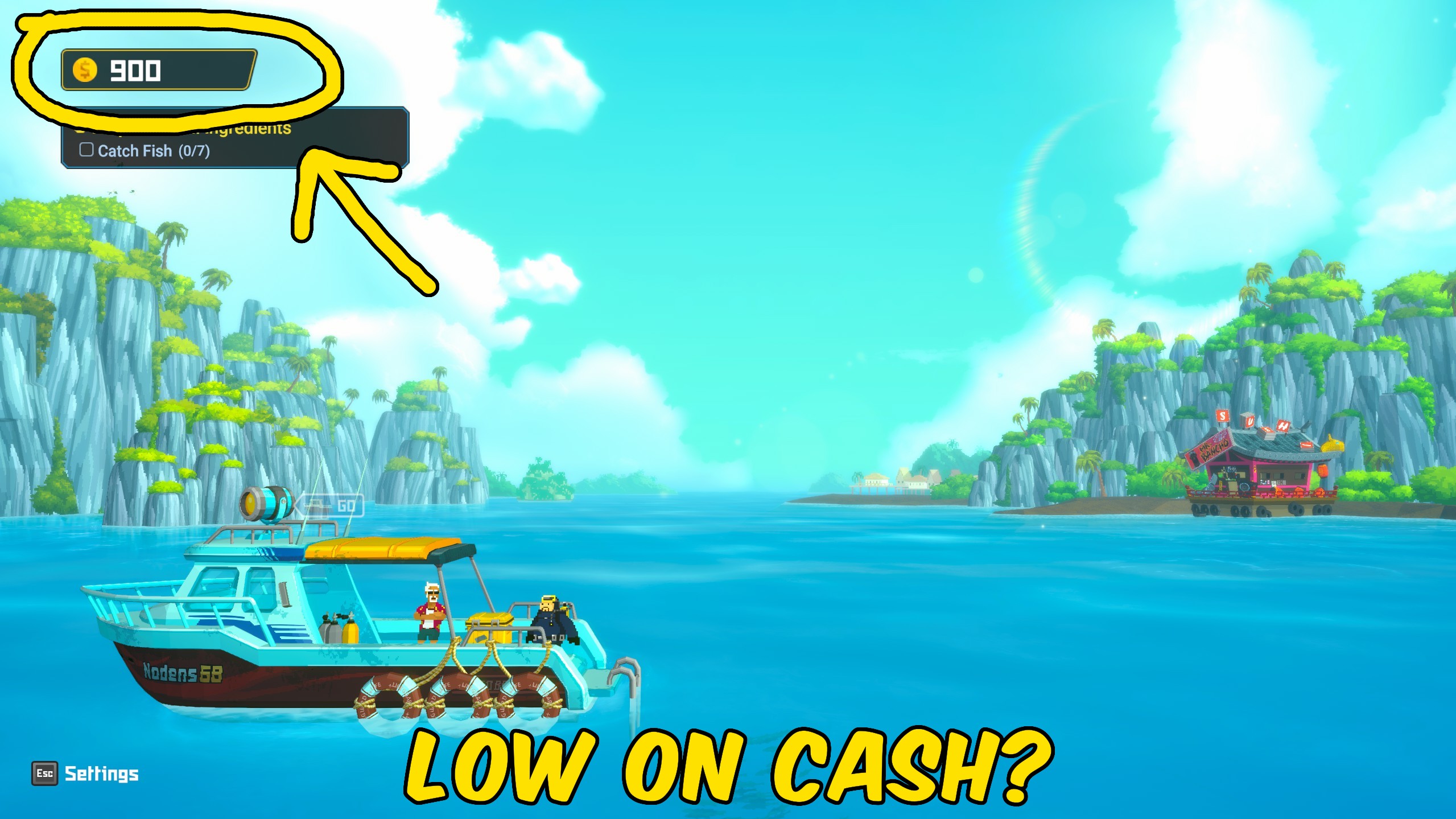
Cash Splash puts Dave's gold under your control. Pick a payout size from one thousand to half a million, press Give Gold, and your balance updates right away so you can buy gear, stock the sushi bar, and keep diving without grinding for coins. Need a clean slate for a challenge run or a new save feel? Reset Gold sets your balance exactly to zero without touching the rest of your progress. The HUD refreshes with the new amount so what you see matches what you have. Use it mid-dive prep, between restaurant nights, or whenever a big upgrade is just out of reach. Change the amount between presses and stack payouts until you have exactly the war chest you want.
</>What is Cash Splash?
Cash Splash by ProjectMods gives on-demand gold control in Dave the Diver. Choose from six payout sizes, inject gold into your active save, and refresh the on-screen balance so purchases and upgrades stay available. Reset Gold clears the wallet when you want a tougher economy without starting a new game.
</>Common questions about Cash Splash
What does Cash Splash do in Dave the Diver?
Cash Splash from ProjectMods puts your gold balance in Dave the Diver under your control. Pick a payout size, press Give Gold, and that amount lands in your wallet right away, ready to spend on diving gear, weapons, and ingredients for Bancho Sushi. Prefer a tighter economy? Press Reset Gold to drop your balance to zero without disturbing anything else in your save. Either way, the on-screen gold counter refreshes instantly so the number you see always matches what you actually have. It saves you from grinding coin after coin when a big upgrade is sitting just out of reach.
How much gold can Cash Splash give me at once?
Cash Splash gives you an Amount dropdown with six preset payouts: $1,000, $5,000, $10,000, $50,000, $100,000, and $500,000. Choose the size that fits your goal, then press Give Gold to drop it straight into your wallet. It defaults to $10,000, a handy mid-range top-up for most shopping trips. If one payout is not enough, you can change the amount and press Give Gold again as many times as you like, stacking the totals until you have exactly the war chest you want. That makes it just as easy to grab pocket change for a single item as it is to fund a full gear overhaul.
Does Reset Gold wipe my save or progress?
No. Reset Gold only touches your gold balance, setting it to exactly zero. Everything else in your save stays completely intact: your dive progress, the state of Bancho Sushi, staff, recipes, weapons, and every unlock you have earned. Nothing is deleted and no new game is started. It is there for players who want to hand themselves a stricter, coin-tight challenge, or simply reset a runaway balance, without giving up hours of progress. If you ever want funds back afterwards, just pick an amount and press Give Gold again, and your wallet fills right back up on demand.
How do I use the Give Gold and Reset Gold buttons?
Open Cash Splash in the ProjectMods launcher and you will see three controls: the Amount dropdown, Give Gold, and Reset Gold. First load into your save so the game has something to update, then set the Amount to the payout you want and press Give Gold to add it. Press Reset Gold whenever you want to clear the wallet back to zero. Both buttons act instantly and the gold counter refreshes on screen so you can confirm the change. You do not need to be underwater; it works from the normal in-game flow. If a payout does not show up, make sure your save is fully loaded and press again.
Why would I use Cash Splash in Dave the Diver?
Gold gates almost everything fun in Dave the Diver: better harpoons and guns for the Blue Hole, upgrades for Bancho Sushi, and premium ingredients that keep customers happy. Cash Splash lets you fund all of that on demand instead of grinding the same dives night after night. Grab a quick payout before a big shopping run, top up between restaurant nights, or bankroll a full gear overhaul in seconds. Streamers can keep upgrade segments moving without dead time, and players who just want the sushi-management and exploration side can skip the money grind entirely. When you fancy a harder run, Reset Gold flips it the other way.
What options does Cash Splash include?
Amount
How much gold to add when you press Give Gold.
Reset Gold
Set your gold balance exactly to zero.
Give Gold
Add the selected amount to your current gold balance.
Cash Splash from ProjectMods lets you add preset gold amounts to your Dave the Diver save or reset gold to zero on demand.
System Requirements
What features does Cash Splash include?
- Choose from six gold payout sizes from $1,000 up to $500,000
- Give Gold adds the selected amount straight to your save balance
- Reset Gold sets your gold exactly to zero for challenge runs
- Gold HUD updates immediately so the number you see matches your wallet
Best For
- Divers who need a quick gold boost before buying expensive diving gear or weapons
- Sushi-bar managers who want to stock premium ingredients without grinding night after night
- Players starting a fresh challenge who want to zero their gold without wiping the whole save
- Streamers who need funds on demand so upgrade segments do not stall the show
More Mods for DAVE THE DIVER
/DaveTheDiverWallOfFame1.jpg)
Wall of Fame (Unlock Achievements)
Unlock every achievement in DAVE THE DIVER instantly and complete your full achievement collection.
/DaveTheDiverBubbleShield1.jpg)
Bubble Shield (No Damage)
Wrap Dave in a protective bubble so sharks, eels, jellyfish, and every underwater hazard stop hurting you. Flip it on and explore the deep without fear.
Endless Air
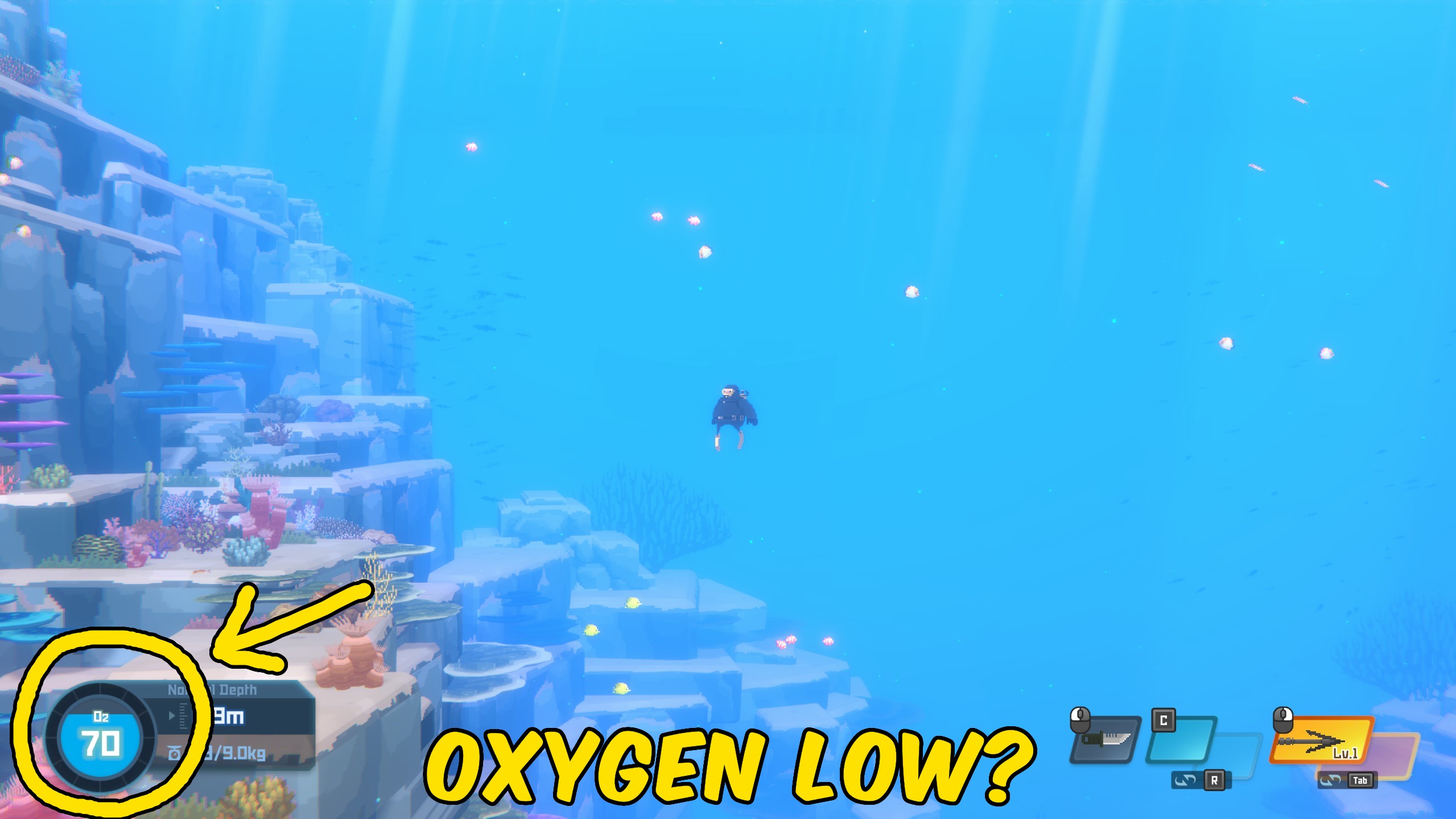
Keep your oxygen topped up underwater so long dives stay relaxed instead of a race against the breath meter.







