Want more mods for Decision: Red Daze? Explore our entire collection!
Infinite Sleep
"Stay fully rested and keep exploring without sleep breaks."
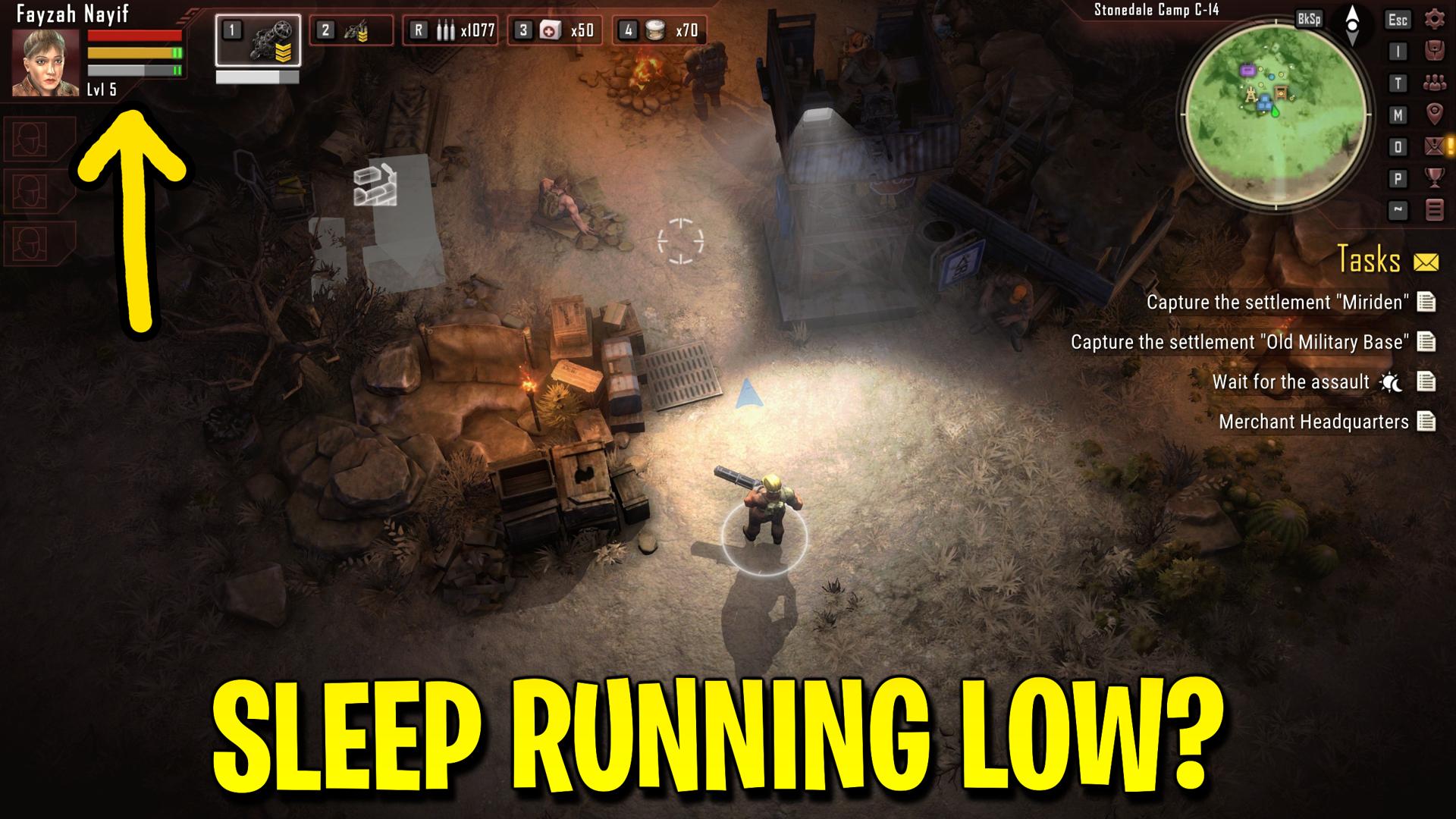
How do I install Infinite Sleep?
Download the free ProjectMods desktop app, then install Infinite Sleep for Decision: Red Daze in one click.
</>What does Infinite Sleep do?
Keep your survivor rested and spend more time exploring with Infinite Sleep for Decision: Red Daze. The mod keeps the grey sleep bar full, removing the need to interrupt your adventures with trips back to bed. Whether you're scavenging for supplies, exploring unfamiliar areas, or travelling far from your resting spot, you can keep going without worrying about your survivor getting tired. Instead of planning your activities around sleep and recovery, you can focus on the parts of Decision: Red Daze you enjoy. Venture further, spend longer searching for resources, and complete extended exploration trips without stopping to replenish your sleep bar. Infinite Sleep is a convenient quality-of-life improvement for anyone who wants uninterrupted exploration while keeping the rest of their survival experience intact.
</>What is Infinite Sleep?
Infinite Sleep is a character quality-of-life mod for Decision: Red Daze on PC that prevents your survivor's grey sleep bar from running down. It removes the need to return to bed for rest, allowing longer scavenging runs, extended exploration, and uninterrupted travel. In the base survival experience, managing your character's need for sleep can interrupt activities and require additional trips to recover. With Infinite Sleep, the sleep bar stays full, so you can concentrate on exploring the world and collecting supplies rather than scheduling rest stops. This is particularly helpful during long journeys away from your resting location or when searching multiple areas for resources. Your survivor remains rested throughout these activities, reducing downtime and unnecessary backtracking. For players searching for a Decision: Red Daze no sleep mod, infinite rest, unlimited sleep, or a way to disable sleep-related interruptions, Infinite Sleep provides a straightforward solution.
</>Common questions about Infinite Sleep
What does Infinite Sleep do in Decision: Red Daze?
It keeps your survivor's grey sleep bar full, removing the need to return to bed to replenish rest.
Does Infinite Sleep stop my survivor from getting tired?
Yes. The grey sleep bar stays full, so your survivor no longer needs to recover sleep through bed rest.
Do I still need to sleep in a bed?
No. You can continue exploring and scavenging without using a bed to refill your sleep bar.
Can I explore for longer without returning to base?
Yes. You can stay away from your resting location for longer without needing to return specifically to recover sleep.
Does Infinite Sleep also provide infinite health or stamina?
No. Infinite Sleep keeps the grey sleep bar full. It does not provide infinite health or stamina.
Does this mod give me unlimited resources?
No. It affects your survivor's sleep bar, not the amount of resources you collect or carry.
Is Infinite Sleep useful for scavenging?
Yes. It lets you spend longer searching for supplies without interrupting your scavenging trips to recover sleep.
Does Infinite Sleep remove other survival mechanics?
No. Its effect is limited to keeping your survivor's grey sleep bar full.
What options does Infinite Sleep include?
Enabled
You'll have infinite sleep while enabled.
Infinite Sleep keeps your survivor's grey sleep bar full in Decision: Red Daze, allowing you to explore, scavenge, and travel without returning to bed to recover rest.
System Requirements
What features does Infinite Sleep include?
- Full Sleep Bar: Keeps your survivor's grey sleep bar filled during gameplay.
- No Bed Rest Required: Continue playing without returning to bed to replenish sleep.
- No Sleep-Related Downtime: Avoid interrupting exploration or scavenging because your survivor needs rest.
- Extended Exploration: Travel further from your resting location without planning around sleep.
- Uninterrupted Scavenging: Spend longer searching for supplies without stopping to recover your sleep bar.
- Reduced Backtracking: Eliminate return trips made solely to restore sleep.
Best For
- Explore distant areas without worrying about your survivor's sleep bar running low.
- Stay out scavenging for supplies instead of returning to bed between trips.
- Continue long journeys without scheduling stops to replenish rest.
- Search multiple locations in one outing without sleep-related interruptions.
- Reduce repetitive backtracking when your only reason for returning is to sleep.
- Enjoy a more exploration-focused survival experience without managing sleep recovery.
More Mods for Decision: Red Daze
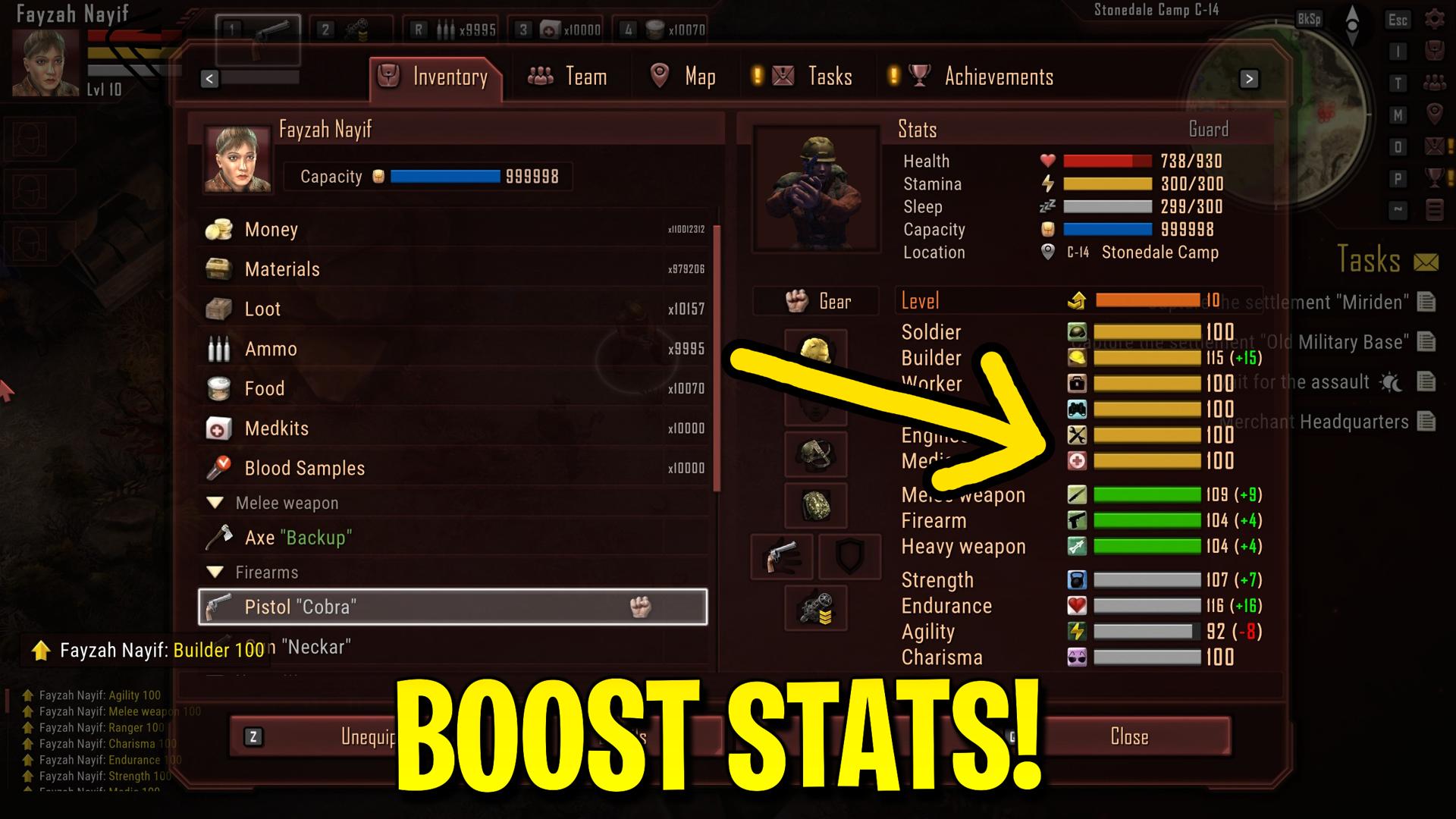
Player Stats Level Up
Choose a skill such as soldier, builder, melee, firearm, or agility, set how many levels to add, and apply the boost to your controlled survivor.
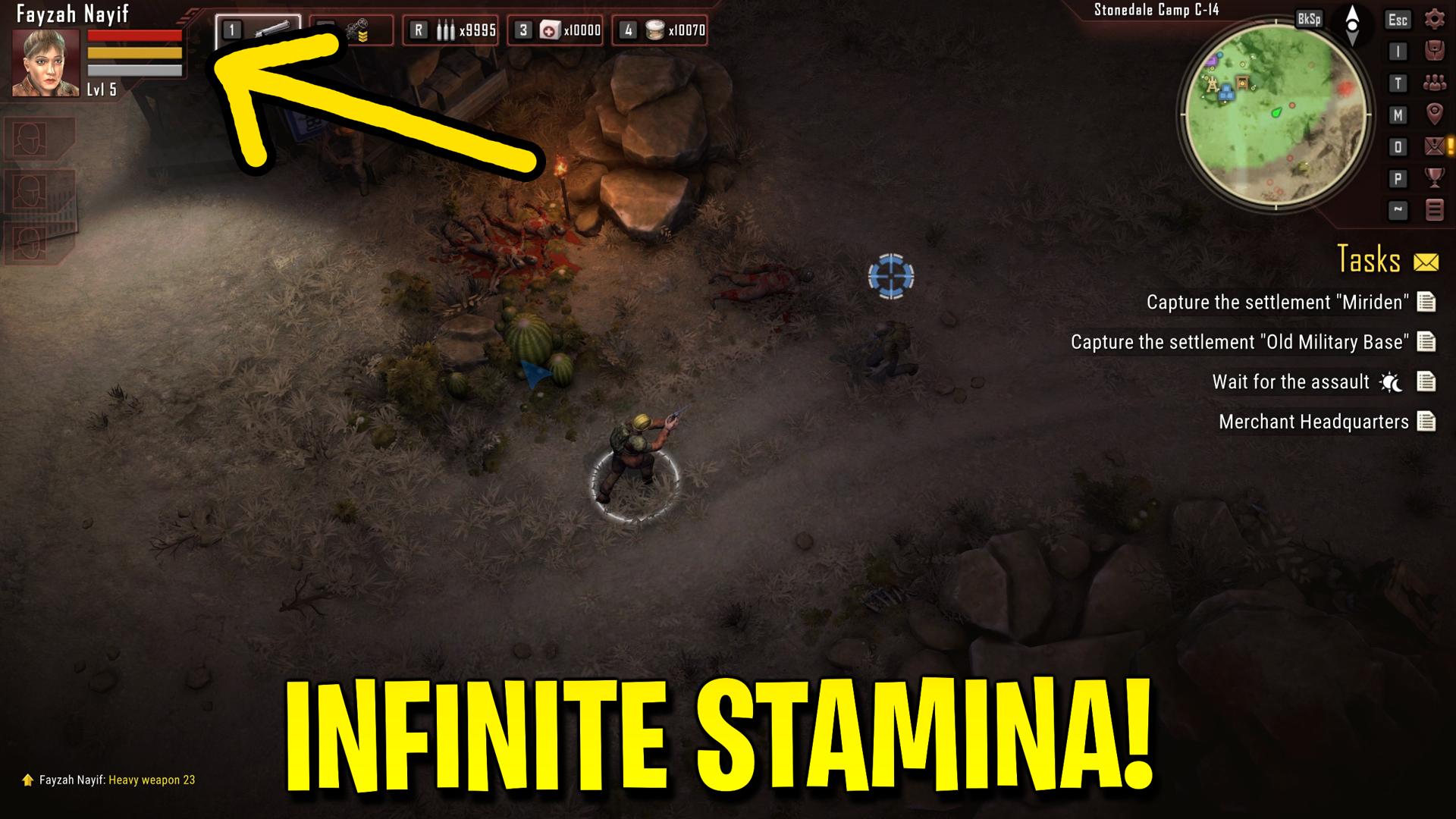
Infinite Stamina
Keeps your controlled survivor's stamina full so sprinting, dodging, and attacking never leave you winded.
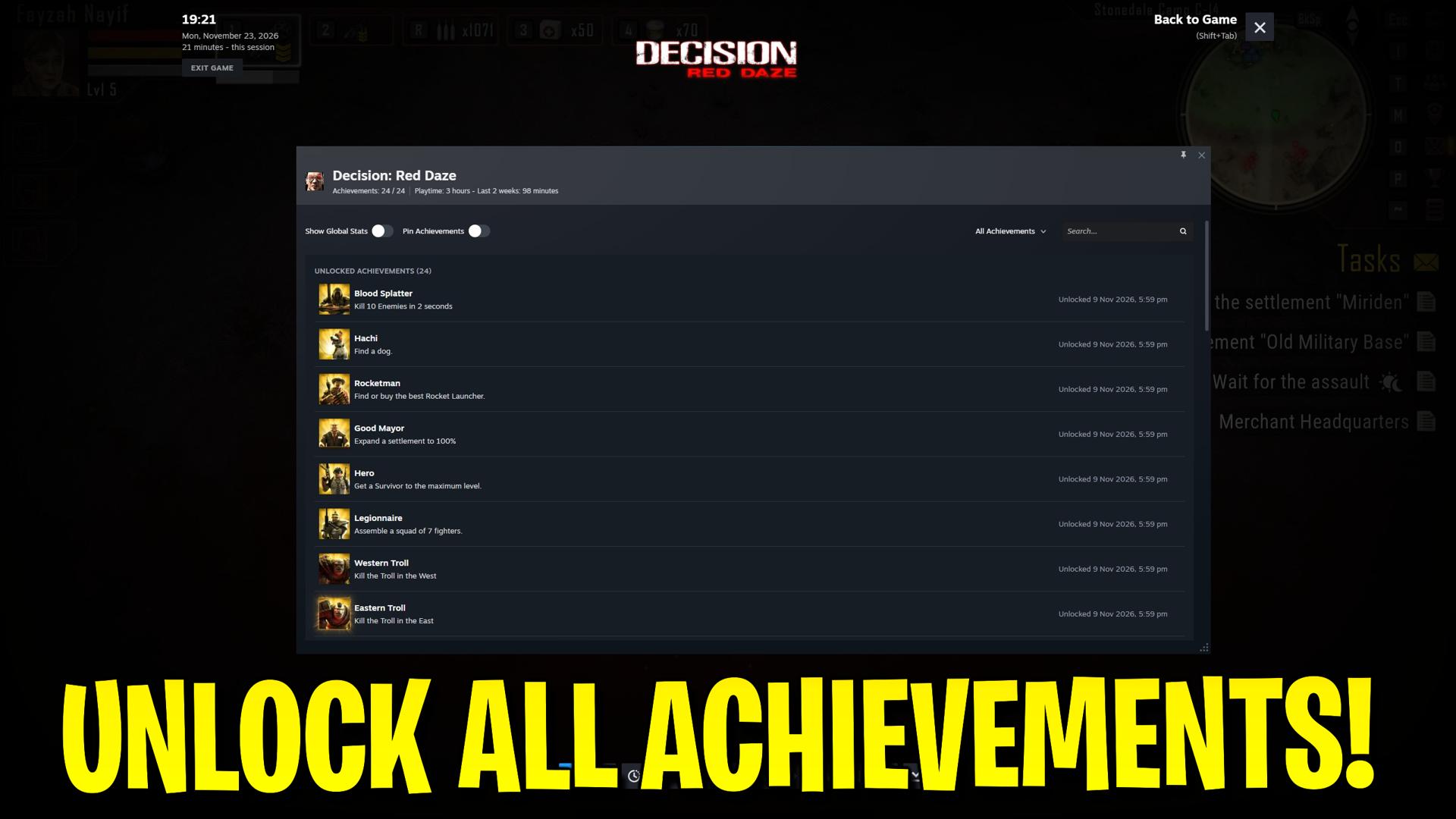
Achievement Unlocker
Pick a single Decision: Red Daze achievement to unlock, or unlock the entire list at once through Steam.







