Want more mods for Deep Blue: Devour and Evolve? Explore our entire collection!
Hide HUD
"Clear your view of the ocean with one HUD toggle."
How do I install Hide HUD?
Download the free ProjectMods desktop app, then install Hide HUD for Deep Blue: Devour and Evolve in one click.
</>What does Hide HUD do?
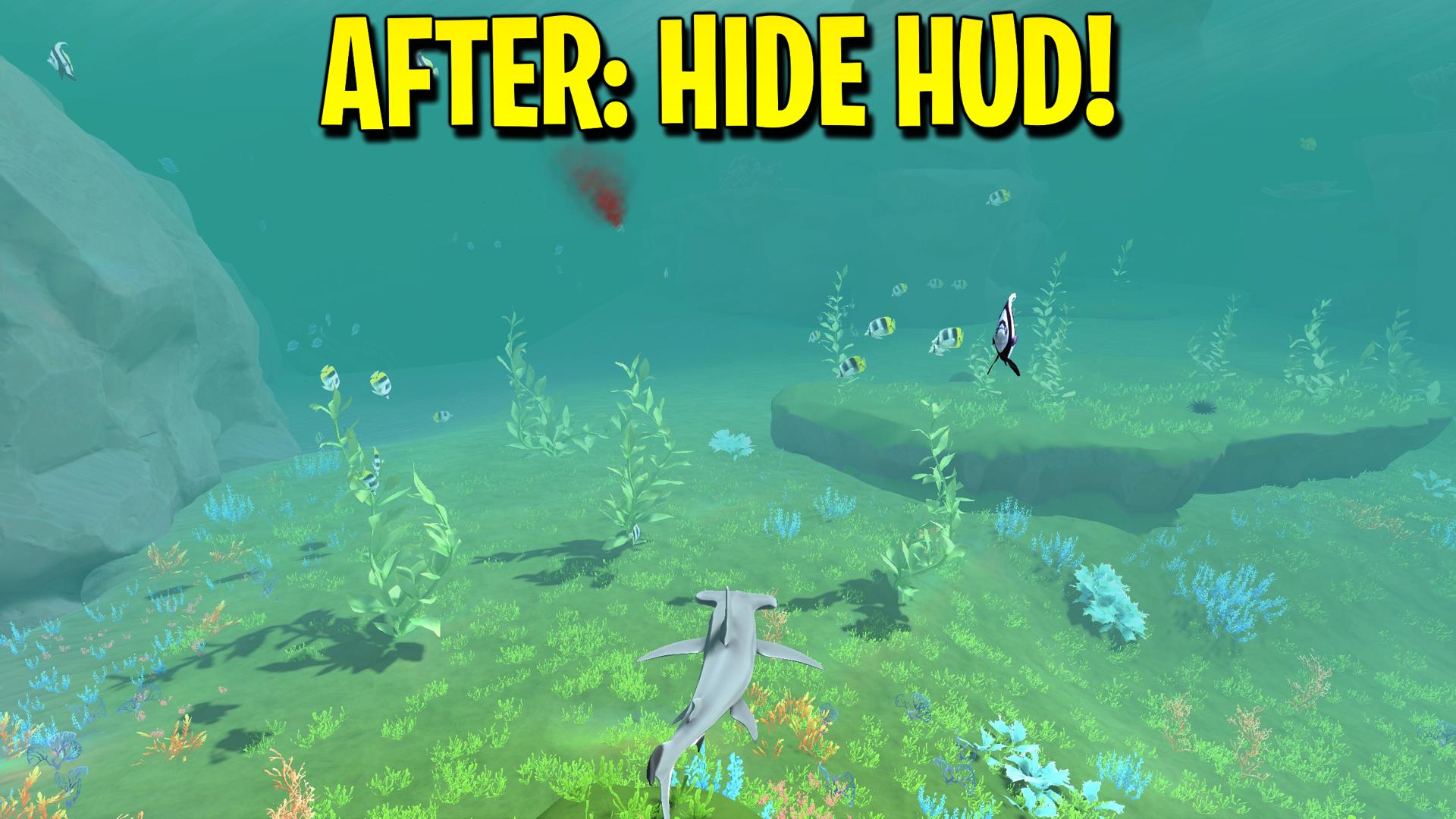
Give the ocean your full attention. Hide HUD removes the gameplay status display, including its bars and minimap, together with the coin counter, crosshair, skill and buff displays, key tips, nearby fish status displays, and floating health, experience, and coin numbers. Turn on Hide HUD while swimming to clear the screen for exploration or screenshots. Pause, loading, fish selection, death screens, and follower command menus remain available; the HUD temporarily returns while those menus are open. Turn the toggle off or disable the mod to restore the visibility each affected display had before it was hidden. This is a visibility control: it does not stop damage, grant stamina, or change progression. Other prompts and effects outside the targeted displays may remain visible.
</>What is Hide HUD?
Frame your fish against the ocean instead of a screen full of bars. Hide HUD gives Deep Blue Devour and Evolve a cleaner swimming view, with a reversible toggle and temporary HUD visibility while essential menus or follower commands are open.
</>Common questions about Hide HUD
What does Hide HUD do in Deep Blue Devour and Evolve?
Hide HUD clears selected gameplay displays in Deep Blue Devour and Evolve so you can see more of the ocean. It hides the status display and minimap, coin counter, crosshair, skills, buffs, key tips, nearby fish status displays, and floating health, experience, and coin numbers. The effect is visual only: your fish can still take damage and spend stamina. Turn the toggle off whenever you want those indicators back.
Do pause and fish selection screens stay visible?
Yes. Hide HUD in Deep Blue Devour and Evolve leaves pause, fish selection, loading, and death screens available. The affected gameplay displays temporarily return while these screens are open, then disappear again when you resume swimming. This lets you change fish or use the pause menu without first switching off the mod. The same temporary return applies when you open the follower command menu.
Does Hide HUD remove every prompt and visual effect?
No. Hide HUD in Deep Blue Devour and Evolve targets specific gameplay displays rather than removing everything drawn over the scene. It clears the main status display, coin counter, crosshair, skill and buff displays, key tips, fish status displays, and floating health, experience, and coin numbers. Other prompts, alerts, and visual effects may remain. Essential choice screens are deliberately kept available so you can continue playing while the toggle is enabled.
How do I bring the bars and minimap back?
Turn Hide HUD off to restore the affected displays in Deep Blue Devour and Evolve. Disabling the mod also restores their previous visibility. There is one Hide HUD toggle, with no separate sliders or individual display switches to manage. If you enable it before entering a world, hiding begins once you are swimming; menus remain available. You can switch it off before combat to check your health, stamina, and position again.
Can I use Hide HUD for underwater screenshots?
Yes. Hide HUD is designed to help frame cleaner underwater screenshots and swimming footage in Deep Blue Devour and Evolve. Enable the toggle, close any menus, and allow newly appearing displays a moment to disappear before capturing the scene. The ocean and your fish remain visible while the selected HUD displays are hidden. Keep in mind that swimming and combat continue normally, so choose a quiet spot if you need time to compose a picture.
What options does Hide HUD include?
Hide HUD
Hide gameplay displays while swimming. Menus remain visible. Turn off to restore the previous HUD visibility.
Hide HUD for Deep Blue Devour and Evolve by ProjectMods hides gameplay displays with one toggle and restores their previous visibility when switched off.
System Requirements
What features does Hide HUD include?
- Hide status bars, the minimap, coin counter, and crosshair for a clearer view while swimming.
- Clear skill displays, buffs, key tips, fish status displays, and floating reward numbers.
- Keep essential menus and follower commands visible when you need to make a choice.
- Restore each affected display to its previous visibility by turning the toggle off.
Best For
- Compose underwater screenshots without health bars or the minimap covering the scene.
- Record swimming footage with fewer gameplay displays around your fish.
- Explore with a clearer view, then bring the HUD back before a difficult fight.
More Mods for Deep Blue: Devour and Evolve
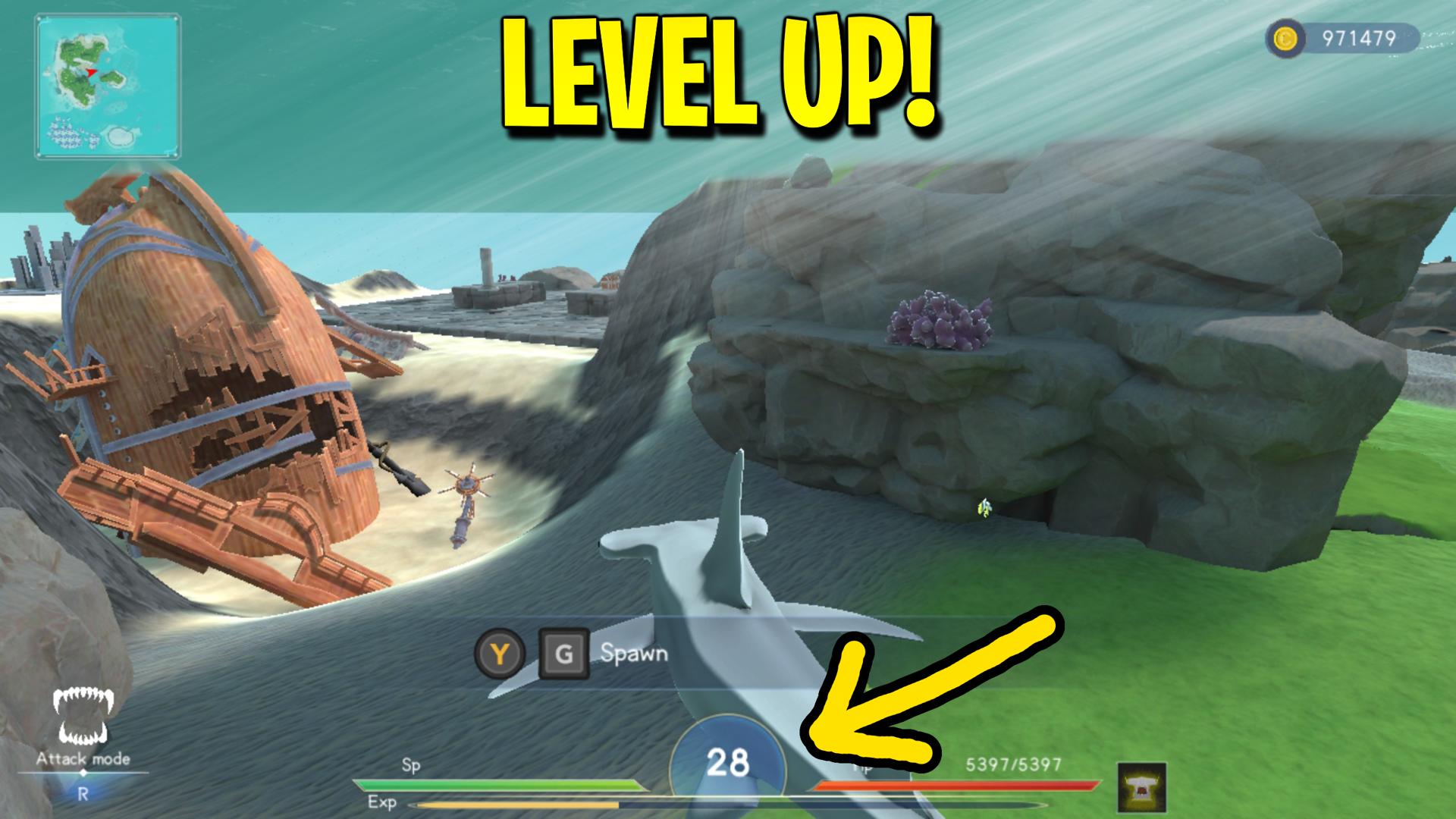
Give XP
Add experience to level up faster, or reset your level and XP for a fresh start.
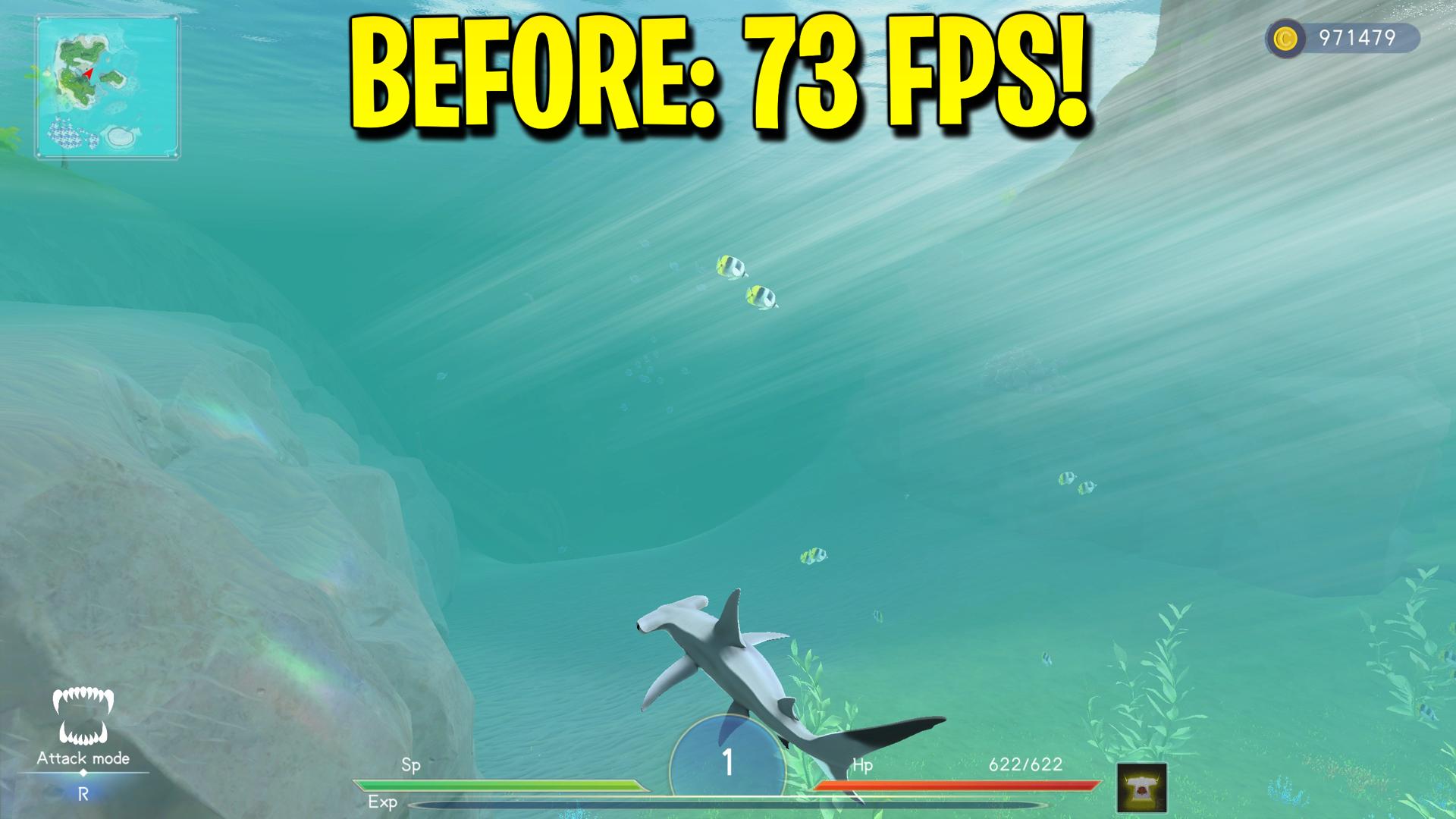
Performance Boost
Drops screen resolution, kills water reflections, cuts shadows and extra effects, and lowers world detail for much higher FPS.
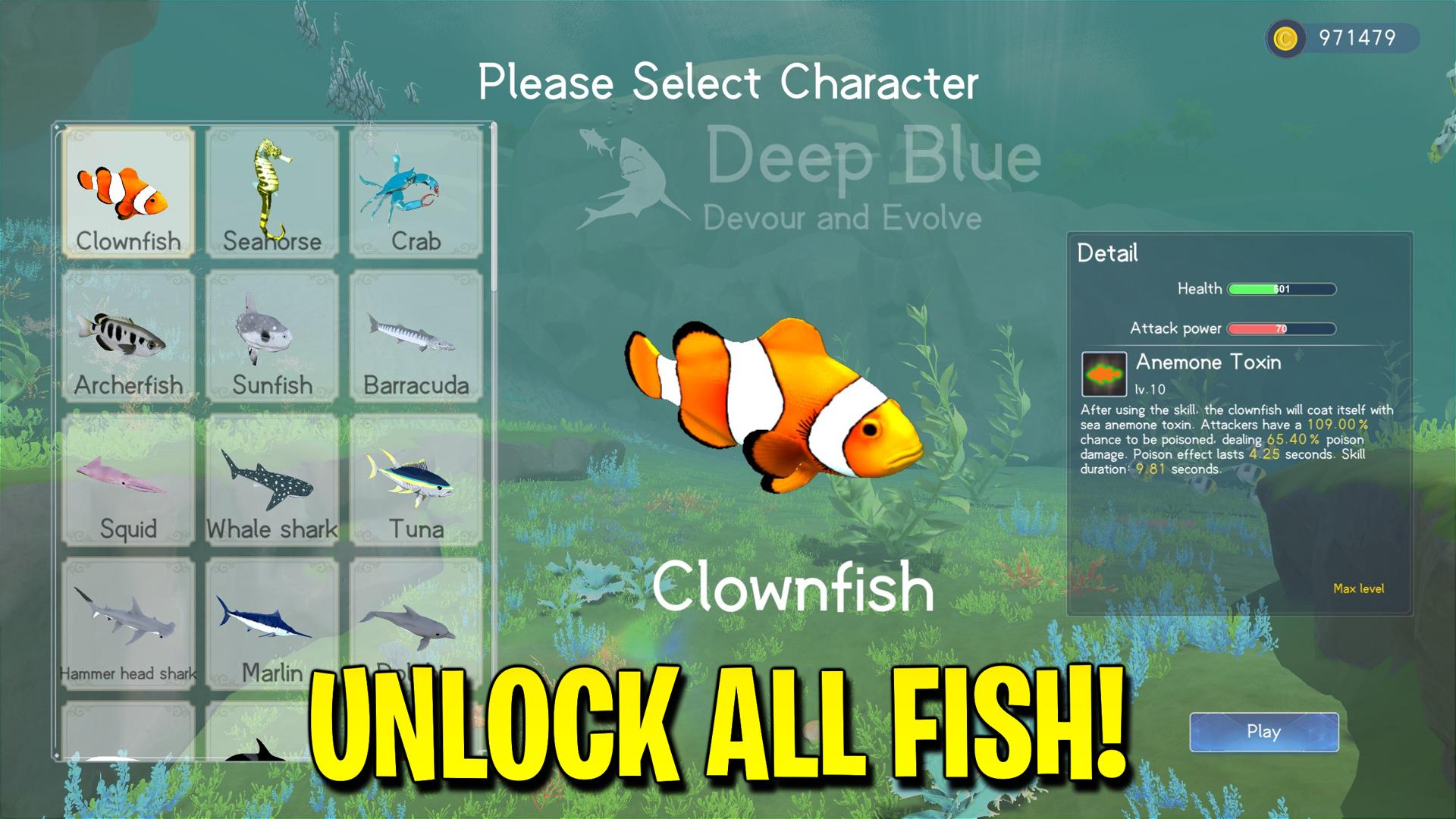
Unlock All Fish
Unlocks every playable fish so you can pick any form without grinding unlock conditions.







