Want more mods for DREDGE? Explore our entire collection!
Notification Sender
"Pop your own message on screen - warm welcome or ominous warning."
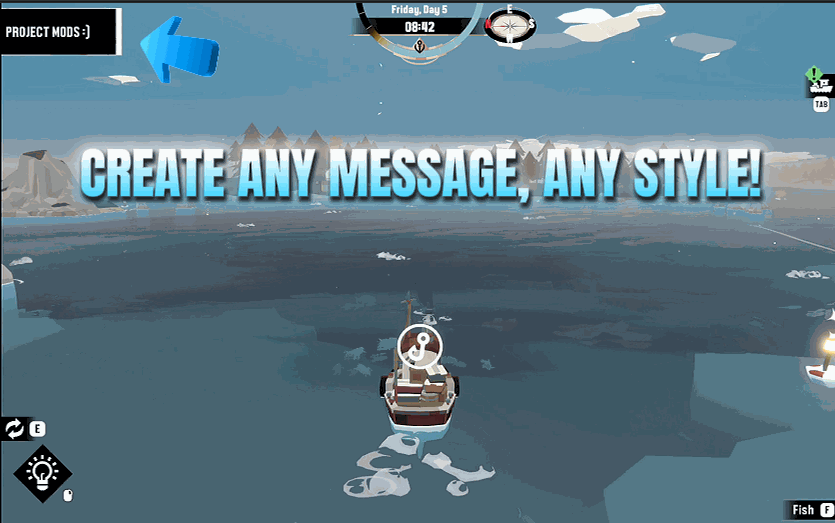
How do I install Notification Sender?
Download the free ProjectMods desktop app, then install Notification Sender for DREDGE in one click.
</>What does Notification Sender do?
Ever wanted the Marrows to whisper something back? Notification Sender lets you fire your very own message onto the screen as a genuine in-game notification, complete with the styling the game uses for its own alerts. Type whatever you want, choose the flavour - a cheerful item pickup, a grim error, an eerie spooky-event chime, a quest update, and more - then send it. Perfect for streamers teasing their chat, screenshotters staging the perfect caption, or anyone who just wants to leave a little note bobbing on the waves. Your message appears exactly like the game's own alerts, so it always looks right at home.
</>What is Notification Sender?
Notification Sender puts custom messages on your DREDGE screen using the game's own notification styling. Type your text, choose a flavour, from a friendly item pickup to an eerie spooky-event chime, and send it. The message appears exactly like a real game alert. Built for streamers teasing chat, screenshot stagers crafting the perfect caption, and anyone who wants the Marrows to whisper something back. Available through the ProjectMods launcher.
</>Common questions about Notification Sender
What does Notification Sender do in DREDGE?
Notification Sender is a DREDGE mod from ProjectMods that lets you create custom on-screen notifications that look exactly like the game's own alerts. Type any message you want, choose from several notification styles including item pickups, quest updates, error warnings, and spooky event chimes, then send it. Your message pops up on screen styled identically to a genuine DREDGE notification, complete with the same look, sound, and feel the game uses. It is a creative tool for content creators, screenshot artists, and anyone who wants to add their own flavour to the Marrows.
What notification styles are available in Notification Sender?
Notification Sender offers several different visual and audio styles that match the various notification types DREDGE uses throughout normal gameplay. You can choose from cheerful styles like the item pickup notification, informational styles like quest updates, warning styles like error alerts, and atmospheric styles like the eerie spooky-event chime that plays during the game's horror moments. Each style uses the exact same visual treatment and sound the game assigns to that notification type, so your custom message blends seamlessly with the game's own alerts. Pick the mood that matches what you want to communicate.
Can I use Notification Sender for streaming or content creation?
Notification Sender is particularly well suited for streaming and content creation. Streamers use it to tease chat with ominous in-game-styled warnings, create custom quest updates for comedy bits, or flash inside jokes on screen in a way that looks like the game itself is speaking. Because the notifications match DREDGE's own styling, viewers cannot immediately tell whether a message came from the mod or from the game, which opens up creative possibilities for storytelling moments and audience interaction. The variety of notification styles lets you match the tone to whatever bit you are running.
Do custom notifications from Notification Sender look authentic?
Yes. Notification Sender uses the game's own notification system to display your messages, which means they inherit the exact same visual design, animations, and sound effects as legitimate DREDGE notifications. Your custom message appears and fades away identically to a real alert. The only difference is the text content, which you wrote. This makes Notification Sender excellent for staging screenshots where you want a specific message visible on screen, or for creating content where the notification needs to look like a natural part of the game's presentation.
What are some creative ways to use Notification Sender in DREDGE?
Players find several creative uses beyond simple messaging. Screenshot artists stage cinematic captures with a perfectly worded notification floating over a dramatic scene. Roleplayers use the spooky notification style to create their own lore moments, making it feel like the Marrows are speaking to them. Streamers flash custom warnings before jumping into dangerous waters for dramatic effect. Some players use the cheerful pickup style to celebrate personal milestones like catching every fish in a region. And a few creative types have used sequences of notifications to tell short stories within their gameplay footage, each message timed to advance the narrative.
What options does Notification Sender include?
Notification Type
Pick the flavour of your message - a cheery pickup, a grim error, an eerie spooky chime, and more.
Text To Show
The message you want to pop on screen. Type anything you like.
Show Notification
Fire your message onto the screen. Works while you're out on a voyage.
Notification Sender is a ProjectMods mod for DREDGE that lets you type any message and display it on screen as an authentic in-game notification, with your choice of style from cheerful to ominous.
System Requirements
What features does Notification Sender include?
- Type any custom message and display it as a genuine in-game notification on screen
- Choose from multiple notification styles including item pickups, quest updates, errors and eerie warnings
- Match the exact look and feel of real game alerts so your message blends in perfectly
- Fire off messages on demand for streams, screenshots or just messing around in the Marrows
Best For
- You are streaming and want to surprise your chat with a creepy custom in-game warning mid-voyage
- You are staging a cinematic screenshot and need a caption that looks like it belongs in the game
- You want to leave yourself funny notes during a long session just because you can
- You are making a video and need a specific on-screen message timed to a particular moment
More Mods for DREDGE
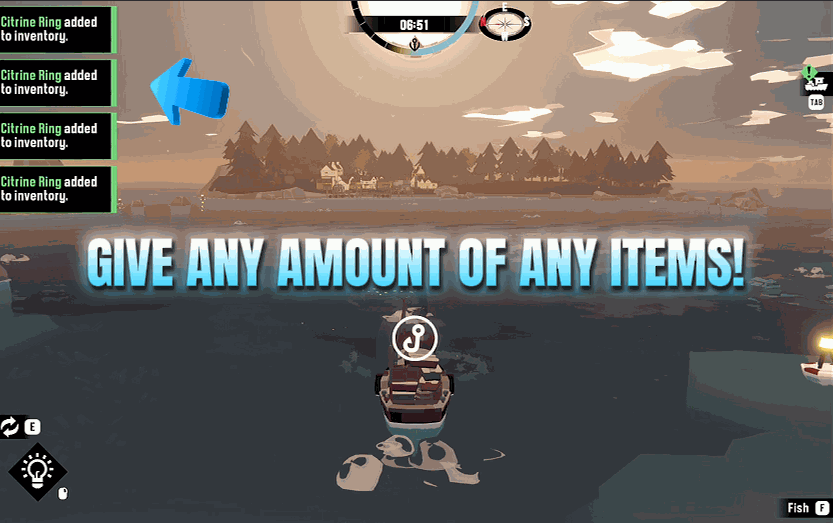
Item Spawner
Give yourself any item in DREDGE - fish, gear, gadgets, cargo, the lot. Refresh the list, pick what you want, choose how many, and it lands in your hold.
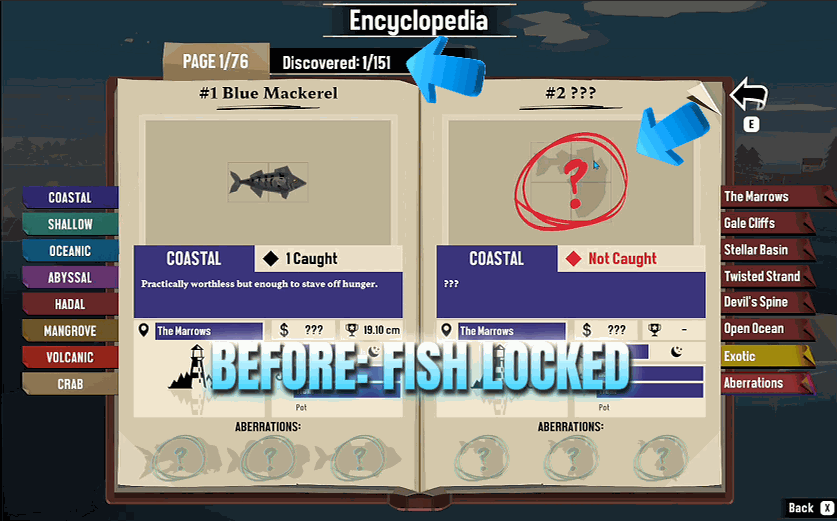
Encyclopedia Filler
Marks every fish in your encyclopedia as discovered and caught in one tap.
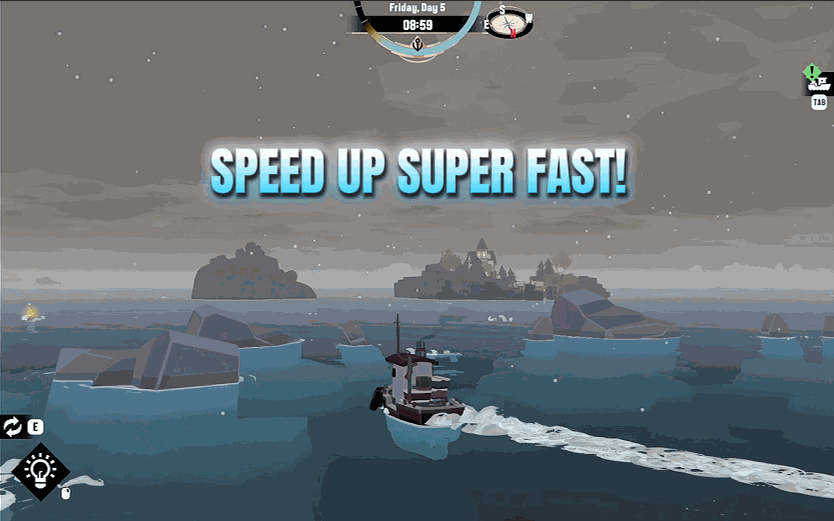
Speed Tuner
Dial in how fast your boat moves and how sharply it turns, then apply it with one tap.







