Want more mods for DREDGE? Explore our entire collection!
Time Control
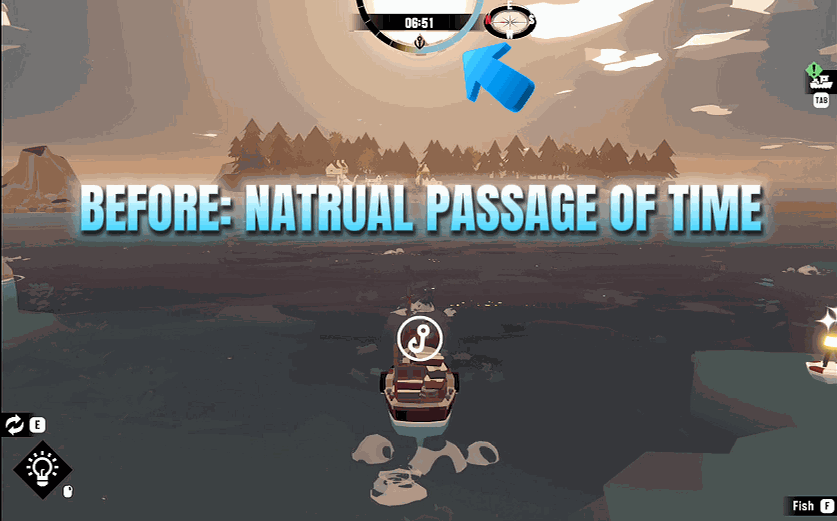
"Sunrise, sunset, or frozen midnight - the clock is yours."
How do I install Time Control?
Download the free ProjectMods desktop app, then install Time Control for DREDGE in one click.
</>What does Time Control do?
The Marrows keep their own unsettling rhythm - the sun sinks, the fog thickens, and the things in the deep get bolder. Time Control hands that rhythm to you. Freeze the clock to hold a perfect golden hour forever, or to stop the night from ever arriving while you finish a dangerous haul. Dial in any hour and minute and jump straight there - line up a sunrise for the perfect screenshot or fast-forward to a shop that only trades after dark. Need to wait out a quest deadline or a restock? Skip ahead a full day with a tap, keeping the same time of day. Changed your mind? Wind the calendar back, or snap the clock to the very start of today. However you like to sail the Marrows, the hours are yours to command.
</>What is Time Control?
Time Control hands you the clock in DREDGE. Freeze time to hold a perfect golden hour or stop the night from arriving during a dangerous haul. Jump to any exact hour and minute for sunrise screenshots or to reach a shop that only trades after dark. Skip ahead a full day to wait out a quest timer or restock, or wind the calendar back. The Marrows run on your schedule. Available through ProjectMods.
</>Common questions about Time Control
What does Time Control do in DREDGE?
Time Control is a DREDGE mod from ProjectMods that puts the entire day-night cycle in your hands. It offers three core abilities: freeze the clock at its current position so time stands still, set the clock to any specific hour and minute to jump to a particular time of day, and skip forward or backward by full days to advance or rewind the calendar. These tools give you complete authority over when things happen in the Marrows, from the lighting for a screenshot to whether shops are open to how long you can safely fish before darkness falls.
How do I freeze time in DREDGE with Time Control?
Tap the freeze option and the clock stops wherever it currently sits. If you are sailing through a gorgeous sunset, freezing holds that exact lighting indefinitely. If you are fishing at dawn and do not want the day to advance, freeze keeps the morning sky locked in place. The game world continues to function normally around you, you can still sail, fish, dock, and interact, but the time of day and its associated lighting, shop schedules, and creature behaviours stay fixed. Unfreeze any time and the clock resumes its natural progression from exactly where you paused it.
Can I jump to a specific time of day with Time Control?
Yes. Time Control lets you dial in any hour and minute and jump straight there. This is useful in many situations. Need a shop that only opens at night? Set the clock to midnight and sail in. Want to line up a sunrise over a specific island for the perfect screenshot? Set dawn and position your boat. Trying to catch a fish species that only appears during specific hours? Jump to its spawn window instead of waiting. The time change takes effect immediately, and the day-night cycle continues forward from whatever time you set unless you also freeze the clock.
What does skipping a day forward or backward do in Time Control?
Skipping forward advances the calendar by one full day while keeping the same time of day. If it is noon when you skip, it becomes noon the next day. This is useful for waiting out quest timers, restocking fishing spots, or advancing NPC schedules without sitting through an entire day-night cycle. Skipping backward rewinds the calendar by one day, also preserving the current time. You can also snap the clock to the very start of the current day if you want a clean reset. These calendar tools give you control over DREDGE's progression timing without touching the moment-to-moment time of day.
What are the best uses for Time Control in DREDGE?
Time Control serves several play styles. Photographers freeze time at golden hour or set specific dawn and dusk moments for cinematic screenshots with perfect lighting. Night-averse players freeze the clock during daylight and never deal with darkness or panic. Quest-focused players skip days forward to advance timers and restocks without waiting. Completionists jump between day and night cycles to target species that only spawn at specific hours. And atmosphere chasers set the clock to the dead of night and freeze it there for an entire session of maximum-spookiness sailing through the Marrows.
What options does Time Control include?
Restart Day
Snap the clock back to the very start of the current day.
Minute
The minute past the hour, 0 to 59. Set it, then hit Set Time to jump there.
Freeze Time
Master switch. Hold the clock exactly where it is - the sun stops crawling and night never falls until you say so. Turn it off and time flows normally again.
Hour
The hour you want to jump to, from 0 (midnight) through 12 (midday) to 23 (deep night). Pair it with Minute, then hit Set Time.
Next Day
Skip ahead to tomorrow, keeping the same time of day. Handy for waiting out a deadline or a shop restock.
Set Time
Jump straight to the Hour and Minute you picked, without changing the day.
Previous Day
Wind the calendar back one day, keeping the same time of day.
Time Control is a ProjectMods mod for DREDGE that lets you freeze the day-night cycle, set the clock to any specific hour and minute, or skip forward and backward through entire days.
System Requirements
What features does Time Control include?
- Freeze the clock at any moment to hold the perfect lighting or stop night from ever arriving
- Jump to any specific hour and minute to line up golden-hour shots or reach time-locked events
- Skip forward or rewind entire days with a tap while keeping the same time of day
- Hand control back to the game whenever you want the natural day-night rhythm restored
Best For
- You want to freeze a gorgeous sunset over the water for the perfect screenshot
- A shop only opens after dark and you do not feel like waiting through a whole in-game day
- You need to skip ahead for a quest deadline or a restock timer without actually playing through the hours
- You hate sailing at night and want to hold the clock at a safe, bright morning indefinitely
More Mods for DREDGE
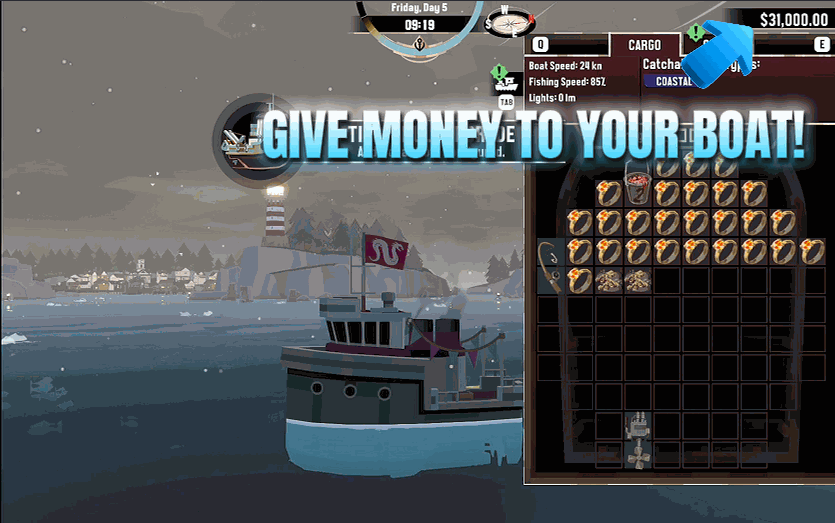
Cash Drop
Drop any amount of cash into your wallet, or pay down your Greater Marrow debt in one tap.
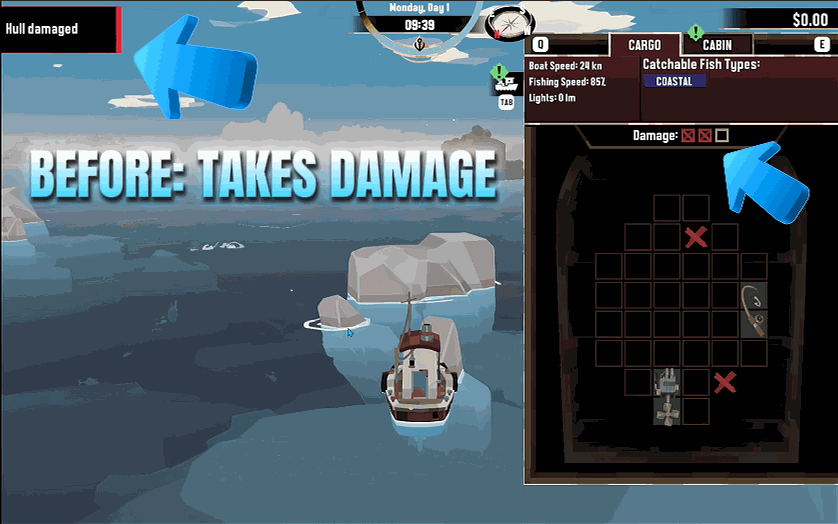
Hull Shield
Keep your boat and everything in your hold spotless. Flip the shield on and no rock, reef or horror of the Marrows can leave a mark.
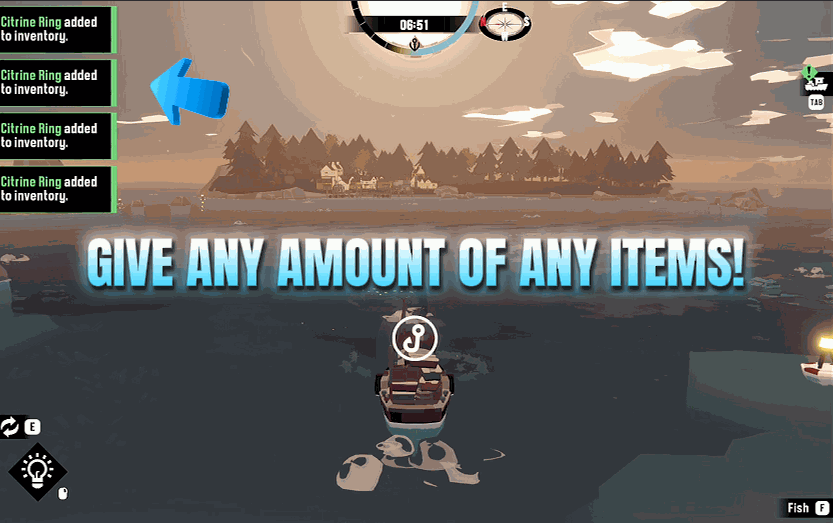
Item Spawner
Give yourself any item in DREDGE - fish, gear, gadgets, cargo, the lot. Refresh the list, pick what you want, choose how many, and it lands in your hold.







