Want more mods for DREDGE? Explore our entire collection!
UI Toggle
"Clear the deck for the perfect Marrows postcard."
How do I install UI Toggle?
Download the free ProjectMods desktop app, then install UI Toggle for DREDGE in one click.
</>What does UI Toggle do?
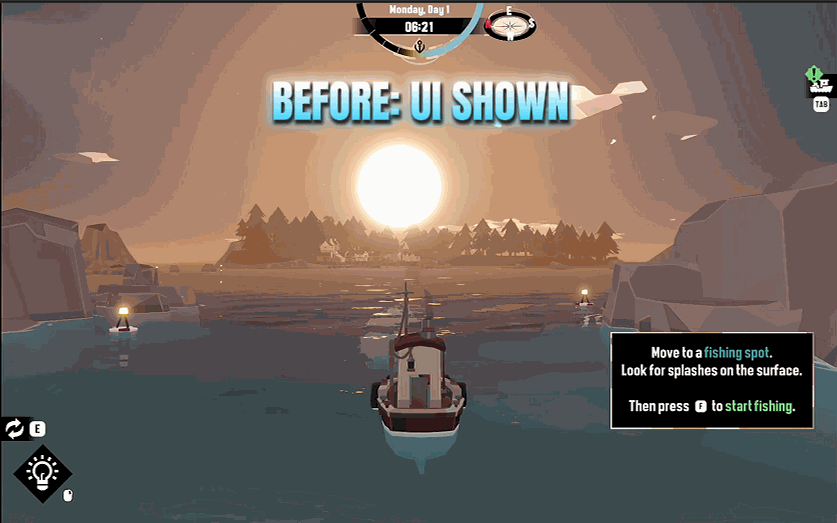
The Marrows are hauntingly beautiful, and sometimes all those meters, icons, and panels get in the way of a good shot. UI Toggle strips the whole interface off your screen in an instant, leaving nothing but you, your boat, and the fog-wrapped sea. Tap Hide UI to sweep away every bit of on-screen clutter for that cinematic capture. Tap Show UI to bring your gauges, inventory, and map controls right back where they belong. It's the fastest way to turn a normal fishing run into a wallpaper-worthy moment, and your interface is always safely restored so you're never left sailing blind.
</>What is UI Toggle?
UI Toggle clears every meter, icon, and panel off your DREDGE screen in an instant. Tap Hide UI for a cinematic view of the Marrows with nothing between you and the fog-wrapped sea. Tap Show UI to bring your gauges, inventory, and map controls right back. Turn any fishing run into a wallpaper-worthy moment without losing access to your interface. The fastest screenshot tool for DREDGE. Available through ProjectMods.
</>Common questions about UI Toggle
What does UI Toggle do in DREDGE?
UI Toggle is a DREDGE mod from ProjectMods that removes the entire on-screen interface from view with a single tap. Every meter, icon, inventory panel, map control, and HUD element disappears, leaving nothing on screen but your boat and the Marrows. Tap Show UI and everything comes right back where it belongs. It is the simplest and fastest way to capture clean, cinematic screenshots of DREDGE's beautiful and eerie world without any interface elements cluttering the frame. Your actual game state is unaffected; only the visual display of the interface changes.
Does hiding the UI affect gameplay in DREDGE?
No. Hiding the UI is purely visual. All your game systems continue to function normally while the interface is hidden. Your boat still takes damage, your panic meter still rises if applicable, fish still bite, and your inventory still fills up. You simply cannot see the on-screen indicators while the UI is hidden. This means you can still sail, fish, and interact with the world while the interface is off, though obviously you will not have visual feedback on things like health, panic, or inventory space. For most players, hiding the UI is a brief action for capturing a screenshot before tapping Show UI to resume normal play.
How do I take better screenshots in DREDGE with UI Toggle?
For the best results, set up your shot first by positioning your boat and waiting for the right lighting or weather conditions. Once the scene looks right, tap Hide UI to strip all the interface elements. Then use your system's screenshot tool, Steam's screenshot key, or any capture software to grab the clean frame. Tap Show UI afterward to restore your controls. For even more polished shots, pair UI Toggle with Time Control to freeze the lighting at a perfect moment, or with Weather Control to set the exact atmospheric conditions you want. This combination gives you full creative control over your composition.
Can I bring the UI back immediately after hiding it?
Yes. UI Toggle has two buttons: Hide UI and Show UI. Tap Show UI at any point and your entire interface returns instantly, exactly where it was before you hid it. There is no delay, animation, or transition. Your gauges, inventory display, map controls, and every other HUD element reappear in their normal positions with their current values. This makes it safe to hide the UI even in risky situations because you can restore your situational awareness in a single tap. You are never locked into a UI-less state.
What makes UI Toggle useful beyond screenshots in DREDGE?
While screenshots are the primary use, UI Toggle has other applications. Video creators use it to capture cinematic footage of their DREDGE voyages without HUD elements visible, producing content that looks more like a film than gameplay. Streamers hide the UI momentarily for dramatic reveals or atmospheric transitions during their broadcasts. Some players simply enjoy the immersion of sailing the Marrows with a completely clean screen for a few minutes, taking in the scenery and audio without visual clutter. And paired with other mods like Hull Shield and Nerves of Steel, you can safely sail UI-free for extended immersive sessions.
What options does UI Toggle include?
Show UI
Bring your gauges, panels, and map controls right back.
Hide UI
Sweep the whole interface off your screen for a clean, clutter-free shot.
UI Toggle is a ProjectMods mod for DREDGE that hides the entire on-screen interface with one tap for clean screenshots, then restores everything when you are done.
System Requirements
What features does UI Toggle include?
- Strip every meter, icon and panel off your screen in one tap for a completely clean view
- Bring the full interface back instantly with Show UI so you are never stuck sailing blind
- Capture wallpaper-quality screenshots of the Marrows without any overlay clutter
- Works on the fly during normal gameplay with no need to pause or open a menu first
Best For
- You are framing a hauntingly beautiful fog scene and the health bar is ruining the composition
- You are recording cinematic footage and need a clean, HUD-free feed
- You want a new desktop wallpaper straight from your favourite fishing spot without UI in the way
- You are streaming and want a dramatic reveal moment with nothing but the raw game world on screen
More Mods for DREDGE
Item Spawner
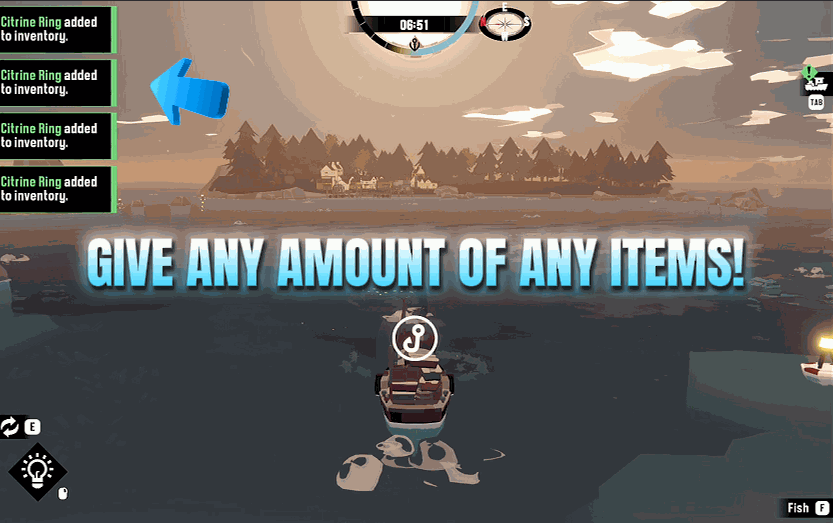
Give yourself any item in DREDGE - fish, gear, gadgets, cargo, the lot. Refresh the list, pick what you want, choose how many, and it lands in your hold.
Fishing Helper
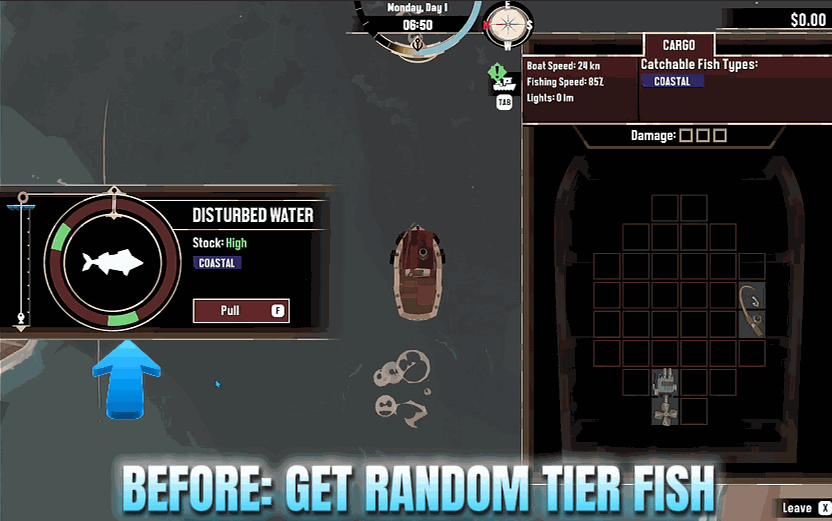
Let the fishing and dredging minigames win themselves, and turn every fish you land into a prize trophy catch.
Quest Finisher
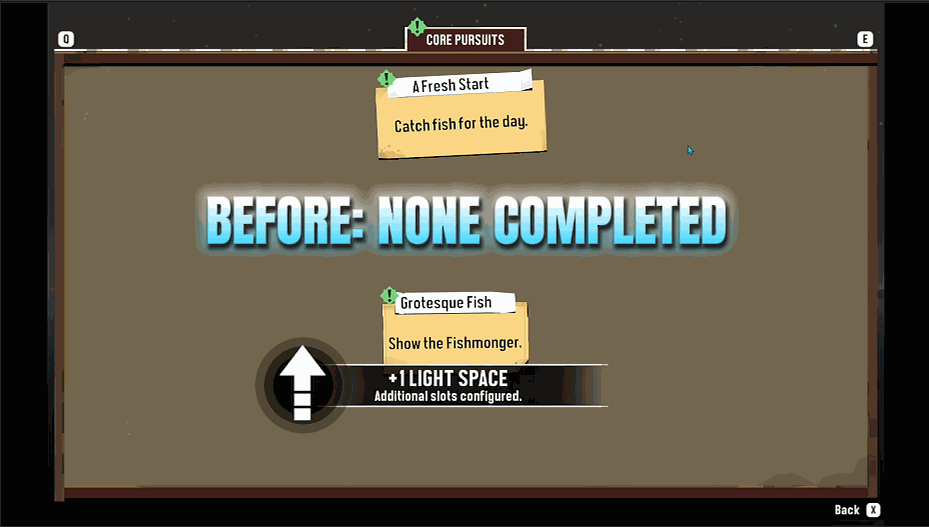
Instantly complete every quest and pursuit you currently have active.







