Want more mods for Duck Life 8: Adventure? Explore our entire collection!
Cartographer
"The whole world, uncovered, right now."
How do I install Cartographer?
Download the free ProjectMods desktop app, then install Cartographer for Duck Life 8: Adventure in one click.
</>What does Cartographer do?
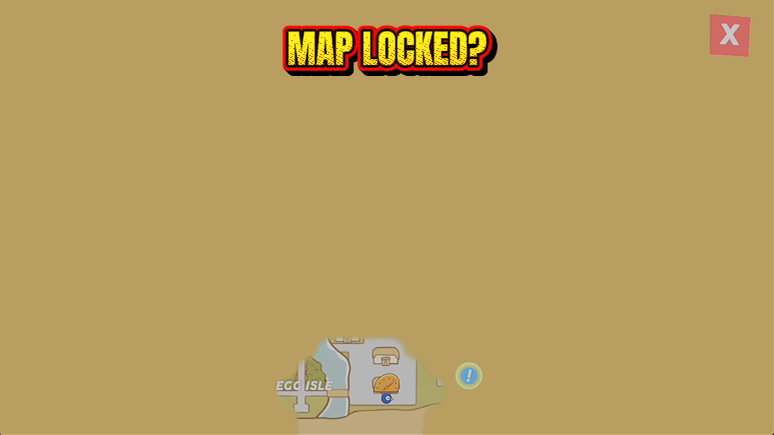
Duck Life 8's world is huge and you reveal it a footstep at a time. Until you have physically walked somewhere it is a grey smudge, which makes finding a shop you half remember an exercise in wandering. Cartographer clears the lot. One press and the fog is gone, the place names are readable and every point of interest you have found shows on the map. Perfect if you are hunting the last few totems, trying to work out where a quest wants you to go, or you just want to see the shape of the world before you decide which way to head. Your map redraws immediately, no need to leave the area and come back.
</>What is Cartographer?
Duck Life 8: Adventure hides its world behind fog until you have walked through it, which turns finding a half-remembered shop into aimless wandering. Cartographer clears the lot in a single press, with readable place names and every point of interest on show. Free in the ProjectMods catalogue, the community-first PC mod manager for 400+ games across Unity, Unreal and Godot.
</>Common questions about Cartographer
What does Cartographer do in Duck Life 8: Adventure?
Cartographer clears the fog from the whole Duck Life 8: Adventure world map in a single press. Normally the map fills in a footstep at a time, so anywhere your duck has not physically walked stays a grey smudge, and finding a shop you half remember turns into aimless wandering. Press Uncover The Map and all of it lifts at once: place names become readable and every town, dojo, shop and totem you have already found is drawn where it belongs. The map redraws on the spot, so you do not have to leave the area and come back. It is free in the ProjectMods catalogue.
How does the Uncover The Map button work?
Cartographer's Uncover The Map is a one-press action rather than a switch you leave running. Press it once in Duck Life 8: Adventure and the fog is gone for good, so there is nothing sitting in the background changing your game while you play and nothing to press again after you reload. You can press it with the map already open and watch the world appear, because the view you are looking at refreshes immediately instead of waiting for you to walk out of the area and back in. If you would rather keep some of the discovery for later, simply do not press it.
Does Cartographer show points of interest or just the terrain?
Both. Once Cartographer lifts the fog in Duck Life 8: Adventure, the towns, training dojos, shops and totems you have already discovered are drawn on the map with readable labels instead of hiding under grey, so it is genuinely useful for navigation rather than just a prettier picture. What it does not do is finish the game for you. It uncovers the map surface only, so quest progress, items and shop stock are untouched, and it does not move your duck anywhere. If you want the travelling handled as well, Warp Tag from ProjectMods puts your duck at any region on the list.
What does the Map Uncovered readout tell me?
Map Uncovered is Cartographer's live readout of how much of the Duck Life 8: Adventure world map you have revealed so far. Check it before you press the button to see how much ground you had actually covered on your own, then check it after to confirm the reveal landed properly. It is the fastest way to tell whether a save has picked the change up, because a full reading means the fog is gone. On a save where you would rather explore the old-fashioned way it works as a quiet completion tracker, ticking up as you walk into new corners of the world.
When is Cartographer most useful in a playthrough?
Cartographer earns its keep when you are hunting the last few totems, chasing a quest that only names a place, or deciding which direction to head next in Duck Life 8: Adventure. The world is wide, and remembering which grey patch hid the dojo you need is not the fun part. It is also lovely on a repeat playthrough where you already know the layout and would rather not re-walk it. Pair it with Warp Tag from ProjectMods and you can see where you want to be and then be there, turning a ten-minute trek into two presses.
What options does Cartographer include?
Uncover The Map
Clears the fog off the entire world map.
Map Uncovered
How much of the world map you have uncovered.
Cartographer is a free ProjectMods mod for Duck Life 8: Adventure that clears the fog off the entire world map in one press, so every town, dojo, shop and totem you have found is visible without walking there first.
System Requirements
What features does Cartographer include?
- Clears the fog off the entire world map in one press, towns, dojos, shops and totems included
- Redraws the map right away, so you do not have to leave the area and come back to see it
- Keeps a running count of how much of the world you have uncovered so far
- Leaves your actual progress alone. You still walk, quest and explore, you just do it with a readable map
Best For
- Totem hunters chasing the last few finds who would rather read the map than sweep the world on foot
- Quest markers pointing at a grey smudge three regions away that you have never set foot in
- Coming back to an old save with no memory of which town had the armour shop
- Pairs with Warp Tag: uncover the map, spot the place you want, then jump straight to it
- Streamers who want the world laid out on screen so chat can argue about where to go next
More Mods for Duck Life 8: Adventure
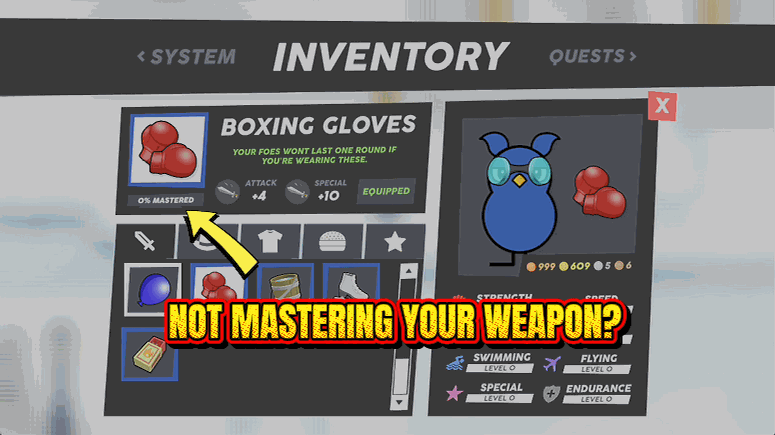
Weapon Whisperer
Finishes the hidden mastery bar on every weapon, hat and costume you own, so all of it hits at full strength.
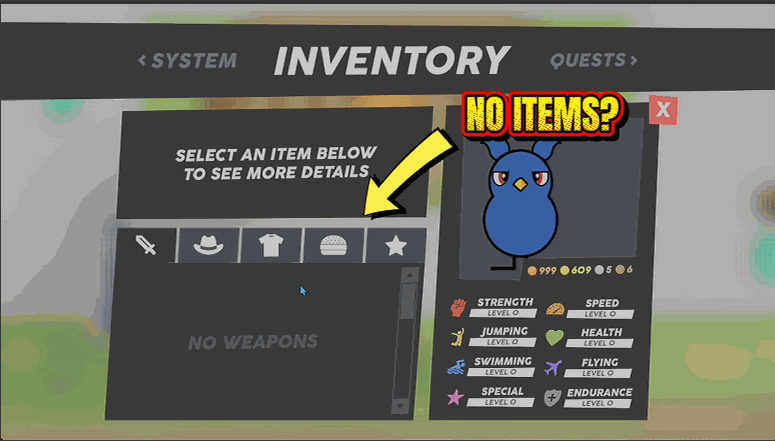
Treasure Chest
A searchable list of every weapon, hat, costume, quest item and snack in the game, handed straight to your bag.
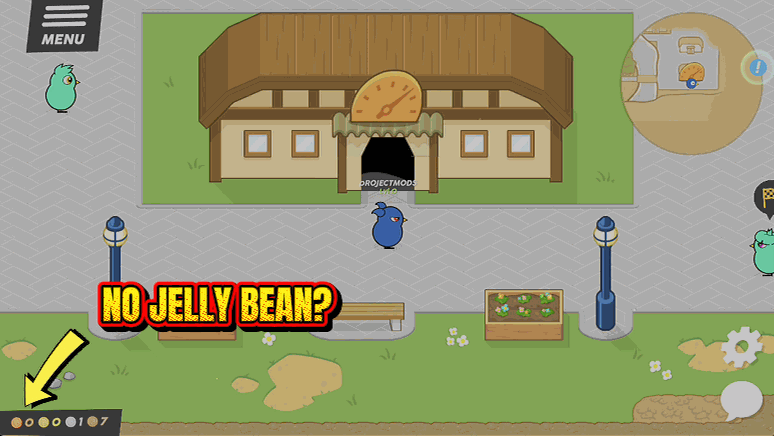
Jelly Jackpot
Fills your jelly coin stash so the good stuff stops being something you save up for all game.