Want more mods for Enter the Gungeon? Explore our entire collection!
Item Stash
"Hand yourself any item in the Gungeon, instantly."
How do I install Item Stash?
Download the free ProjectMods desktop app, then install Item Stash for Enter the Gungeon in one click.
</>What does Item Stash do?
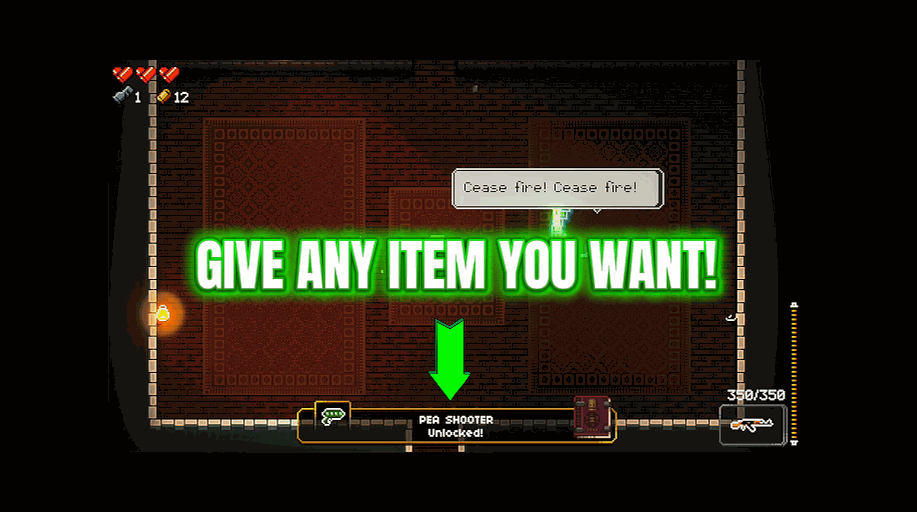
Skip the RNG. Item Stash lets you pick any active or passive item in Enter the Gungeon from a searchable list and drop it straight into your hands. From a humble Medkit to a Jetpack, a Reusable Blank, or that one synergy piece you have been chasing for fifty runs, whatever you pick is yours on the spot. Get into a run, press Refresh to fill the list, choose your item, and hit Give. Perfect for testing wild synergies, setting up a dream loadout, or just skipping the grind.
</>What is Item Stash?
Skip the RNG in Enter the Gungeon with Item Stash, a ProjectMods mod. Refresh to fill a searchable list, pick any active or passive item, and drop it straight into your hands, from a humble Medkit to a Jetpack or that synergy piece you have chased for fifty runs. Perfect for testing wild synergies, building a dream loadout, or skipping the grind.
</>Common questions about Item Stash
What does Item Stash do in Enter the Gungeon?
Item Stash is a mod for Enter the Gungeon from ProjectMods that lets you skip the RNG and grab any item you want. Refresh to fill a searchable list, pick any active or passive item, and it drops straight into your gungeoneer's hands. From a humble Medkit to a Jetpack, a Reusable Blank, or that one synergy piece you have been chasing for fifty runs, whatever you choose is yours on the spot. It is built for testing wild synergies, setting up a dream loadout, or simply skipping the grind when you already know what you want. Install it through the ProjectMods desktop app, get into a run, and the Gungeon's entire item pool is a search away.
What do the Refresh Item List and Give Item buttons do?
Item Stash uses two actions in Enter the Gungeon: Refresh Item List and Give Item. Refresh Item List scans the game and builds a complete, searchable list of every active and passive item, so the whole pool is at your fingertips. Once the list is ready, you find the item you want, select it, and press Give Item to drop it straight into your hands. You can give yourself as many items as you like over a run, stacking passives or swapping actives to test different setups. The flow stays simple on purpose: refresh once to load the list, then hand yourself whatever you need, whenever you need it.
Can Item Stash give both active and passive items?
Yes. Item Stash covers both active and passive items in Enter the Gungeon. Passives, the ones that work automatically once picked up, and actives, the ones you trigger on a cooldown, both appear in the same searchable list after you refresh. That means you can hand yourself a defensive passive and a powerful active in the same breath, building exactly the kit you want. Because the list is searchable, finding a specific item by name takes seconds rather than scrolling endlessly. Everything you select drops straight into your hands ready to use, so a Medkit, a Reusable Blank, or a rare synergy passive all arrive the moment you press Give Item.
Why is the item list empty when I first load in?
When you first load into a run, Item Stash's list starts empty, which is completely normal. Press Refresh Item List and the mod builds the full pool, filling the list with every active and passive item in Enter the Gungeon so you have something to pick from. The refresh step exists because the complete item roster is best pulled once you are actually in a run, keeping the list accurate. After refreshing, the list stays populated and searchable, so you can grab items as often as you like. If it ever looks empty again, a quick Refresh rebuilds it. So an empty list is not a fault; it simply means hit Refresh first.
How does Item Stash pair with Gun Locker for a dream loadout?
Item Stash and Gun Locker make a natural pair for building a dream loadout in Enter the Gungeon. Use Gun Locker to hand yourself the exact guns you want, then use Item Stash to add the actives and passives that combo with them, and you have a fully custom setup in under a minute. This is ideal for testing whether a gun-and-item synergy actually feels as good as it looks on paper, without waiting on run after run of RNG. Content creators use the two together to stage specific builds on camera, and theorycrafters use them to confirm pairings fast. Both are ProjectMods mods installed through the same desktop app, so running them side by side is one click each.
What options does Item Stash include?
Refresh Item List
Fill the list with every item in the game. Get into a run first, then press this.
Item to Give
Pick the item you want. Press Refresh Item List first to fill this out.
Give Item
Hand the chosen item straight to your gungeoneer.
Item Stash, a ProjectMods mod for Enter the Gungeon, lets you pick any active or passive item from a searchable list and hand it straight to your gungeoneer, no RNG needed.
System Requirements
What features does Item Stash include?
- Fill the list with every active and passive item in the game from one Refresh
- Hand yourself anything from a Medkit to a Jetpack to a Reusable Blank on the spot
- Stack whatever synergy pieces you want instead of praying for the right drop
- Assemble a dream loadout in seconds and get straight to the fun part
Best For
- Players testing a wild synergy combo they read about but never rolled naturally
- Streamers building a stacked run live so chat can watch the chaos unfold
- Players who want a specific active item ready before a boss instead of grinding for it
- Content creators setting up a controlled loadout for a build showcase
More Mods for Enter the Gungeon
/EnterTheGungeonPitImmunityPlus1.png)
Pit Immunity Plus (Fly & Pit Protection)
Glide over pits and phase around the room, and never fall in again.
Enemy Conjurer
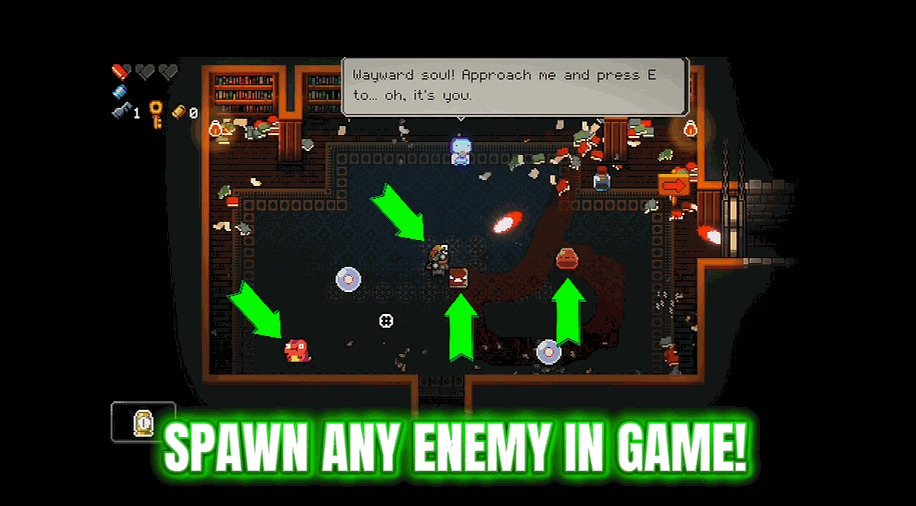
Pick any enemy or boss from a list and drop it right next to you.
Achievement Unlocker
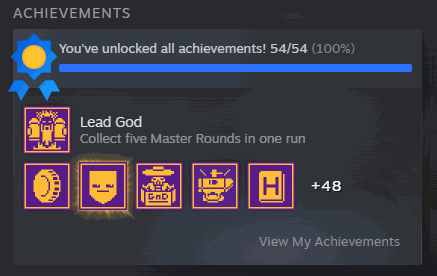
Unlock one achievement, unlock the whole set, or wipe them clean.







