Want more mods for Exit the Gungeon? Explore our entire collection!
Cool Customer
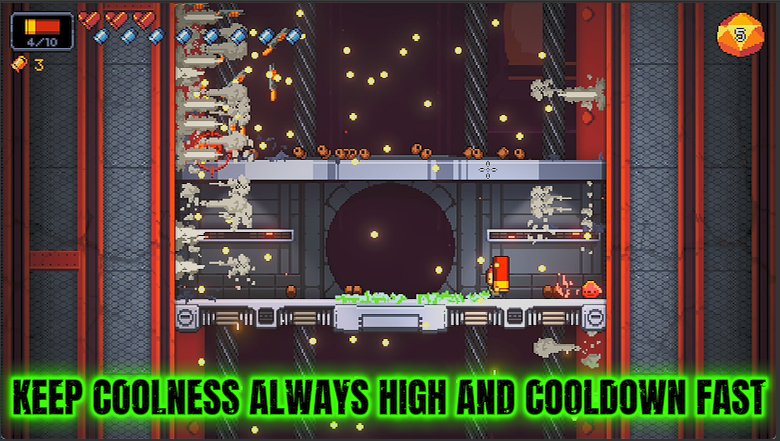
"Stack up cool points — shorter cooldowns and better loot follow you around."
How do I install Cool Customer?
Download the free ProjectMods desktop app, then install Cool Customer for Exit the Gungeon in one click.
</>What does Cool Customer do?
Coolness is the stat that quietly makes everything nicer — your active items recharge faster and the loot the game rolls tends to come out fancier. Cool Customer lets you pour on as much Coolness as you want with a single slider. Set it high and your reusable items are ready again almost immediately while the drops that fall get noticeably better. It's the smooth-operator boost that rewards you for barely trying.
</>What is Cool Customer?
Cool Customer pours as much Coolness as you want into Exit the Gungeon with a single slider, so your active items recharge faster and the loot the game rolls comes out fancier. Set it high and your reusable items are ready again almost instantly while drops noticeably improve. It is a free-tier mod from ProjectMods, a community-first PC mod manager for 400+ games.
</>Common questions about Cool Customer
What does Cool Customer do in Exit the Gungeon?
Cool Customer lets you stack the Coolness stat as high as you like in Exit the Gungeon using a single slider. Coolness is the quiet stat that makes everything nicer: it shortens the cooldown on your active items so they recharge faster, and it tilts the loot the game rolls toward better, fancier drops. Normally you build Coolness slowly through certain items and pickups, but Cool Customer just lets you pour it on directly. Slide it up and your reusable items come back almost immediately while the gear that falls out of chests and rewards trends noticeably stronger throughout your climb.
What is Coolness and why does it matter?
Coolness is one of Exit the Gungeon's hidden stats, and Cool Customer lets you crank it at will. It does two big things. First, it reduces the cooldown time on your active items, the reusable gadgets you trigger in a pinch, so they are ready to fire again sooner. Second, it improves your luck with drops, gently pushing the game to hand out better guns, items and pickups. Because both effects reward you for barely trying, stacking Coolness turns into a smooth snowball: quicker item turnaround and stronger loot feed into each other and make the whole run feel generous.
Does more Coolness really change what loot I get?
Yes. Coolness influences the quality of the drops Exit the Gungeon rolls for you, so raising it with Cool Customer nudges chests, rewards and pickups toward better gear over the course of a run. It works on probabilities rather than guaranteeing a specific gun, so think of it as loading the dice in your favor rather than picking your prize. The higher you set the slider, the stronger that pull becomes. Paired with the shorter active-item cooldowns Coolness also grants, a high setting makes runs feel noticeably more generous, with good items showing up more often and your gadgets always close to ready.
How high can I set the Coolness Bonus slider?
The Coolness Bonus slider decides how much extra Coolness Cool Customer adds in Exit the Gungeon, and you can push it far past anything the base game normally hands out. A modest setting shaves a little off your active-item cooldowns and slightly improves drops. Crank it toward the top and your reusable items recharge almost instantly while loot quality climbs sharply. Because it is a slider, you are in full control of the dial, so you can aim for a gentle quality-of-life boost or go all the way to a run where good gear and ready-to-go gadgets feel constant.
When is Cool Customer most useful?
Cool Customer shines whenever you lean on active items in Exit the Gungeon or just want friendlier loot. If your favorite playstyle revolves around a powerful gadget with a long cooldown, a high Coolness setting keeps it almost always available. If you are chasing a specific build, the improved drop quality means the guns and items you want show up more often. It is also a relaxed pick for players who find the base drop rates stingy, and for creators who want runs stocked with interesting gear to show off rather than a string of unlucky rolls.
What options does Cool Customer include?
Coolness Bonus
How much extra Coolness to add. Higher means faster item cooldowns and better drops.
Cool Customer, a free-tier ProjectMods mod, lets you stack Coolness in Exit the Gungeon for faster active-item cooldowns and better loot, all on one simple slider.
System Requirements
What features does Cool Customer include?
- Pour on as much Coolness as you like with one slider for faster item cooldowns
- Get your reusable active items ready again almost the instant you use them
- Nudge the odds so the loot the game rolls comes out fancier more often
- Dial it low for a gentle edge or crank it for a permanent smooth-operator boost
Best For
- You lean on an active item every fight and hate the wait — keep it always ready
- Chasing better guns and items without replaying floors purely to farm drop quality
- Players who want a quieter, snowballing edge instead of flat-out invincibility
- New Gungeoneers who want the climb to feel a little kinder while they find their feet
More Mods for Exit the Gungeon
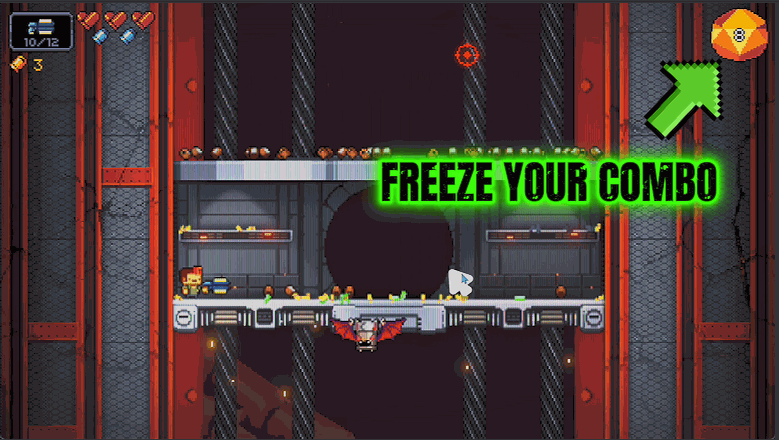
Combo King
Freeze your combo meter so it never drops — keep your rank and gun power sky-high the whole run.
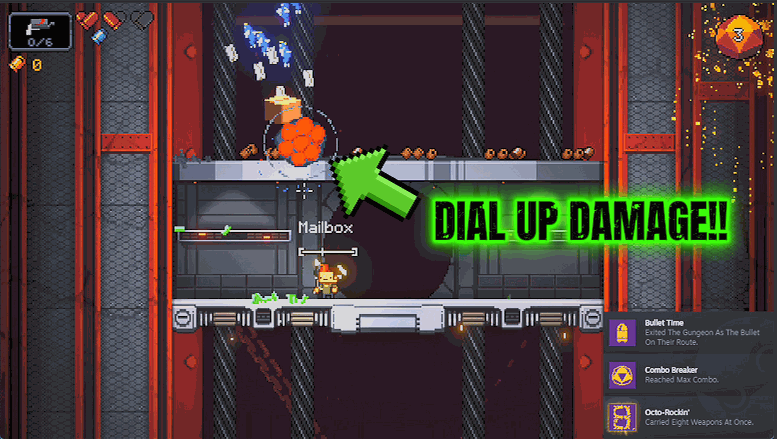
Trigger Happy
Speed up how fast you fire and how quickly you reload. Turn every gun into a bullet hose.
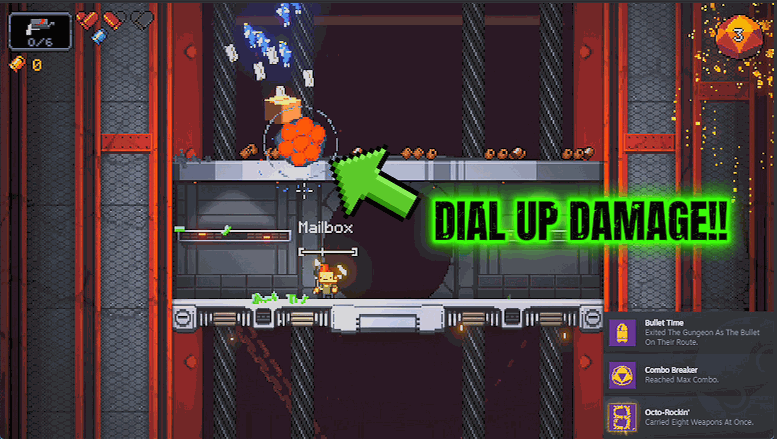
Damage Amp
Multiply the damage every one of your shots deals. Slide it up for a glass-cannon power trip.







