Want more mods for Exit the Gungeon? Explore our entire collection!
Fleet Foot
"Move like you've had six coffees. Dodge everything, twice."
How do I install Fleet Foot?
Download the free ProjectMods desktop app, then install Fleet Foot for Exit the Gungeon in one click.
</>What does Fleet Foot do?
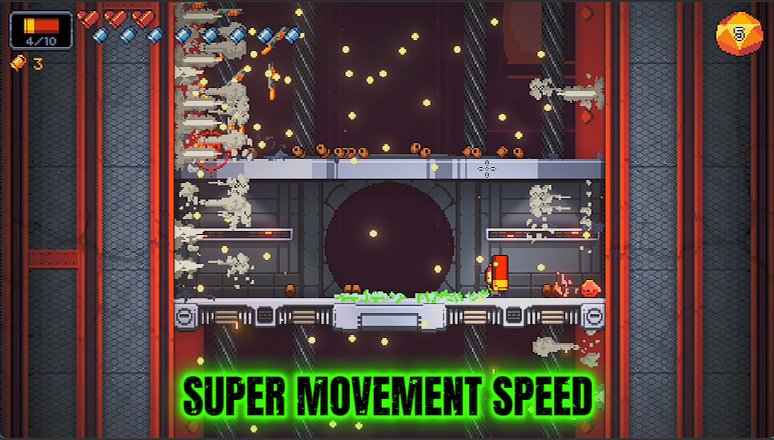
Exit the Gungeon is all about weaving through bullets, and a little extra speed makes every dodge feel effortless. Fleet Foot lets you dial your movement speed up as high as you like — a gentle jog for smoother control, or a full-on blur that leaves enemy fire chasing empty air. Great for survival, great for showing off, and it stacks nicely with the dodge roll you already lean on.
</>What is Fleet Foot?
Fleet Foot lets you dial your movement speed up as high as you like in Exit the Gungeon, from a smoother jog to a full-on blur that leaves enemy fire chasing empty air. It stacks with the dodge roll you already lean on, so weaving through bullets feels effortless. It is a free-tier mod from ProjectMods, the community-first PC mod manager for 400+ games across Unity, Unreal, and Godot.
</>Common questions about Fleet Foot
What does Fleet Foot do in Exit the Gungeon?
Fleet Foot lets you crank your movement speed in Exit the Gungeon using a slider. The whole game is about weaving through walls of bullets, and a little extra speed makes every dodge feel effortless. Slide it up gently for smoother, more responsive control, or push it all the way to a full-on blur that leaves enemy fire chasing empty air. Because it boosts your baseline movement, it applies everywhere, in every room and against every boss, without any setup. It is great for survival, great for showing off, and it makes tight bullet patterns far easier to slip through.
How fast can Fleet Foot make me move?
Fleet Foot's speed is set by a slider in Exit the Gungeon, and it can take you well past normal running pace. At a value of one you move at the usual speed. Nudge it up for a brisk jog that just makes positioning feel crisper, or push it toward the top for a blur that zips across the arena faster than most bullets can track. The higher settings turn dodging into an afterthought, since you can simply outrun patterns that would normally corner you. You stay in full control of the dial, so you can find the sweet spot between handling and raw speed.
Does Fleet Foot stack with the dodge roll?
Yes. Fleet Foot boosts your regular movement speed in Exit the Gungeon, and it plays nicely alongside the dodge roll you already rely on. Your roll still works exactly as normal for its invincibility window, but the faster base speed means you cover more ground between rolls and reposition quicker when the roll is on cooldown. That combination makes weaving through dense bullet patterns feel far more forgiving: you can walk out of danger you would previously have had to roll through, and save your roll for the moments that really need it. At very high settings, you may simply outpace attacks entirely.
What does the Speed Multiplier slider control?
The Speed Multiplier slider sets how fast you move in Exit the Gungeon. One is normal walking and running speed, and anything above that scales you up from there. A small increase gives you a gentle, controllable boost that smooths out positioning without making you twitchy. A large one turns you into a streak that outruns most enemy fire. Because it is a smooth slider, you can tune it precisely to your comfort level and change it whenever you like, dialing back for careful platforming around pits or pushing it high when you just want to blur through a room and leave the bullets behind.
When should I turn Fleet Foot up high?
Crank Fleet Foot high in Exit the Gungeon whenever survival is the priority or you just want to feel slippery. A big speed boost makes brutal bullet patterns trivial to escape, so it is perfect for learning a tough boss, chasing a deep run, or recording clean footage where you glide through danger. Dial it back down for careful sections near pits, where too much speed can send you skidding into a gap. It pairs well with a pit-safety mod like Sure Footing, letting you blur around the arena at full tilt without ever paying for an accidental tumble.
What options does Fleet Foot include?
Speed Multiplier
How fast you move. 1 is normal, higher is faster.
Fleet Foot, a free-tier ProjectMods mod for Exit the Gungeon, dials your movement speed up so you dart around the arena and slip between bullets with ease.
System Requirements
What features does Fleet Foot include?
- Dial your movement speed up as high as you like with one slider
- Weave through bullet patterns that used to clip you, with room to spare
- Stack it with your dodge roll to slip across the arena in a blink
- Keep it gentle for smoother control or go full blur to outrun enemy fire
Best For
- Bullet-hell patterns feel too tight — a speed bump gives you room to read and react
- You keep eating a hit squeezing between two streams of fire; now you slip through the gap
- Players who lean hard on the dodge roll and want to cover the whole arena even faster
- You find the default pace a touch slow and want the climb to feel snappier
More Mods for Exit the Gungeon
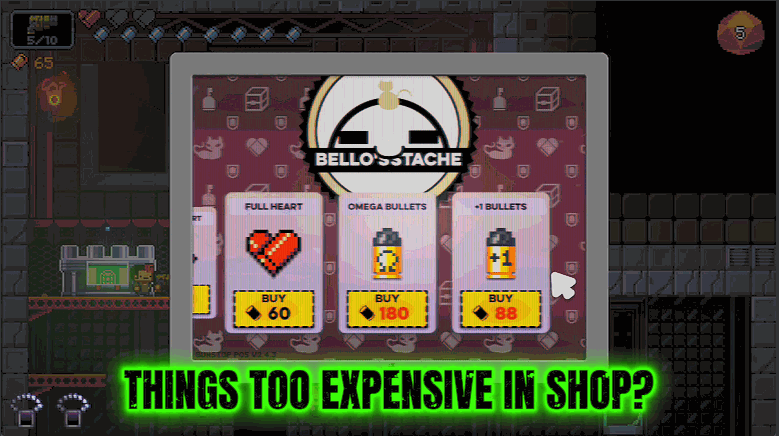
Five Finger Discount
Makes everything in the shops cost nothing. Grab every gun and item on the shelf for free.
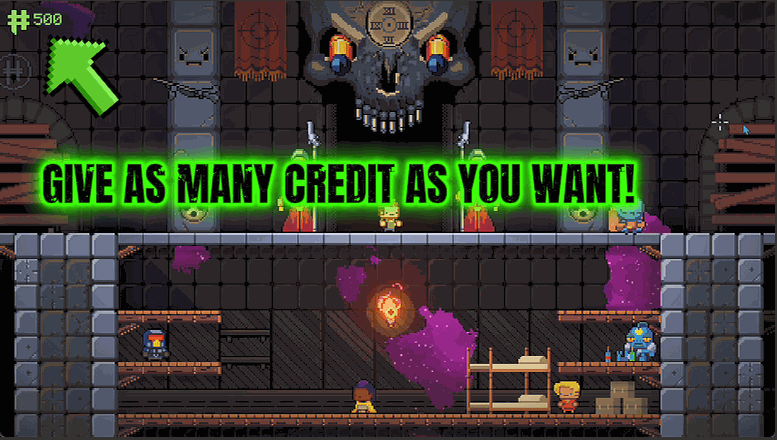
Hegemony Hoard
Top up your Hegemony Credits — the between-run currency you spend to unlock new guns and items.

Lead Skin
Turn on Lead Skin and nothing can chip your hearts — enemy fire, contact hits, boss slams and pit tumbles all leave you untouched.







