Want more mods for Exit the Gungeon? Explore our entire collection!
Wall of Fame
"Hang every trophy on the wall — one at a time or the whole set at once."
How do I install Wall of Fame?
Download the free ProjectMods desktop app, then install Wall of Fame for Exit the Gungeon in one click.
</>What does Wall of Fame do?
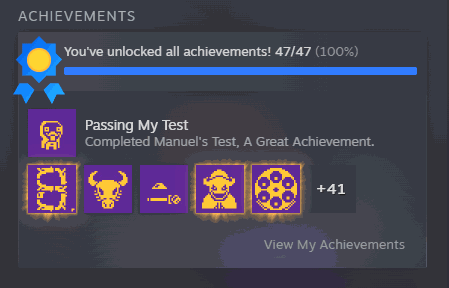
Chasing every Exit the Gungeon achievement means mastering every boss and finishing every quest — great if you love the grind, rough if you just want the shiny row on your profile. Wall of Fame lets you unlock a single achievement from the list, pop the entire set at once, or wipe them all back to locked. It talks to the game's own trophy system, so your Steam profile and the in-game record both update.
</>What is Wall of Fame?
Wall of Fame lets you unlock a single Exit the Gungeon achievement, pop the entire set at once, or wipe them all back to locked. It talks to the game's own trophy system, so your Steam profile and the in-game record both update. It is a free-tier mod from ProjectMods, the community-first PC mod manager and desktop app for 400+ games.
</>Common questions about Wall of Fame
What does Wall of Fame do in Exit the Gungeon?
Wall of Fame lets you manage your Exit the Gungeon achievements directly. Chasing every achievement normally means mastering every boss and finishing every quest, which is great if you love the grind and rough if you just want the shiny row on your profile. Wall of Fame lets you unlock a single achievement from a dropdown list, pop the entire set at once, or wipe them all back to locked. It talks to the game's own trophy system, so both your Steam profile and the in-game record update to match whatever you choose. It is a clean way to tidy up your achievement list on your terms.
What do the four Wall of Fame actions do?
Wall of Fame gives you four controls in Exit the Gungeon. Select Achievement is a dropdown where you pick one specific achievement. Unlock Specified Achievement then grants just that single one. Unlock All Achievements pops the entire list at once, handy if you want the full set instantly. Lock All Achievements resets everything back to locked, which is useful if you want a clean slate or unlocked something by accident. Between these four you have complete, reversible control over your achievement list: grant one, grant them all, or wipe the board, in whatever order suits you, without touching the rest of your run.
Does Wall of Fame update my Steam profile?
Yes. Wall of Fame works through Exit the Gungeon's own trophy system rather than faking anything locally, so when you unlock an achievement it registers on your Steam profile and in the in-game record together. That means the row of trophies on your public profile reflects whatever you choose to unlock. The same applies in reverse: using Lock All Achievements clears them back down. Because it uses the real system, the changes behave like genuine unlocks rather than a cosmetic display. If you unlocked something by mistake or want to reset for a fresh completion run, the lock option puts everything back to zero.
Why is the achievement dropdown already full when I load in?
Unlike some spawn-style mods that need a refresh, Wall of Fame's dropdown in Exit the Gungeon is ready the moment you open it. The full list of achievements is fixed and known ahead of time, so the mod can fill the Select Achievement dropdown right away without waiting for you to be in a run. That is why you can pick an achievement and unlock it immediately, with no setup step. Just open the dropdown, choose the one you want, and use Unlock Specified Achievement, or skip the picking entirely and hit Unlock All Achievements to grant the whole set in a single click.
Why would I use Wall of Fame?
Wall of Fame is for Exit the Gungeon players who want their achievement row to reflect their own goals rather than a grind. Maybe you have already beaten the content on another save and do not want to repeat it, or a couple of stubborn achievements are gated behind luck you would rather skip. It is also useful for completionists tidying up a profile, and for content creators who want a specific achievement state on screen. And if you ever want to start a genuine completion run from scratch, Lock All Achievements wipes the board so every unlock counts again.
What options does Wall of Fame include?
Unlock Specified Achievement
Unlock just the achievement chosen above.
Select Achievement
Pick a single achievement to unlock.
Lock All Achievements
Reset every achievement back to locked.
Unlock All Achievements
Unlock every achievement in the game at once.
Wall of Fame is a free-tier ProjectMods mod that unlocks any Exit the Gungeon achievement or the whole list in one click, and can lock them all back too.
System Requirements
What features does Wall of Fame include?
- Pick a single achievement from the list and pop it with one button
- Unlock every Exit the Gungeon achievement at once, or wipe them all back to locked
- Watch your Steam profile and the in-game record both update to match
- Hang the trophies you want without mastering every boss and quest first
Best For
- You're one stubborn achievement short of the full set and don't fancy the grind for it
- Completionists who want the shiny row on their profile without a hundred more runs
- Content creators who need a specific achievement popped to film for a guide
- You want to wipe your achievements back to locked and earn them fresh a second time
More Mods for Exit the Gungeon
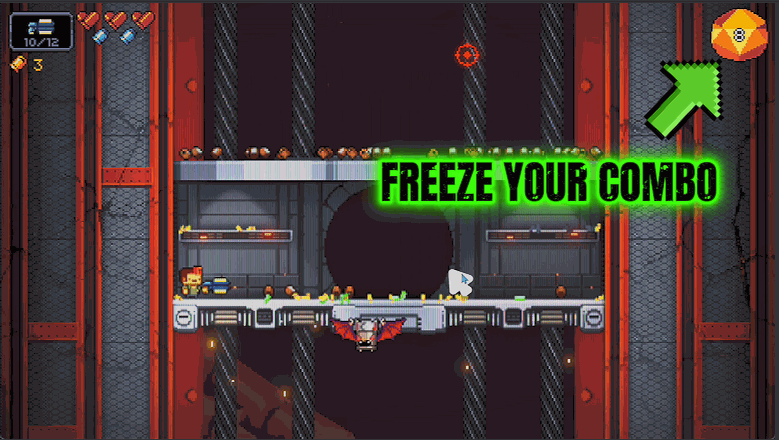
Combo King
Freeze your combo meter so it never drops — keep your rank and gun power sky-high the whole run.
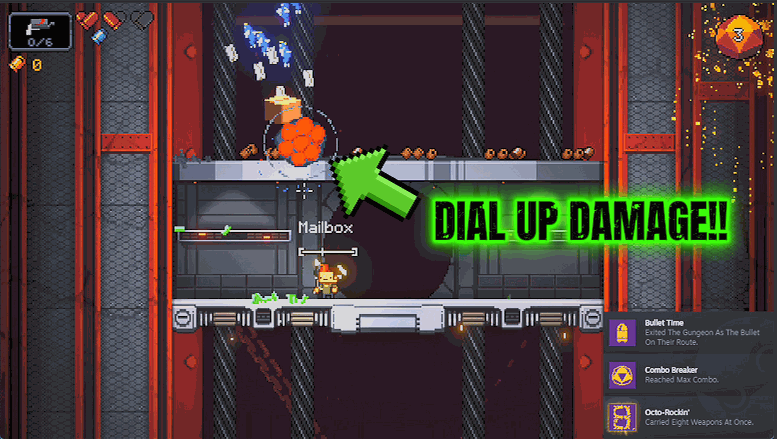
Trigger Happy
Speed up how fast you fire and how quickly you reload. Turn every gun into a bullet hose.
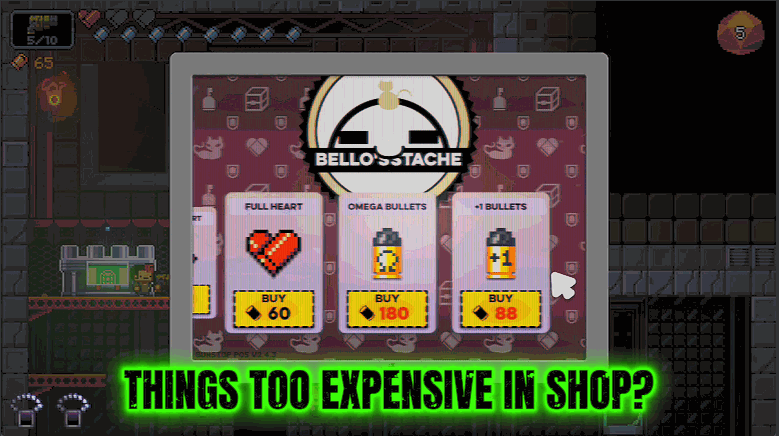
Five Finger Discount
Makes everything in the shops cost nothing. Grab every gun and item on the shelf for free.







