Want more mods for Feed and Grow: Fish? Explore our entire collection!
Better Fish Selection Screen
"Searchable fish select grid with clearer previews and faster browsing"
How do I install Better Fish Selection Screen?
Download the free ProjectMods desktop app, then install Better Fish Selection Screen for Feed and Grow: Fish in one click.
</>What does Better Fish Selection Screen do?
Tired of scrolling forever through the vanilla fish select menu just to find one species? Better Fish Selection Screen rebuilds the Feed and Grow: Fish picker into a cleaner grid layout with a live search box, so you can jump straight to the fish you want. Browse more entries on screen at once, scroll the grid with the mouse wheel, and keep the full preview plus stats panel while you choose. Long species names wrap cleanly, oversized icons stay readable, and the layout is tuned so Play, preview, and stats remain easy to hit. Turn it on, set how packed you want the grid, and get back into the water faster.
</>What is Better Fish Selection Screen?
Better Fish Selection Screen is a Feed and Grow: Fish UI mod that upgrades the fish select menu into a searchable multi-column grid. Players can filter species by name, scroll through denser rows of fish, and select with a clearer preview layout than the vanilla list. It is built for anyone who wants faster fish browsing, easier species lookup, and a cleaner select-screen workflow without changing core gameplay.
</>Common questions about Better Fish Selection Screen
Does this replace the vanilla fish select menu?
Yes. When enabled, it upgrades the fish select screen into the searchable grid layout while keeping Play, preview, and stats.
Can I search for a fish by name?
Yes. Type in the search box and the grid filters to matching species instantly.
How do I scroll through more fish?
Use the mouse wheel to move the grid. The search bar also shows how many matches are currently visible.
Can I change how many fish appear per row?
Yes. You can adjust the grid density to show more or fewer fish across each row.
Can I turn it back off?
Yes. Disable the option and the menu returns to the default behavior.
Does this unlock fish or change gameplay?
No. It only improves the fish select UI for browsing and choosing species.
What options does Better Fish Selection Screen include?
Better Fish Selection Screen
Enable the Better Fish Selection Screen
Grid Columns
How many columns of fish to show. Default 6 columns.
Better Fish Selection Screen replaces the vanilla fish select menu in Feed and Grow: Fish with a searchable grid that shows more species at once and makes picking a fish much faster.
System Requirements
What features does Better Fish Selection Screen include?
- Search box filters the fish list by name in real time
- Multi-column grid shows more species on screen at once
- Mouse-wheel scrolling moves through the fish grid quickly
- Selected fish preview and stats panel stay visible while browsing
- Long fish names wrap and format cleanly under each icon
- Oversized select icons are scaled to reduce overlap
- Adjustable grid density so you can show more or fewer fish per row
- Toggle the improved select screen on or off anytime
Best For
- Find a specific fish instantly instead of scrolling the vanilla list
- Compare nearby species faster with more icons visible at once
- Browse unlocks and variants with clearer names and previews
- Speed up loadout picking before pressing Play
More Mods for Feed and Grow: Fish
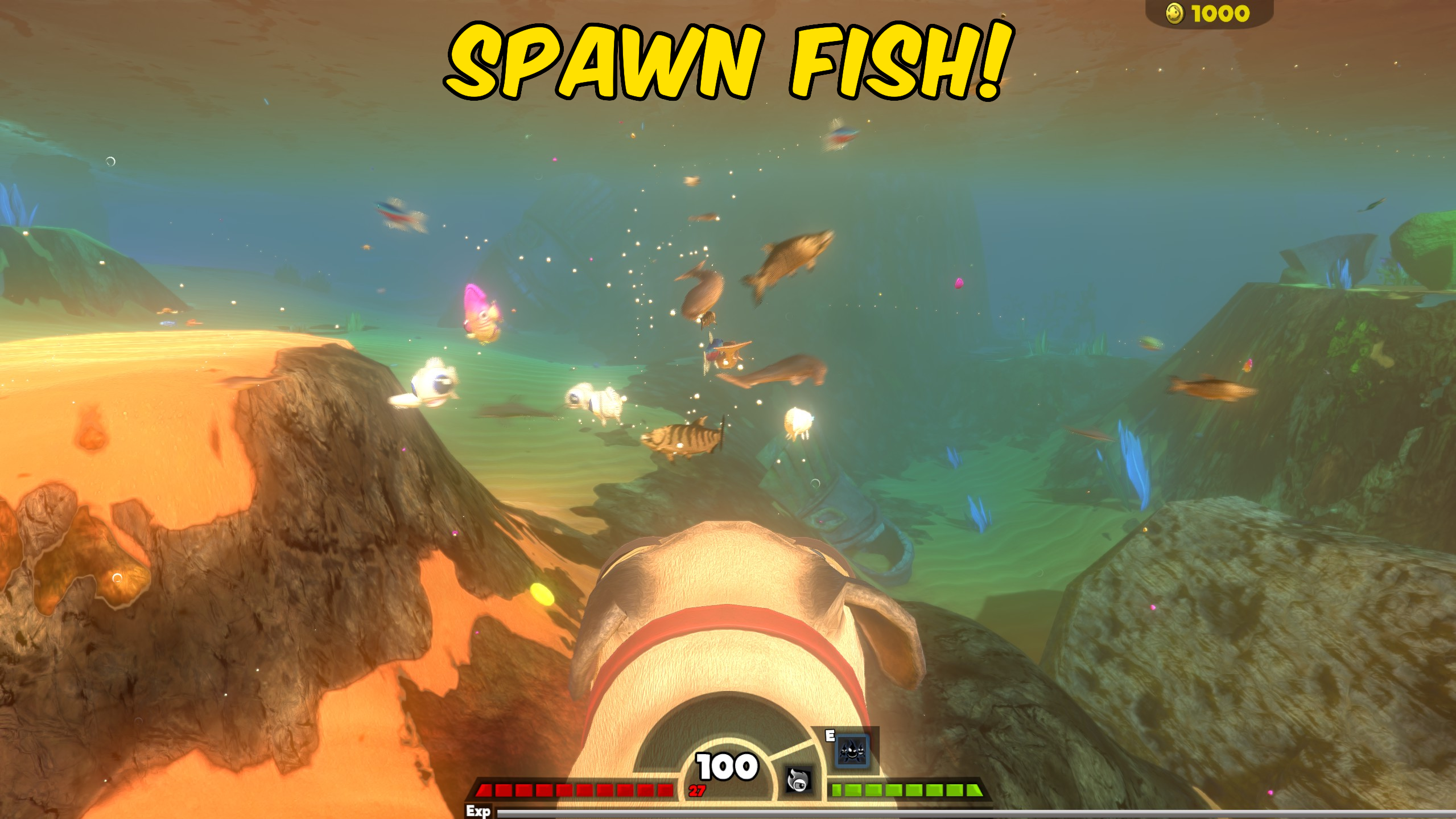
Spawn Fish
Instantly spawn any fish, or kill all the fish around you.
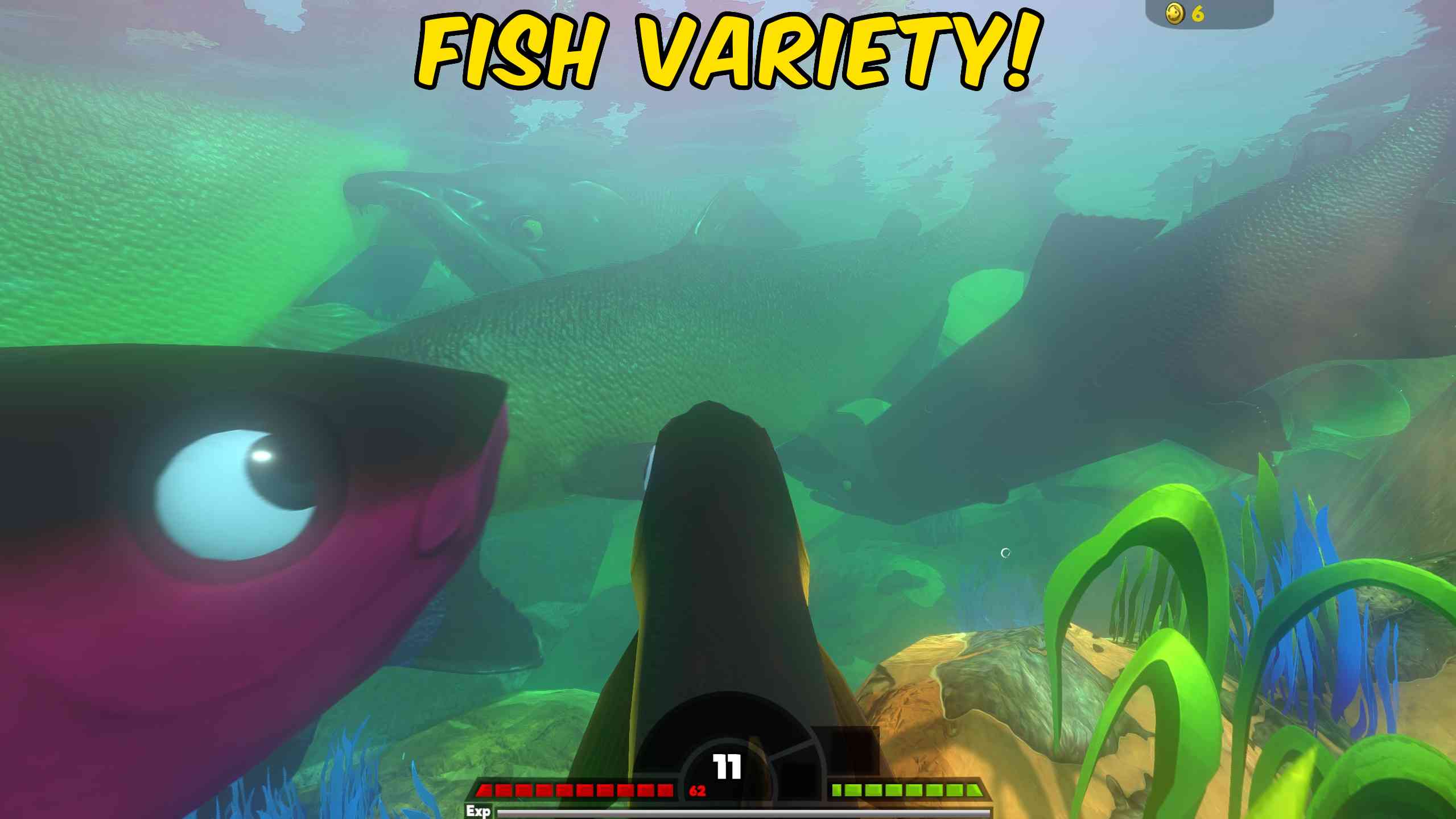
Fish Spawn Variety
Add more variety to fish spawns with random high-level fish and different colour variants.
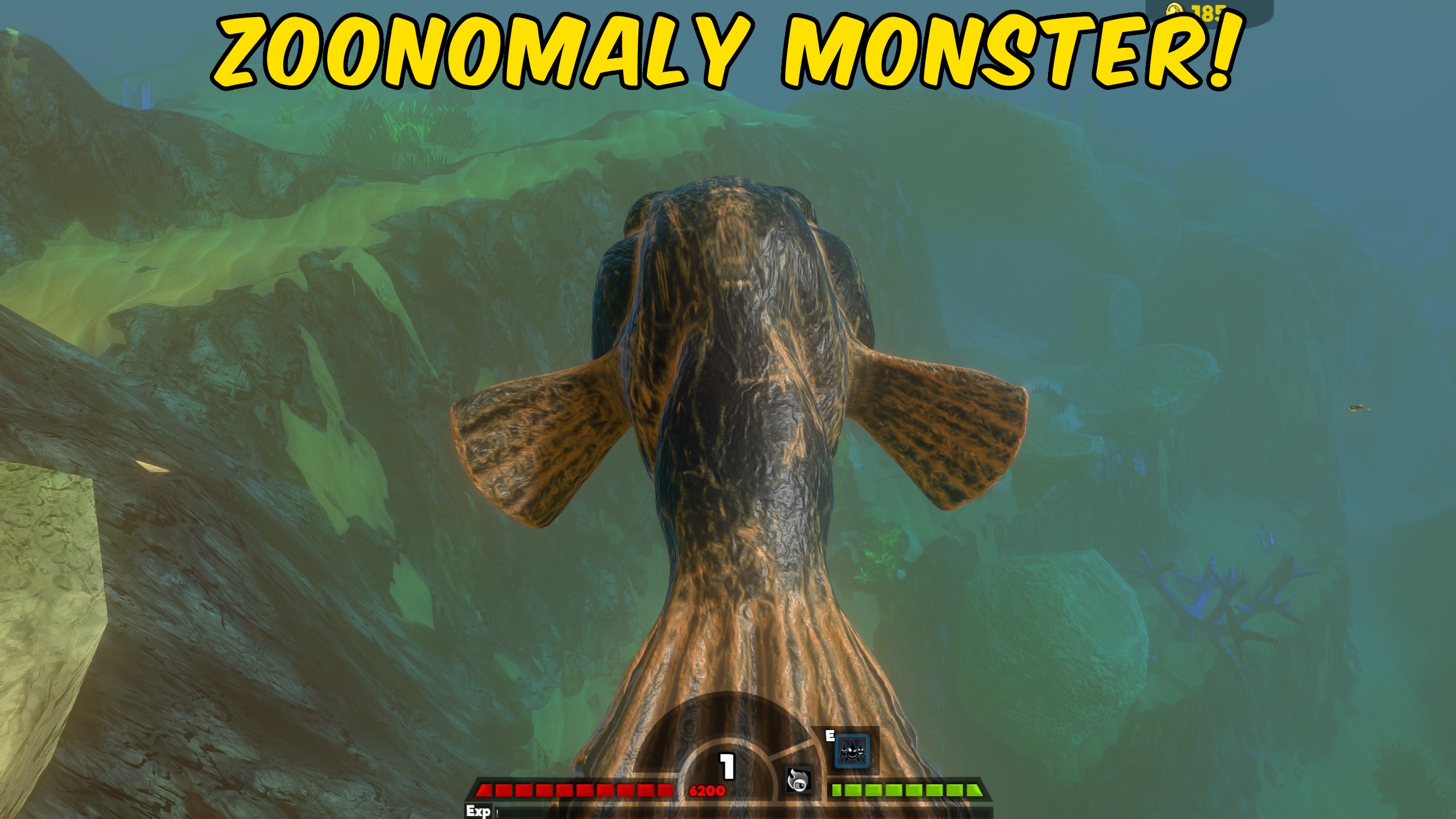
Zoonomaly Monster Fish
A nightmarish abyssal predator inspired by Zoonomaly, this monstrous fish lurks in the darkness with an enormous tooth-filled maw and an unsettling, otherworldly appearance.







