Want more mods for Feed and Grow: Fish? Explore our entire collection!
Improved Camera
"See more, move freely, and fine tune your view without limits"
How do I install Improved Camera?
Download the free ProjectMods desktop app, then install Improved Camera for Feed and Grow: Fish in one click.
</>What does Improved Camera do?
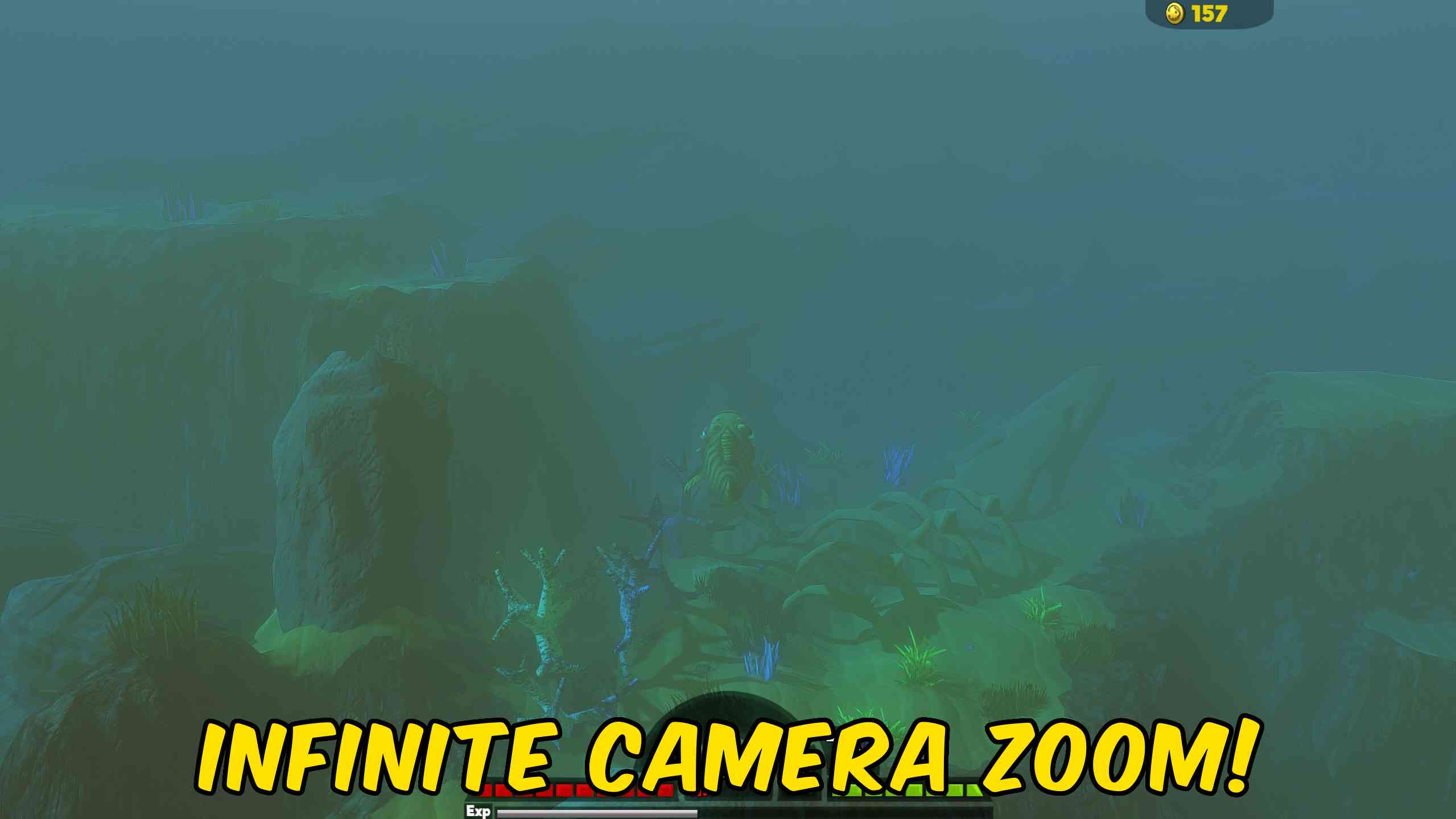
Take full control of your view in Feed and Grow Fish with a camera overhaul built for clarity, flexibility, and control. This mod removes the built in limits that restrict how far you can zoom and where your camera can move, giving you a true free camera feel across the entire ocean. Zoom out as far as you want to get a full tactical view of your surroundings or dial it in for a tighter, more immersive perspective. Move seamlessly above and below the water surface without forced clipping, allowing uninterrupted visibility whether you are scouting, fighting, or exploring. Camera responsiveness is also upgraded. Scroll zoom speed is adjustable, letting you move quickly between close and distant views. You can set a precise zoom distance with a custom value, or instantly reset your camera if you go too far. The result is a smooth, controlled camera that adapts to how you play. Whether you want a wide overview for survival or a cinematic underwater angle, this upgrade removes the friction and lets you see the game your way.
</>What is Improved Camera?
This camera enhancement mod for Feed and Grow Fish removes zoom limits, disables water clipping restrictions, and improves zoom responsiveness for a smoother gameplay experience. Players can zoom out infinitely for better awareness, adjust zoom speed for faster navigation, and set exact zoom distances for consistent control. Ideal for players who want a wider field of view, better positioning awareness, or more cinematic camera movement while exploring the ocean.
</>Common questions about Improved Camera
Does this remove all zoom limits?
Yes, you can zoom out as far as you want without any built in cap.
Can the camera go above and below water freely?
Yes, water surface clipping is removed so the camera moves seamlessly across it.
Can I control how fast the zoom works?
Yes, scroll zoom speed can be adjusted to match your preference.
Is there a way to reset the camera quickly?
Yes, you can instantly reset your zoom if you scroll too far.
What options does Improved Camera include?
Reset Camera Zoom
Instantly restores the camera to the default game zoom level.
Unlimited Zoom
Removes the default zoom out limit and allows you to zoom infinitely for a complete view of the ocean.
Apply Custom Zoom
Applies the custom zoom level entered above.
Custom Zoom Level
Enter a specific zoom distance to precisely control your camera view.
Remove Water Camera Clipping
Allows the camera to move freely above and below the water surface without forced restrictions.
Adds infinite zoom, removes water camera clipping, speeds up zoom controls, and lets you precisely adjust and reset your camera view.
System Requirements
What features does Improved Camera include?
- Infinite zoom out for full map visibility and tactical awareness
- Removes water surface clipping so the camera moves freely above and below
- Adjustable scroll zoom speed for faster or more controlled navigation
- Custom zoom level setting for precise camera distance control
- Instant zoom reset to quickly return to a default view
Best For
- Zoom out to track predators, prey, and threats across a wider area
- Capture cinematic underwater shots without camera restrictions
- Fine tune your camera distance for consistent gameplay positioning
- Quickly switch between close combat view and wide overview
More Mods for Feed and Grow: Fish

Fish Behavior
Control how fish feed, mate, hatch, flee, and fight with independent toggles for swallowing, aggression, mating success, egg hatching, and fear.
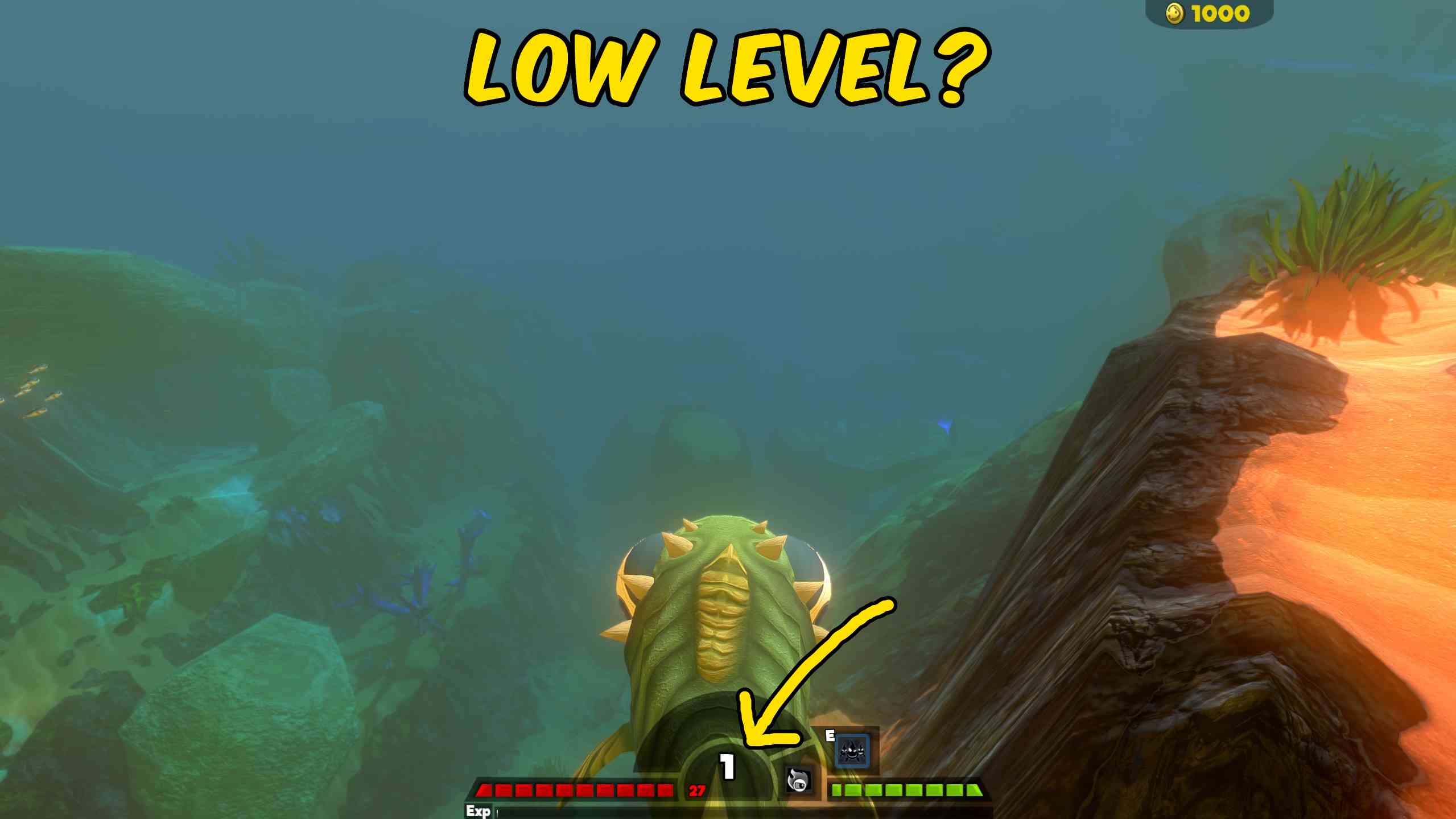
Level Controller
Change your current fish by a chosen number of levels or jump directly to a target level.
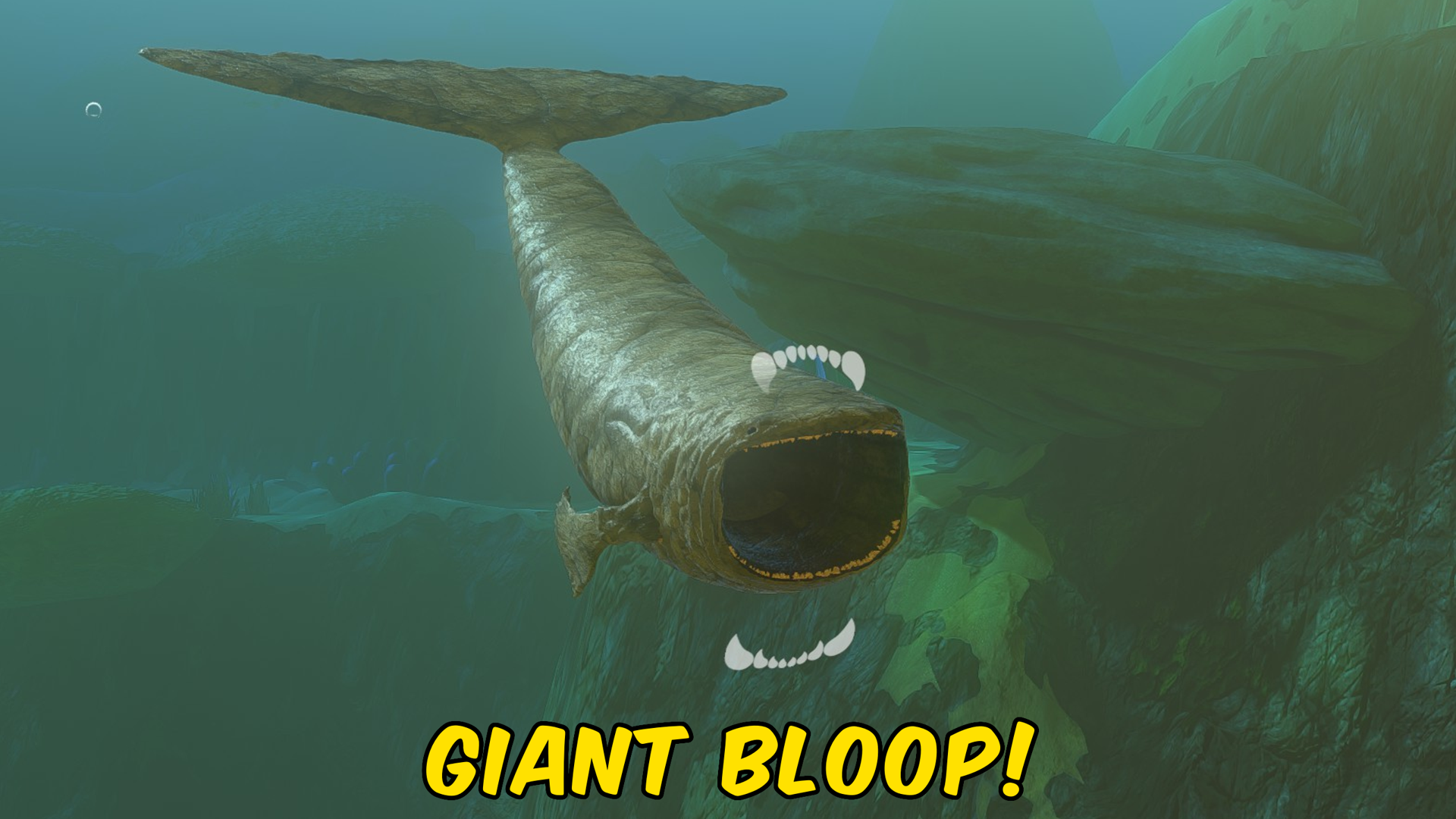
Bloop
A colossal deep-sea cryptid with a massive gaping mouth, Bloop stalks the ocean depths as one of the most mysterious and terrifying creatures ever reported.







