Want more mods for Find The Needle? Explore our entire collection!
No Build Limits
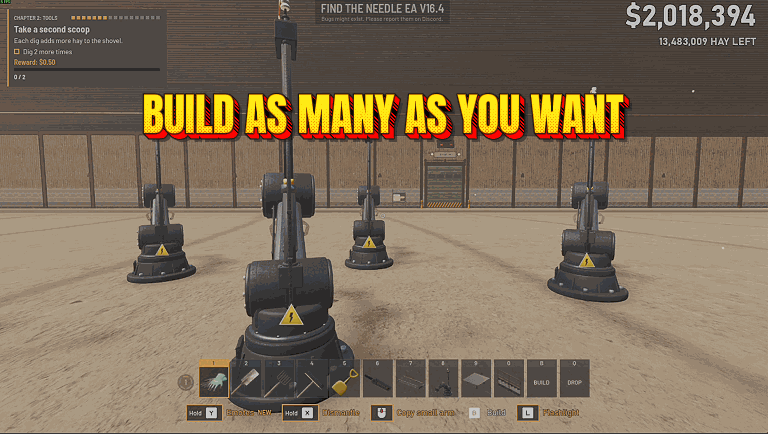
"Lift the caps on arms, rakes, drones and fans, and keep prices flat."
How do I install No Build Limits?
Download the free ProjectMods desktop app, then install No Build Limits for Find The Needle in one click.
</>What does No Build Limits do?
Find The Needle caps how many of some buildings your yard can hold: 96 robotic arms, 16 piston rakes, 12 drones and 32 yard fans. Arms, rakes, drones, generators and machines also cost more for every one already standing: the first arm costs $180, the fourth $240. No Build Limits raises those four caps to 9,999 each, so the game stops turning down your 97th arm with "arm limit reached (96)". It doesn't touch buildings the game never limited, such as generators and compressors. Past the cap, the price climbs fast: the 97th arm costs $1,694,220. Flat Build Prices stops the climb: the game works out the price of each new arm, rake, drone, generator or machine as if it were your first, so every new arm costs what the first one did. Both switches start off and each works without the other. When you flip one, a line on screen says what changed, and if you're not in your yard yet, it starts once you are. Switch either one off, or turn the mod off, and the game's own limits and prices are back at once. What you built stays where it is and money you spent stays spent. If you're over a cap at that point, the game lets you add more of that kind only once you're back under it. Nothing of the mod's goes into your save. If another mod, such as a co-op mod, has already replaced the yard's building code, No Build Limits says so and changes nothing. This is an unofficial mod by ProjectMods; Needless Games doesn't make or endorse it.
</>What is No Build Limits?
No Build Limits changes two of the game's own building rules, each with its own switch. With No Build Limits on, the game treats its caps on robotic arms, piston rakes, drones and yard fans as 9,999 instead of 96, 16, 12 and 32. With Flat Build Prices on, it prices each new arm, rake, drone, generator or machine without counting the ones already standing. Everything you place is still an ordinary game building, saved with your yard as usual, and either rule goes back to normal the moment you switch it off.
</>Common questions about No Build Limits
What does No Build Limits do in Find The Needle?
It gives you two switches for building in your yard. No Build Limits raises the game's caps on robotic arms, piston rakes, drones and yard fans from 96, 16, 12 and 32 to 9,999 each. Flat Build Prices stops arms, rakes, drones, generators and machines getting dearer as you build more, so each new one costs what your first did. Both start off, and each works without the other. You can switch them in ProjectMods from the menu or while you're in your yard; if you're not in a yard yet, a message says the change starts once you are. Once on, a switch carries on in every yard you load, new or saved.
How much does each building cost with Flat Build Prices on?
What the first one of its kind costs. Normally the game prices each one by how many are already standing: a fourth generator costs $180 where the first cost $60, and with 96 arms placed the next arm costs $1,694,220. With the switch on, the game works out the price as if none were standing yet, so the next arm is back at $180 however many you have. Switching it on doesn't give back money you already spent, and once you switch it off, the next price counts every one you own again, including those placed while it was on.
Why does the build tool still show 96 for arms?
Its own counter keeps reporting the game's limit while No Build Limits is on, so the menu may still show the old number, such as 96 for arms. That number no longer stops you: the game's "arm limit reached (96)" refusal is gone, and what can still hold up the next arm is its price. With that many arms standing the price is steep, so turn on Flat Build Prices as well if you can't afford it.
What if I switch No Build Limits off with more than 96 arms?
Every arm stays where it is, but the game's own cap is back at once, so it won't let you place another arm until you have fewer than 96. Rakes, drones and fans past 16, 12 and 32 work the same way. Turning the mod off in ProjectMods has the same effect, and nothing you built is removed either way.
Will my yard still load without the mod?
Yes, and the mod puts nothing of its own into your save. Arms, rakes, drones and anything else you place are ordinary game buildings, so the game saves them with your yard as usual. Load that yard later without the mod and every one of them is still there, even if you built more of a kind than the game's cap allows.
What if I also use a co-op mod?
No Build Limits only works on the game's own building code. If a co-op mod or any other mod has already replaced that code in your yard, it shows a message saying it can't run and leaves the game's limits and prices alone. To use these switches, load your yard without that mod.
What options does No Build Limits include?
No Build Limits
Place as many robotic arms, piston rakes, drones and yard fans as you like, past the game's 96, 16, 12 and 32. Switch it off for the game's own limits.
Flat Build Prices
Arms, rakes, drones, generators and machines stop getting dearer as you build more: each one costs what the first one did.
No Build Limits is a ProjectMods mod for Find The Needle that raises the caps on robotic arms, piston rakes, drones and yard fans to 9,999, and can make each new arm, rake, drone, generator or machine cost what the first one did.
What features does No Build Limits include?
- Raises the game's caps of 96 robotic arms, 16 piston rakes, 12 drones and 32 yard fans to 9,999 each.
- No Build Limits changes only arms, rakes, drones and fans; generators, compressors and other uncapped buildings are untouched by it.
- Flat Build Prices keeps your 21st arm, rake, drone, generator or machine at the price of your first.
- Use either switch alone or both together; each one starts off.
- Switching off brings the game's own limits or prices straight back without removing a single building.
- Your save holds only the game's own buildings: the mod adds nothing of its own to it.
Best For
- Your yard has all 96 robotic arms and your next line needs more, so turn on No Build Limits, and Flat Build Prices too if the next arm's price is out of reach.
- You've used up the 16 piston rakes or 32 yard fans halfway through a layout, so turn on No Build Limits and finish it.
- Each new robotic arm costs more than the last and you want a lot more of them, so turn on Flat Build Prices and pay the first one's price for each.
- You're planning a big expansion, so turn on both switches to get the caps out of the way and keep the prices from climbing.
More Mods for Find The Needle
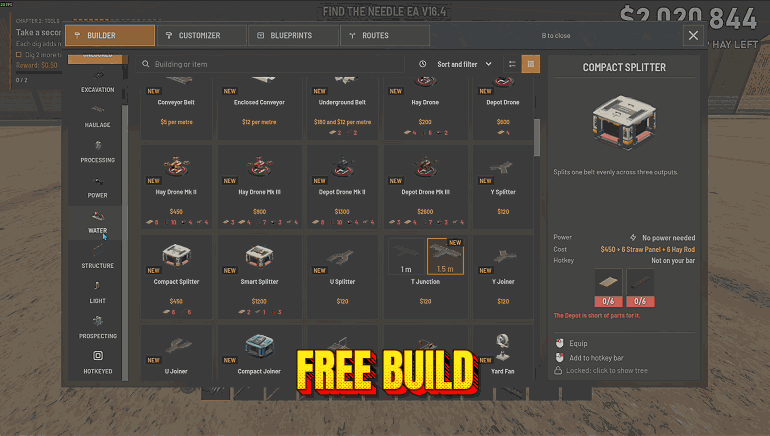
Free Building & Shopping
Two switches for Find The Needle that keep your money where it was: one for everything you place in the yard, one for tools, licences, tech and new hay stacks.
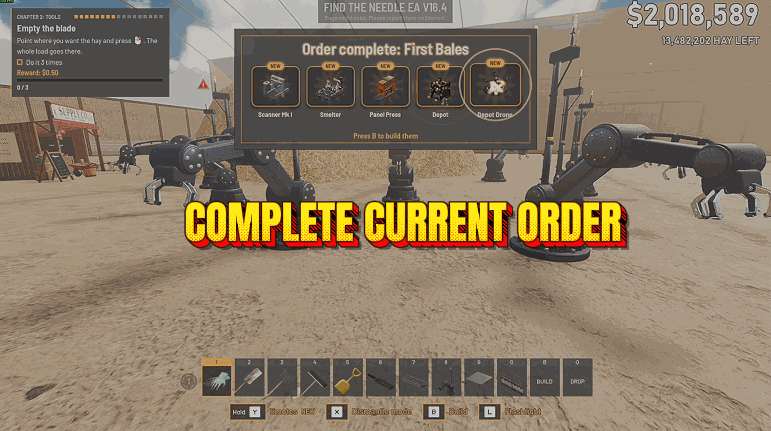
Complete Current Order
Finishes whichever of Find The Needle's 16 delivery orders is on the board: the truck gets every item it still needs, you're paid the order's price for each, and the board turns to the next one.
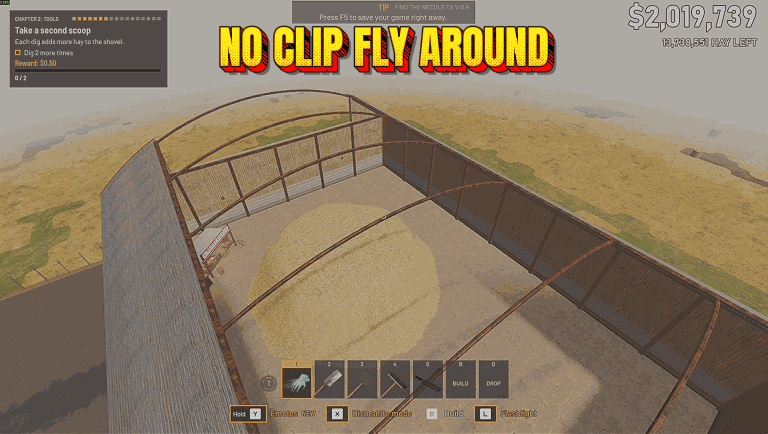
Fly & Noclip
Turn on Fly Enabled to fly anywhere in the yard, even through the shed and the ground. Space rises, Ctrl sinks, Shift goes faster, and switching off lands you safely.