Want more mods for Find The Needle? Explore our entire collection!
Teleport: Save & Return to Location
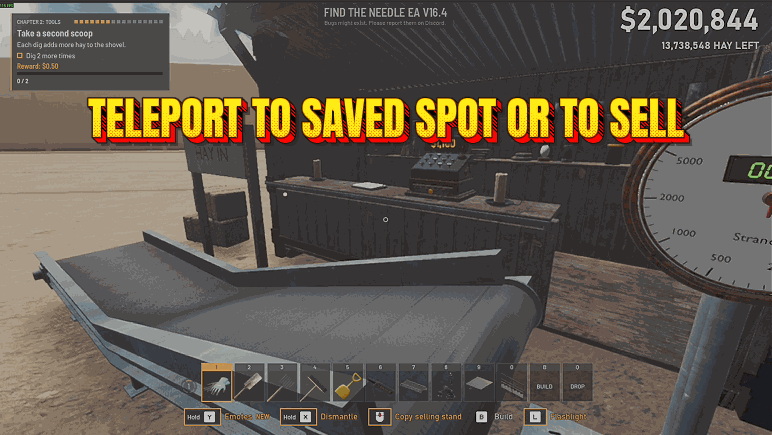
"Save a spot in your Find The Needle yard, jump back to it, or go straight to the selling stand."
How do I install Teleport: Save & Return to Location?
Download the free ProjectMods desktop app, then install Teleport: Save & Return to Location for Find The Needle in one click.
</>What does Teleport: Save & Return to Location do?
Teleport: Save & Return to Location adds three buttons to Find The Needle that move you around your yard in one press. Save Location remembers the exact spot you're standing on and the direction you're looking. Teleport to Saved Location puts you back on that spot with the same view, from anywhere in the yard, as often as you like. Saving again replaces the old spot, and the spot stays while you play in that yard. Teleport to the Selling Stand puts you on the ground about two metres in front of the stand's scale, facing it, so you can sell your hay straight away. If something you built is standing there, you land on the nearest clear spot beside it. It never puts you on the scale itself. If you save while you're in the air, on the jetpack or on a ladder, the mod tells you, because coming back drops you from that height. It won't move you while you're down after a fall, during a scripted moment, while you drive a crane or while photo mode is open, and a short message says what to do instead. The game saves where you stand, so if it saves after a teleport, you stay where you went, just as if you had walked there. This is an unofficial mod by ProjectMods; Needless Games doesn't make or endorse it.
</>What is Teleport: Save & Return to Location?
This Find The Needle mod moves you around your yard with three buttons in the ProjectMods launcher. Save Location stores your position and view, Teleport to Saved Location returns you to it wherever you are, and Teleport to the Selling Stand sets you down beside the stand, turned toward the scale where your hay is weighed and paid for. Every arrival spot is checked for room to stand first.
</>Common questions about Teleport: Save & Return to Location
How long does the saved spot last?
As long as you keep playing in the yard where you saved it. The game builds the yard afresh every time you load, so loading any save wipes the spot, even if it is the same save you were already playing, and switching the mod off in the launcher wipes it as well. After a load, stand where you want to return to and press Save Location again.
Where does Teleport to the Selling Stand put me?
On open ground a few steps out from the stand's weighing scale, turned to look at it. The mod tries a spot about two metres out first, then spots to either side and further back, up to about three and a half metres away, and takes the first one with room for you to stand. That way belts, machines or crates you built near the stand don't trap you, and you never land on the scale itself. If every spot is blocked, it puts you on the first one it tried, so keeping a little space clear in front of the scale helps.
Can I save a spot in the air?
Yes, and a warning appears on screen when you save on the jetpack or partway up a ladder. Teleporting back puts you at that height without the ladder in your hands, so you drop unless you use the jetpack. Save on solid ground to come back on your feet.
Why didn't the teleport happen?
A short message on screen tells you whenever the mod holds back. It waits until you're back on your feet after a fall, until a scripted moment ends, until you stop driving the crane and until you close photo mode, and then the next press works. The buttons also need you to be in a loaded yard rather than the menus; there they remind you to load in first.
Does the game remember where I teleported?
Yes, the same way it remembers where you walked: your position goes into every autosave, F5 quick save and save on quit, so a later load puts you at the new spot. The spot from Save Location stays with the mod and never goes into the game's save.
What options does Teleport: Save & Return to Location include?
Teleport to the Selling Stand
Puts you on the ground in front of the selling stand's scale, facing it, ready to sell hay. If something is built there, you land on the nearest clear spot.
Teleport to Saved Location
Puts you back on the spot you saved, looking the same way, from anywhere in your yard. Press Save Location first.
Save Location
Remembers the spot you are standing on and the direction you are looking. Saving again replaces the old spot. The spot is forgotten when you load a yard.
Teleport: Save & Return to Location for Find The Needle adds three buttons. Save Location remembers where you stand, Teleport to Saved Location takes you back there with the same view, and Teleport to the Selling Stand brings you to the stand where you sell hay.
What features does Teleport: Save & Return to Location include?
- Save Location: remembers the spot you stand on and the direction you look
- Teleport to Saved Location: back on that spot, looking the same way
- Teleport to the Selling Stand: arrive turned toward the scale, ready to sell
- Finds clear ground by the stand even when you've built around it
- Shows a warning when you save while flying or climbing a ladder
- Save again at any time and the new spot takes over
Best For
- You're digging for needles deep in the hay pile, so you save the spot before you head off and come back to the same hole after a trip to the stand.
- You're laying a long belt line at the far side of the yard, so you save a spot at the end of it and return there after each walk back to the stand.
- You've wandered off to the far fence and want to sell, so you press Teleport to the Selling Stand and arrive facing the scale.
More Mods for Find The Needle
Bigger Tool Capacity
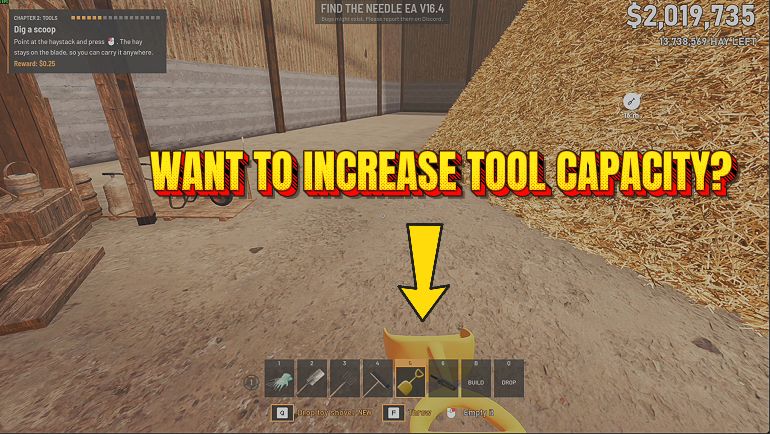
Your bucket, wheelbarrow, Yard Vac, Toy Shovel, pitchfork and hands in Find The Needle hold more, from the game's own amount up to ten times it, and the upgrades you buy still count.
Give Money
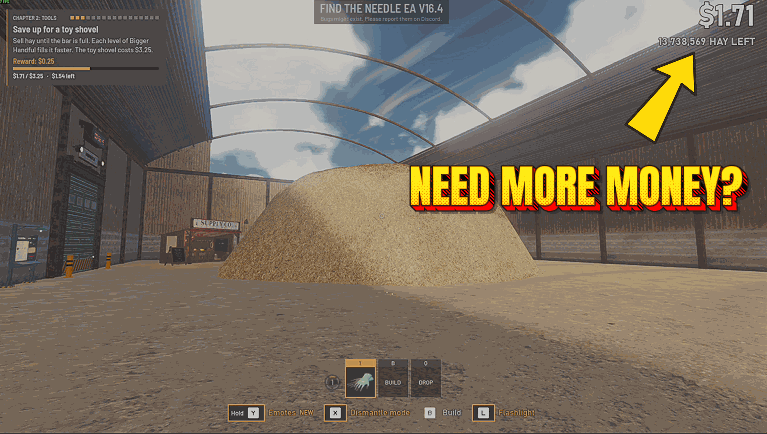
Add any amount from 1 to 100,000,000 to your money with one press, and clear your bank debt without spending any of your own money.
Machines Always Powered
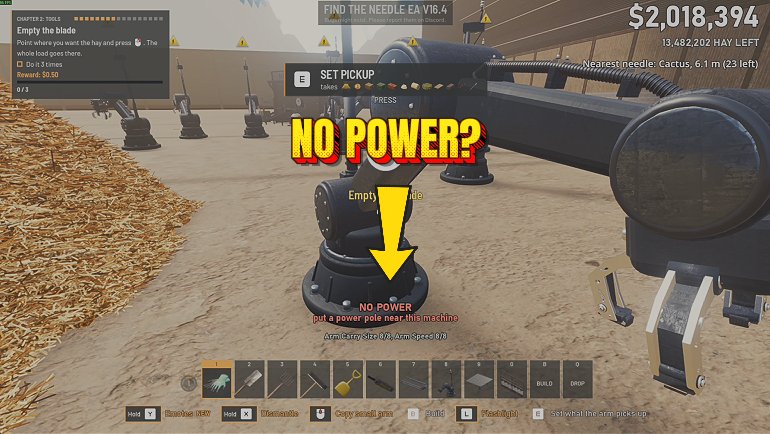
Machines in Find The Needle run at full power even when your generators can't keep up, so a short power line no longer slows or stops your factory.