Want more mods for Find The Needle? Explore our entire collection!
Time of Day & Day Speed
"Pick the hour, stop the clock or speed up the day."
How do I install Time of Day & Day Speed?
Download the free ProjectMods desktop app, then install Time of Day & Day Speed for Find The Needle in one click.
</>What does Time of Day & Day Speed do?
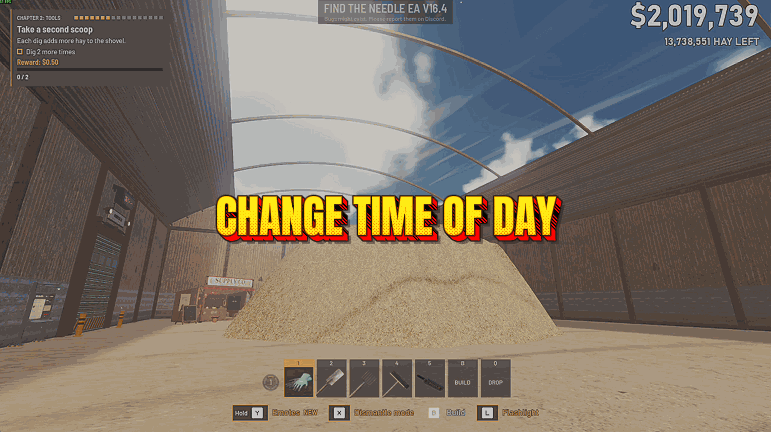
Find The Needle's yard has its own clock: the sun climbs, sets and hands the sky to the moon while you search. Time of Day & Day Speed puts that clock in your hands. Pick Morning, Noon, Sunset or Night and press Set Time, and the sun moves to that hour at once. Day Speed decides how the day goes on from there: Stopped holds the time where it is, Normal keeps the game's own pace, Fast runs the day 10 times as fast and Very Fast 60 times as fast. These are the same times and speeds as the game's sandbox menu, which only sandbox games have. With this mod you get them in your normal yard too, straight from the ProjectMods launcher while you play. Stop the clock at noon to search the hay in full daylight, set Sunset for the warm evening light, or go straight to Night for the moonlight and the fireflies. Setting Day Speed back to Normal, or turning the mod off, gives the day the game's own pace again, and the clock carries on from the time it shows. If the game's Always Day setting is on, the sky stays in daylight: turn it off in the game's settings to see sunset and night. This is an unofficial mod by ProjectMods; Needless Games doesn't make or endorse it.
</>What is Time of Day & Day Speed?
Pick a Time of Day (Morning 9:00, Noon 12:00, Sunset 18:42 or Night 21:30) and press Set Time to move the sun there at once. Day Speed has four steps: Stopped, Normal, Fast at 10 times the pace and Very Fast at 60 times. Your Day Speed is set again in every yard you load, and a short message in the game confirms each change.
</>Common questions about Time of Day & Day Speed
What does Time of Day & Day Speed do in Find The Needle?
It lets you choose the time of day in your yard and how fast the day goes by. Set Time moves the clock to morning, noon, sunset or night, and Day Speed can stop the clock or run the day 10 or 60 times as fast.
How long is a day in Find The Needle?
A whole day and night take about 30 minutes of play: 24 minutes of daylight from sunrise at 5:00 to sunset at 19:00, then a night of about 6 minutes. On Fast the same day takes about 3 minutes and on Very Fast about 30 seconds, so Very Fast is the quickest way to watch the sky change, while Stopped keeps any hour for as long as you want.
Can I keep it daytime all the time?
Yes, pick Noon, press Set Time and set Day Speed to Stopped, and the sun stays at noon until you change it. Morning works the same way if you prefer a lower sun. The game also has its own Always Day setting, which keeps the sky in daylight without the mod; the mod never turns that setting on or off for you.
Why does the sky stay light after I set Night?
The game's Always Day setting is probably on. While it is on, the game keeps the sky in daylight whatever the clock says, and the mod leaves that setting to you instead of changing it. Turn Always Day off in the game's settings to see sunset and night. The mod also tells you in a message when you press Set Time or pick a Day Speed other than Normal with it on.
Do I need a sandbox game?
No, it works in a normal game too. The game's own sandbox menu has the same four times and four day speeds, but that menu only comes with sandbox games. This mod gives you the same choices from the ProjectMods launcher in a normal yard, and in a sandbox game you can use either one; while Day Speed is not Normal, the mod's speed is the one that stays.
What happens when I turn the mod off?
The day goes back to the game's own pace, and the sun keeps the hour it had and moves on from there. The mod never writes a day speed to your save, so every yard you load starts at the game's own pace once the mod is off.
What options does Time of Day & Day Speed include?
Day Speed
How fast the day goes by. Stopped holds the time where it is, Fast runs the day 10 times as fast and Very Fast 60 times as fast. Normal keeps the game's own pace: a whole day and night take about 30 minutes.
Time of Day
The time Set Time moves the yard's clock to: Morning (9:00), Noon (12:00), Sunset (18:42) or Night (21:30), the same times as the game's sandbox menu.
Set Time
Moves the yard's clock to the Time of Day picked above. The day carries on from there at your Day Speed.
Time of Day & Day Speed is a ProjectMods mod for Find The Needle that moves your yard's clock to morning, noon, sunset or night with one button and lets the day stand still, run at its usual pace, or pass 10 or 60 times as fast, in normal games as well as sandbox.
What features does Time of Day & Day Speed include?
- Set Time moves the yard's clock to Morning (9:00), Noon (12:00), Sunset (18:42) or Night (21:30), the same times as the game's sandbox menu.
- Day Speed Stopped holds the sun where it is, so a sunny afternoon or a moonlit night lasts as long as you like.
- Fast runs the day 10 times as fast and Very Fast 60 times as fast, to watch the sun cross the sky and the moon follow it.
- Works in normal games too, where the game has no sandbox menu.
- Turning the mod off hands the clock back to the game at its usual pace, without jumping the time back.
- The game's own Always Day setting stays yours: the mod never changes it and tells you when it keeps the sky light.
Best For
- Night falls while you're still hunting through the hay, so set Noon, press Set Time and stop the clock to search in full daylight.
- You want warm low light for a picture of your yard, so pick Sunset, press Set Time and set Day Speed to Stopped.
- You'd like to see the yard at night without waiting for the sun to go down, so jump straight to Night.
- You enjoy watching the sun cross the sky, so set Fast and see a whole day go by in about 3 minutes.
- The evening came too soon while you were building, so press Set Time on Morning and carry on in daylight.
More Mods for Find The Needle
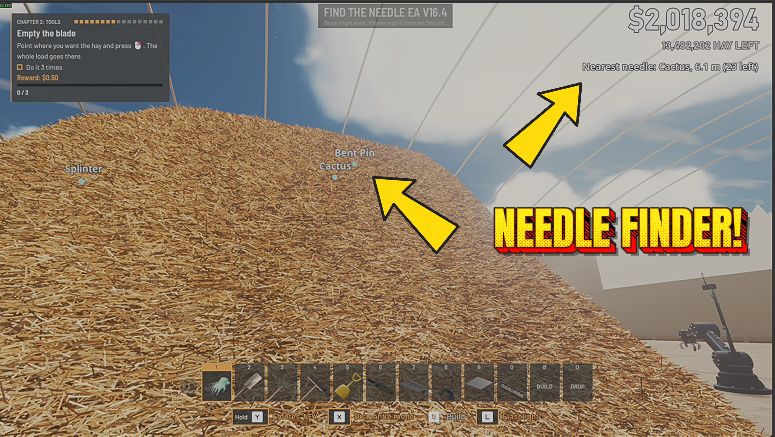
Needle Finder
Marks each needle still hidden in your hay pile with its name, seen right through the hay, counts the metres to the closest one, and lets your needle radar fire again without waiting.
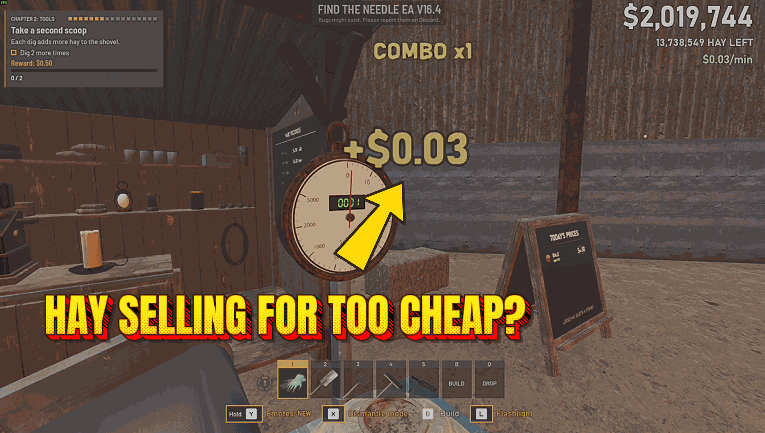
Sell Hay for More
Raises the price the Selling Stand pays for your hay in Find The Needle, up to ten times the game's own. Switch on Higher Sale Price, pick a Sale Price % and the price board and every payout go up, with your Selling tech and needle bonuses still on top.
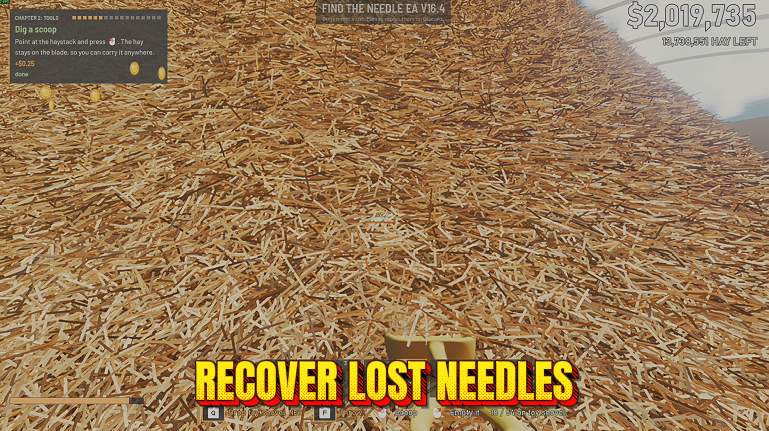
Recover Lost Needles
Recover Lost Needles adds two buttons for Find The Needle: Return Loose Needles brings back needles lying loose in the yard, and Recover Missing Needles puts back needles the game has lost track of.