Want more mods for Gamble With Your Friends? Explore our entire collection!
Hide UI
"Clear the screen and play without HUD clutter."
How do I install Hide UI?
Download the free ProjectMods desktop app, then install Hide UI for Gamble With Your Friends in one click.
</>What does Hide UI do?
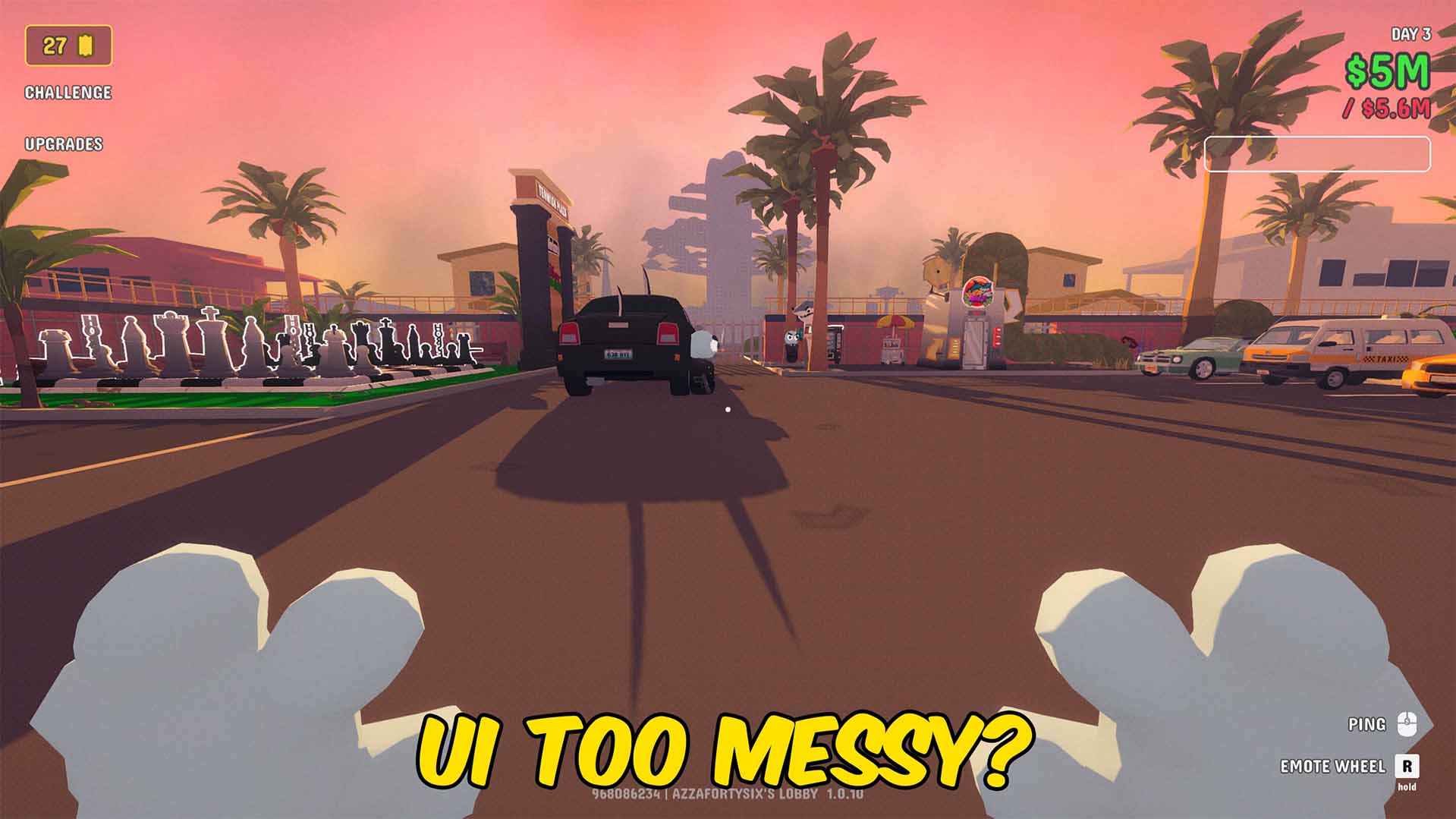
Clean up the screen in Gamble With Your Friends by hiding the HUD when you do not need it. Hide UI lets you disable the full interface or switch off selected HUD sections, making it much easier to record gameplay, take screenshots, create trailers, or simply enjoy the casino without visual clutter. Use it for cinematic shots, clean social clips, thumbnail capture, showcase videos, or focused gameplay where money, tickets, prompts, notifications, and other UI elements are getting in the way. Whether you want a completely clear screen or just fewer distractions, this mod gives you a cleaner view of the casino while keeping gameplay front and centre.
</>What is Hide UI?
Hide UI is a visual utility mod for Gamble With Your Friends that removes HUD clutter from the screen. Toggle the full interface or hide specific sections for cleaner gameplay, screenshots, cinematic clips, trailers, thumbnails, and content creation. It is ideal for players who want a clearer view of the casino without unnecessary on screen elements.
</>Common questions about Hide UI
Can I hide the whole HUD?
Yes. The mod includes an option to hide the entire HUD for a fully clear screen.
Can I hide only certain UI parts?
Yes. You can disable selected sections instead of hiding everything at once.
What is this mod mainly used for?
Players use it for screenshots, trailers, content creation, cinematic clips, and cleaner gameplay.
Does this change gameplay mechanics?
No. It only affects visible UI elements on the screen.
What options does Hide UI include?
Hide Money
Hides money balance and money change UI elements.
Hide Notifications
Hides announcements and other notification popups.
Hide ALL
Hides all UI and HUD elements for a total clean look.
Hide Lobby Name
Hides the lobby code/name text shown at the bottom of the screen.
Hide Interaction Prompts
Hides interaction prompt panels.
Hide Version
Hides the game version display at the bottom of the screen.
Hide Tickets
Hides ticket or stamp related UI labels.
Hide UI lets you turn off the entire HUD or selected interface sections in Gamble With Your Friends for a clean, distraction free screen.
System Requirements
What features does Hide UI include?
- Hide the entire HUD for a clean casino view
- Disable selected UI sections such as money, tickets, prompts, crosshair, and notifications
- Create cleaner screenshots, thumbnails, trailers, and social clips
- Reduce visual clutter during normal gameplay or recording sessions
Best For
- Record Gamble With Your Friends footage without HUD elements covering the screen
- Capture clean screenshots and thumbnails for mod pages or social posts
- Hide distractions while exploring or filming cinematic casino shots
- Turn off only the UI sections you do not want visible
More Mods for Gamble With Your Friends
Fly
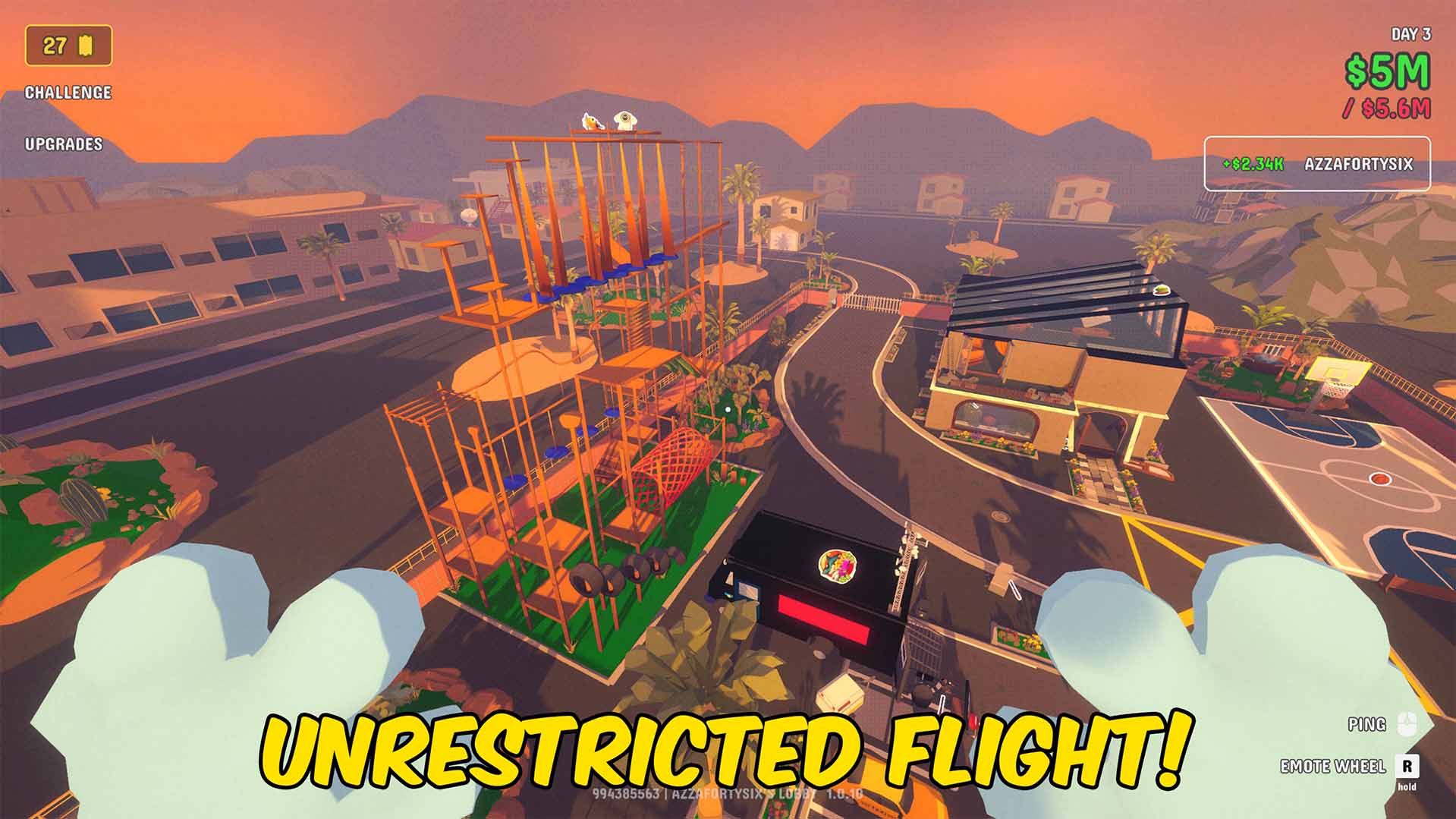
Fly around Gamble With Your Friends with adjustable movement speed and full airborne control. Skip stairs, explore hidden areas, spectate friends from above, and move across the casino without normal movement restrictions.
Give Tickets
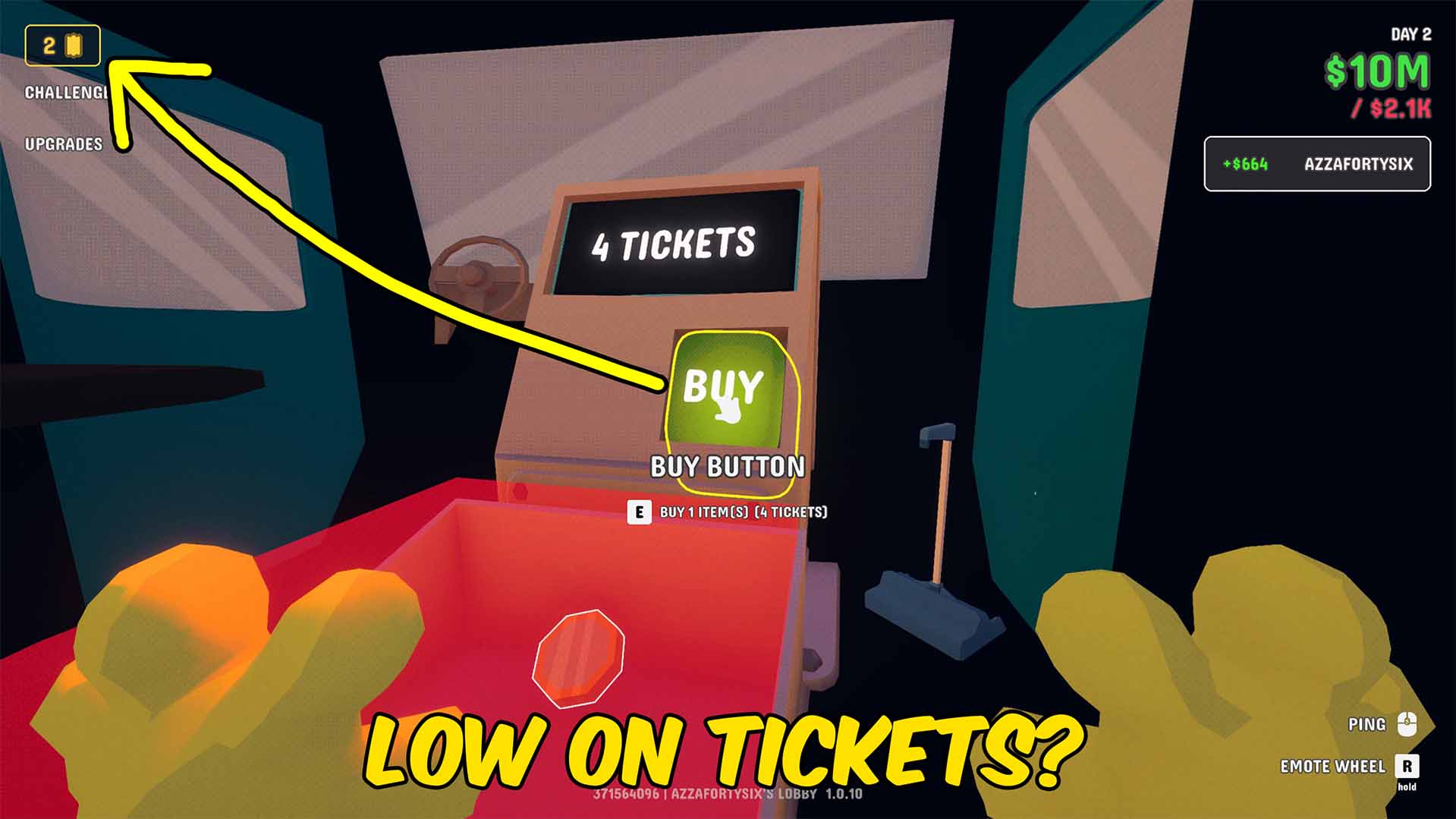
Give yourself instant tickets in Gamble With Your Friends. Enter any amount, press Give, and immediately boost your ticket balance for faster progression, reward unlocks, and uninterrupted casino sessions. Skip the grind and keep the rewards flowing.
Infinite Time
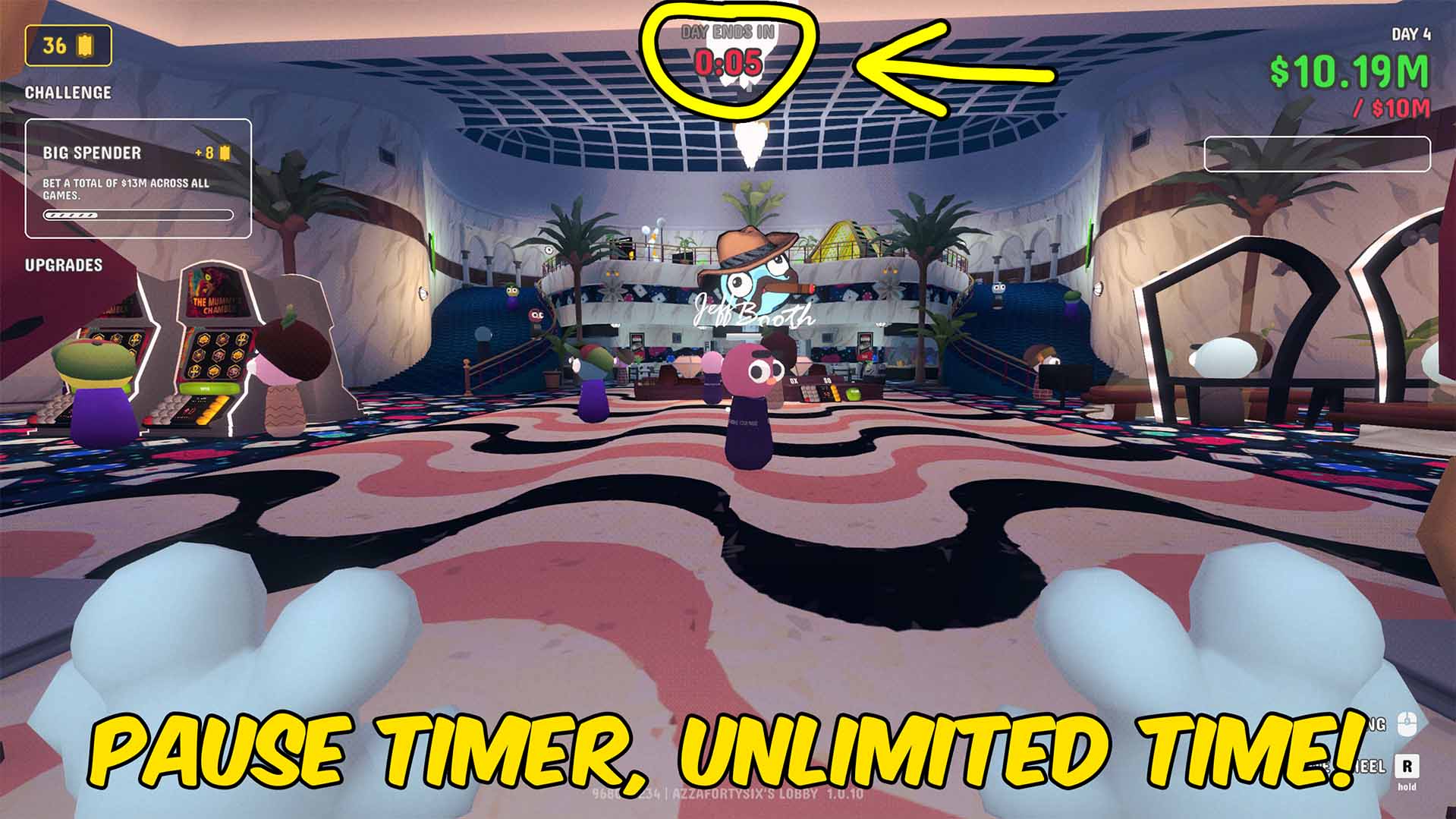
Gives you unlimited time in the casino, no more having the timer run out before you're ready to go.







