Want more mods for Getting Over It with Bennett Foddy? Explore our entire collection!
Gravity
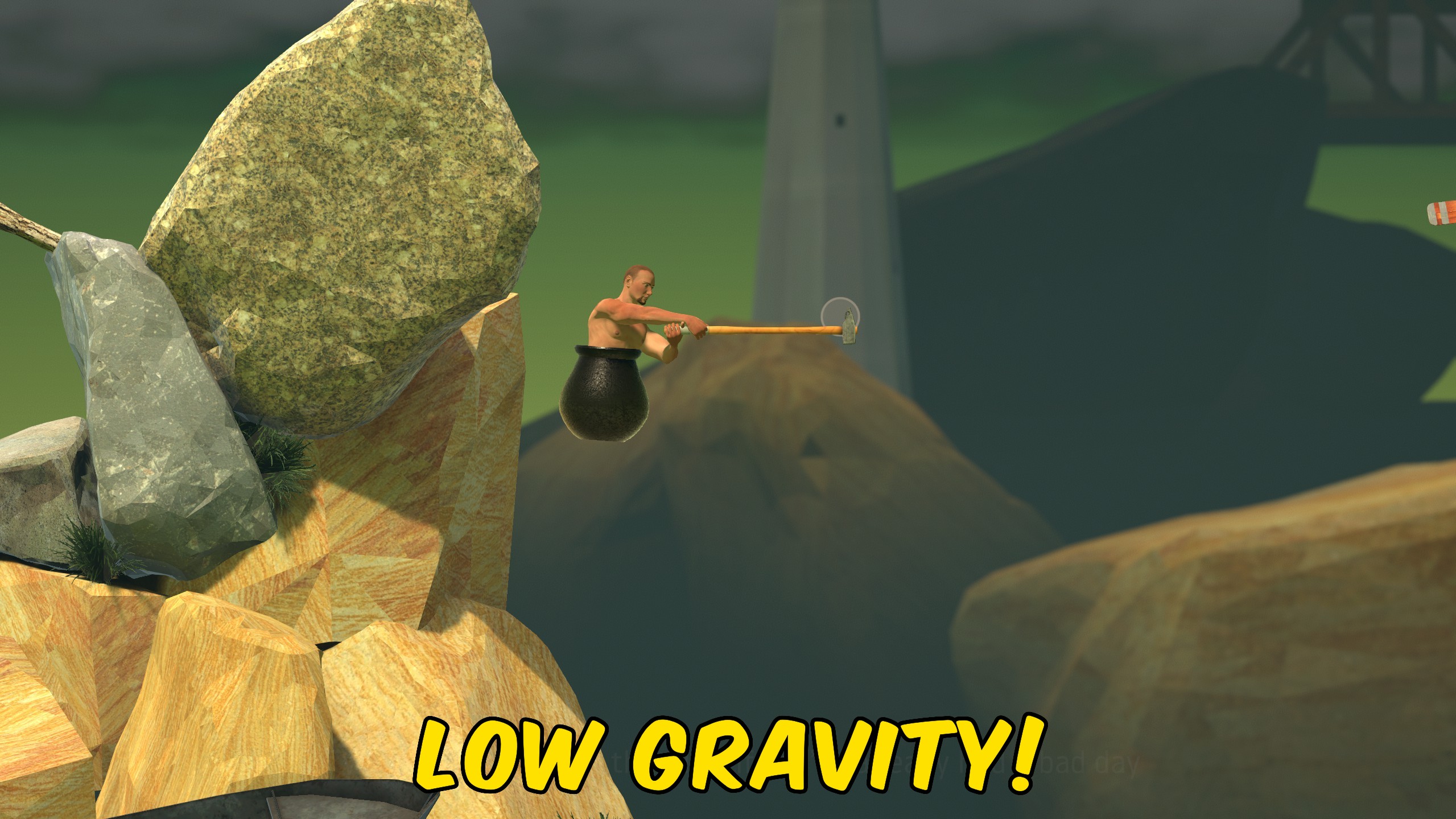
"Dial gravity up or down for floaty or brutal falls."
How do I install Gravity?
Download the free ProjectMods desktop app, then install Gravity for Getting Over It with Bennett Foddy in one click.
</>What does Gravity do?
Gravity replaces the default pull of the mountain with a value you control. Enable Custom Gravity Enabled, then set Gravity Y to anything from a gentle -120 to a positive 120. The default -30 matches normal Getting Over It physics when you want a familiar baseline. Lower gravity makes slips less punishing and gives you more hang time on swings. Higher gravity snaps you down faster and turns small mistakes into instant drops. It is an easy way to tune difficulty for practice or chaos runs. Turn Custom Gravity Enabled off to restore the game's built-in gravity immediately.
</>What is Gravity?
ProjectMods Gravity for Getting Over It lets players experiment with fall physics on Bennett Foddy's mountain. Reduce gravity to survive risky swings during practice, crank it up for extra challenge, or find a sweet spot for content creation. The mod applies your chosen Y value while enabled and restores defaults when turned off.
</>Common questions about Gravity
What does Gravity Y mean?
It is the vertical gravity force applied while the mod is enabled. Negative values pull downward like normal game gravity.
What is the normal game value?
The default slider value is -30, which matches standard Getting Over It gravity.
Will positive values make me float up?
Positive Gravity Y reverses the pull direction, which can launch you upward depending on contact with surfaces.
Does this persist after I disable the mod?
Turning Custom Gravity Enabled off restores the game's default gravity.
What options does Gravity include?
Custom Gravity Enabled
Apply your chosen gravity value in-game.
Gravity Y
Vertical gravity force. -30 is the normal game default.
Enable Custom Gravity Enabled and set Gravity Y to change how hard the mountain pulls you downward.
System Requirements
What features does Gravity include?
- Gravity Y slider from -120 to 120 with 1-unit steps.
- Instant toggle to enable or disable custom gravity.
- Default -30 matches standard Getting Over It fall weight.
Best For
- Practice tricky swings with reduced gravity before returning to normal physics.
- Create challenge runs with extreme gravity for harder recoveries.
More Mods for Getting Over It with Bennett Foddy
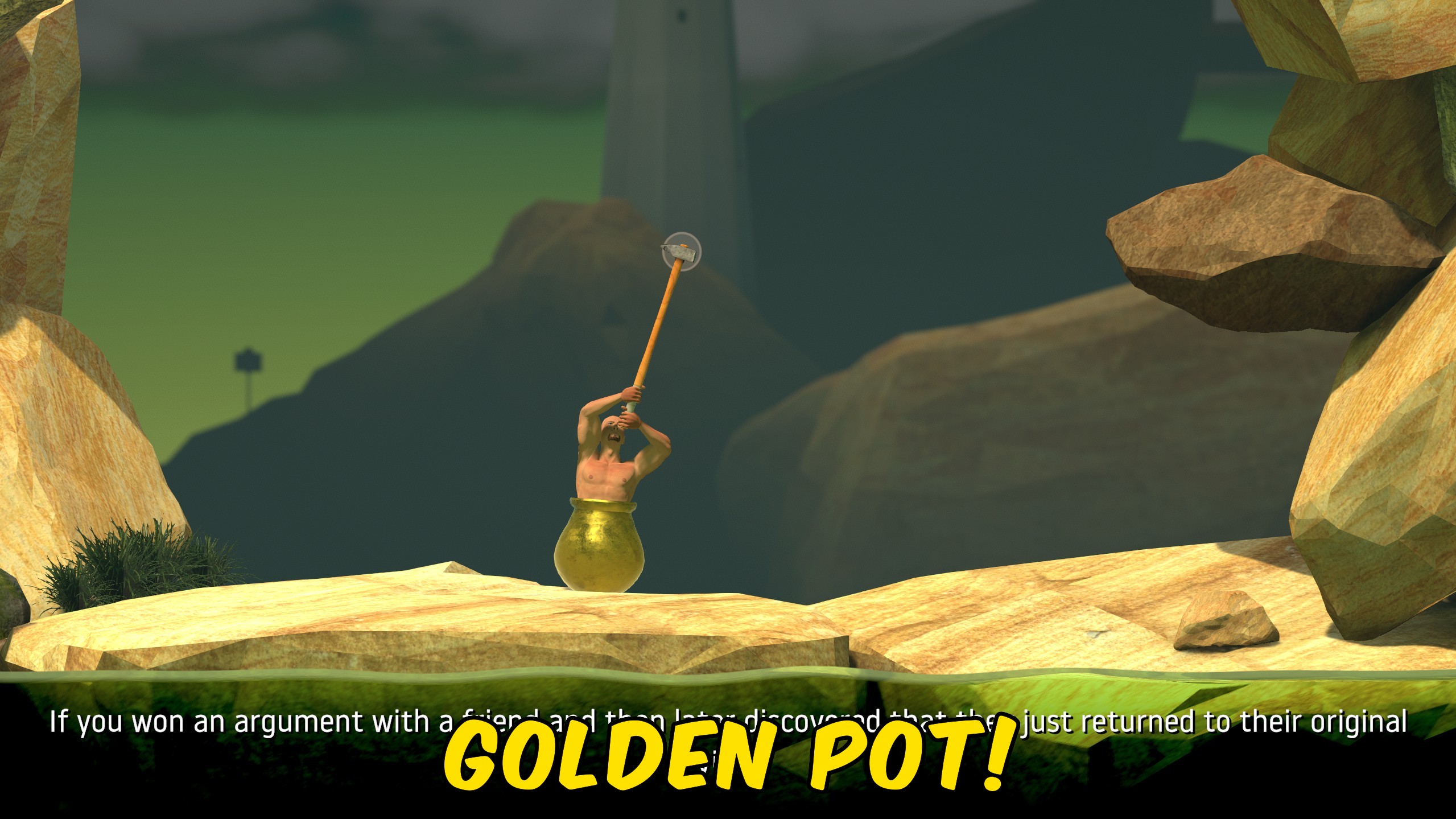
Gold Pot
Control your Getting Over It summit win count, apply the golden pot at fifty wins, or reset progress to zero.
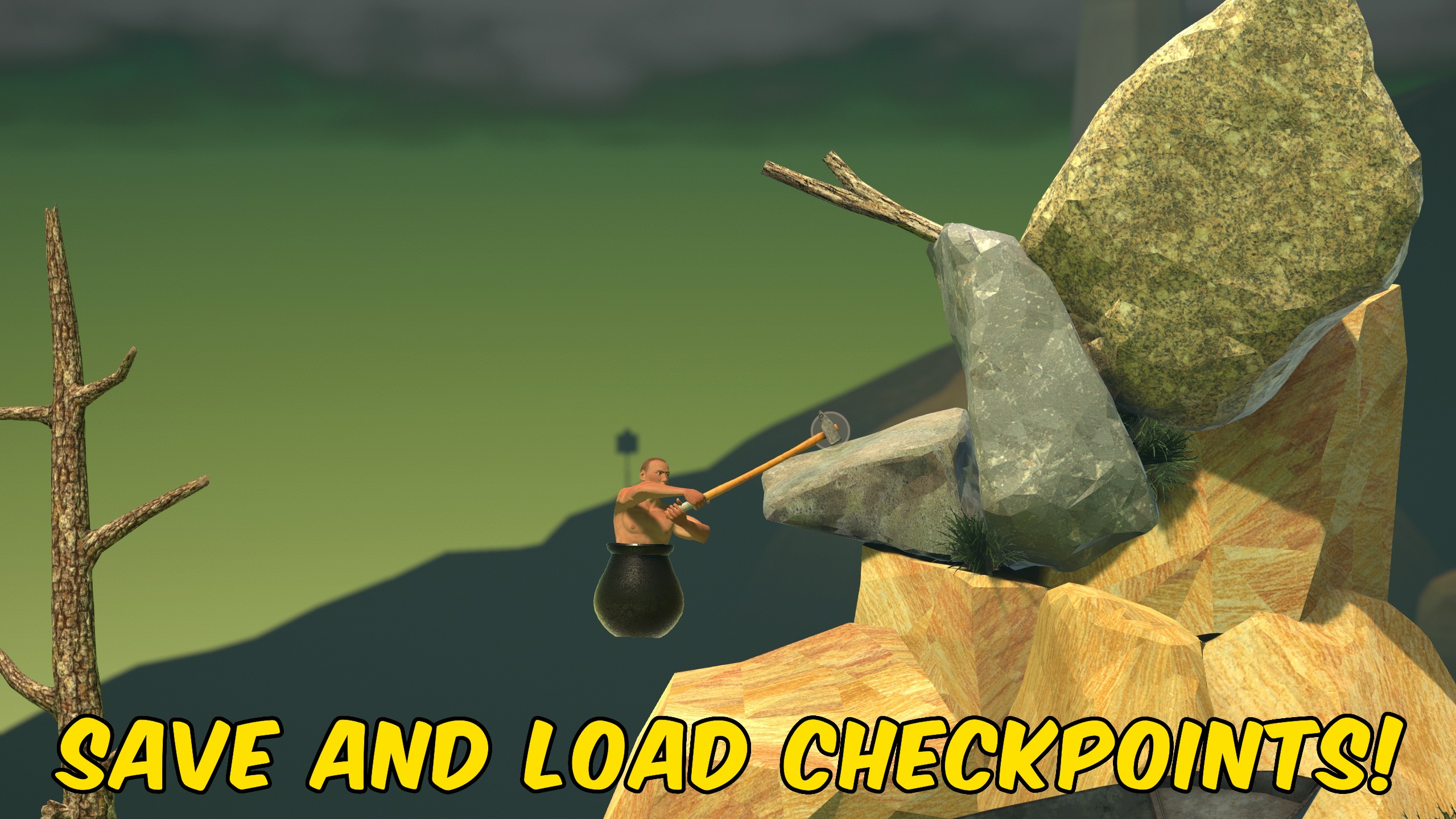
Save States
Save your exact Getting Over It position to one checkpoint and reload or delete it on demand.
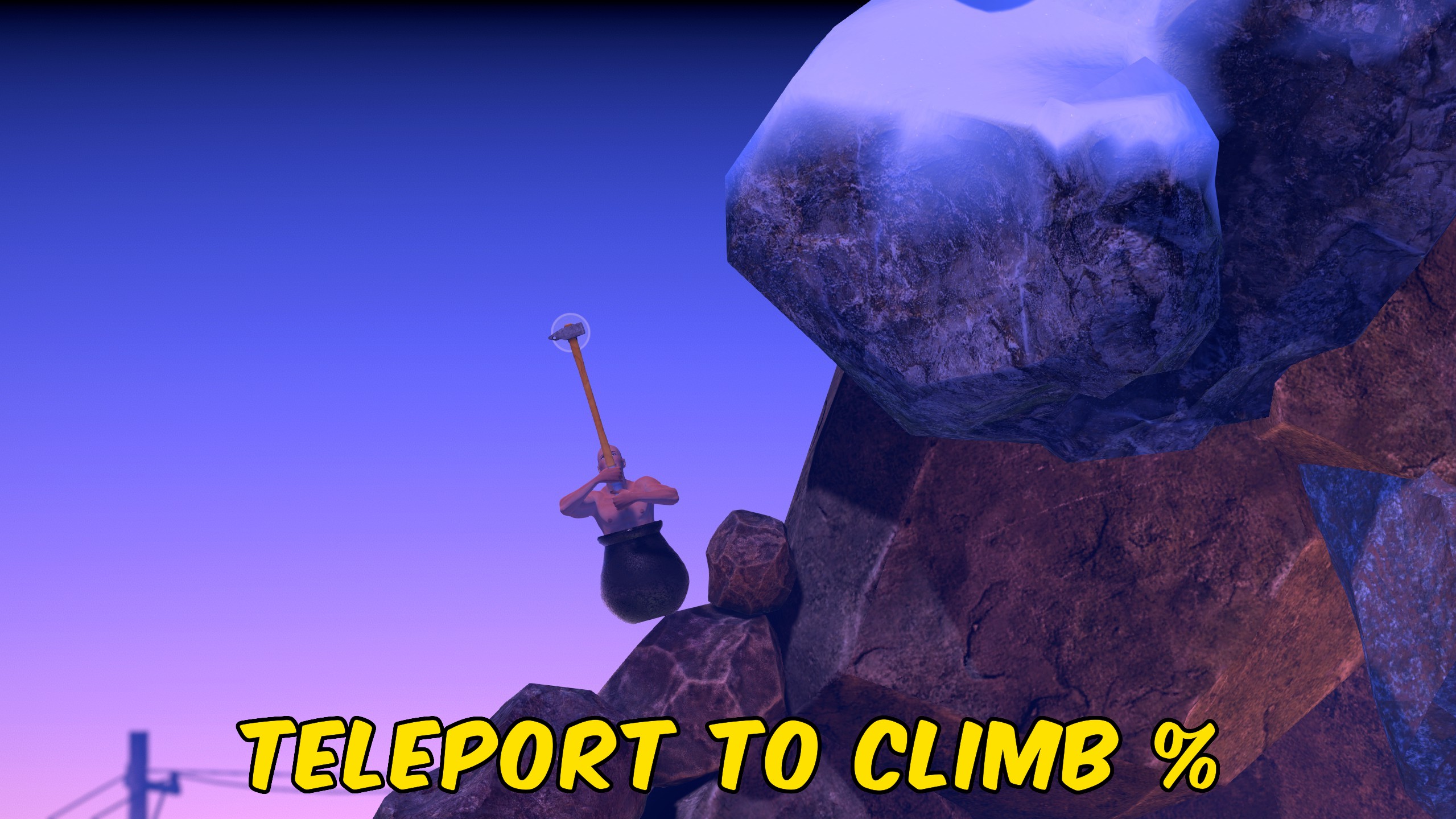
Teleport
Teleport to the start, summit, or a custom progress percentage anywhere on the Getting Over It mountain.







