Want more mods for Getting Over It with Bennett Foddy? Explore our entire collection!
Hammer Size
"Stretch or shrink Yosemite for easier swings or harder control."
How do I install Hammer Size?
Download the free ProjectMods desktop app, then install Hammer Size for Getting Over It with Bennett Foddy in one click.
</>What does Hammer Size do?
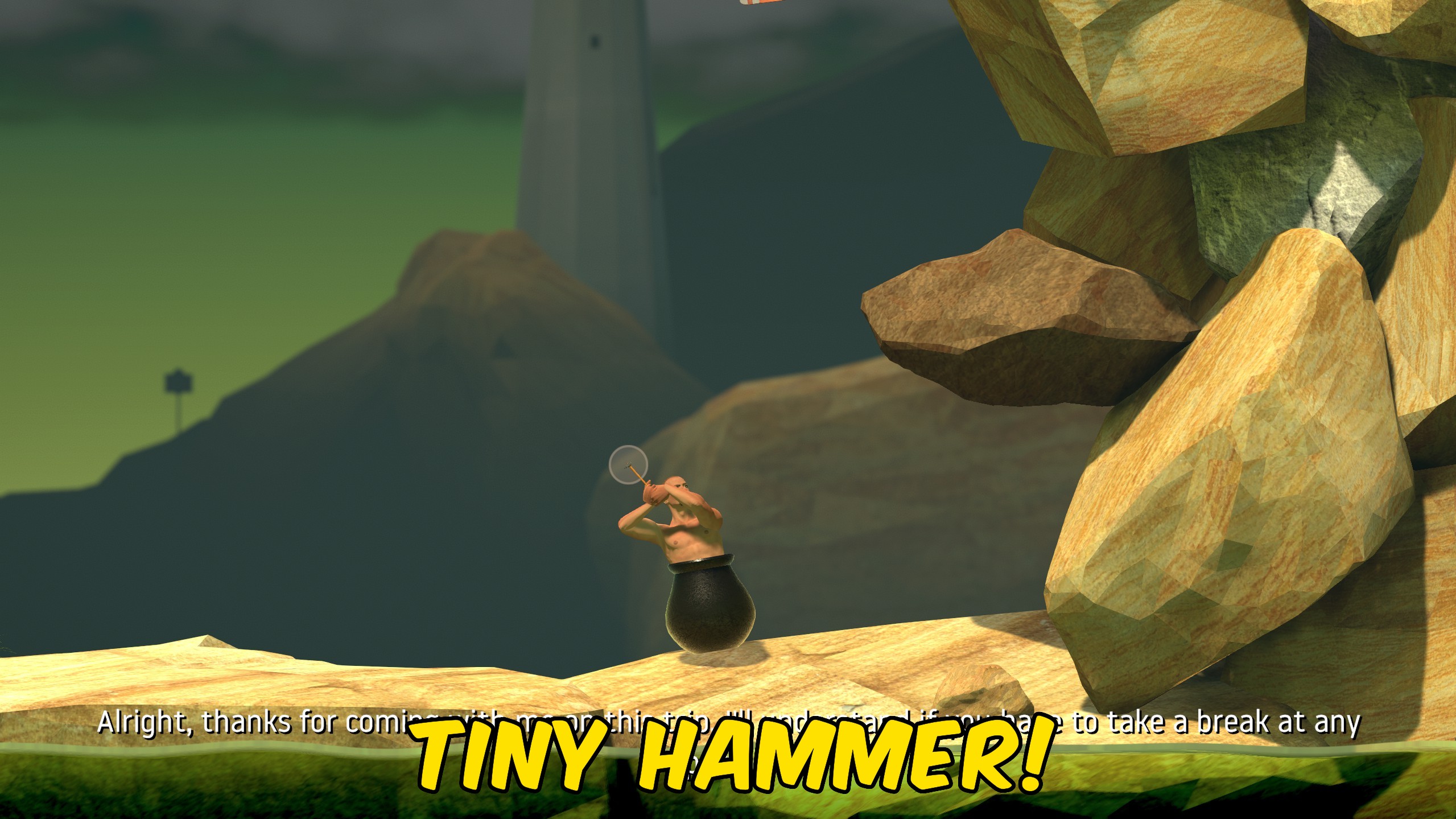
Hammer Size changes the reach and feel of Yosemite, the sledgehammer that defines every move in Getting Over It. Enable Custom Hammer Size Enabled, then adjust Hammer Size from 0.25 for a tiny tool up to 5 for an enormous swing arc. A longer hammer makes distant ledges easier to hook but can feel unwieldy in tight spaces. A shorter hammer demands precise placement and turns familiar sections into new puzzles. Set Hammer Size back to 1 or disable the mod to return to the default hammer proportions.
</>What is Hammer Size?
ProjectMods Hammer Size for Getting Over It modifies the sledgehammer scale that drives every push and pull on the mountain. Players experimenting with challenge runs, practicing hook angles, or filming exaggerated physics clips can dial in exactly how much reach Diogenes has on each swing.
</>Common questions about Hammer Size
Does hammer size affect collision?
Yes. A larger hammer has a bigger physical presence and a longer effective reach on surfaces.
What is the default size?
Hammer Size 1 matches the normal game hammer.
Can I change size during a climb?
Yes. Adjust the slider while Custom Hammer Size Enabled is on.
How do I reset?
Set Hammer Size to 1 or turn off Custom Hammer Size Enabled.
What options does Hammer Size include?
Hammer Size
Target scale for the sledgehammer. 1 is default length.
Custom Hammer Size Enabled
Apply your chosen hammer scale in-game.
Enable Custom Hammer Size Enabled and set Hammer Size between 0.25 and 5 to resize the sledgehammer.
System Requirements
What features does Hammer Size include?
- Hammer scale from 0.25x to 5x in 0.05 increments.
- Toggle custom size on or off without restarting.
- Default 1.0 restores the standard hammer length.
Best For
- Extend reach on wide gaps where the default hammer falls short.
- Run a hard mode with a tiny hammer for tighter precision challenges.
More Mods for Getting Over It with Bennett Foddy
Gold Pot
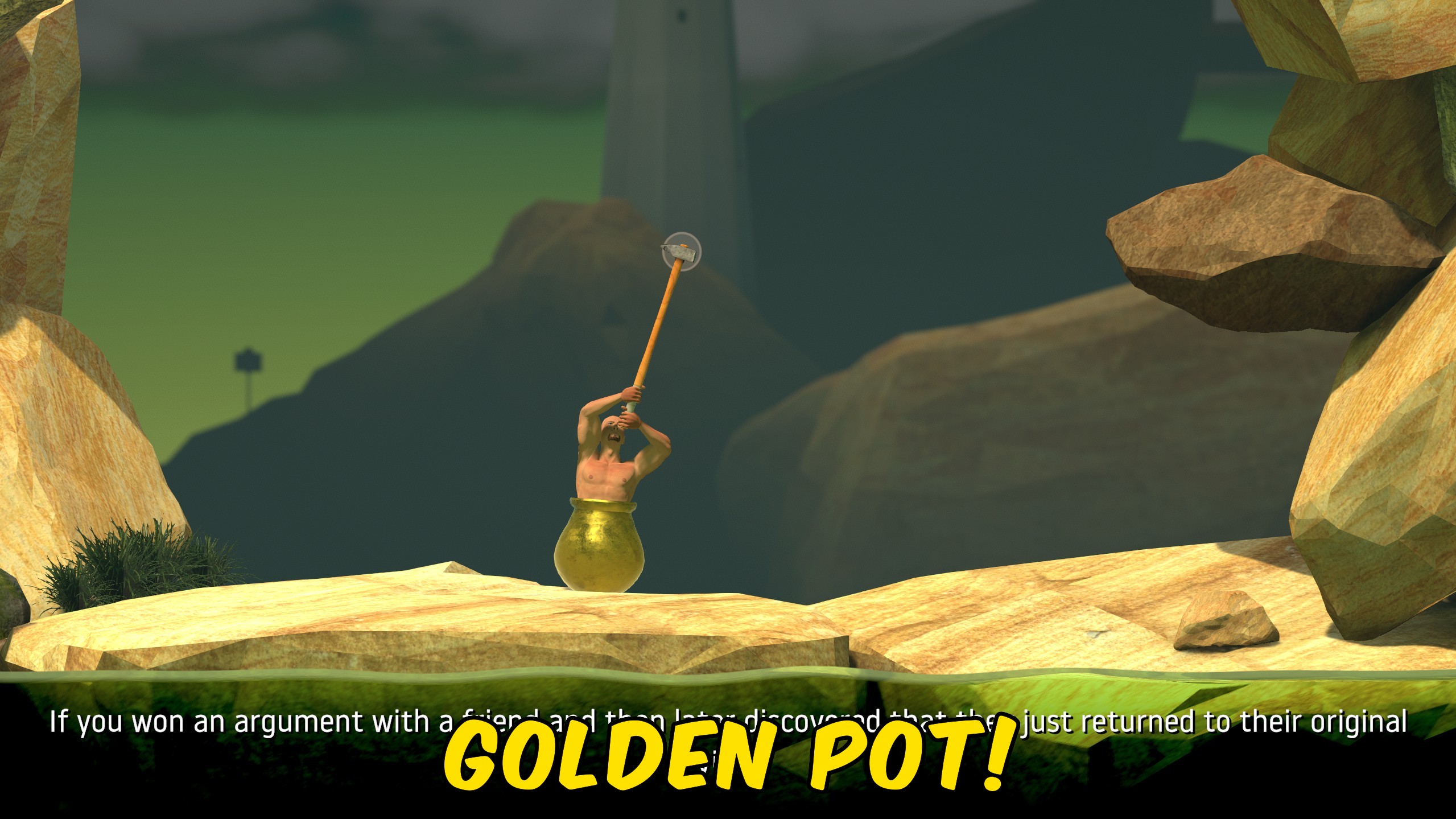
Control your Getting Over It summit win count, apply the golden pot at fifty wins, or reset progress to zero.
Teleport
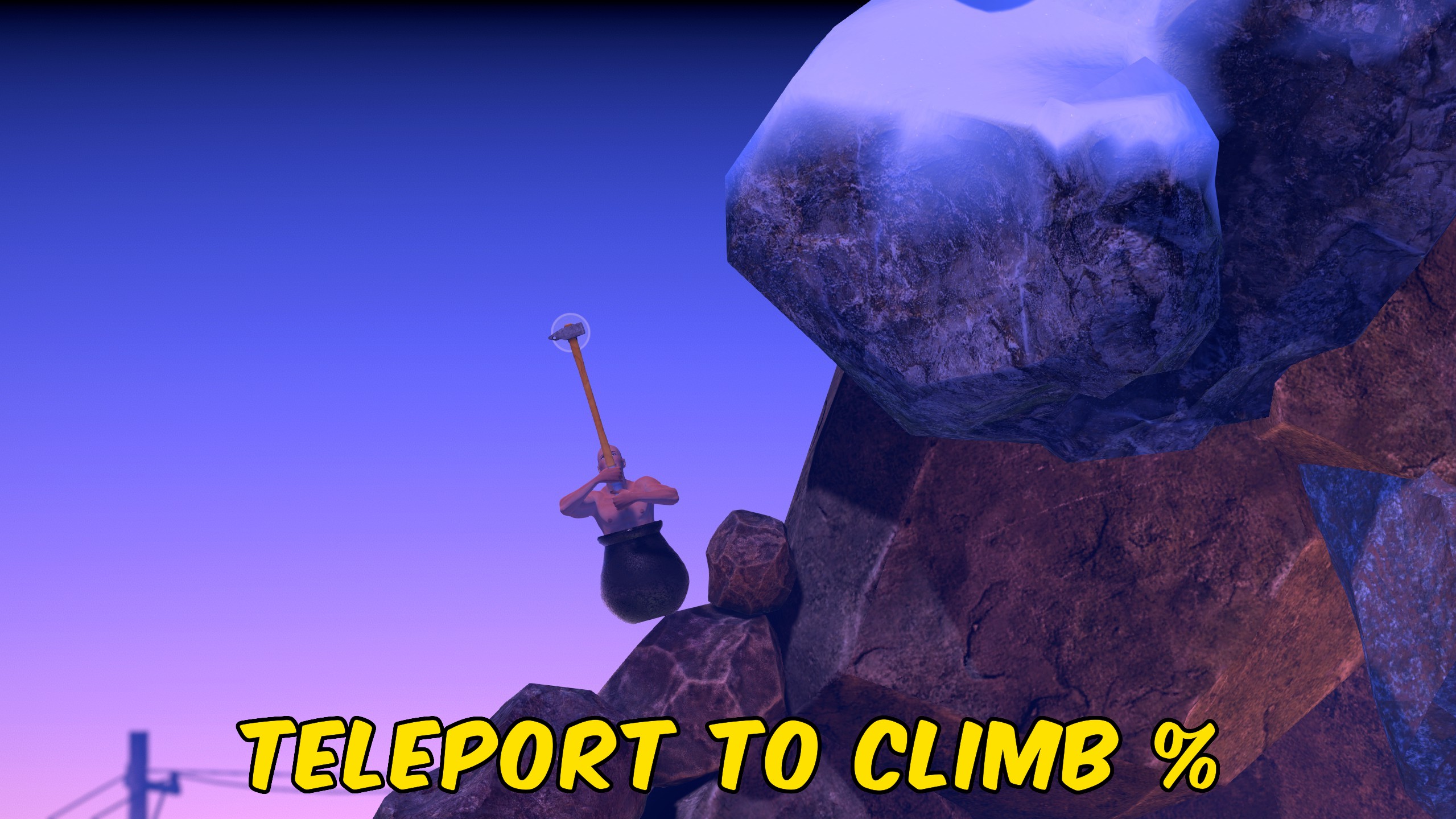
Teleport to the start, summit, or a custom progress percentage anywhere on the Getting Over It mountain.
Save States
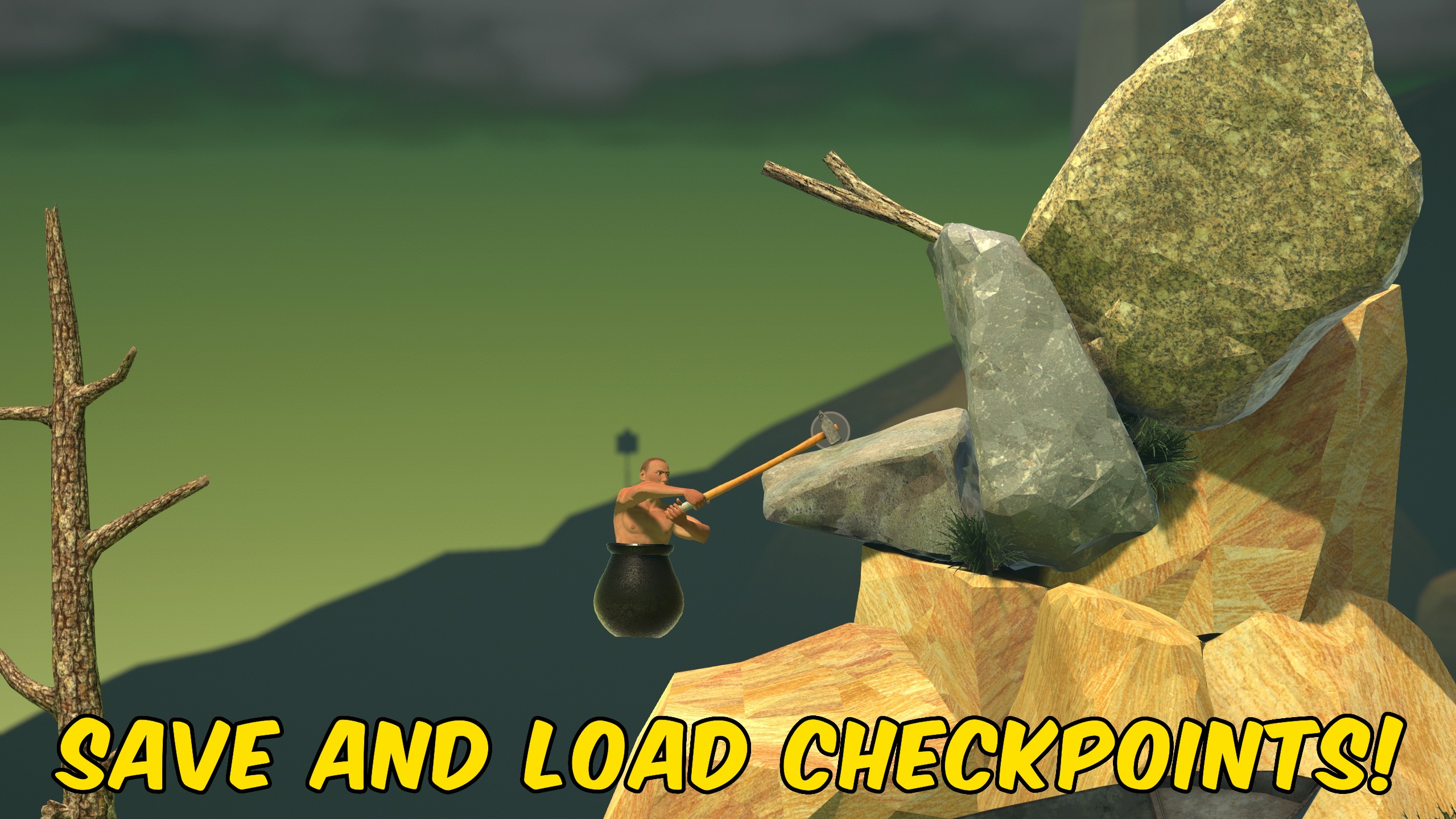
Save your exact Getting Over It position to one checkpoint and reload or delete it on demand.







