Want more mods for Gold Mining Simulator? Explore our entire collection!
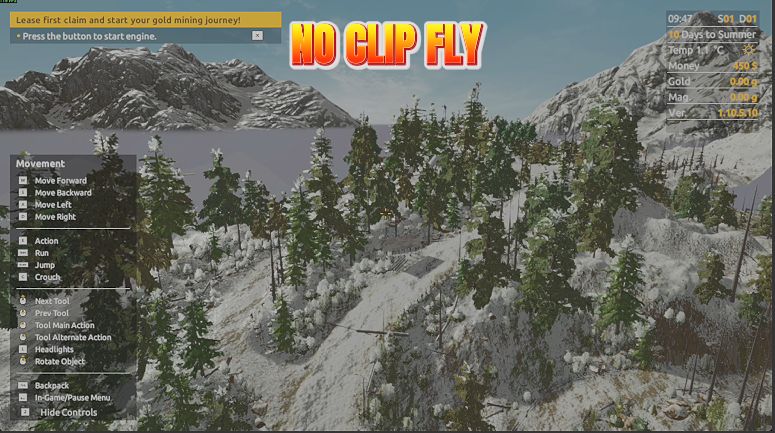
Fly & Noclip
"Skip the long walk. Skip the rock, too."
How do I install Fly & Noclip?
Download the free ProjectMods desktop app, then install Fly & Noclip for Gold Mining Simulator in one click.
</>What does Fly & Noclip do?
Getting from one end of your claim to the other on foot takes a while, and some spots are awkward to reach at all. Fly & Noclip hands you free flight. Switch on Fly Enabled and you fly where you look: W A S D move you, Space rises, Ctrl sinks, and holding Shift speeds you up. Fly Speed sets the normal pace (1 to 100 metres per second, 12 by default) and Shift Speed the fast one (1 to 300, 36 by default). Noclip works on its own: switching it on starts flying too, and you pass through rock, walls and the ground. Turn it off and you're lifted out of whatever you were inside before walls stop you again. With both switches off you're set down on the first floor below you, with walking, jumping and gravity back as normal. Flight holds still while the game is paused or the map or tablet is open, and Leaderboard mode saves are left alone.
</>What is Fly & Noclip?
Fly & Noclip turns walking around your claim into flying. Fly Enabled lifts you off the ground and steers you by where you look, while Fly Speed and Shift Speed set the pace in metres per second. Noclip adds passing through rock and walls. The keys are fixed rather than taken from the game's controls, there's no gamepad flying, and it never works while you drive or operate a machine, or in a Leaderboard mode save.
</>Common questions about Fly & Noclip
What does Fly & Noclip do in Gold Mining Simulator?
It lets you fly around your claim on foot instead of walking, and pass through solid rock if you want to. Fly Enabled is the plain flight switch. Noclip flies too and lets you through terrain, walls and the ground. Both share the same keys and the two speed sliders, so you set your pace once.
Do I take fall damage when I stop flying?
No, as long as there's a floor within 1000 metres below you. Switching both switches off sets you down on the first floor beneath you, and that landing never counts as a fall. With no floor in that range, you drop from where you stopped and the game's normal fall damage applies, so stop over solid ground.
Can I fly while driving a machine or climbing a ladder?
No. Flying only works on foot in a loaded save. It waits while you drive or operate a machine, climb a ladder or aren't alive, and if you get into a machine mid-flight it pauses until you're back on foot.
Why does a note say flying is off in my save?
That save was started in Leaderboard mode, where Fly & Noclip stays switched off. The note shows once per save so you know why nothing happens when you flip the switches. Load a save started in another mode and both switches work again.
Can I rebind the flying keys?
No. The flying keys are fixed at W A S D, Space, Ctrl and Shift. They don't follow the game's own Jump and Crouch bindings, and there are no gamepad flying controls. What you can change is the pace, with Fly Speed and Shift Speed in the launcher. If the game saves while you're in the air, the save simply holds where you are.
What options does Fly & Noclip include?
Shift Speed
Flying speed in metres per second while you hold Shift: 1 to 300, 36 by default.
Fly Speed
Flying speed in metres per second: 1 to 100, 12 by default.
Noclip
You fly through walls and the ground. It works on its own: switching it on starts flying too, with the same keys and speeds. Off: walls stop you again, and you're lifted out of anything you're inside first. Stays off in Leaderboard mode saves.
Fly Enabled
You fly where you look: W A S D move you, Space rises, Ctrl sinks, and holding Shift flies at Shift Speed. Off (with Noclip off too): you're set down on the ground below you. Stays off in Leaderboard mode saves.
Fly & Noclip is a ProjectMods mod for Gold Mining Simulator that lets you fly on foot wherever you look, with a Noclip switch for passing through terrain and walls; it doesn't work in vehicles, machines or Leaderboard mode saves.
System Requirements
What features does Fly & Noclip include?
- Fly Enabled steers you in the direction you're looking, so turning your head is how you turn.
- Shift Speed goes all the way to 300 metres per second for long crossings, separate from your normal Fly Speed.
- Noclip carries you through solid rock, and lifts you clear of anything you're inside when you switch it off.
- Gravity, jumping and walking pause while you fly and come back the moment you land.
Best For
- Your machine is parked on the far side of the claim, so switch on Fly Enabled and hold Shift at the default 36 m/s to get back to it.
- You want to look over the ground from above before you start digging, so switch on Fly Enabled, drop Fly Speed to around 5 and hover slowly across the area.
- You've wedged yourself in a gap between rocks, so switch on Noclip, rise out through it with Space, then switch it off to land on the floor below.
More Mods for Gold Mining Simulator
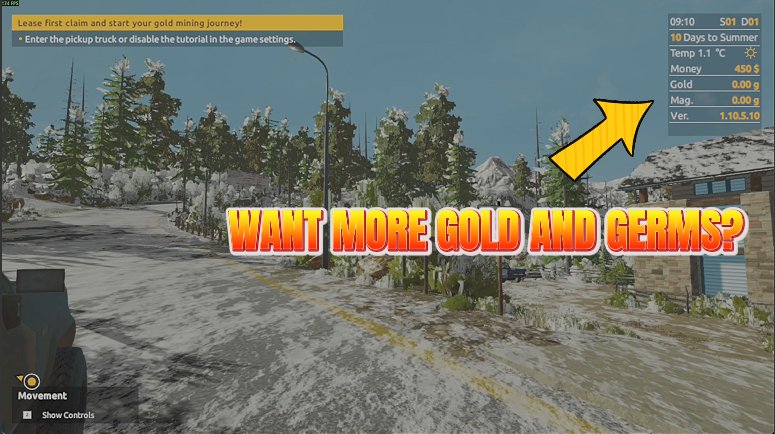
Give Gold, Magnetite & Gems
Three buttons add gold, magnetite or gems straight to what you hold, each with its own amount. Gems need Gems and Glory, and Leaderboard saves are left alone.
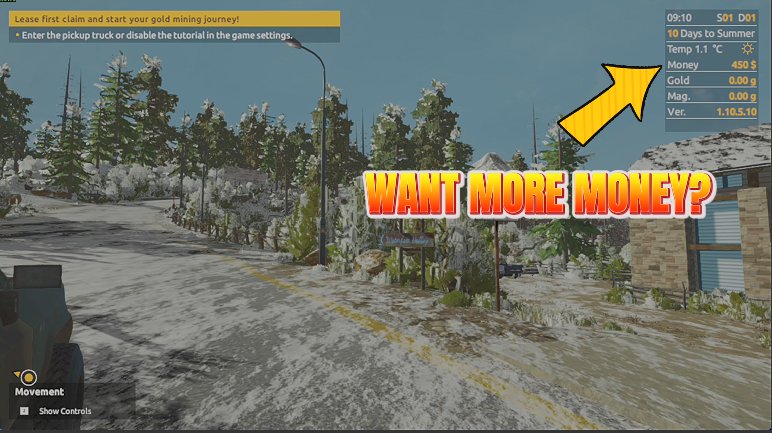
Give Money
Adds the cash you choose to your Money with one press, up to $10,000,000 at a time, or sets it to exactly $0. Works in a loaded save, not in Leaderboard saves.
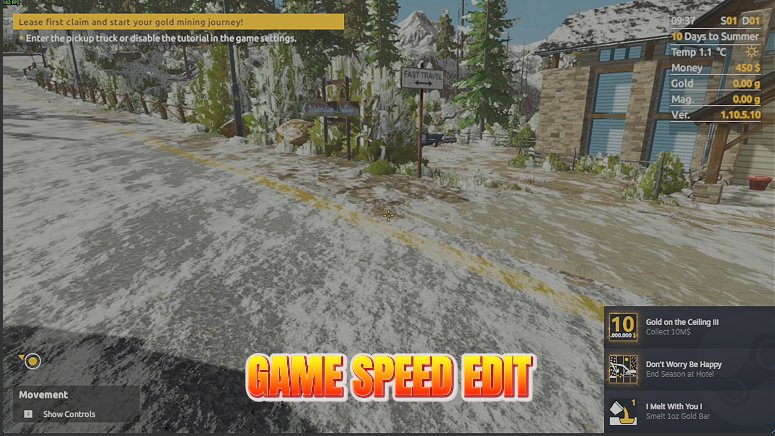
Time Control
Run Gold Mining Simulator anywhere from a quarter speed to four times normal, and stop the in-game clock while you keep working. When sped up, it drops to normal speed while you pan, and it holds normal speed while a hose or cable moves. Off in Leaderboard saves.