Want more mods for Green Hell? Explore our entire collection!
Screenshot Mode (Hide UI)
"Kill the clutter and frame the perfect jungle shot."
/GreenHellScreenshotModeHideUI1.jpg)
How do I install Screenshot Mode (Hide UI)?
Download the free ProjectMods desktop app, then install Screenshot Mode (Hide UI) for Green Hell in one click.
</>What does Screenshot Mode (Hide UI) do?
Green Hell is one of the best-looking jungles in gaming, but health bars, hunger meters, hotbars, and prompts get in the way of a great shot. Screenshot Mode clears all of it with a single toggle. Flip Hide HUD on and the entire on-screen interface disappears - no meters, no icons, no crosshair - leaving nothing but you and the rainforest. Line up a sunrise over the canopy, a tense standoff with a jaguar, or a wide shot of your finished camp, and capture it with zero clutter. When you're done, flip it back off and everything returns instantly, exactly where it was, so you can keep surviving. It's perfect for screenshots, thumbnails, wallpapers, and cinematic recording where a clean frame makes all the difference. Nothing about your run changes - this only hides the display, so your stats keep ticking in the background while the camera stays gorgeous.
</>What is Screenshot Mode (Hide UI)?
Want a clean, clutter-free view of Green Hell's jungle? Screenshot Mode hides the entire on-screen HUD - health bars, hunger meters, hotbar, prompts, and crosshair - with one simple toggle. Line up the perfect shot, capture it with nothing in the way, then flip the toggle back off and your full interface returns instantly so you can keep surviving.
</>Common questions about Screenshot Mode (Hide UI)
What does turning on Hide HUD do?
It hides the whole on-screen interface - health, hunger, hotbar, prompts, and crosshair - so you get a completely clean view for shots.
Does hiding the HUD change anything in my run?
No. It only hides the display. Your stats keep ticking in the background, so nothing about your survival run is affected.
How do I get the HUD back?
Just turn Hide HUD off and the full interface returns instantly, exactly where it was, so you can keep playing.
What options does Screenshot Mode (Hide UI) include?
Hide HUD
Hides the entire on-screen HUD for clean screenshots and cinematic shots. Turn it off to bring your full interface back.
Lets you hide the whole on-screen HUD in Green Hell with a single toggle for clean screenshots and cinematic shots, then bring it back to keep playing.
System Requirements
What features does Screenshot Mode (Hide UI) include?
- Hide the entire on-screen HUD with one toggle
- Perfect clean frames for screenshots and cinematic recording
- Flip it back on anytime and your full interface returns instantly
Best For
- Capture clutter-free screenshots and wallpapers of the jungle
- Record cinematic footage and thumbnails with a clean frame
More Mods for Green Hell
/GreenHellJunglePacifistPeacefulEnemy1.jpg)
Jungle Pacifist (Peaceful Enemies)
Hostile natives, jaguars, snakes, and biting bugs stop attacking and damaging you, so you can explore the jungle in peace.
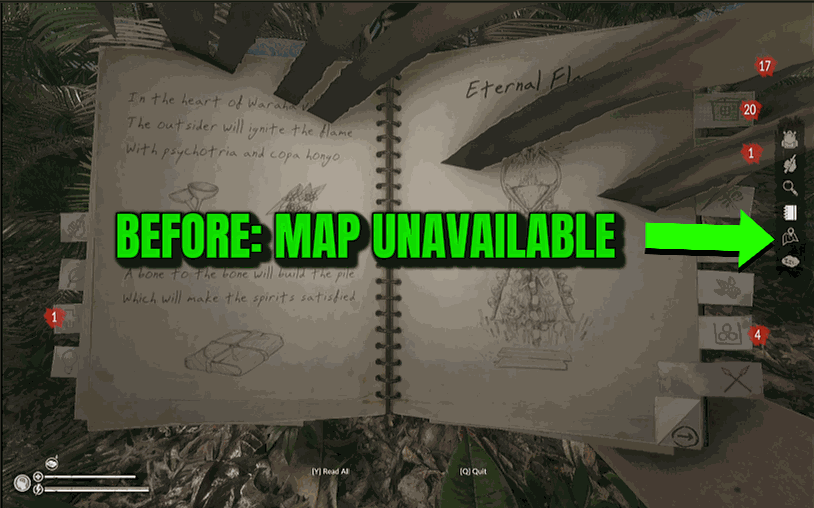
World Map
Reveal the entire Green Hell jungle map, drop every place-of-interest marker, and fill in your notepad — all in a couple of taps.

Free Workshop (No-Cost Crafting)
Build shelters, walls, beds, racks, and every other structure for free - place the blueprint and it finishes instantly, no gathering and no materials needed.







