Want more mods for Gym Simulator 24? Explore our entire collection!
Turbo Time
"Fast-forward the slow days or slow down for the fun ones."
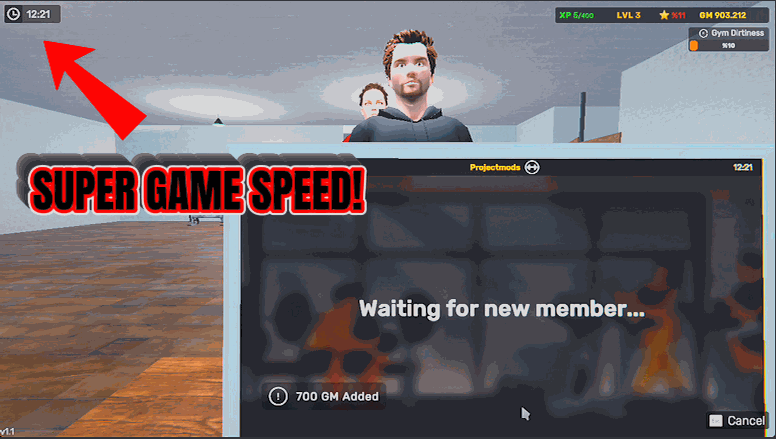
How do I install Turbo Time?
Download the free ProjectMods desktop app, then install Turbo Time for Gym Simulator 24 in one click.
</>What does Turbo Time do?
Some parts of running a gym are a waiting game, and some you want to savour. Turbo Time hands you the dial. Switch it on and set Game Speed to taste. Push it up to blitz through slow afternoons, a full workday, or the wait for members and money to roll in. Pull it below normal for a relaxed, slow-motion pace when you're lining up a build or just soaking in the atmosphere. It leaves your own pause alone, so you can still stop the game whenever you need to. Turn it off and everything runs at the normal speed again.
</>What is Turbo Time?
Some parts of running a gym in Gym Simulator 24 are a waiting game, and some you want to savour. Turbo Time hands you the dial — set Game Speed high to blitz through slow afternoons and the wait for members and money, or below normal for a relaxed slow-motion pace while you plan a build. It leaves your own pause alone. From ProjectMods, the community-first PC mod manager for 400+ games.
</>Common questions about Turbo Time
What does Turbo Time do in Gym Simulator 24?
Turbo Time is a game-speed mod for Gym Simulator 24 that lets you set the pace of the whole game with a single slider. Some parts of running a gym are a waiting game and some you want to savour, so Turbo Time hands you the dial. Switch it on and set Game Speed to taste: push it up to blitz through slow afternoons, a full workday, or the wait for members and money to roll in, or pull it below normal for a relaxed, slow-motion pace when you're lining up a build. Turn it off and everything runs at normal speed again. Turbo Time comes from ProjectMods, a community-first PC mod manager for 400+ games.
How does the Game Speed option work?
Game Speed is a single value that sets how fast everything in Gym Simulator 24 runs, expressed as a percentage of normal. Leave it at 100 and the game plays at its usual pace; set it to 300 and time moves three times as fast, so slow stretches fly by. Drop it below 100 and you get slow motion, handy for savouring a moment or working carefully. You can change it on the fly, and it takes effect immediately, so you're never locked into one pace. The Enabled toggle is the master switch above it — flip that off and Turbo Time steps aside entirely, returning Gym Simulator 24 to its default speed. One dial, full control over the clock.
Can Turbo Time slow the game down as well as speed it up?
Yes — Turbo Time works in both directions in Gym Simulator 24. Set Game Speed above 100 and the game runs faster, up to a brisk three-times pace at 300 or beyond, which is ideal for skipping slow afternoons and long waits. Set it below 100 and the game runs in slow motion, letting you savour a busy moment, watch your members mill around, or line up a careful build at a gentler pace. Because the slider is fully adjustable, you're not stuck with a single fast preset — you dial in exactly the tempo you want, whenever you want it. Switch between a speed-up and a slow-down as often as you like while the mod is enabled.
Does Turbo Time mess with my ability to pause?
No — Turbo Time deliberately leaves your own pause alone, so you can still stop Gym Simulator 24 whenever you need to. Speeding time up affects how fast the game runs while it's playing, but it doesn't take away your normal ability to pause and step away. That means you can run at triple speed through a slow afternoon and still hit pause the instant something needs your attention, without fighting the mod. When you want to return everything to its default tempo, just flip the Enabled toggle off and the game runs at normal speed again. It's designed to hand you control of the pace, not to take control away.
When would I use Turbo Time?
Turbo Time earns its place whenever the clock in Gym Simulator 24 is either dragging or worth slowing down. Crank Game Speed up to fast-forward through quiet afternoons, a whole workday, or the wait for cash and members to accumulate; pull it below normal to soak in the atmosphere or carefully plan a new layout in slow motion. It's great for cutting the dead time out of a long session without skipping the parts you enjoy. Pair it with Cardio King when you want both the game and your own movement to move faster at once. Set the dial, play at your pace, and toggle it off any time. Turbo Time is available through ProjectMods.
What options does Turbo Time include?
Enabled
Master switch. Turn off to return to normal game speed.
Game Speed
Overall game speed as a percentage of normal. 300 is three times as fast; below 100 is slow motion.
Turbo Time from ProjectMods hands you a single slider for the whole game's pace in Gym Simulator 24, so you can speed through quiet stretches or slow the fun moments right down on the fly.
System Requirements
What features does Turbo Time include?
- Control the whole game's pace with one slider — 300 runs three times as fast, below 100 slows to slow motion
- Push it up to blitz through slow afternoons and the wait for members and money to arrive
- Pull it below normal for a relaxed, slow-motion pace while you line up a build or soak in the atmosphere
- Leaves your own pause untouched, so you can still stop the game whenever you need to
Best For
- Owners waiting on a full workday to pass who want to fast-forward to the payoff
- Players lining up a detailed build who prefer a slower, calmer pace to get it right
- Streamers skipping the quiet stretches so the broadcast keeps its momentum
- Grind-averse owners who'd rather not sit through the wait for members and revenue in real time
More Mods for Gym Simulator 24
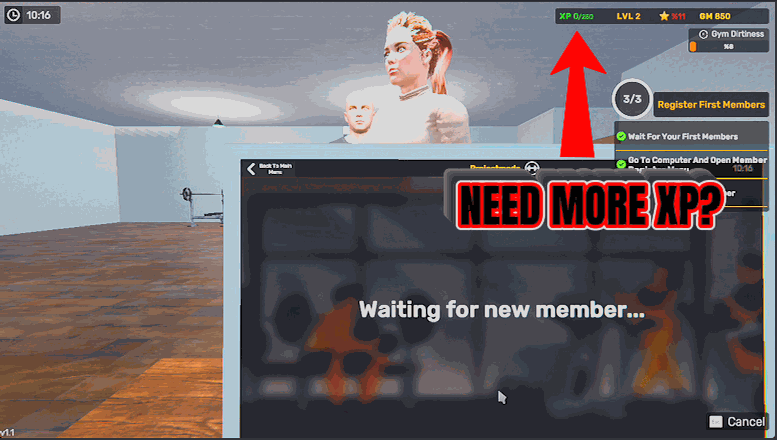
Rep Rush
Pour experience into your profile whenever you like. Set an amount, press Give XP, and climb levels as fast as you want to reach the perks and unlocks you're chasing.
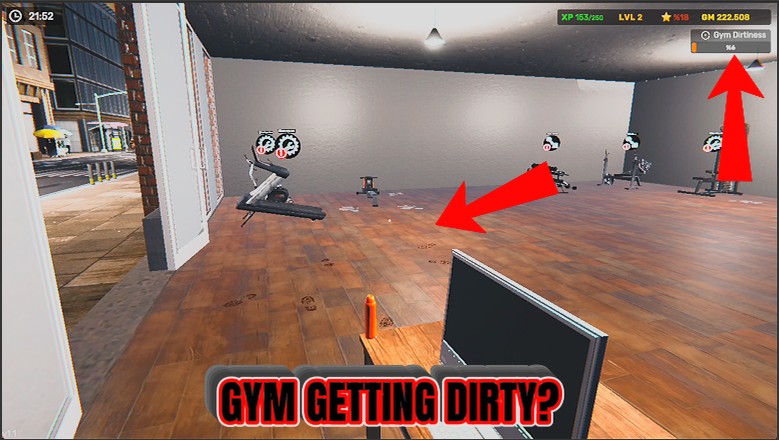
Sparkle Squad
Clean the entire gym in a single press. Dirt, dropped trash and bad smells are cleared, and every weight and bench is put back where it belongs.
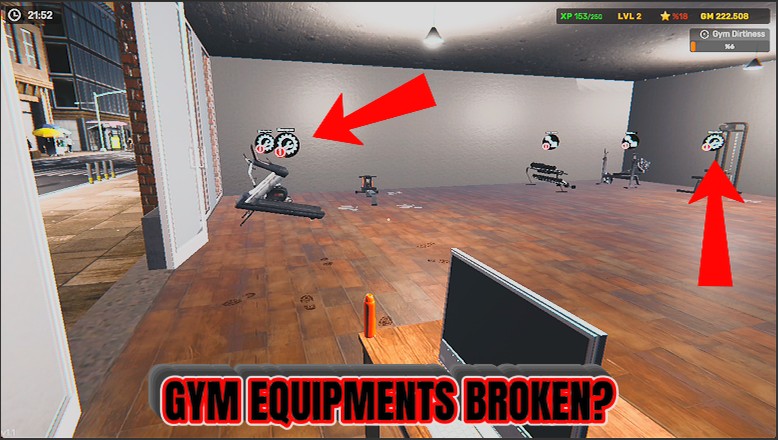
Pit Crew
Repairs every broken piece of equipment in your gym in a single press. No running around with the repair tool, no waiting on a mechanic.







