Want more mods for House Flipper 2? Explore our entire collection!
Lawn Genie
"Your yard, your rules."
How do I install Lawn Genie?
Download the free ProjectMods desktop app, then install Lawn Genie for House Flipper 2 in one click.
</>What does Lawn Genie do?
Lawn Genie puts instant landscaping at your fingertips. Choose from three grass styles — Cut for a clean, freshly mowed look, Tidy for a well-kept natural finish, or Wild for an overgrown, countryside vibe — then hit the button and watch the entire property transform. Skip the tedious mowing mini-game when you just want curb appeal, or deliberately let the yard go wild for that rustic aesthetic. Switch styles as often as you like while you experiment with different property themes.
</>What is Lawn Genie?
Lawn Genie by ProjectMods puts instant landscaping in House Flipper 2. Choose from three grass styles — Cut, Tidy, or Wild — and transform the entire property's yard in one click. Skip the mowing mini-game when you want fast curb appeal, or go wild for that rustic countryside look.
</>Common questions about Lawn Genie
What does Lawn Genie do in House Flipper 2?
Lawn Genie from ProjectMods gives you instant control over every patch of grass on your House Flipper 2 property. Instead of manually mowing the lawn or dealing with the gardening mini-game, you pick one of three styles — Cut, Tidy, or Wild — and the entire yard transforms in a single click. Cut gives you a fresh, perfectly mowed look. Tidy delivers a well-kept natural finish. Wild lets the grass grow tall and overgrown for a countryside aesthetic. Switch styles as often as you like while experimenting with different property themes.
What are the three grass styles available in Lawn Genie?
Lawn Genie for House Flipper 2 offers three distinct landscaping looks. Cut produces a short, clean, freshly-mowed lawn that signals curb appeal and professional maintenance — ideal for suburban properties and modern renovations. Tidy keeps the grass at a natural, well-groomed height that looks maintained without being manicured — great for country homes and casual aesthetics. Wild lets everything grow tall and overgrown, creating a rustic, abandoned, or countryside atmosphere that works beautifully for farmhouses and rural listings. Each style applies uniformly across the entire property's outdoor areas.
Does Lawn Genie affect all outdoor areas on the property?
Yes. When you activate a grass style in Lawn Genie for House Flipper 2, it applies to every patch of grass across the entire property simultaneously. Front yard, back yard, side strips, garden areas — everything transforms in one click. You don't need to select individual sections or walk around the property mowing zone by zone. This makes it especially useful for large properties with extensive grounds where manual lawn care would eat up significant renovation time that's better spent on interior design and structural improvements.
How do I choose a grass style in Lawn Genie?
Lawn Genie for House Flipper 2 keeps the controls simple. Open ProjectMods and find the Grass Style option, where you select Cut, Tidy, or Wild. Hit the action button and the entire property's lawn transforms immediately. Want to try a different look? Just select another style and press the button again. There's no cooldown or limit on how many times you switch. This lets you quickly preview how each grass style complements your renovation before settling on the final look for a property listing.
When should I use Lawn Genie's Wild setting in House Flipper 2?
Lawn Genie's Wild setting in House Flipper 2 creates deliberately overgrown, untamed grass that works well in specific creative scenarios. Use it for before-photos when documenting a renovation transformation — the contrast between a wild yard and a freshly renovated interior is dramatic. It also suits rustic farmhouse renovations, countryside cottages, or properties where you want a natural, untouched aesthetic. Some players use Wild on partially completed projects to create a realistic abandoned property look. The overgrown style adds character and storytelling to your renovation portfolio.
What options does Lawn Genie include?
Grass Style
How you want the lawn to look.
Apply Grass Style
Transform the whole property's lawn to the style above.
Lawn Genie from ProjectMods lets you set all the grass in House Flipper 2 to perfectly trimmed, tidy, or wild overgrown with a single click.
System Requirements
What features does Lawn Genie include?
- Switch between three grass styles -- cut, tidy, or wild -- with a single button press
- Transform the entire property's lawn at once instead of mowing patch by patch
- Go wild on purpose for a rustic countryside aesthetic that fits rural properties perfectly
- Swap styles as often as you like while experimenting with different curb appeal looks
Best For
- Flippers focused on curb appeal who want a manicured lawn without the mowing mini-game
- Creative players going for a rustic or overgrown vibe on countryside properties
- Speed-oriented renovators who need the yard handled in seconds so they can focus on interiors
- Players revisiting finished properties who want to refresh the landscaping for new showcase photos
More Mods for House Flipper 2

Turbo Legs (Speed Boost)
Crank your walking speed up to eleven and blaze through renovations at your own pace.
Cash Injection
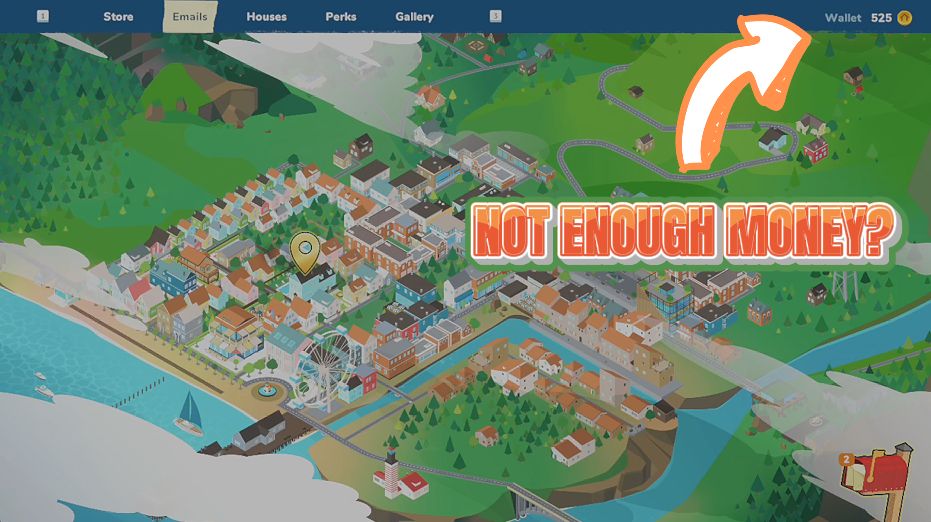
Instantly add a fat stack of cash to your renovation budget whenever you need it.
/HouseFlipper2OpenHouse1.png)
Open House (All Properties)
Unlock every property for sale so you can browse, buy, and flip any house in the game right away.







