Want more mods for How They Built the Pyramids? Explore our entire collection!
Creative Sandbox
"Try new building ideas with free construction and supplies."
How do I install Creative Sandbox?
Download the free ProjectMods desktop app, then install Creative Sandbox for How They Built the Pyramids in one click.
</>What does Creative Sandbox do?
Build for free, put a workshop straight onto the site or give yourself materials in a world you host. Finish the current pyramid layer or max out upgrades when you want to try a later stage of the build. To place a building directly, load your world, refresh the list and choose a building. Face an open area and press Spawn Selected Item. Large buildings need room, and some buildings still need a riverbank or another suitable location.
</>What is Creative Sandbox?
Build for free, place workshops or give yourself materials in a world you host. Finish the current layer or max out upgrades to try a later stage of construction. Find Creative Sandbox for How They Built the Pyramids on ProjectMods.
</>Common questions about Creative Sandbox
What can Creative Sandbox change?
Creative Sandbox offers free construction, building-menu access, extra supplies, building spawning and current-layer completion in How They Built the Pyramids. These tools are intended for experiments in a world you host. You can enable the ongoing building options separately from the single presss. Adding a resource, spawning a building or filling a layer is a deliberate world change that remains after the action finishes.
How do I place a building with Spawn Selected Item?
In Creative Sandbox for How They Built the Pyramids, load a world you host and press Refresh Items. Pick a building under Item to Spawn, face an open area and press Spawn Selected Item. The building goes in a suitable spot ahead of you. Give large buildings extra room, and face the riverbank or other suitable ground when a building needs a particular location.
Do extra supplies ignore carrying limits?
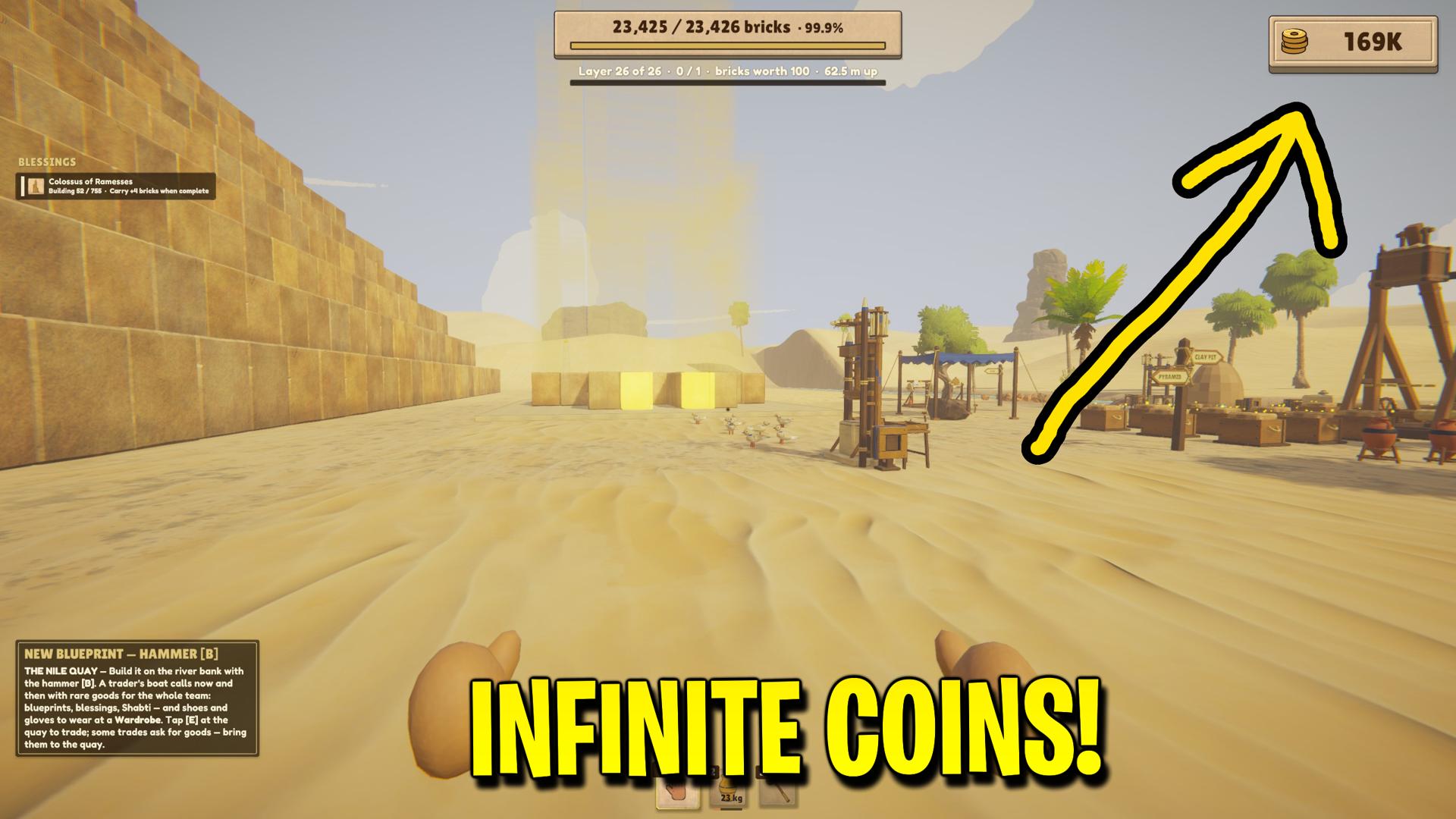
Creative Sandbox lets you add as much brick, clay or gold as you can carry in How They Built the Pyramids. Set down anything in your hands that would prevent you from picking up the material you want. Coins go to the team balance. The Reset buttons empty the matching supply, so use Give when you want to add to what you already have.
Does Unlock Build Menu permanently buy every upgrade?
No. Unlock Build Menu in Creative Sandbox exposes more building choices while enabled in How They Built the Pyramids. It does not purchase upgrades. Use the separate Max Player Upgrades action for personal upgrades or Max Looked-at Building for one building. Those upgrade actions make lasting changes, while the menu and Free Construction controls only apply while their toggles remain enabled.
What does Complete Current Layer leave unfinished?
Complete Current Layer fills the active layer in Creative Sandbox for How They Built the Pyramids and reports how many bricks were added. It leaves the capstone out, keeping the normal crowning step available when construction reaches that point. This action does not simulate the crew manually delivering every brick. Use it when preparing a particular construction stage for layout experiments or checking the next part of the pyramid.
What options does Creative Sandbox include?
Give Clay
Give yourself the chosen amount of clay. Set down incompatible loads first.
Unlock Build Menu
Open more building choices early, including buildings normally tied to pyramid progress.
Item to Spawn
Pick a building after refreshing the list.
Reset Clay
Remove the clay you’re carrying.
Complete Current Layer
Fill the current pyramid layer. Place the capstone yourself when it’s time for the ceremony.
Free Construction
Make purchases through the build menu free while this setting is on.
Max Player Upgrades
Raise your personal upgrades to their highest available levels. Available in worlds you host.
Reset Gold
Remove the gold chips you’re carrying.
Coin Amount
Set how many coins the Give Coins button adds to the team balance.
Clay Amount
Set how many grams of clay to add, up to what you can carry.
Reset Coins
Set the team’s coin balance to zero.
Spawn Selected Item
Place the selected building for free at a suitable spot ahead of you. Available in worlds you host.
Max Looked-at Building
Raise the upgrades on the building you’re looking at to their highest levels. Available in worlds you host.
Spawn Instructions
Load a world you host, refresh the building list, then face a clear area before placing your pick.
Gold Amount
Set how many gold chips to add, up to what you can carry.
Give Coins
Add the chosen number of coins to the team balance.
Give Gold
Put gold chips into your hands. Set down incompatible loads first.
Refresh Items
Load the list of buildings you can place in this world.
Creative Sandbox for How They Built the Pyramids by ProjectMods. Try new building ideas with free construction and supplies.
System Requirements
What features does Creative Sandbox include?
- Build for free and open more choices in the building menu.
- Add or reset coins, bricks, clay and gold using explicit amount controls.
- Refresh the building picker and spawn a chosen building on ground ahead.
- Max out personal upgrades or the upgrades of one looked-at building.
Best For
- Try a new production layout without repeatedly earning construction money.
- Prepare resource quantities for a controlled solo workshop experiment.
- Advance the current layer while leaving the final capstone ceremony available.
More Mods for How They Built the Pyramids
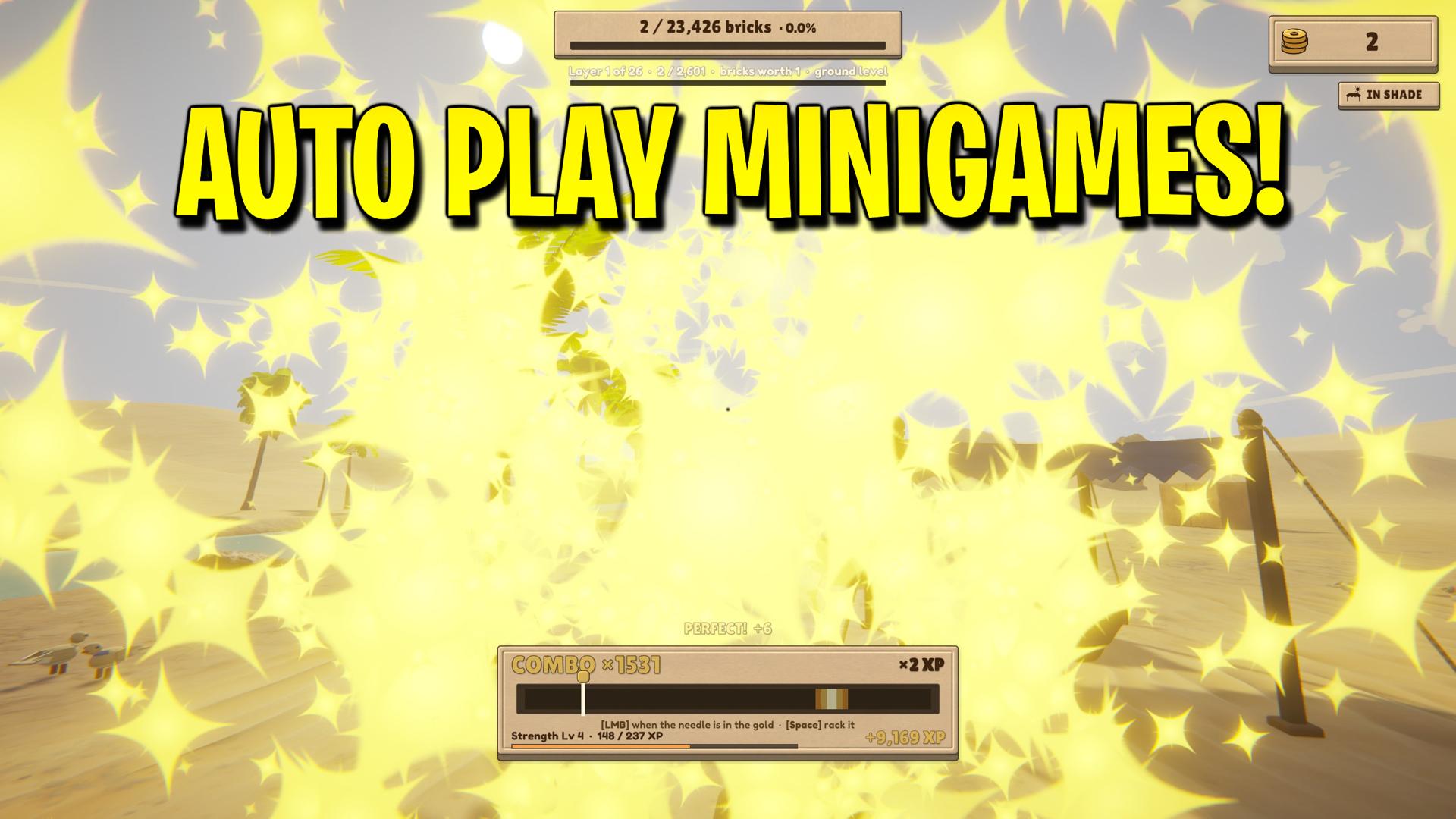
Auto Minigames
Let the Weight Bench, Treadmill, Treadwheel, Polishing Stone, Gold Sifting, Scribe’s Bench and Mason’s Chisel play themselves.
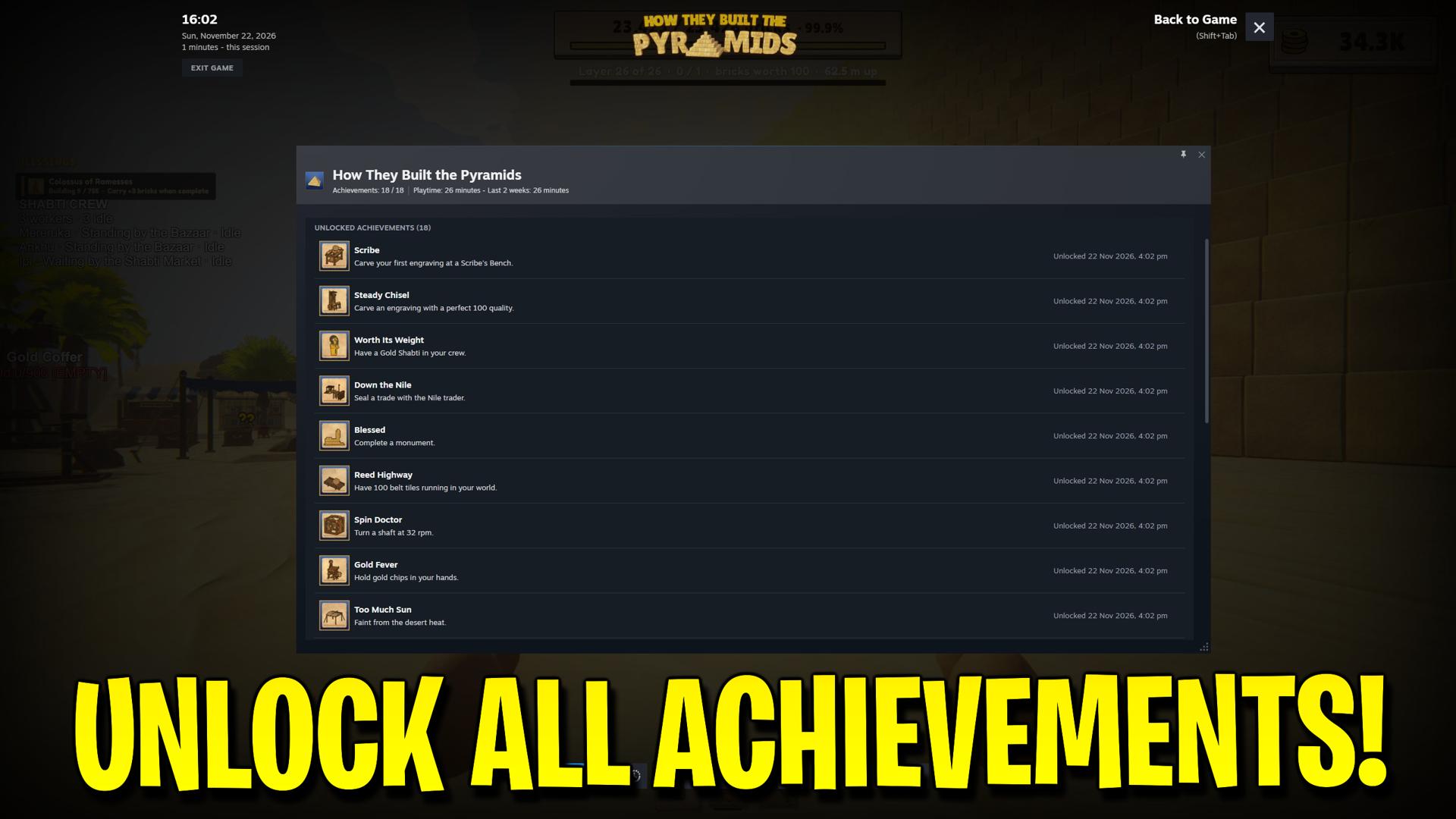
Achievement Unlocker
Pick any of the game’s 18 Steam achievements, including hidden ones, or unlock the full list in one step.
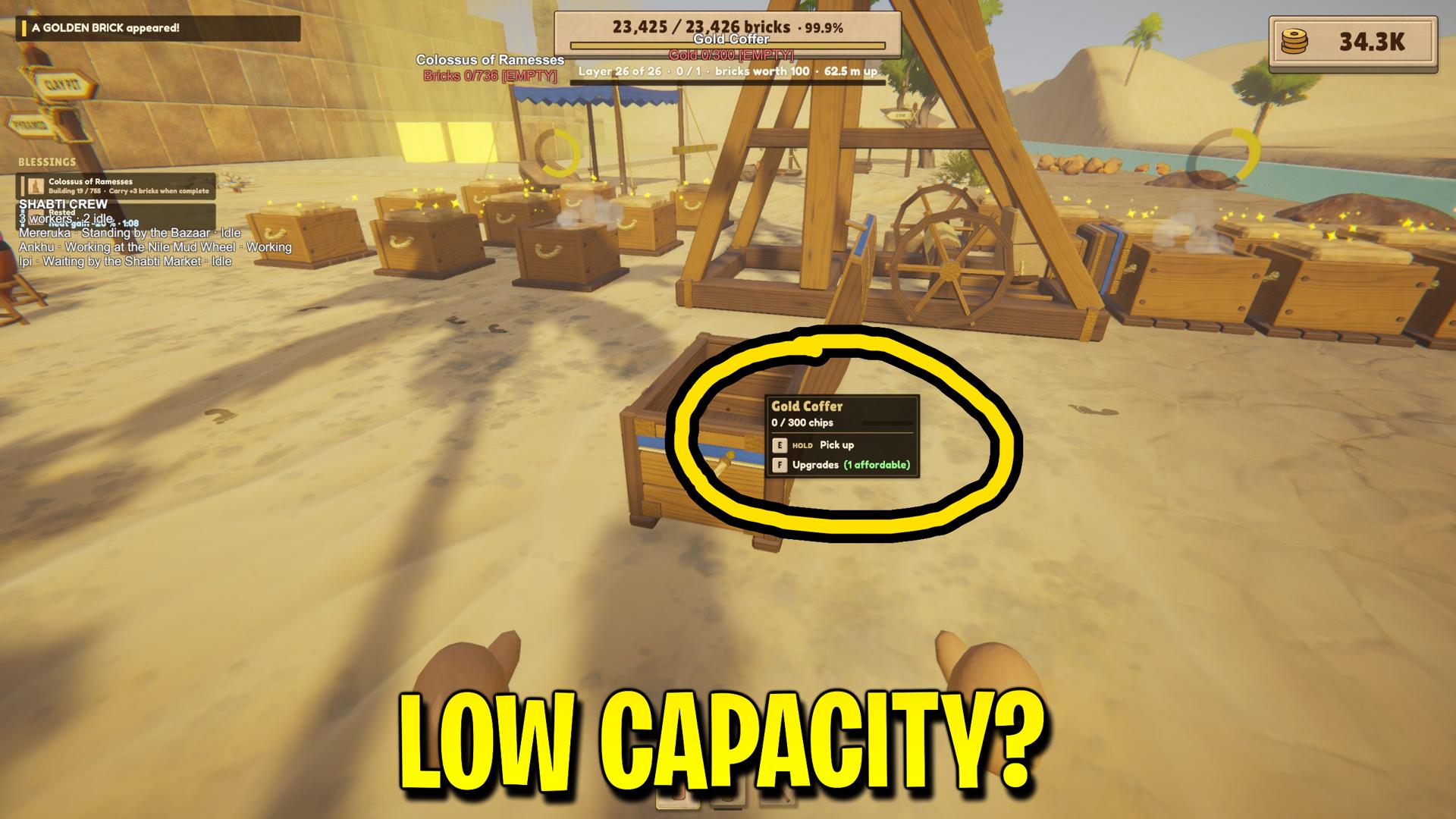
Storage & Hopper Tweaks
Store more bricks, clay and gold in containers and workshops. Let clay hoppers feed machines from farther away or deliver clay more often.