Want more mods for How They Built the Pyramids? Explore our entire collection!
Movement & Reach
"Fly over the site, walk faster and reach farther."
How do I install Movement & Reach?
Download the free ProjectMods desktop app, then install Movement & Reach for How They Built the Pyramids in one click.
</>What does Movement & Reach do?
Walk faster, jump higher and reach farther when picking up materials, using workshops or placing pyramid bricks. Fly over the site and save a point you can return to. Turn on Apply Movement & Reach Settings to use the walking, jumping and reach changes. Turn on Fly Enabled as well to fly. Use your usual movement controls, jump to rise, Left Ctrl to descend and Left Shift to speed up.
</>What is Movement & Reach?
Walk faster, jump higher and reach farther when picking up materials, using workshops or placing pyramid bricks. Fly over the site and save a point you can return to. Find Movement & Reach for How They Built the Pyramids on ProjectMods.
</>Common questions about Movement & Reach
How do I control flight in Movement & Reach?
Turn on Apply Movement & Reach Settings and Fly Enabled in Movement & Reach for How They Built the Pyramids, then use the normal movement controls to fly relative to your camera. Jump rises and Left Ctrl descends. Hold Left Shift to use Shift Speed instead of Fly Speed. Flight pauses its movement input when the game has captured input for a menu, and it yields to station activities.
What is the difference between flight and noclip?
Flight in Movement & Reach lets you move through the air in How They Built the Pyramids. With Noclip off, ordinary collision still limits the flight path. With Noclip on, flight can pass through walls, floors and terrain. Noclip only applies while flight is enabled. Stopping flight restores the normal movement controls, so choose a clear position before returning to normal movement.
Can I save several teleport points?
Movement & Reach remembers one spot and the direction you are facing in your current How They Built the Pyramids world. Save Teleport Point replaces any earlier spot. Use Teleport to Saved Point after leaving the station you are using. Save a spot again if you load a different world or reload the mod, since the old point is only temporary.
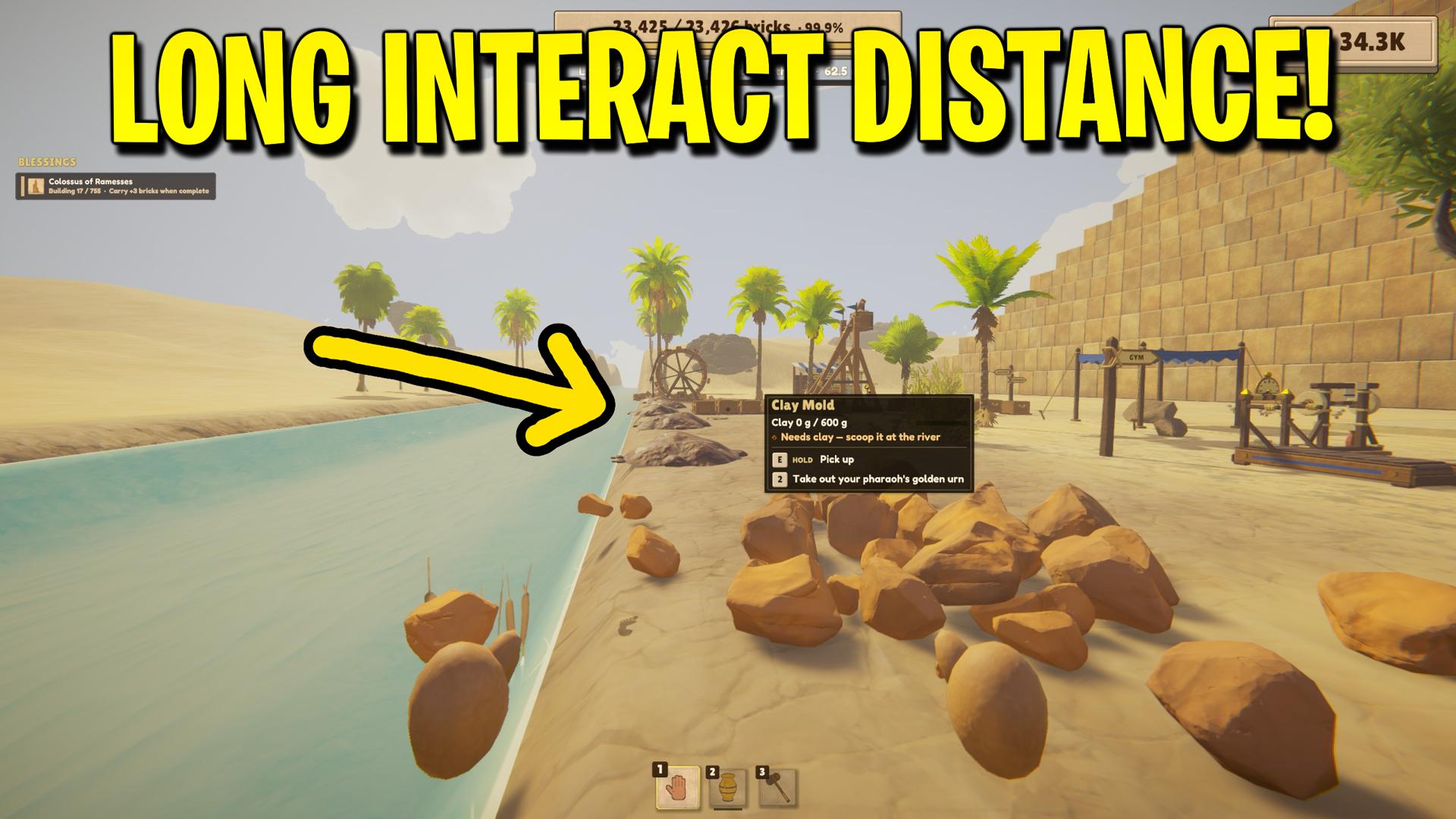
What can I reach from farther away?
Movement & Reach extends the distance for common actions in How They Built the Pyramids. Try it when picking up loose bricks, taking supplies from a workshop or placing bricks on the pyramid. Turn on Apply Movement & Reach Settings first. Set Interaction Reach Multiplier to 1× for the usual range. When playing as a guest, the host’s settings still decide how far away some actions can work.
What happens when flight is turned off at a station?
Movement & Reach yields to an workshop activity in How They Built the Pyramids and restores the usual movement controls. This lets the station take control of positioning and input. Leaving the station can allow flight to resume if its toggles remain enabled. Turn off Fly Enabled when you want ordinary movement afterward, or disable Apply Movement & Reach Settings to stop the ongoing movement adjustments.
What options does Movement & Reach include?
Shift Speed
Set your flying speed while you hold Left Shift.
Fly Speed
Set your usual flying speed.
Teleport to Saved Point
Return to the point you saved in this world. Leave your current station first.
Walk Speed Multiplier
Set how fast you walk. 1× is normal.
Noclip
Pass through walls and terrain while flying.
Save Teleport Point
Remember your current position and the direction you’re facing in this world.
Apply Movement & Reach Settings
Apply the walk speed, jump height and reach settings, and allow flight when Fly Enabled is on. The saved-point buttons work independently.
Interaction Reach Multiplier
Reach farther when picking up materials, using workshops or placing pyramid bricks. 1× is normal. In co-op, the host’s reach settings also matter.
Fly Enabled
Fly using your usual movement controls. Turn on Apply Movement & Reach Settings first.
Jump Height Multiplier
Set how high you jump. 1× is normal.
Movement & Reach for How They Built the Pyramids by ProjectMods. Fly over the site, walk faster and reach farther.
System Requirements
What features does Movement & Reach include?
- Fly with separate normal and Shift speeds and optional passage through geometry.
- Adjust walking speed, ordinary jump height and reach for pickups, workshops and brick placement independently.
- Save a session return point and teleport back after leaving a station.
Best For
- Inspect production layouts from above without building a temporary ramp.
- Return to a saved supply point during a long construction session.
- Reach nearby stations more comfortably while keeping ordinary walking enabled.
More Mods for How They Built the Pyramids
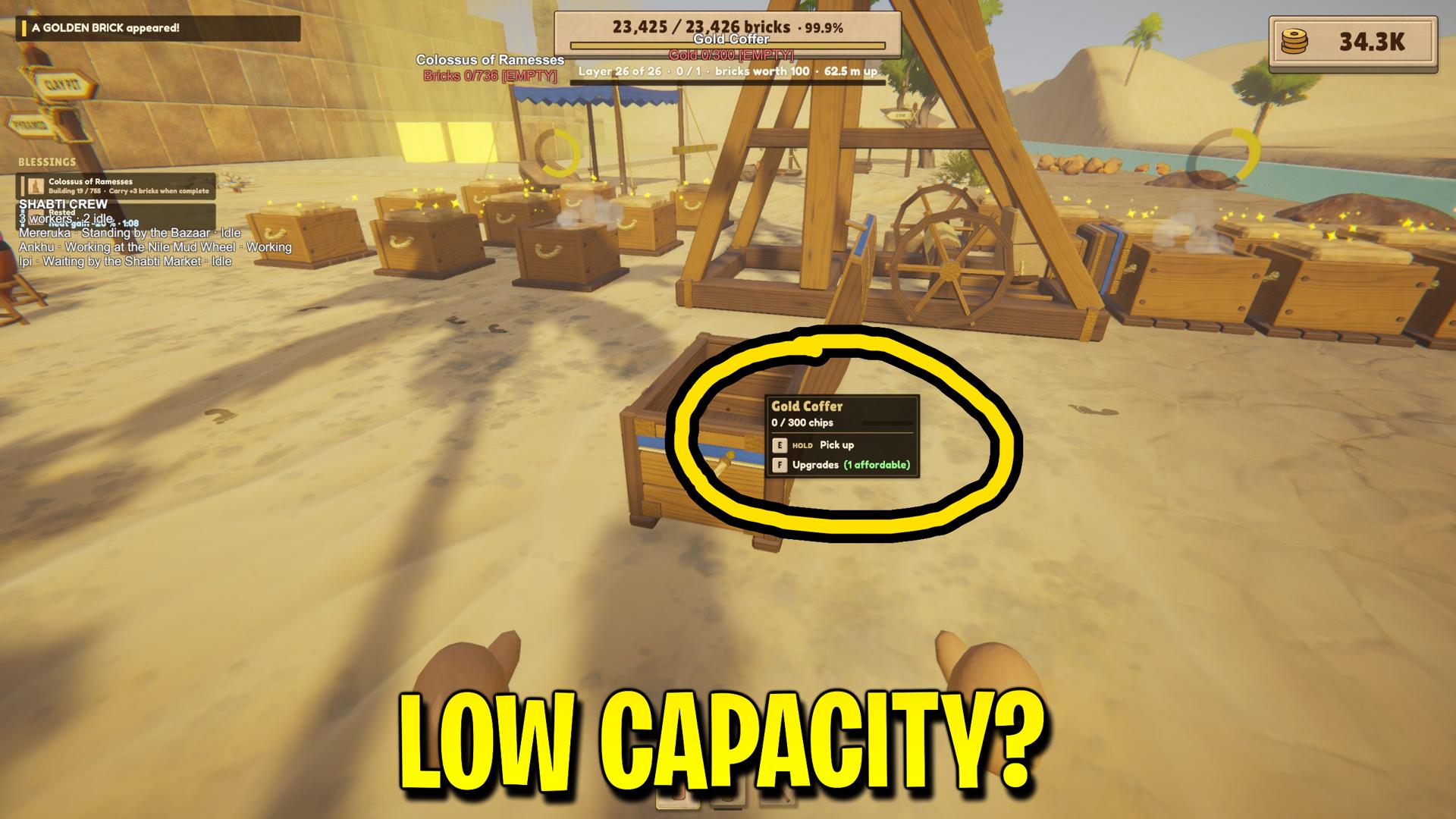
Storage & Hopper Tweaks
Store more bricks, clay and gold in containers and workshops. Let clay hoppers feed machines from farther away or deliver clay more often.
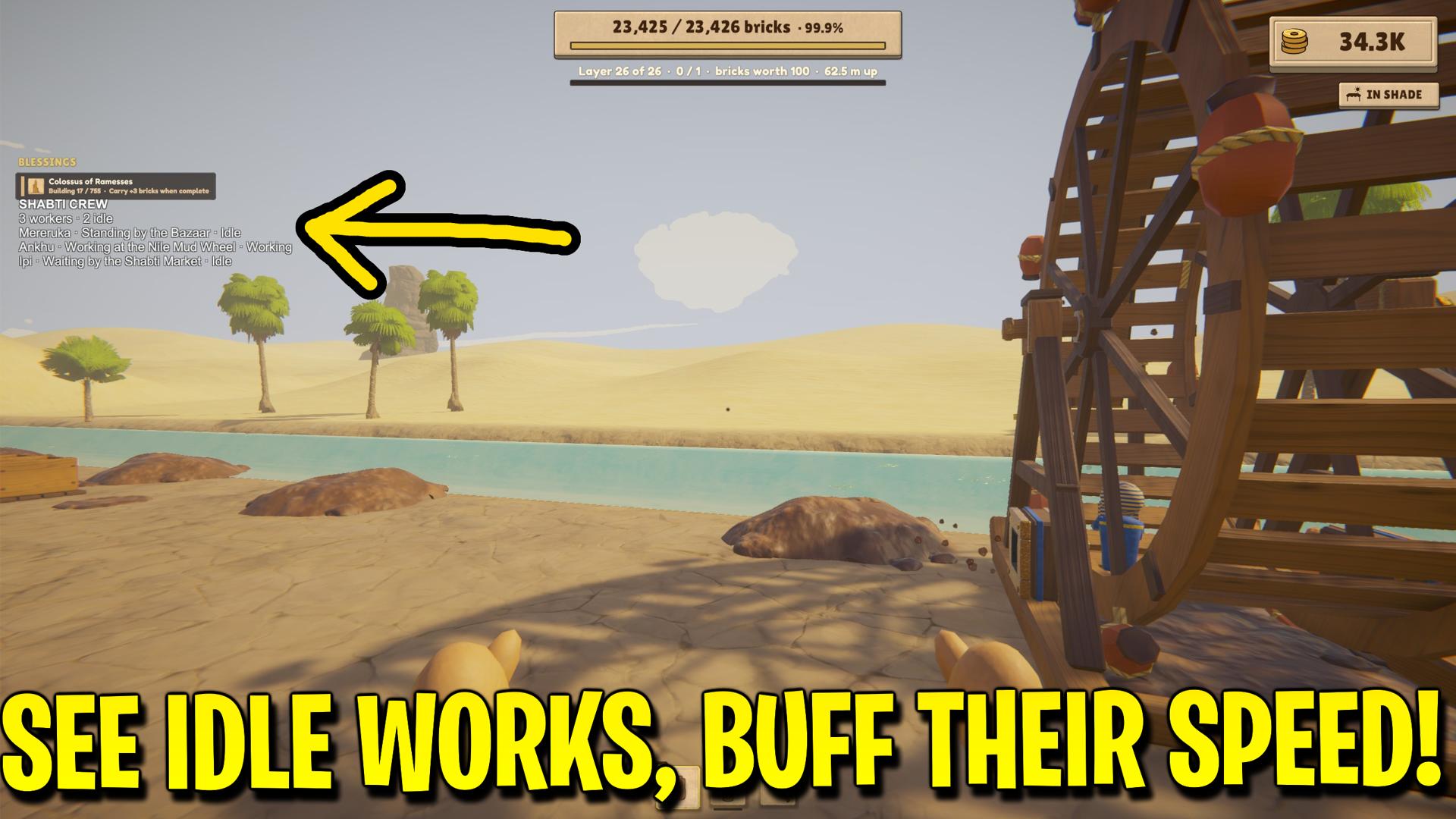
Shabti Manager
See who’s on your Shabti crew, where they’re working and how they’re feeling. Send idle workers to open jobs or release the crew at the workplace you’re looking at.
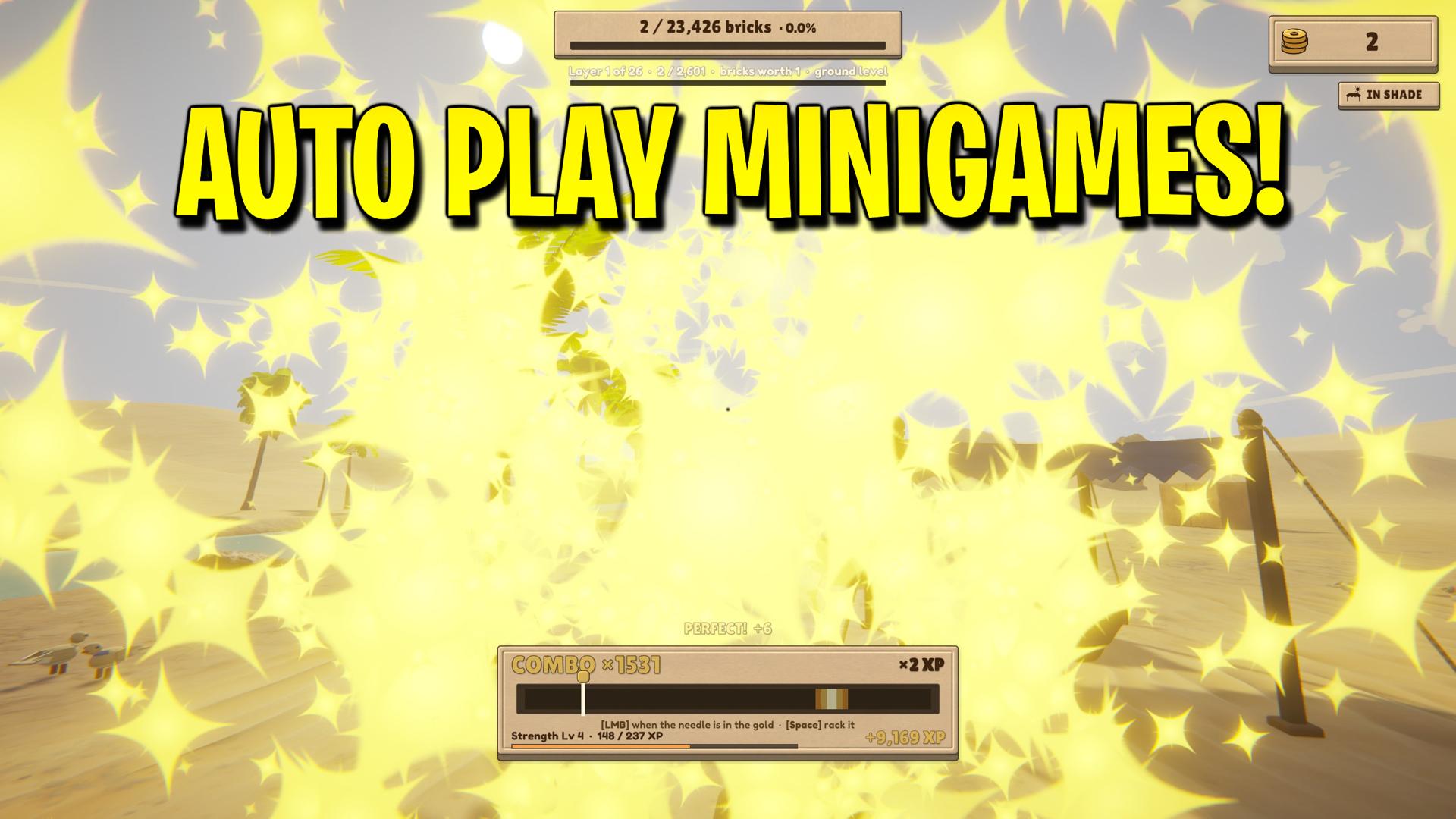
Auto Minigames
Let the Weight Bench, Treadmill, Treadwheel, Polishing Stone, Gold Sifting, Scribe’s Bench and Mason’s Chisel play themselves.