Want more mods for How They Built the Pyramids? Explore our entire collection!
Storage Counters
"See what’s in your stores without walking over."
How do I install Storage Counters?
Download the free ProjectMods desktop app, then install Storage Counters for How They Built the Pyramids in one click.
</>What does Storage Counters do?
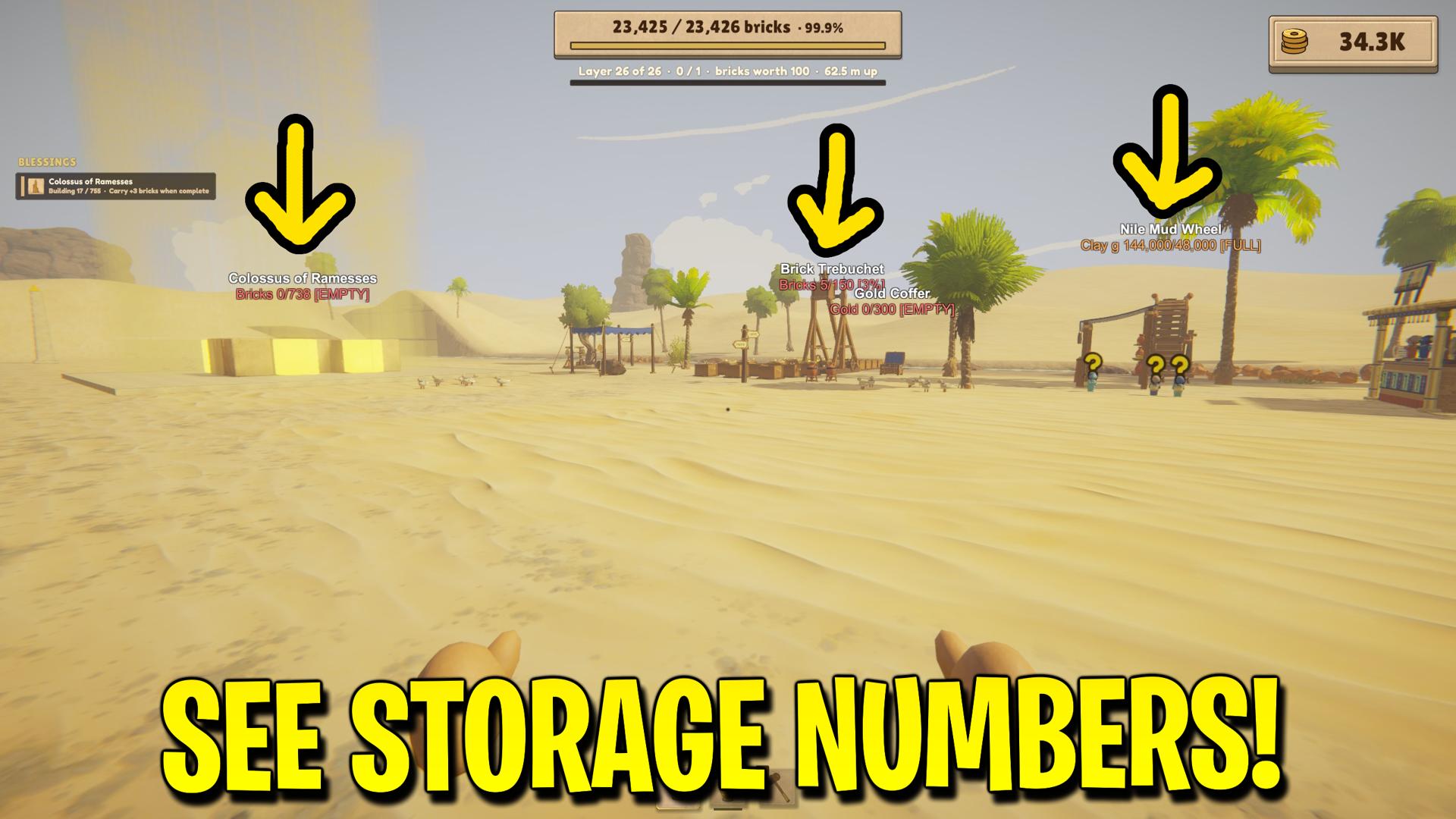
See brick, clay and gold quantities above containers and workshops. Spot a full trolley, an empty hopper or a workshop with goods ready to collect. Choose which materials to show and adjust how far away the labels appear. Red means nearly empty, green means partly filled and orange means nearly full. FULL and EMPTY labels make the extremes easy to spot.
</>What is Storage Counters?
Storage Counters adds new options to How They Built the Pyramids. See brick, clay and gold quantities above containers and workshops. Spot a full trolley, an empty hopper or a workshop with goods ready to collect.
</>Common questions about Storage Counters
Which buildings show storage counts?
Storage Counters shows how much brick, clay and gold storage is filled in How They Built the Pyramids. Check storehouses, crates, presses, trolleys, hoppers, troughs, piles and workshops from a distance. The Goldsmith’s Crucible shows gold chips and molten gold separately. At the Nile Quay, you can see how much has been delivered toward an active trade.
What do the counter colours mean?
Storage Counters uses red for empty or nearly empty rows, green for middle fill levels and orange for nearly full rows in How They Built the Pyramids. FULL and EMPTY text make the extremes explicit. Interpret the row according to its purpose: a full input is well supplied, while a full output may need collection. Colour describes fill level rather than declaring every full container a problem.
Are workshop inputs shown separately from outputs?
Yes. Storage Counters shows separate input and output rows for supported refining workshops and the Goldsmith's Crucible in How They Built the Pyramids. Brick presses can show both their brick output and clay supply, while sifting equipment can show clay and gold. This helps you distinguish a machine that needs ingredients from one that has finished goods waiting to be moved.
How can I reduce clutter from distant labels?
Reduce Viewing Distance or Maximum Counters in Storage Counters for How They Built the Pyramids when the site becomes crowded. You can also turn off brick, clay or gold rows independently. Text Size changes readability, while Height Offset raises labels above the buildings. Only labels within the camera view are displayed, so turning away from a group of stores removes them from view.
Does turning counters off change stored materials?
Turning off Storage Counters removes its labels from How They Built the Pyramids without changing the contents of any store. The mod is an information display: it does not add resources, increase capacity or move materials between buildings. You can use the counters while making normal deliveries, then hide the overlay whenever you want a clearer view of the pyramid and surrounding workshops.
What options does Storage Counters include?
Clay Stores
Show clay quantities in hoppers, troughs, piles and workshops.
Maximum Counters
Limit how many labels appear at once to keep busy sites readable.
Text Size
Make the floating labels smaller or larger.
Viewing Distance
Set how far away storage labels can appear, in metres.
Gold Stores
Show gold quantities in coffers and workshops.
Brick Stores
Show brick counts on stores, trolleys and workshops.
Show Storage Counters
Show or hide the floating storage labels.
Height Offset
Raise the labels above their usual positions, in metres.
Storage Counters for How They Built the Pyramids by ProjectMods. See what’s in your stores without walking over.
System Requirements
What features does Storage Counters include?
- Read current contents and capacity above supported brick, clay and gold stores.
- Compare separate supplies and finished goods on refining workshops.
- Adjust viewing distance and text size to fit a busy construction site.
Best For
- Check a distant trolley before walking over to collect bricks.
- Spot a full workshop output while planning the next delivery.
- Monitor troughs and clay piles while expanding the production area.
More Mods for How They Built the Pyramids
Auto Minigames
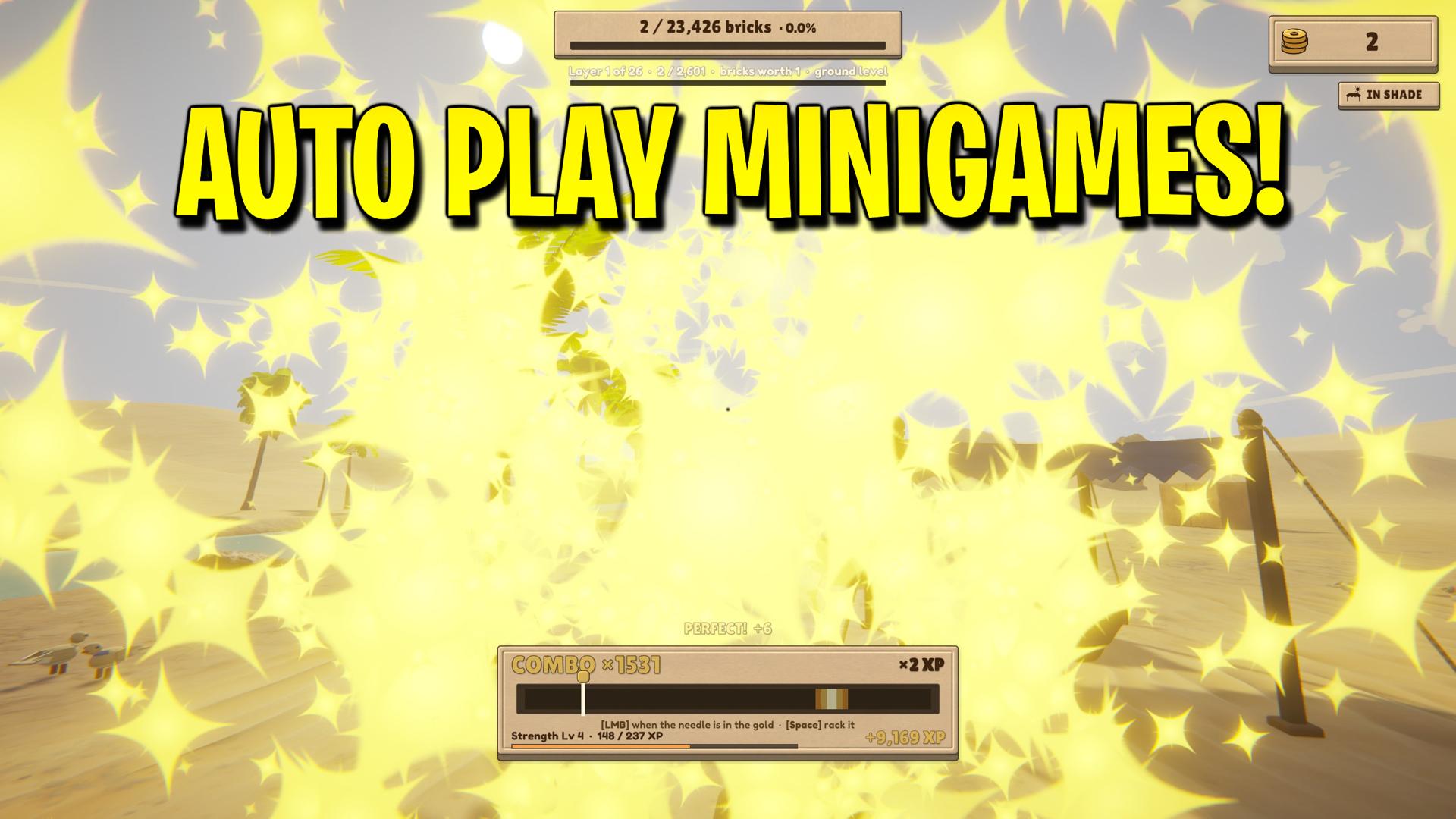
Let the Weight Bench, Treadmill, Treadwheel, Polishing Stone, Gold Sifting, Scribe’s Bench and Mason’s Chisel play themselves.
Achievement Unlocker
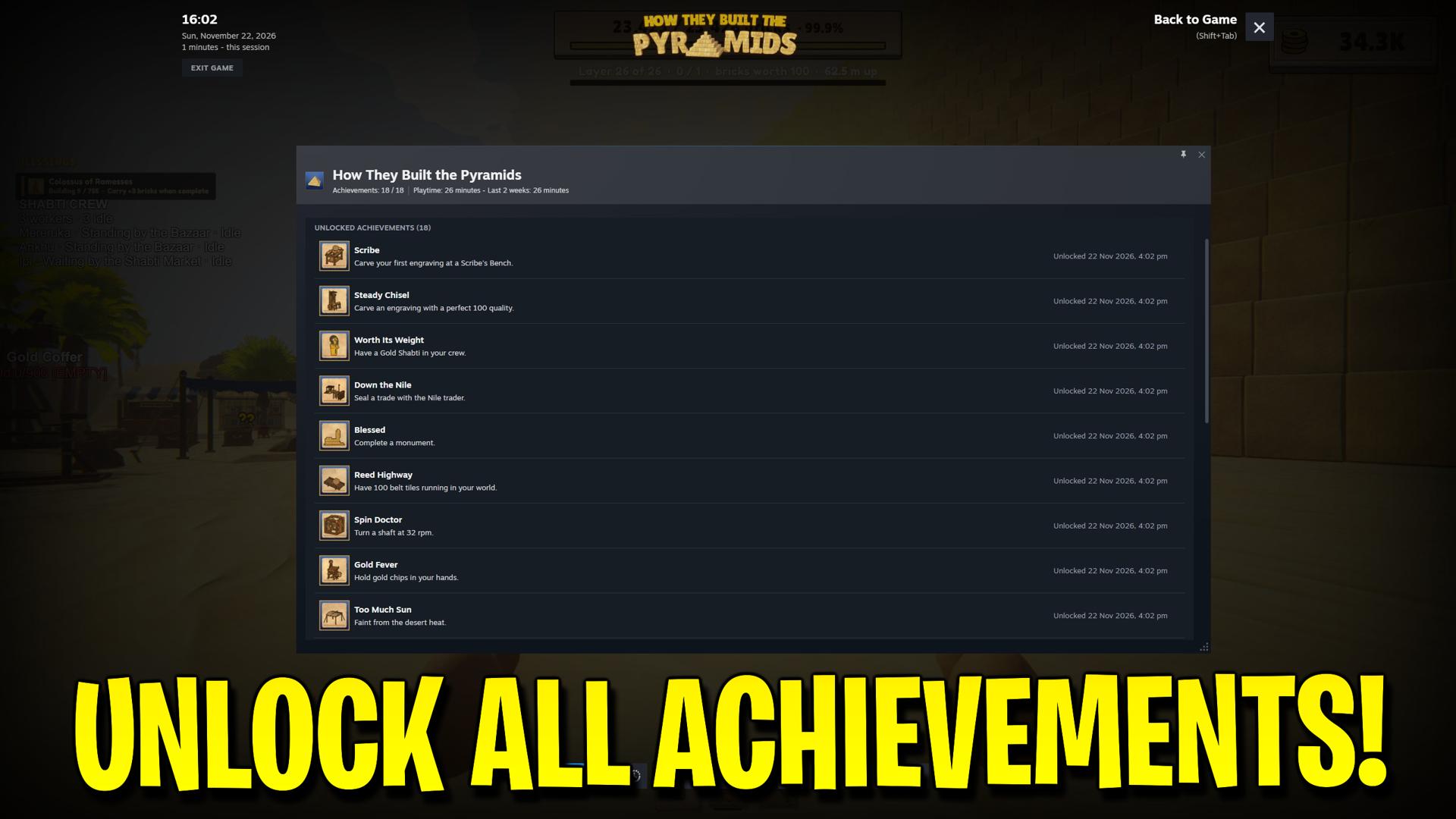
Pick any of the game’s 18 Steam achievements, including hidden ones, or unlock the full list in one step.
Production Inspector
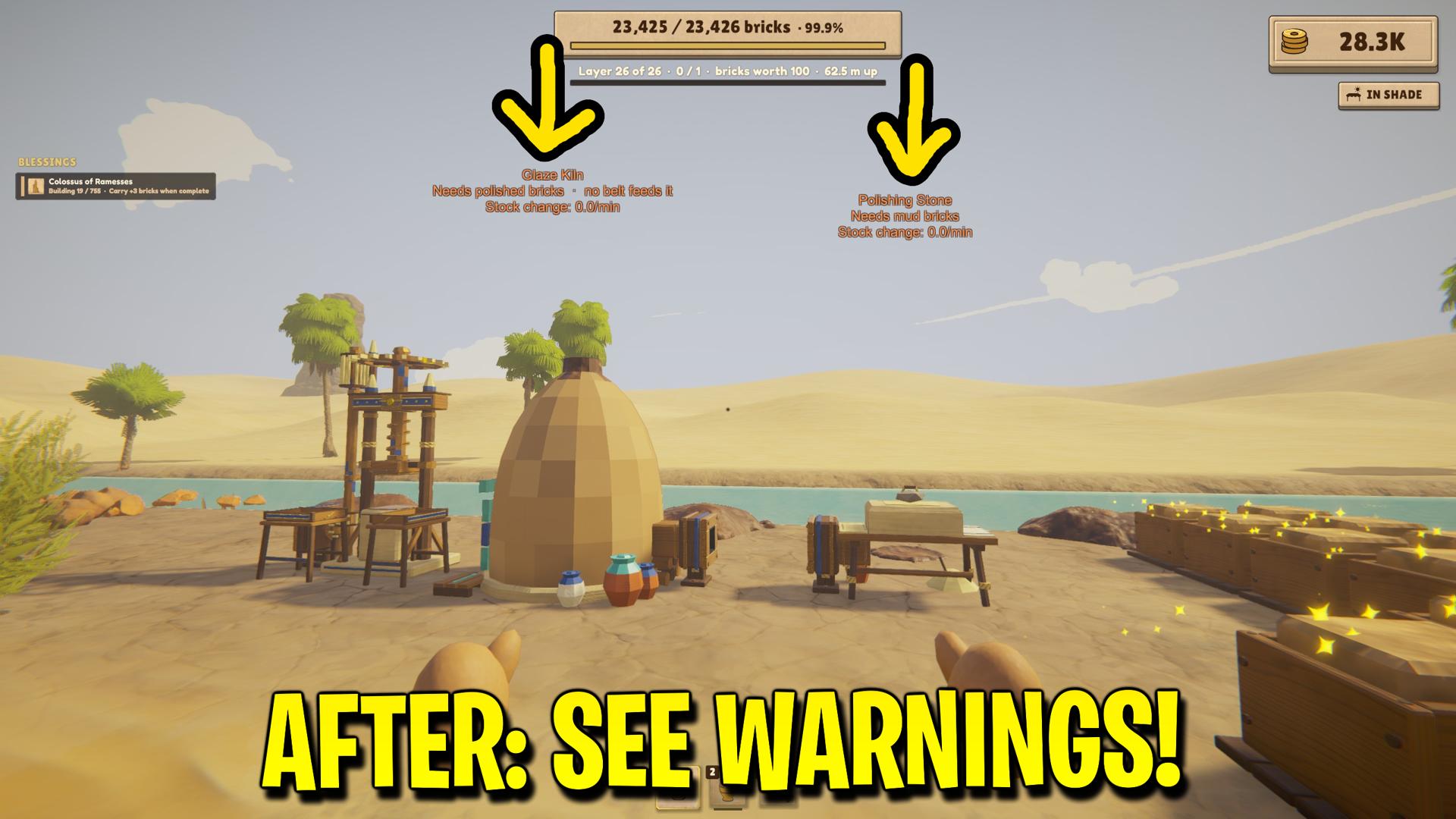
See warnings above brick presses, refining machines, gold sifters, crucibles and geared hands. Find workshops with empty supplies or full brick outputs without checking them one by one.