Want more mods for How to Fish? Explore our entire collection!
Spawn Menu
"Spawn any creature, weapon, or item in front of you for instant island chaos."
How do I install Spawn Menu?
Download the free ProjectMods desktop app, then install Spawn Menu for How to Fish in one click.
</>What does Spawn Menu do?
Spawn Menu turns How to Fish into a sandbox toy box. Press Refresh Items after you load in, choose a creature, weapon, or prop, then spawn it a few steps ahead of your camera. Need drip chaos or a corpse for grill jokes? Flip Spawn Drip or Spawn Dead before you press Spawn Selected Item. Remove Last Spawned Item cleans up the most recent spawn when things get too messy. Host the lobby to spawn for the whole party. Perfect for boss practice arenas, drip fashion shows, and co-op meme nights.
</>What is Spawn Menu?
Spawn Menu for How to Fish builds a live item picker from the running game so you can spawn creatures, weapons, and props on demand. Host the lobby, refresh after loading in, and use drip or dead options for sillier sessions.
</>Common questions about Spawn Menu
Why is the item list empty?
Load into a game first, then press Refresh Items so the picker can fill from the live item list.
Who can spawn items in co-op?
Host the lobby to spawn items for the shared session.
What do Spawn Drip and Spawn Dead do?
Spawn Drip makes a drip version when the item supports it. Spawn Dead places it already killed.
Does it edit game files?
No — it runs as a ProjectMods mod and doesn't modify game files.
What options does Spawn Menu include?
Select Item
Choose an item after refreshing the live list.
Spawn Selected Item
Spawn the chosen item in front of you.
Remove Last Spawned Item
Remove the most recent item this mod spawned.
How to use
Load into a game, press Refresh Items, choose an item, then press Spawn Selected Item.
Spawn Dead
Spawn the item already dead when it supports that.
Spawn Drip
Spawn a drip version when the chosen item supports it.
Refresh Items
Rebuild the item list from the running game.
Press Refresh Items, choose an item, then Spawn Selected Item. Optional drip and dead toggles change the spawn style.
System Requirements
What features does Spawn Menu include?
- Live item picker filled from the running game.
- Spawn drip or dead variants with simple toggles.
- Remove the last spawned item when you need a cleanup.
Best For
- Spawn a boss nearby for fight practice.
- Drop drip creatures for screenshot and killscore chaos.
More Mods for How to Fish
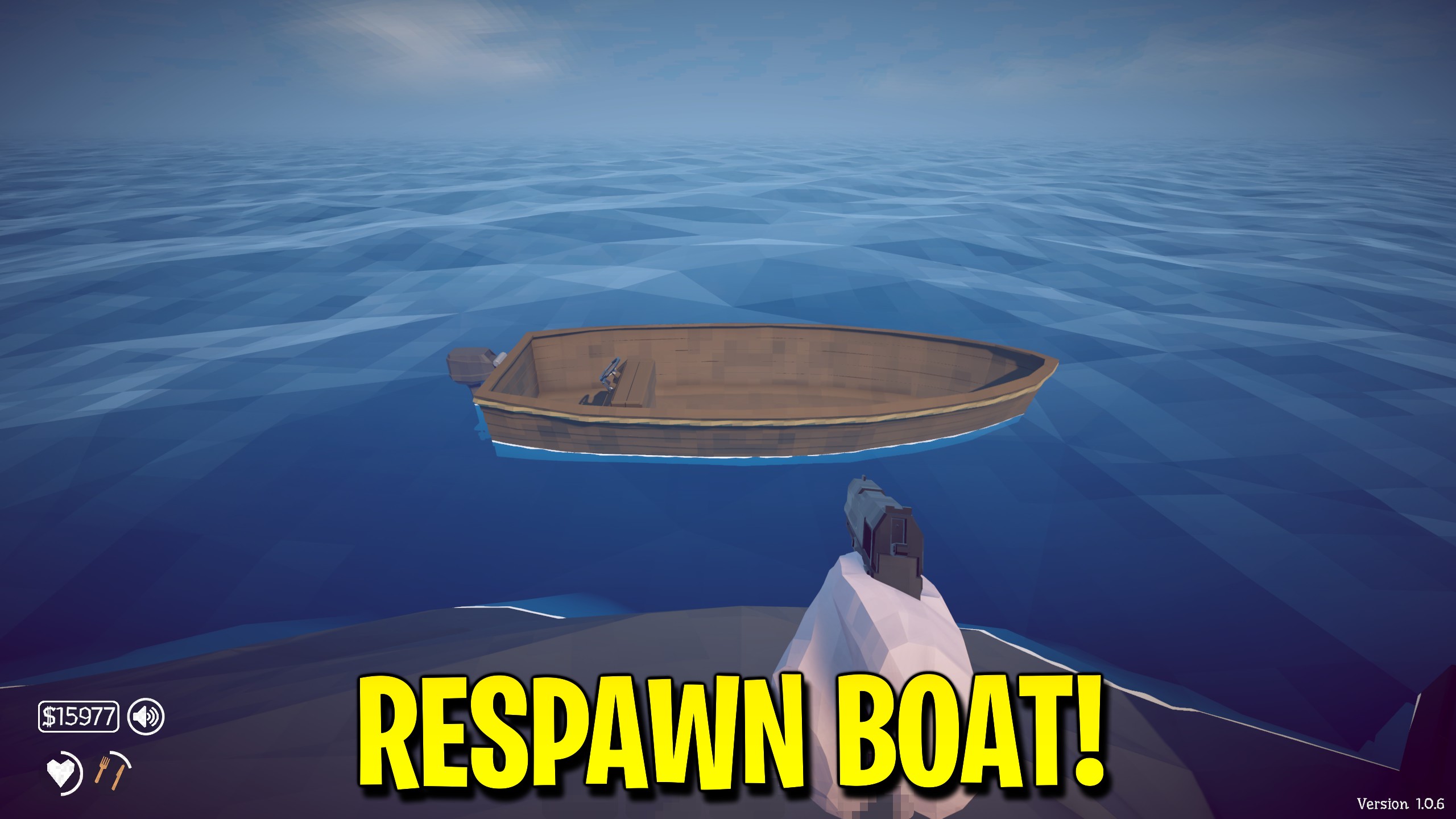
Boat Rescue
Bring the active boat to nearby open water or lift and right an overturned boat when a trip goes wrong.
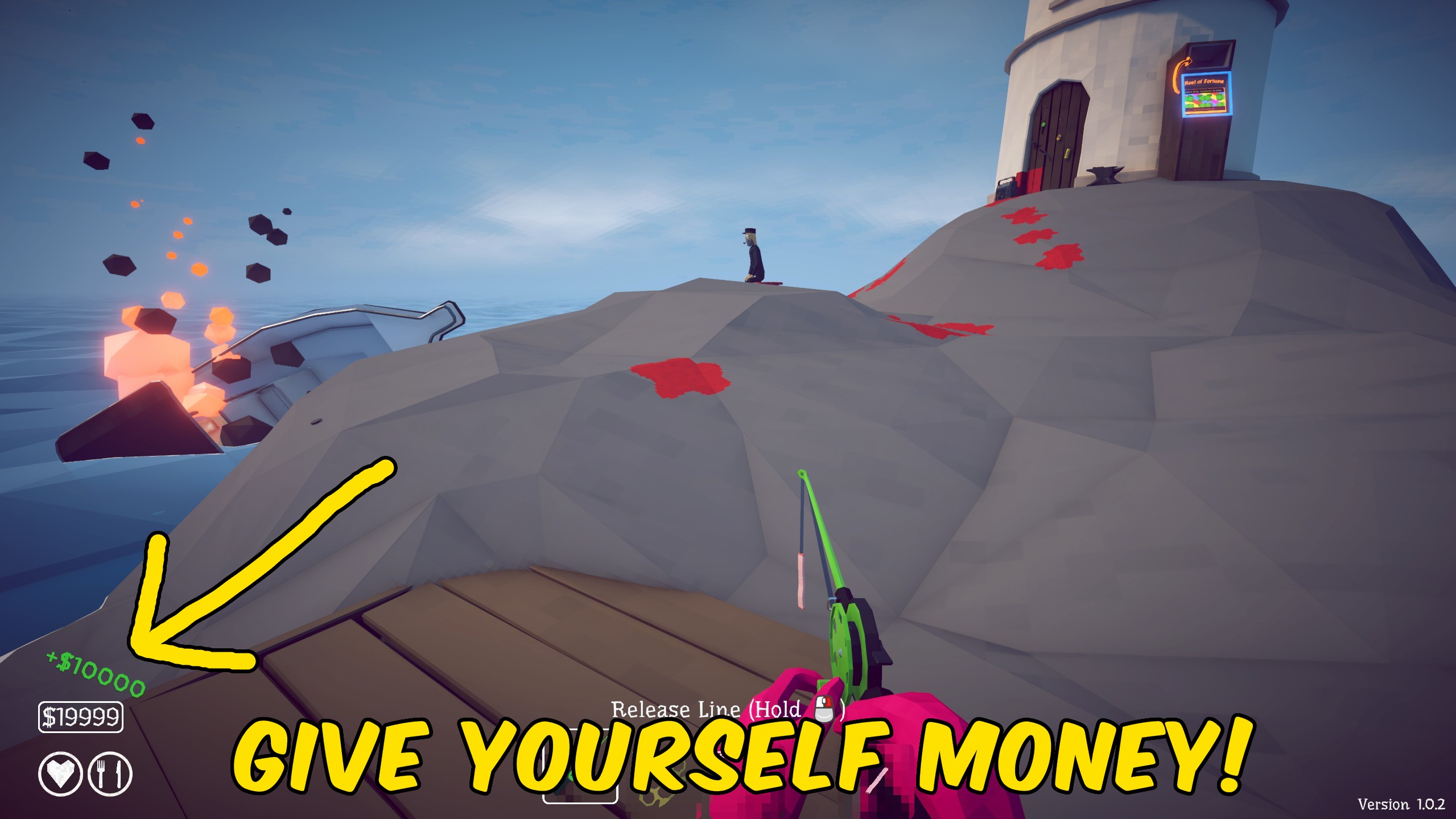
Give Money
Add a custom cash amount to your How to Fish wallet, or reset the balance to zero when you want a clean money restart.
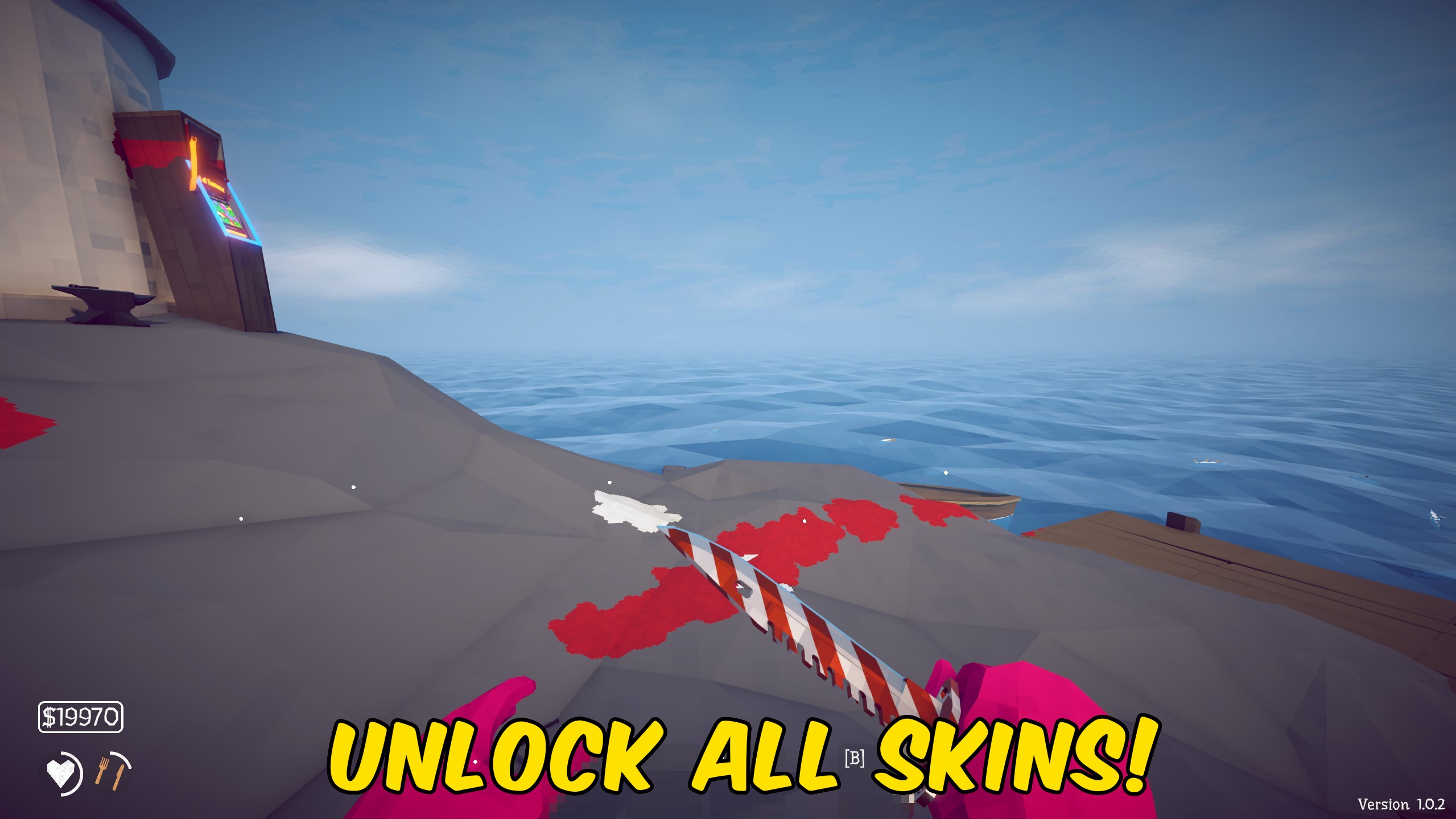
Unlock All Skins
Unlock every item skin and boat skin in How to Fish in one press, or lock them all again for a fresh collection run.



























































































































































































