Want more mods for Keep on Mining!? Explore our entire collection!
Resource Manager
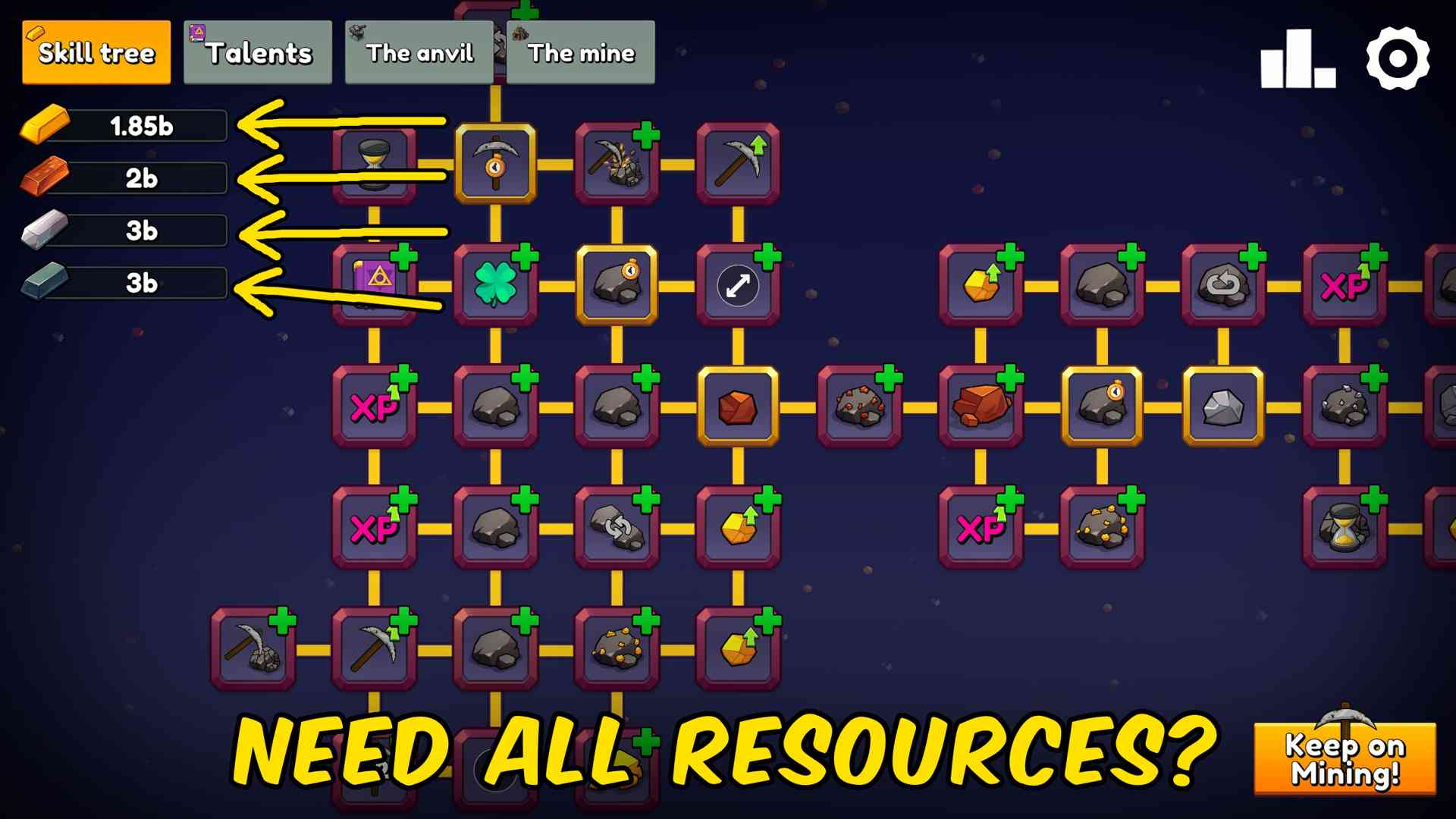
"Add ore and crafted bars without waiting for another mining run."
How do I install Resource Manager?
Download the free ProjectMods desktop app, then install Resource Manager for Keep on Mining! in one click.
</>What does Resource Manager do?
Resource Manager lets you add any available ore or crafted bar directly to your Keep on Mining! save. Choose the amount once, then use the separate give button for the exact resource you need.\n\nEach change appears on the game screen immediately, so the displayed total stays in sync without requiring an upgrade purchase or another resource action. Gold, copper, iron, cobalt, uranium, ismium, iridium, and painite are all supported as both raw ore and crafted bars.\n\nUse it to shorten repetitive mining, recover resources, test purchases, or continue experimenting with later progression without waiting through additional mining runs.
</>What is Resource Manager?
Resource Manager adds focused resource manager controls to Keep on Mining!. Add ore and crafted bars without waiting for another mining run. Its options can be used during an active save whenever you want to adjust this part of mining progression.
</>Common questions about Resource Manager
Which resources can I add?
You can add gold, copper, iron, cobalt, uranium, ismium, iridium, and painite as either raw ore or crafted bars.
Does the displayed total update immediately?
Yes. The relevant resource counter refreshes as soon as the resource is added.
Can I choose how much to add?
Yes. Enter the amount you want, then press the give button for the chosen resource.
What options does Resource Manager include?
Give Ismium Bars
Add the chosen number of ismium bars.
Give Gold Bars
Add the chosen number of gold bars.
Give Copper Bars
Add the chosen number of copper bars.
Give Uranium Bars
Add the chosen number of uranium bars.
Give Iridium Bars
Add the chosen number of iridium bars.
Amount
Choose how much ore or how many bars to add.
Give Iron Bars
Add the chosen number of iron bars.
Give Painite Bars
Add the chosen number of painite bars.
Give Cobalt Bars
Add the chosen number of cobalt bars.
Choose an amount, then press the give button for the ore or crafted bars you want. The new total appears in the game immediately.
System Requirements
What features does Resource Manager include?
- Add a chosen amount of any available ore.
- Add a chosen number of any available crafted bars.
- See updated resource totals immediately after every action.
- Control gold, copper, iron, cobalt, uranium, ismium, iridium, and painite separately.
Best For
- Adjust resource manager during an active Keep on Mining! save.
- Recover progress or shorten repeated mining sessions.