Want more mods for KOTAMON? Explore our entire collection!
Upgrade Manager
"Max every player upgrade or return all upgrade levels to zero."
How do I install Upgrade Manager?
Download the free ProjectMods desktop app, then install Upgrade Manager for KOTAMON in one click.
</>What does Upgrade Manager do?
Upgrade Manager controls all seven Kotamon player upgrade tracks at once. Max All Upgrades reads the real final level for energy, bag capacity, storage, pickup radius, drink strength, power, and magnet strength, then applies those levels to the active save. Reset All Upgrades returns the same upgrade tracks to level zero. Money is not refunded or removed by either action, and card or collectible progress remains untouched. Use it to skip upgrade grinding, compare early and late abilities, or begin a challenge with every upgrade reset.
</>What is Upgrade Manager?
Upgrade Manager is a Kotamon progression mod covering energy, bag, storage, pickup radius, drink, power, and magnet upgrades. It reads each track’s final valid level before applying the maximum.
</>Common questions about Upgrade Manager
What does Upgrade Manager do in Kotamon?
Upgrade Manager for Kotamon changes all supported player upgrade levels together. Max All Upgrades completes energy, bag, storage, pickup radius, drink, power, and magnet progression. Reset All Upgrades returns those same tracks to level zero. The actions affect upgrade levels only, leaving the current money balance, card album, collectible progress, and junk-zone state unchanged.
Which Kotamon upgrades are included?
Upgrade Manager for Kotamon covers seven upgrade tracks: energy capacity, garbage bag capacity, storage capacity, pickup radius, drink effectiveness, player power, and magnet strength. The maximum action checks the final valid level for each track instead of assuming that every upgrade has the same number of steps. This keeps shorter and longer upgrade ladders within the levels intended by the game.
Does Max All Upgrades spend my money?
No. Upgrade Manager for Kotamon directly sets the seven upgrade levels and does not deduct their normal purchase prices from your balance. It also does not add money as a side effect. This makes the result predictable when you are preparing a fully upgraded save. If you want to control the balance separately, use Give Money before or after changing the upgrades.
What does Reset All Upgrades change?
Reset All Upgrades in Upgrade Manager for Kotamon returns energy, bag, storage, radius, drink, power, and magnet levels to zero. It does not reset the complete save, remove cards, erase collectibles, close junk zones, or clear money. The action is useful for comparing starter abilities, setting up challenge runs, or undoing a previous Max All Upgrades action without beginning a new playthrough.
When should I use Kotamon Upgrade Manager?
Use Upgrade Manager for Kotamon after loading the save whose progression you want to change. It is valuable for skipping repeated upgrade purchases, testing how late-game cleanup feels, preparing a demonstration, or resetting abilities for a harder challenge. Open the normal upgrade screen afterward if you want to review the resulting levels. The actions require an active save because the upgrade values belong to that playthrough.
What options does Upgrade Manager include?
Reset All Upgrades
Return every supported upgrade to level zero.
Max All Upgrades
Set every supported upgrade to its final level.
Upgrade Manager for Kotamon on ProjectMods can max every player upgrade or reset all seven upgrade tracks to level zero.
System Requirements
What features does Upgrade Manager include?
- Max all seven player upgrade tracks with one button.
- Use each upgrade’s real final level from the game.
- Reset every supported upgrade track back to level zero.
Best For
- Skip the money and time needed to buy every upgrade.
- Compare base abilities against a completely upgraded character.
- Reset upgrades for a self-imposed garbage-collection challenge.
More Mods for KOTAMON
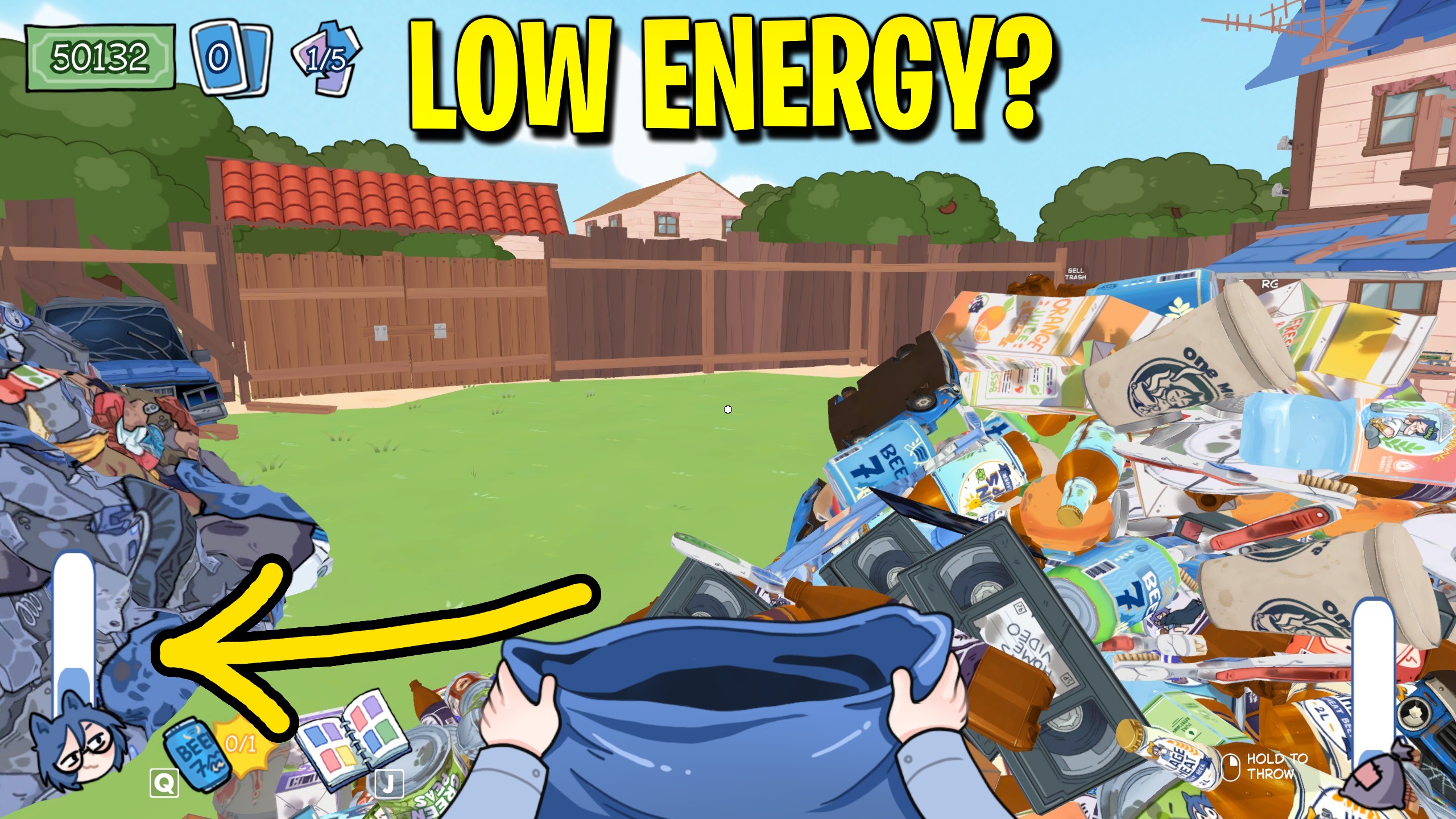
Infinite Energy
Keep energy topped up to your current maximum so cleanup sessions never stop for another drink.
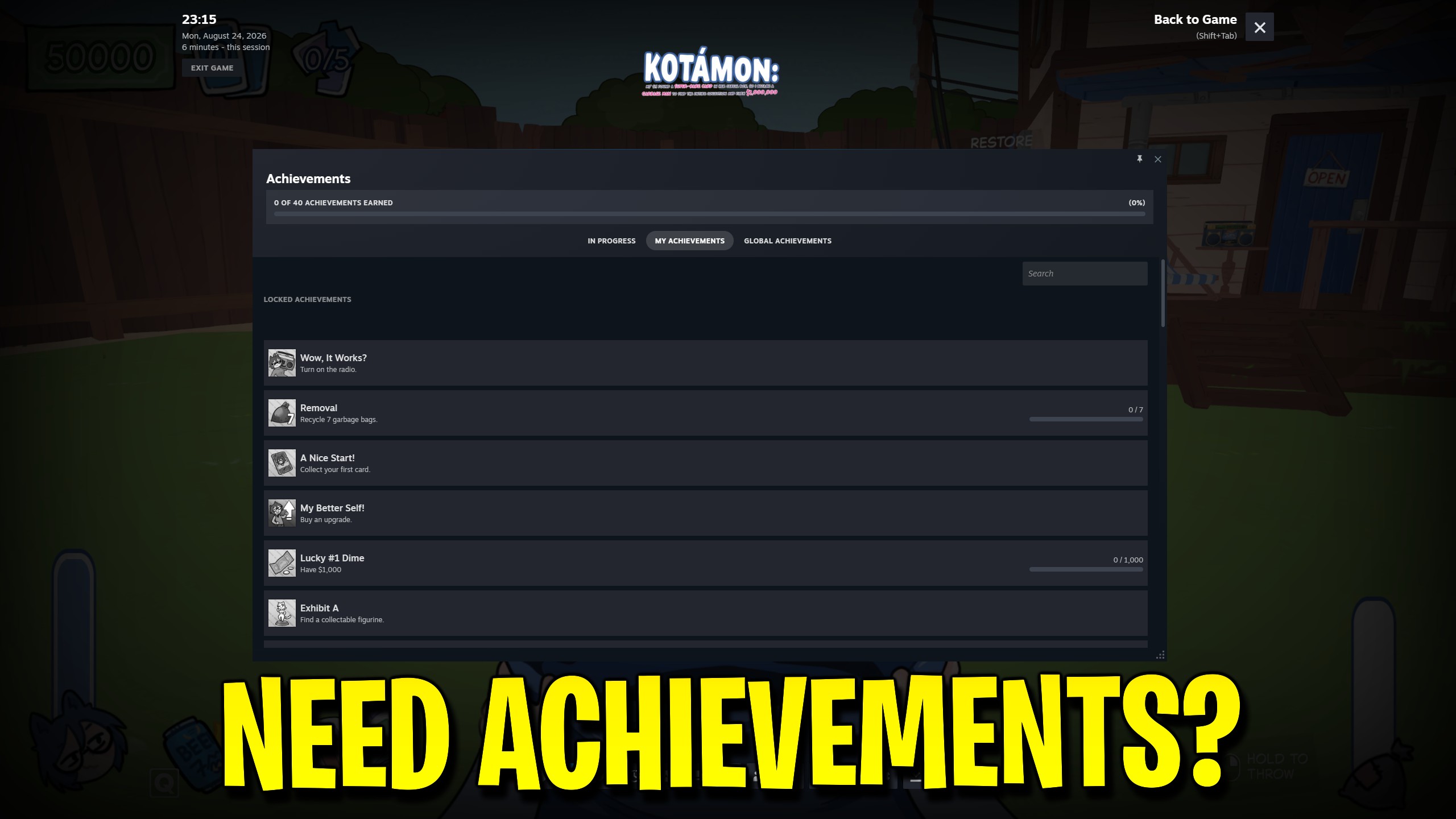
Achievement Unlocker
Choose any of Kotamon’s 40 Steam achievements, unlock the full list, or lock every achievement again.
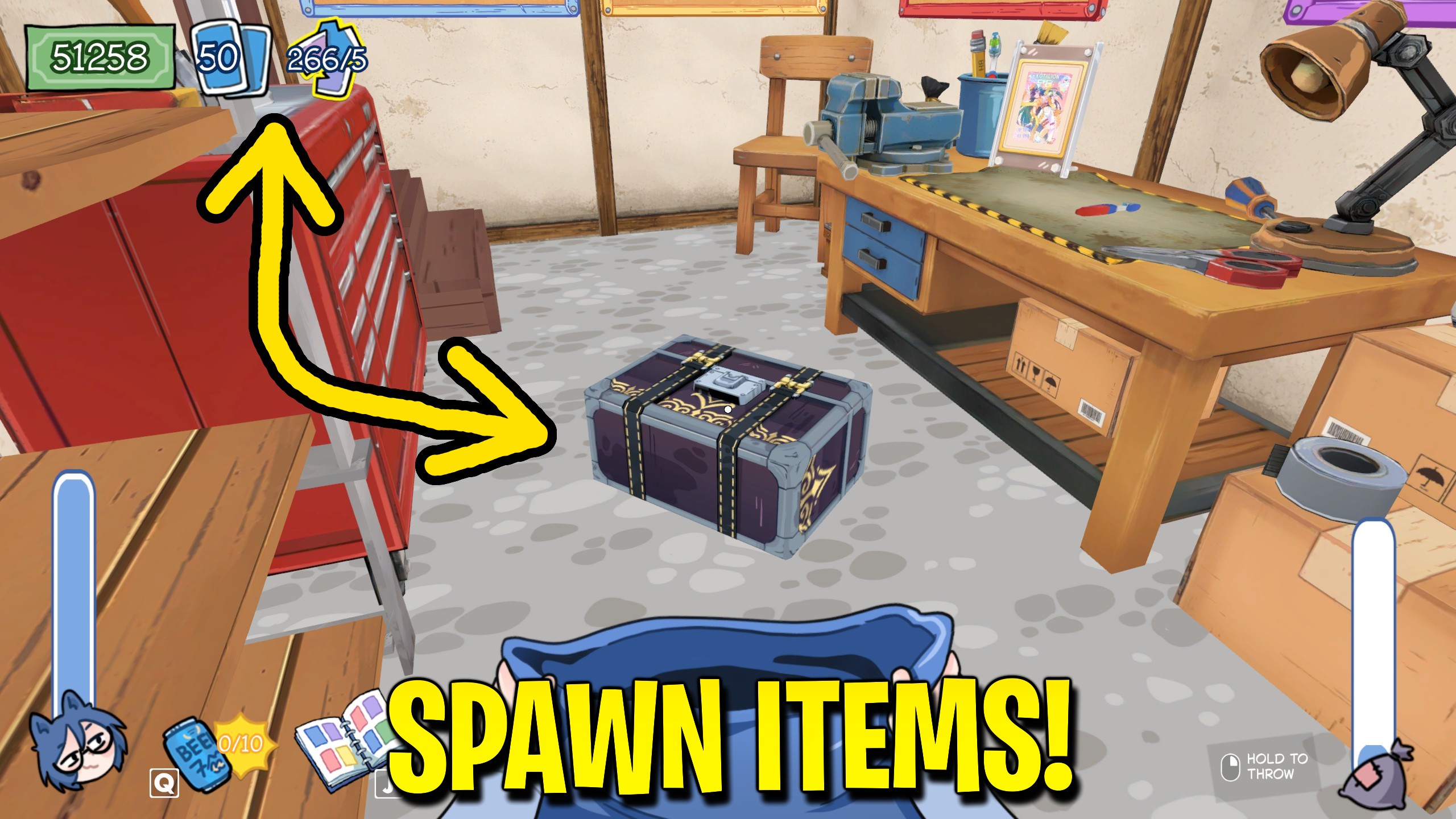
Item Spawner
Choose a supported Kotamon item and place it directly in your free hands without searching another junk zone.







